Why Integrating Safe Coloring Activities into Early Digital Safety Lessons Works
Teaching younger students about internet safety requires approaches that match their developmental stages. Abstract warnings about bad actors on the internet often fail to resonate with elementary school students, sometimes creating unnecessary fear rather than practical empowerment. Using an online predator safety coloring page bridges this gap, allowing educators and parents to introduce critical boundary-setting concepts through a familiar, stress-free medium. According to guidance from organizations like ConnectSafely and the Family Online Safety Institute (FOSI), early digital citizenship education should focus on open communication, bodily autonomy, and recognizing uncomfortable situations. When children color scenes that depict offline play, asking permission before sharing photos, or identifying trusted adults, they internalize protective habits without being exposed to explicit or frightening scenarios. Related guide: Coloring Pages Easy Printable.
💡 Activity Key Takeaways:
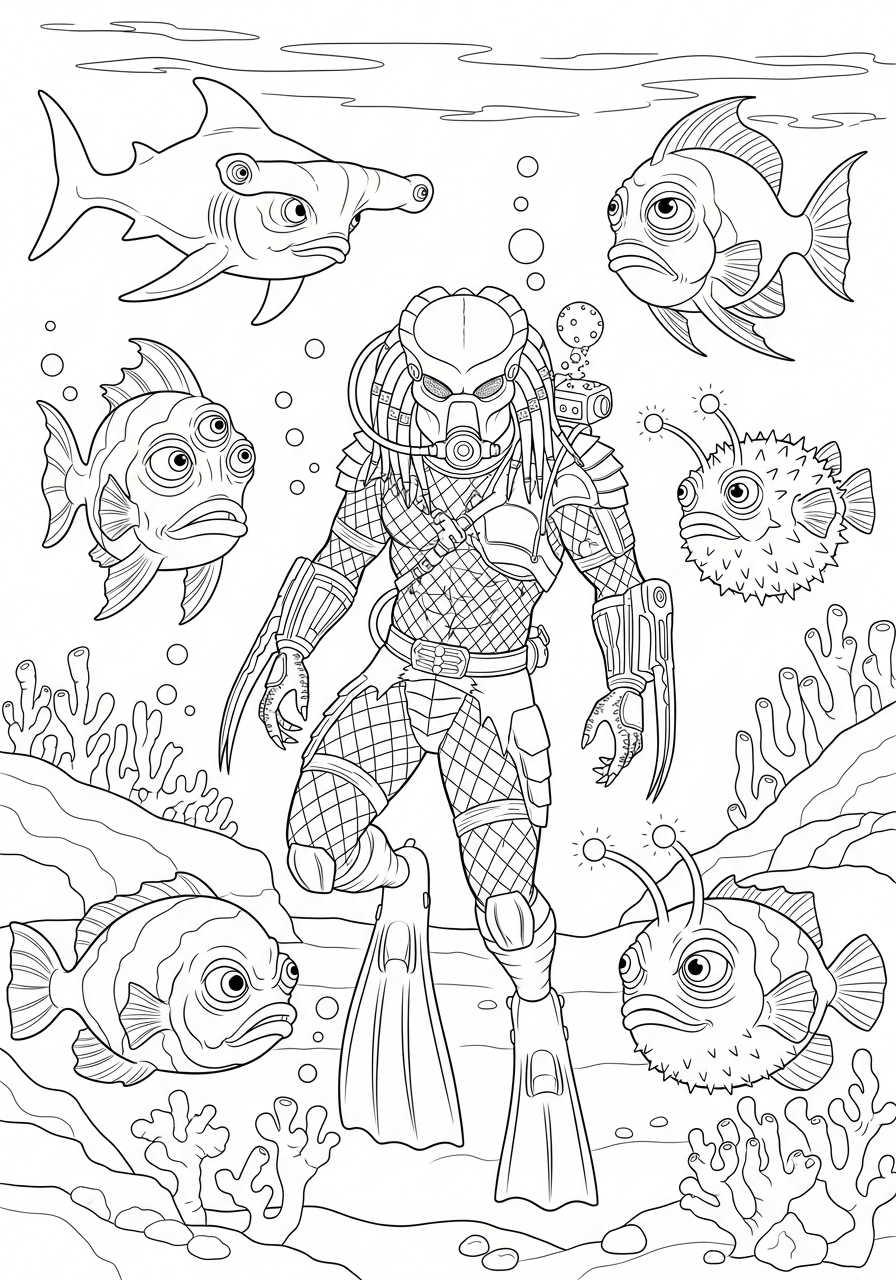
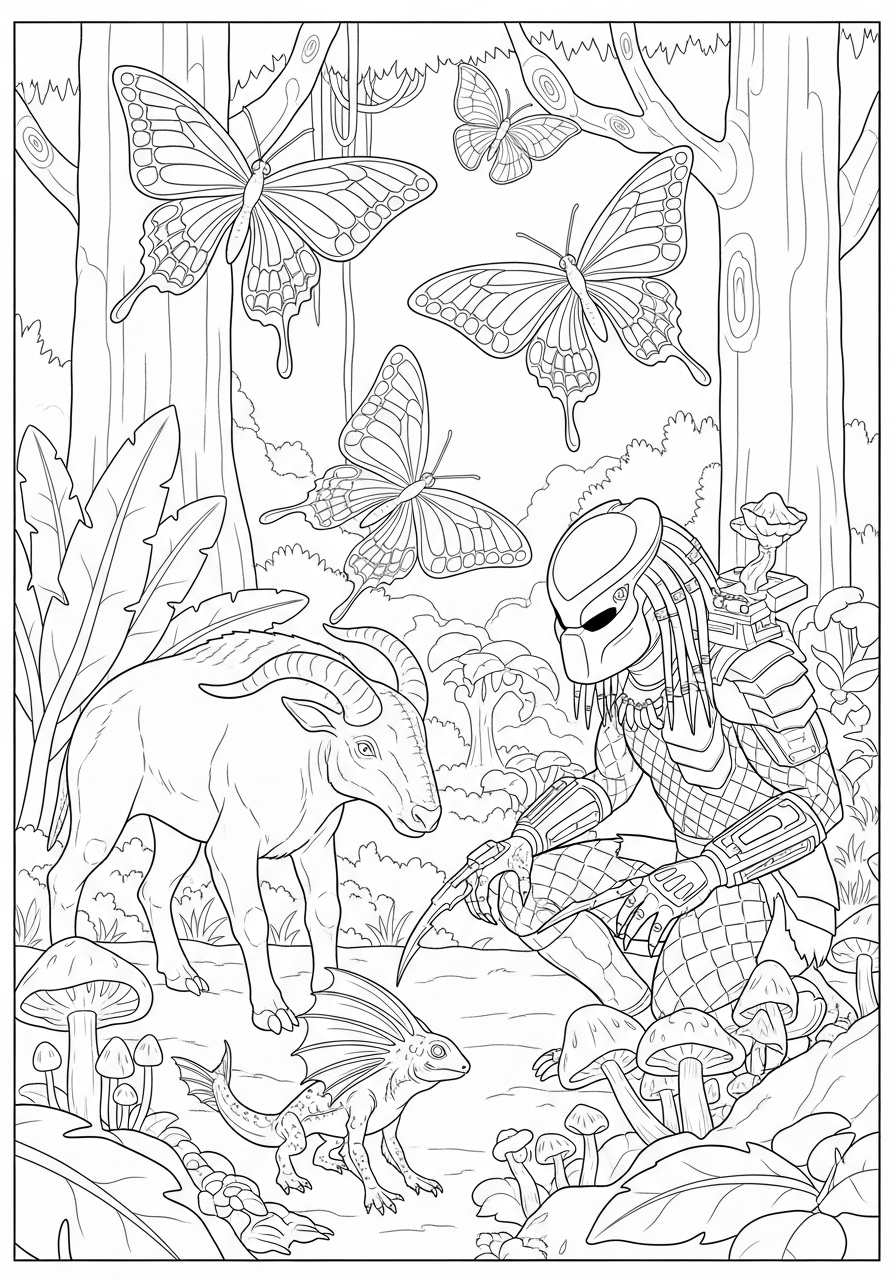
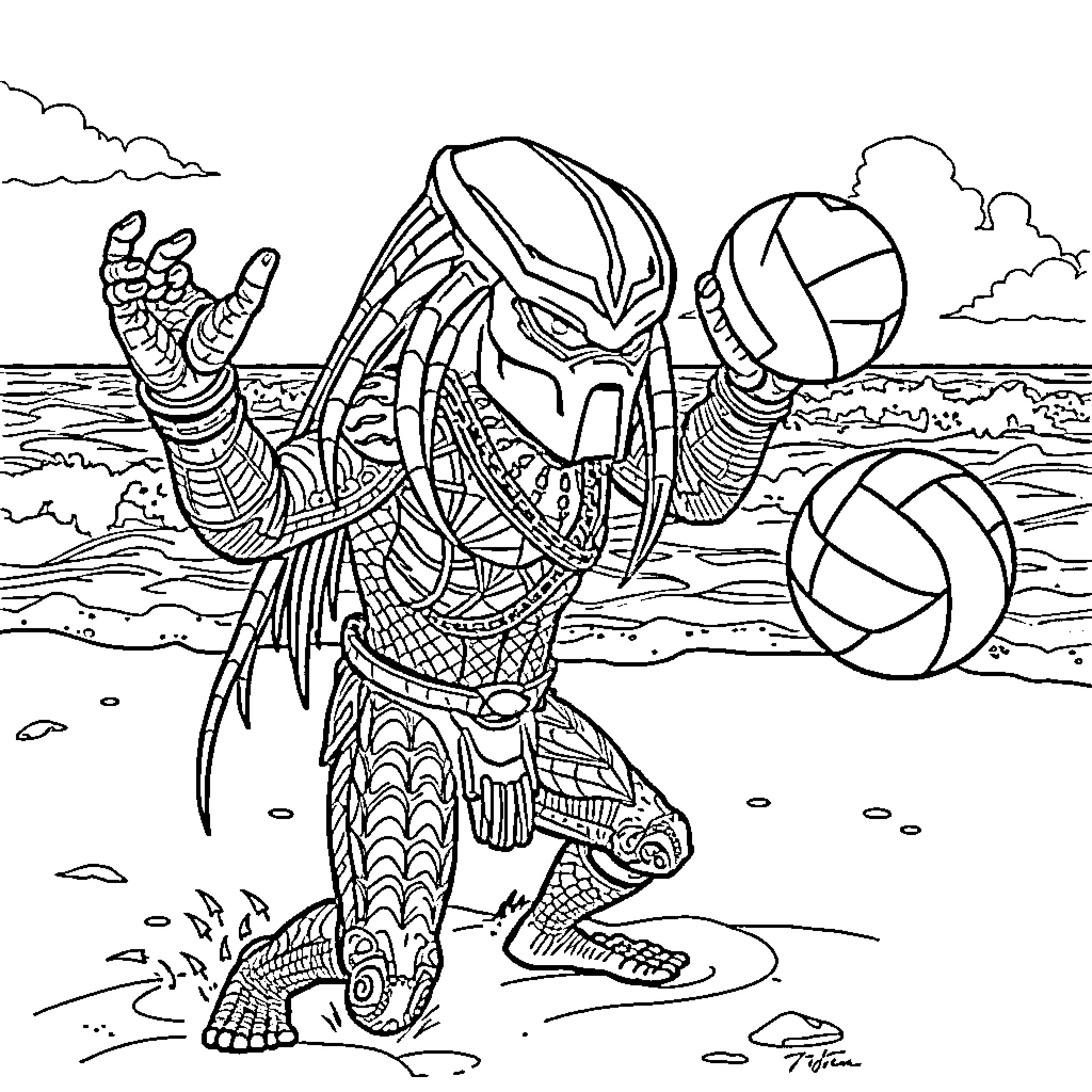
- Core Focus: Printable Online Predator Safety Coloring Page designed for creative expression and fine-motor coordination.
- Target Scope: Ideal for toddlers, preschool, kindergarten, and classroom art activities.
- Best Recommendation: Use standard heavy printer paper (24–28 lb) or cardstock for vibrant results with crayons, colored pencils, or washable markers.
Mapping Digital Vulnerabilities to Everyday Preventive Guardrails
Protecting children online demands a blend of technical settings and behavioral supervision. Adults must understand where risks emerge across different platforms and deploy proportional safeguards. The breakdown below outlines common vulnerabilities found on home devices and school hardware, paired with concrete steps adults can take.
| Setting / Context | Common Vulnerability | Practical Safeguard |
|---|---|---|
| Home Tablets & Smartphones | Unmoderated app stores and open web browsers allowing direct messaging. | Lock down app installation permissions, require a parental password for downloads, and enable built-in content filters. |
| School Chromebooks & Laptops | Students bypassing web filters or using shared document comment sections for peer chat. | Work with IT staff to restrict external sharing in productivity suites and rely on centralized classroom monitoring tools. |
| Gaming & Social Chat Rooms | Voice and text communication features utilized by unknown third parties to solicit private details. | Disable direct messaging and voice chat in multiplayer games, or restrict communication strictly to verified school friends. |
Establishing Calm Routines and Open Dialogue at Home and School
Technical controls alone cannot stop a determined exploitation attempt; the ultimate line of defense is a child who feels safe telling an adult when something feels wrong. Educators and parents should implement consistent routines that normalize talking about digital experiences. Integrating an online predator safety coloring page during a rainy day activity or creative arts block opens the door for organic conversations. Adults can ask simple prompting questions while coloring together, such as, who are your three trusted adults if someone asks you to keep a secret online? Additionally, establish physical boundaries like a centralized family charging station in the kitchen or living room to eliminate unsupervised late-night device usage. Reinforce reporting workflows so children know that if they share personal information by mistake, they will receive help, not immediate punishment or device confiscation, which only drives future mistakes underground.
When adults implement draconian blocks—such as banning all internet access or completely prohibiting gaming—children frequently find technical workarounds, including using peer devices, guest networks, or hidden browser tabs. Overly strict rules often backfire because students fear getting into trouble if a predator contacts them, leading them to hide grooming behaviors out of self-preservation. Instead of heavy-handed restrictions, pair age-appropriate technical filters with ongoing education found in resources like our Coloring Pages collection. When children view technology as a shared tool rather than a forbidden battleground, they are far more likely to alert parents or teachers the moment an online interaction crosses appropriate boundaries.
Frequently Asked Questions About Early Digital Citizenship and Safety Tools
Basic boundary-setting concepts can begin as early as kindergarten. Instead of discussing predators directly, focus on foundational lessons like keeping personal information private, asking permission before sharing photos, and identifying trusted adults.
How can I use coloring sheets effectively without causing my child anxiety?
Keep the framing positive and focused on empowerment. Highlight themes of friendship, offline hobbies, and talking to trusted grown-ups rather than focusing on dangerous scenarios or scary strangers.
Where can I find more structured digital safety lessons for my classroom?
You can explore comprehensive activities and guides tailored for different grade levels by visiting our Internet and Digital Safety section.
Empowering the Next Generation of Safe Digital Citizens
Safeguarding children in an interconnected world requires patience, proactive communication, and the right educational tools. By combining creative exercises with robust technical guardrails, parents and educators can build a culture of trust and safety. Explore more expert guides, student worksheets, and safety strategies by visiting SafeWiredSchools.org.
Printable Coloring Page Previews