Why Seven-Year-Olds Need Creative Digital Literacy Foundations
At age seven, second-grade students regularly interact with school-issued tablets, classroom touchscreens, and connected home entertainment systems. Translating abstract cybersecurity concepts into concrete, age-appropriate lessons requires tools that match developmental milestones. According to youth privacy guidance from organizations like ConnectSafely and the Cybersecurity and Infrastructure Security Agency, early intervention prevents accidental data sharing and builds healthy tech habits. Integrating an online safety coloring page grade 2 activity into daily lesson plans or evening routines allows children to engage hands-on with rules like keeping passwords private, recognizing trusted adults, and knowing when to close a screen that feels confusing or unsafe.
💡 Activity Key Takeaways:
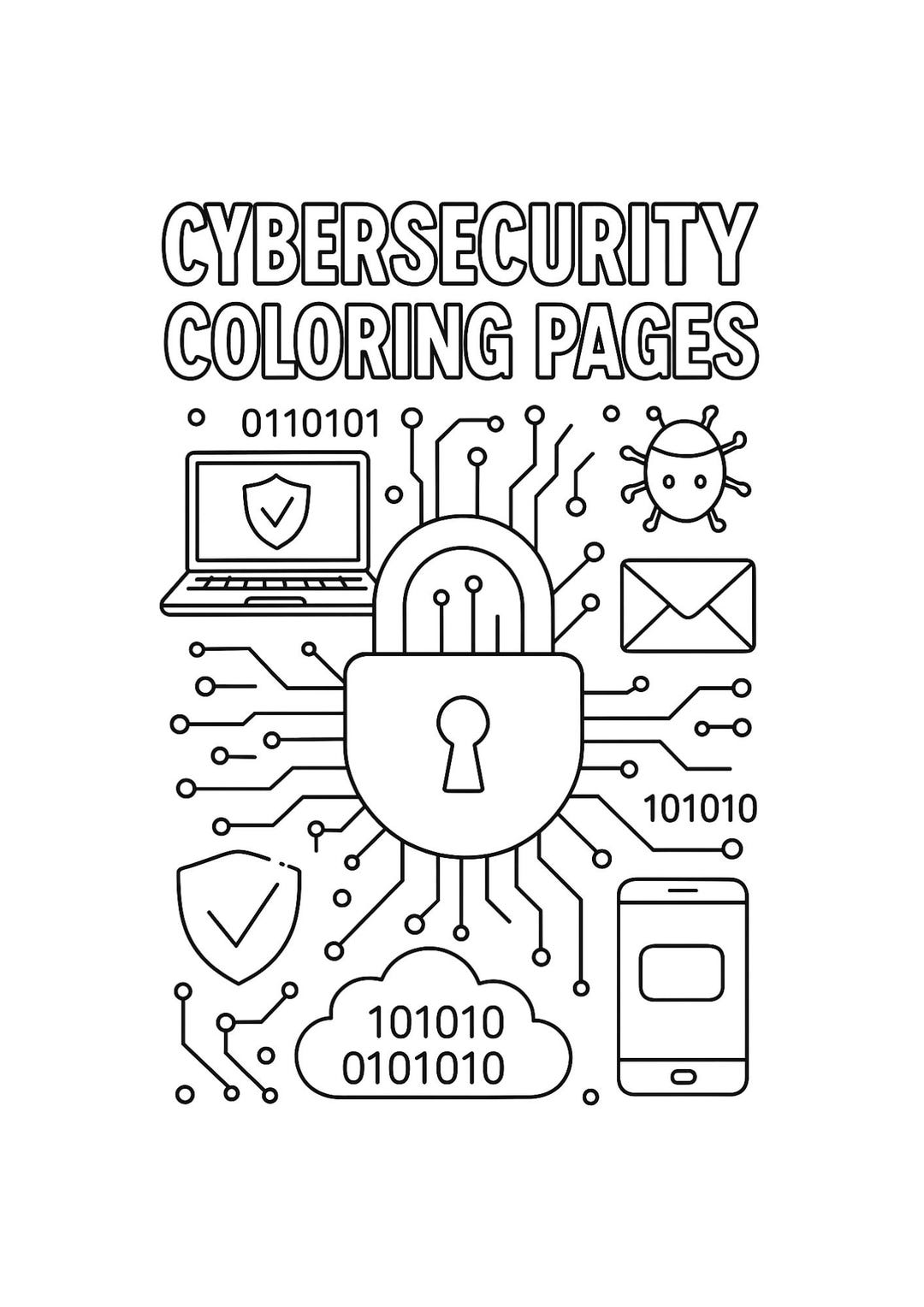
- Core Focus: Printable Online Safety Coloring Page Grade 2 designed for creative expression and fine-motor coordination.
- Target Scope: Ideal for toddlers, preschool, kindergarten, and classroom art activities.
- Best Recommendation: Use standard heavy printer paper (24–28 lb) or cardstock for vibrant results with crayons, colored pencils, or washable markers.
Early Childhood Risk Signals and Preventive Guardrails
Adults supervising second-graders must balance curiosity with structured device security. Young learners frequently click unexpected pop-ups or type personal names into unverified gaming platforms. Reviewing device behaviors helps parents and educators catch vulnerable moments before they escalate into safety incidents. The breakdown below details common technical and behavioral indicators alongside practical safeguards for home and school environments. Related guide: Two Factor Authentication Coloring Page Kids.
| Setting / Context | Common Vulnerability | Practical Safeguard |
|---|---|---|
| Home Shared Tablets | Accidental in-app purchases or clicking external ad banners during video streaming. | Enable strict parental controls, restrict app store downloads via PIN, and use child-safe video apps. |
| School Chromebooks | Leaving accounts logged in on shared carts or browsing unapproved educational domains. | Enforce auto-logout policies, utilize district web filters, and educate students on proper sign-out steps. |
| Gaming & Chat Rooms | Interacting with open text boxes or voice chat features in multiplayer browser games. | Disable microphone and chat capabilities entirely on second-grade devices; monitor playtime in common rooms. |
Establishing Calm Routines and Open Communication at Home and School
Building a secure digital environment relies heavily on establishing positive, non-punitive routines. When children encounter something strange online, their immediate instinct should be to inform an adult without fear of losing device privileges. Teachers and parents can anchor these discussions using visual aids from our Coloring Pages collection, pairing creative exercises with simple pledges. Create physical charging stations in high-traffic household areas like the kitchen, eliminating unsupervised late-night browsing. Additionally, pairing these tactile activities with structured modules found in our Internet and Digital Safety hub ensures continuity between classroom expectations and home tech rules.
Overly draconian tech restrictions often backfire with seven-year-olds, driving their natural curiosity underground or toward secret workarounds. Instead of banning all internet access, educators and parents should emphasize guided exploration and critical thinking. If a student tries to bypass a filter out of sheer curiosity, avoid immediate anger. Use the moment to calmly explain why the guardrail exists—much like a safety fence around a playground. Reinforce that digital rules protect their privacy and well-being, keeping online spaces fun and secure for everyone in the classroom.
Frequently Asked Questions About Early Elementary Digital Safety
How do I introduce screen privacy rules to a seven-year-old?
Keep explanations concrete by comparing personal data to private items like a toothbrush. Coloring activities that feature characters protecting secrets provide a gentle, non-scary way to teach password basics and safe sharing habits.
Are school-issued tablets safe for second-grade independent use?
While school devices feature robust district-managed web filters, adult supervision remains essential. Devices should still be used in common household areas where parents can easily monitor what children are viewing.
What should a child do if a pop-up window asks for their name?
Teach second-graders the stop, drop, and tell method: stop clicking, drop hands from the keyboard, and tell a trusted adult immediately before closing or interacting with the strange window.
Continue Exploring Comprehensive Digital Citizenship Resources
Empowering young learners requires ongoing reinforcement, clear boundaries, and collaborative strategies shared between educators and families. Discover more grade-level activities, lesson plans, and guidance by visiting SafeWiredSchools.org.
Printable Coloring Page Previews