Why Early Tech Literacy Begins with Creative Conversation
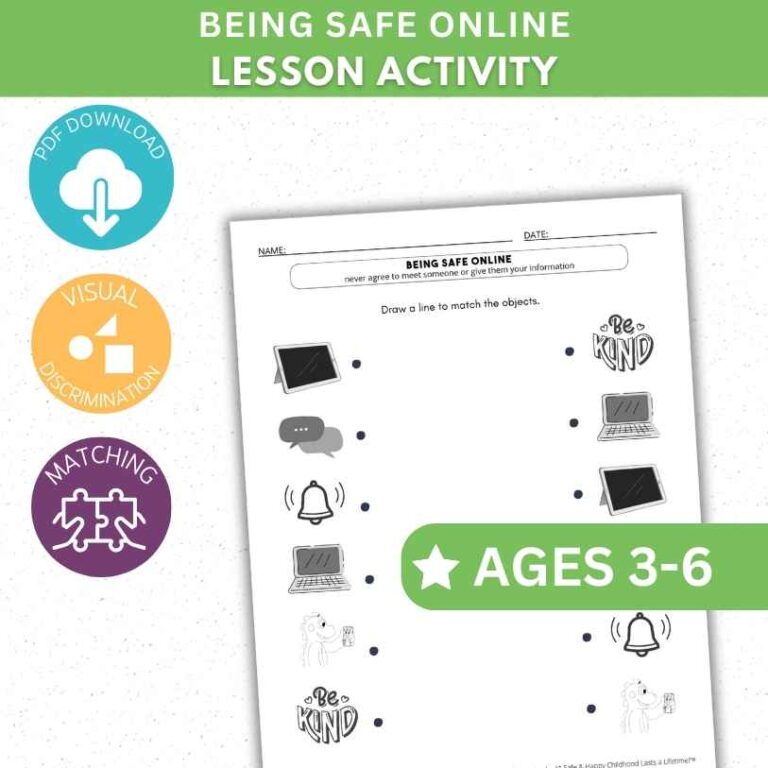
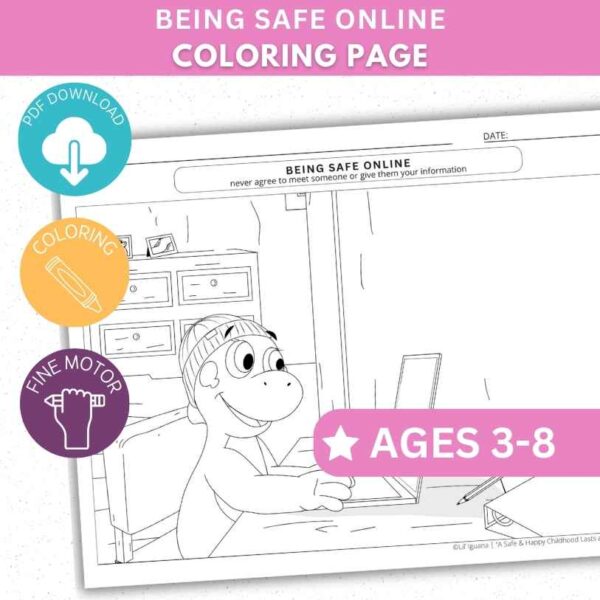
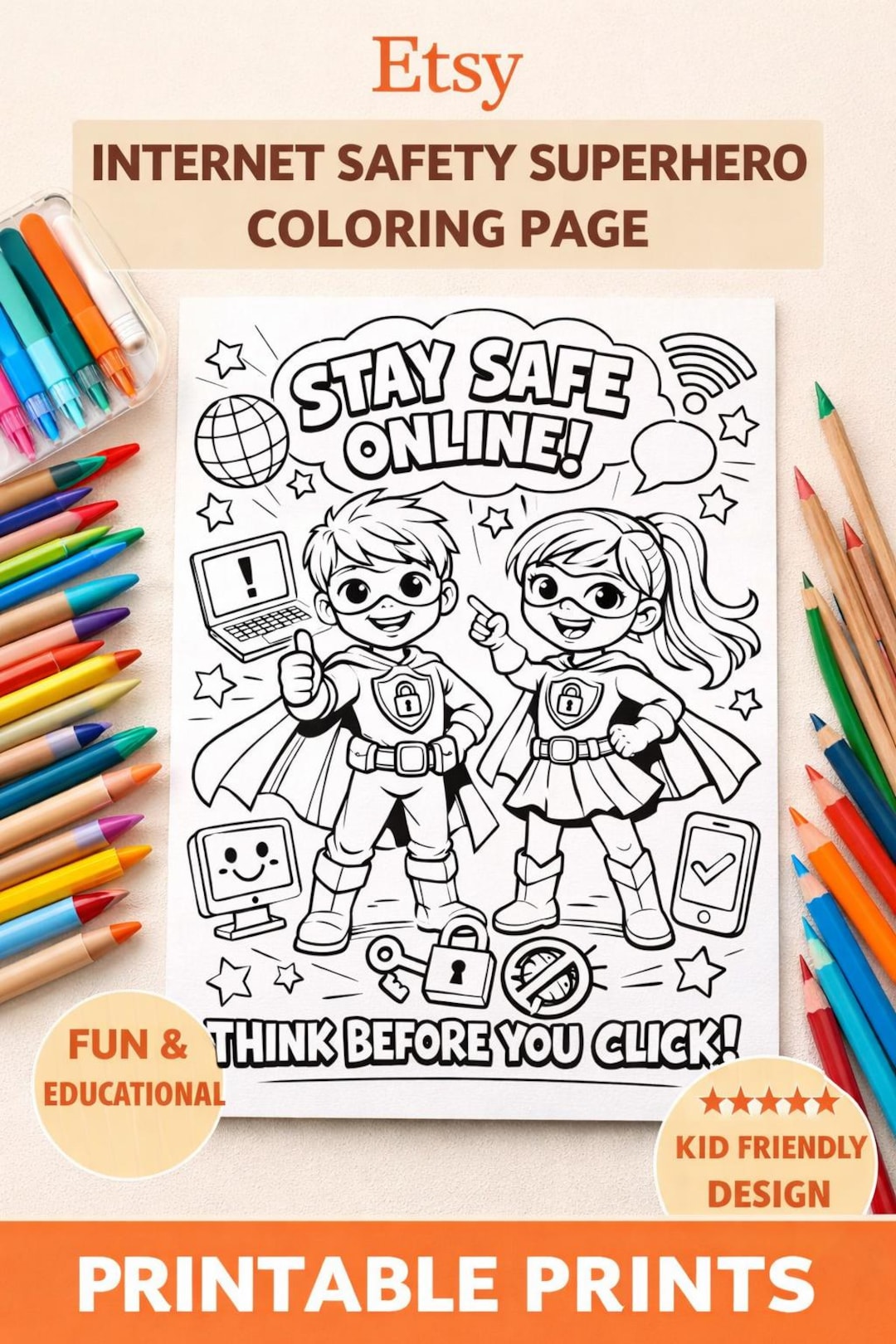
Introducing foundational cybersecurity concepts to young learners requires approaches that engage both their hands and their imaginations. When educators and parents utilize a stay safe online coloring page, they open the door to vital discussions about digital citizenship without overwhelming children with scary technical jargon. Grounded in youth privacy guidance from organizations like ConnectSafely and the Federal Trade Commission, creative activities offer a low-stakes environment to introduce concepts like private information, device boundaries, and respectful online communication.
💡 Activity Key Takeaways:
- Core Focus: Printable Stay Safe Online Coloring Page designed for creative expression and fine-motor coordination.
- Target Scope: Ideal for toddlers, preschool, kindergarten, and classroom art activities.
- Best Recommendation: Use standard heavy printer paper (24–28 lb) or cardstock for vibrant results with crayons, colored pencils, or washable markers.
Recognizing Digital Risks and Setting Proactive Guardrails
Even the youngest students interact with tablets, school-issued Chromebooks, and family computers. Understanding how vulnerabilities emerge across different environments helps adults implement targeted technical settings and behavioral supervision that align with guidance from the Cybersecurity and Infrastructure Security Agency. Related guide: Fire Safety Coloring Book Printable.
| Setting / Context | Common Vulnerability | Practical Safeguard |
|---|---|---|
| Home Tablets | Accidental in-app purchases and exposure to inappropriate ads | Lock down app stores with strict PIN requirements and install family-friendly content filters. |
| School Chromebooks | Unmonitored web navigation or messaging extensions during independent work | Ensure district web-filtering tools are active and position screens in view of teachers and staff. |
| Social & Chat Apps | Oversharing personal data like location, full names, or school mascots | Review account privacy settings together and teach children what counts as private data. |
Establishing Daily Safety Habits for Home and Classroom
Effective digital safety relies on consistent, manageable routines rather than one-time lectures. Educators can integrate creative exercises from Coloring Pages collections into art or media literacy lessons, helping children visualize concepts like secure passwords and kind digital behavior. At home, families should establish central charging stations in common areas to keep bedrooms device-free overnight, reducing the temptation of late-night screen use. Adults can also pair these discussions with structured resources found under Internet and Digital Safety to reinforce key habits across different environments.
Overcoming Student Workarounds and Adult Pushback
Children are naturally curious and quickly find workarounds for overly restrictive technical blocks, while adults often swing between extreme surveillance and total hands-off trust. Draconian bans usually backfire, driving kids to hide online mistakes out of fear of punishment. Instead, pair technical filters with transparent check-ins that encourage children to report uncomfortable pop-ups, mean messages, or accidental clicks without fear of losing device privileges. Framing technology as a tool that requires safety gear—much like wearing a helmet while riding a bike—helps kids accept boundaries as a normal part of digital life.
Frequently Asked Questions from Parents and Educators
What age is appropriate to introduce digital safety concepts?
Children begin interacting with screens as toddlers, making early elementary school the ideal time to introduce basic concepts like device time limits and what constitutes private information. Creative activities make these abstract ideas concrete and approachable.
How can teachers use safety coloring sheets effectively in a busy classroom?
Educators can integrate these sheets into morning work, art centers, or digital citizenship units, using the imagery as a prompt for brief class discussions about online kindness and password security.
What should a child do if they encounter something upsetting online?
Teach children the pause, step away, and tell a trusted adult rule. Reassure them that they will not be in trouble for seeing inappropriate content as long as they report it immediately.
Discover More Tools for K-12 Digital Citizenship
Building a secure, resilient digital culture requires ongoing education, open communication, and practical resources that bridge the gap between school policies and home habits. Explore our complete library of lesson plans, activity sheets, and guides designed to support educators and families by visiting SafeWiredSchools.org today.
Printable Coloring Page Previews