Why Safer Internet Day Coloring Pages 2026 Are Essential for Digital Literacy
As we approach Safer Internet Day 2026, educators and parents are looking for creative ways to open dialogues about online safety. While technical filters are a baseline requirement, true digital citizenship is built on understanding. Using coloring pages as a starting point allows younger students to process complex topics like privacy, kindness, and password security in a low-pressure, tactile environment. By integrating these visual tools with the guidance provided by organizations like CISA and ConnectSafely, we can transform abstract safety rules into tangible habits that students carry with them long after the coloring session ends.
💡 Activity Key Takeaways:
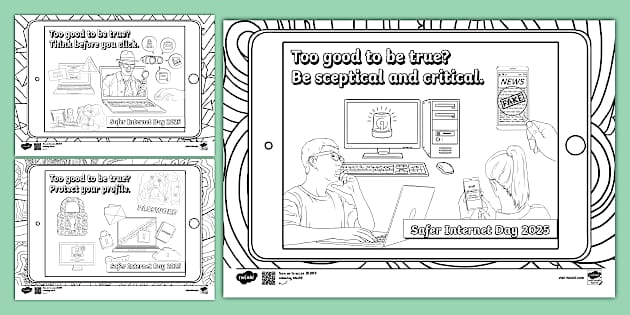
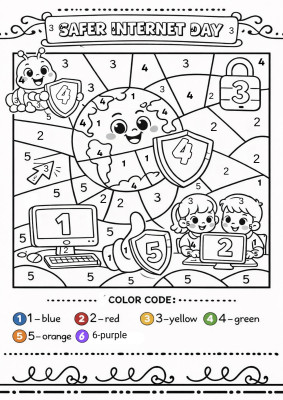
- Core Focus: Printable Safer Internet Day Coloring Pages 2026 designed for creative expression and fine-motor coordination.
- Target Scope: Ideal for toddlers, preschool, kindergarten, and classroom art activities.
- Best Recommendation: Use standard heavy printer paper (24–28 lb) or cardstock for vibrant results with crayons, colored pencils, or washable markers.
Identifying Digital Risks and Establishing Preventive Guardrails
Safety is a combination of robust technical settings and consistent behavioral monitoring. Adults must be aware of how devices are being utilized both at home and in the classroom to prevent accidental exposure to inappropriate content or data privacy breaches. Related guide: Please Provide Free 8.5″X11″ Digital Safety Coloring Pages For K-2 Grade.
| Setting / Context | Common Vulnerability | Practical Safeguard |
|---|---|---|
| Home Devices | Unrestricted app store downloads | Enable parental controls and require approval for all new app installations. |
| School Chromebooks | Bypassing web filters via proxies | Regularly audit browser history and reinforce acceptable use policies. |
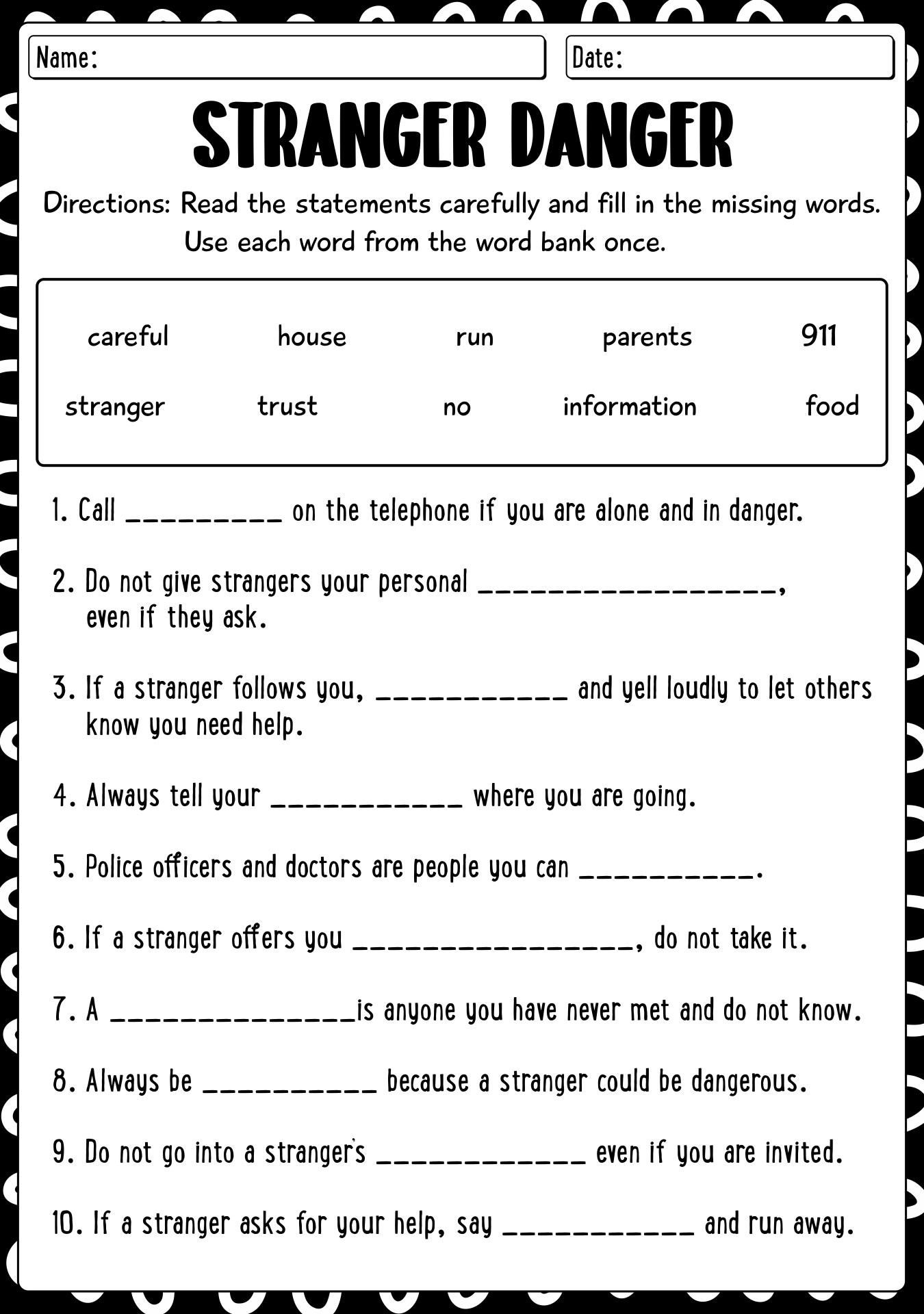
| Social/Chat Habits | Oversharing personal identifiable information | Use worksheets to practice identifying what is “private” versus “public.” |
Building Sustainable Habits for Families and Schools
Effective digital citizenship is not a one-time conversation; it is a series of daily routines. For educators, this means creating clear reporting workflows where students feel safe discussing online mistakes without fear of immediate device confiscation. For families, consider implementing a shared charging zone outside of bedrooms to ensure that screen time is intentional rather than habitual. Utilizing worksheets that complement your coloring activities can help reinforce these habits, such as creating a “family tech agreement” that covers everything from two-factor authentication to the importance of keeping passwords private. Consistent, calm check-ins that focus on how the student feels during their online time—rather than just what they are doing—will foster a culture of transparency.
It is common for students to view safety measures as an infringement on their autonomy. When children encounter filters or restrictions, their natural inclination is often to find workarounds. Instead of reacting with strict bans, which often drive behavior underground, use these moments as “teachable friction.” If a student complains about a blocked site, ask them to explain why they wanted to access it and discuss the underlying risks associated with that category of content. By pairing technical filters with open-ended questions, you move the focus from “policing” to “mentoring,” making students partners in their own online safety journey.
Common Questions About Digital Safety Education
How can coloring pages help older students engage with safety topics?
While often associated with younger children, coloring activities can be adapted for middle schoolers by focusing on complex themes like cyberbullying, digital footprint, and misinformation. It serves as a visual break from the screen, allowing students to reflect on these abstract concepts without the immediate pressure of digital navigation.
What should I do if a student reports a scary online interaction?
The most important step is to remain calm and validate their honesty. According to guidance from the Family Online Safety Institute, praise the child for coming forward, document the interaction without deleting evidence, and discuss the specific steps for blocking or reporting that user on the platform.
Are there resources for parents who feel less tech-savvy than their children?
Yes, you do not need to be a coding expert to be an effective digital mentor. Focus on the principles of online and digital safety, such as the importance of kindness, critical thinking, and privacy, which remain constant regardless of the specific app or platform being used.
Explore More Digital Citizenship Resources
Preparing for Safer Internet Day 2026 is an opportunity to strengthen the partnership between home and school. By using visual aids, consistent monitoring, and open communication, we can create a safer digital environment for every student. Explore our full library of tools and guides at SafeWiredSchools.org to continue your professional development in digital safety.
Printable Coloring Page Previews