Why Creative Offline Tools Build Strong Foundations for Young Learners
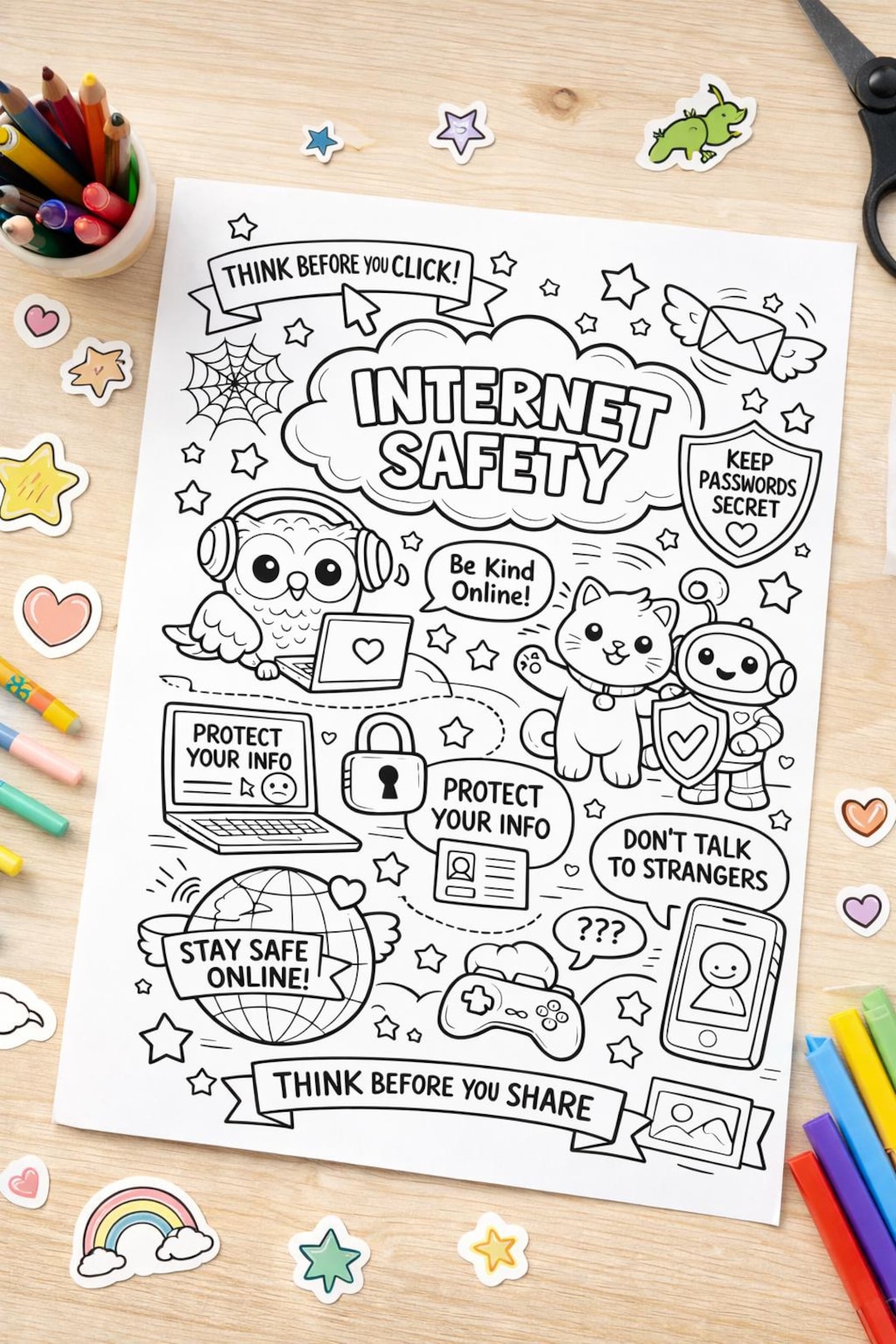
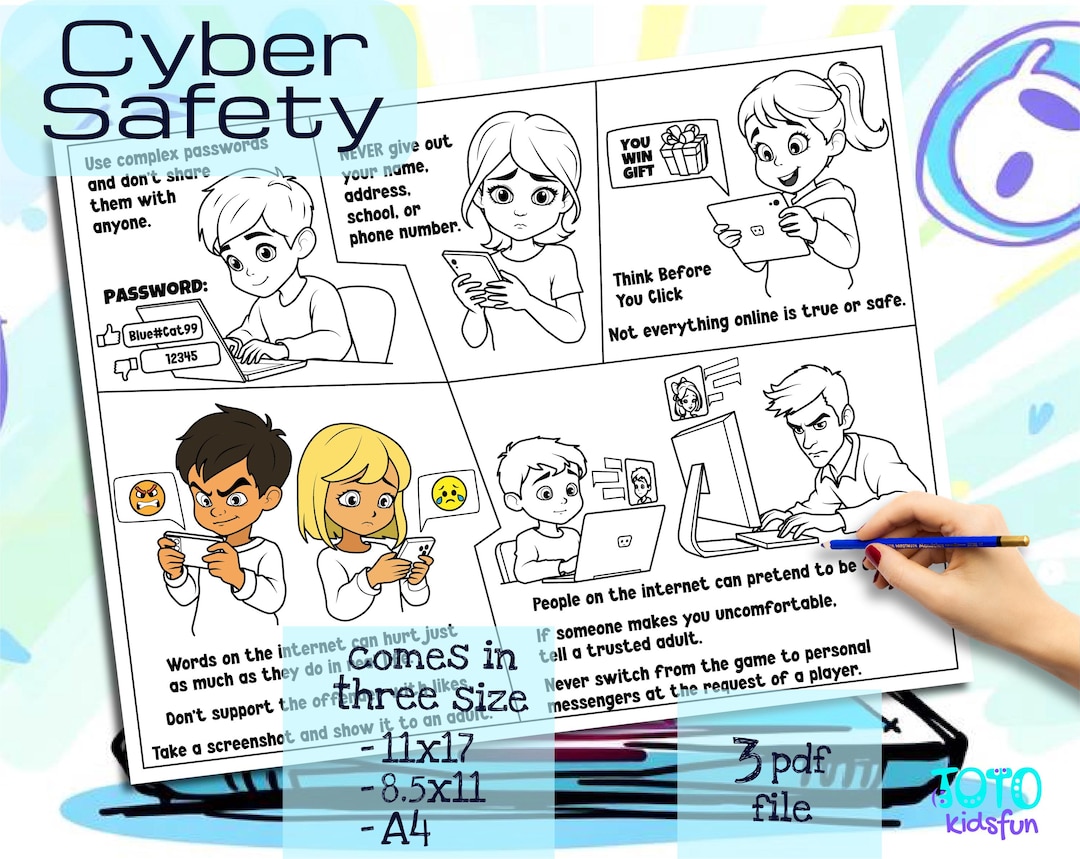
Introducing foundational internet habits to children requires approaches that match their developmental stages. When educators and parents look for an engaging entry point, a digital safety coloring page serves as a bridge between creative play and essential online lessons. Instead of lecturing young students about password strength or screen time limits, adults can spark organic conversations using visual storytelling. This hands-on method aligns with guidance from organizations like ConnectSafely and the Family Online Safety Institute, which emphasize that early digital citizenship should be constructive, collaborative, and entirely free of fear.
💡 Activity Key Takeaways:
- Core Focus: Printable Digital Safety Coloring Page For Parents designed for creative expression and fine-motor coordination.
- Target Scope: Ideal for toddlers, preschool, kindergarten, and classroom art activities.
- Best Recommendation: Use standard heavy printer paper (24–28 lb) or cardstock for vibrant results with crayons, colored pencils, or washable markers.
Spotting Early Vulnerabilities and Setting Up Protective Guardrails
As children begin exploring educational apps and school-issued tablets, adults must monitor both technical settings and behavioral cues. Younger students often struggle to differentiate between public spaces and private communications online, making proactive technical and behavioral guardrails vital. Related guide: Please Provide Free 8.5″X11″ Digital Safety Coloring Pages For K-2 Grade.
| Setting / Context | Common Vulnerability | Practical Safeguard |
|---|---|---|
| Home Devices & Tablets | Unrestricted access to app stores and accidental in-app purchases. | Require a parental PIN for downloads and disable automatic credit card saving. |
| School Chromebooks | Leaving accounts logged in on shared family or classroom computers. | Establish a routine of logging out completely and browsing in managed Internet and Digital Safety profiles. |
| Messaging & Chat Apps | Over-sharing personal details like full names, locations, or school names with strangers. | Review privacy settings together and use creative Coloring Pages to reinforce what information stays private. |
Establishing Calm Routines and Collaborative Family Rules
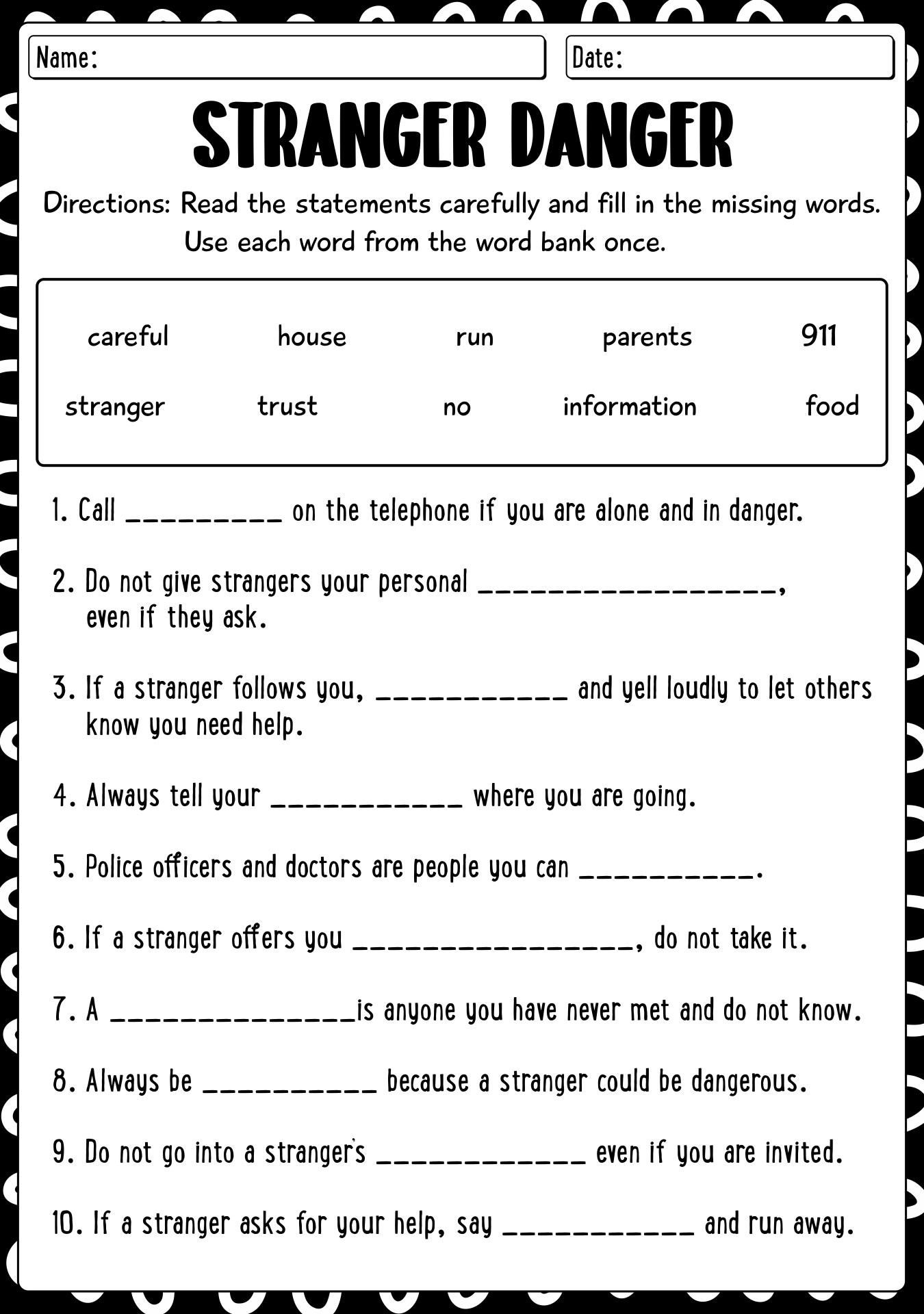
Technical filters alone cannot substitute for open communication. Building a predictable digital routine helps children feel supported rather than monitored. Families and schools can collaborate by establishing designated device-free zones, such as dining tables and bedrooms during sleep hours, where all phones and tablets rest in a centralized charging station overnight. When introducing new online tools, pair them with structured Worksheets or art projects that allow children to articulate what they should do if something online makes them feel uncomfortable. Crucially, teach children a simple reporting workflow: if a pop-up, message, or website feels wrong, they should close the screen and tell an adult immediately without fear of losing their device privileges.
Overly strict prohibitions often backfire, driving children to find clever workarounds or hide their online activity out of fear of punishment. If a student deletes browsing history or attempts to bypass content filters, it is usually a signal of anxiety rather than defiance. Instead of escalating restrictions, use these moments to reset expectations and investigate why the workaround happened. Pairing age-appropriate technical supervision with relaxed, non-judgmental check-ins encourages kids to be honest about mistakes, accidental clicks, or disturbing content they encounter online.
Frequently Asked Questions About Early Tech Education
What age is appropriate to introduce basic internet safety concepts?
Children can begin learning foundational concepts as soon as they interact with touchscreen devices, typically around preschool or kindergarten. Using visual resources and offline art activities ensures the lessons remain accessible and developmentally appropriate.
How can teachers integrate digital citizenship without adding to academic pressure?
Educators can weave these lessons into regular art, literacy, or social-emotional learning blocks. Creative activities allow students to explore privacy and kindness online naturally alongside standard curriculum goals.
What should a child do immediately if they encounter inappropriate content?
Children should be taught to turn off the screen monitor, walk away, and notify a trusted adult right away. Reinforcing that they will not be punished for accidental exposure ensures they will report issues promptly.
Explore More Digital Citizenship Resources
Empowering the next generation of digital citizens takes a consistent, community-wide effort between home and school. To discover additional tools, printable activities, and expert guidance for raising safe and resilient kids online, explore our complete library of guides and tools at SafeWiredSchools.org.
Printable Coloring Page Previews