Why Introducing Screen Boundaries Early Through Art Shapes Safe Online Habits
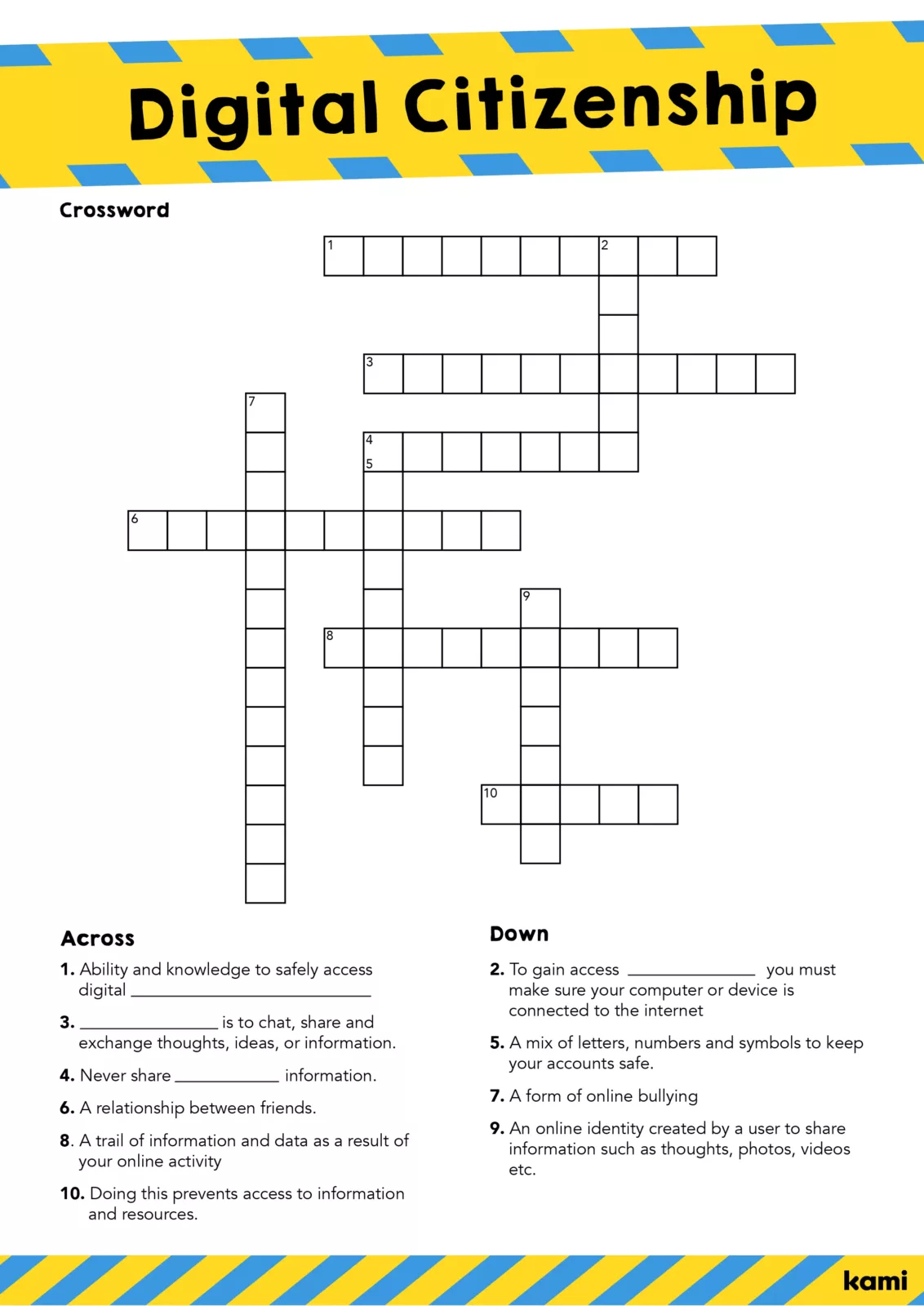
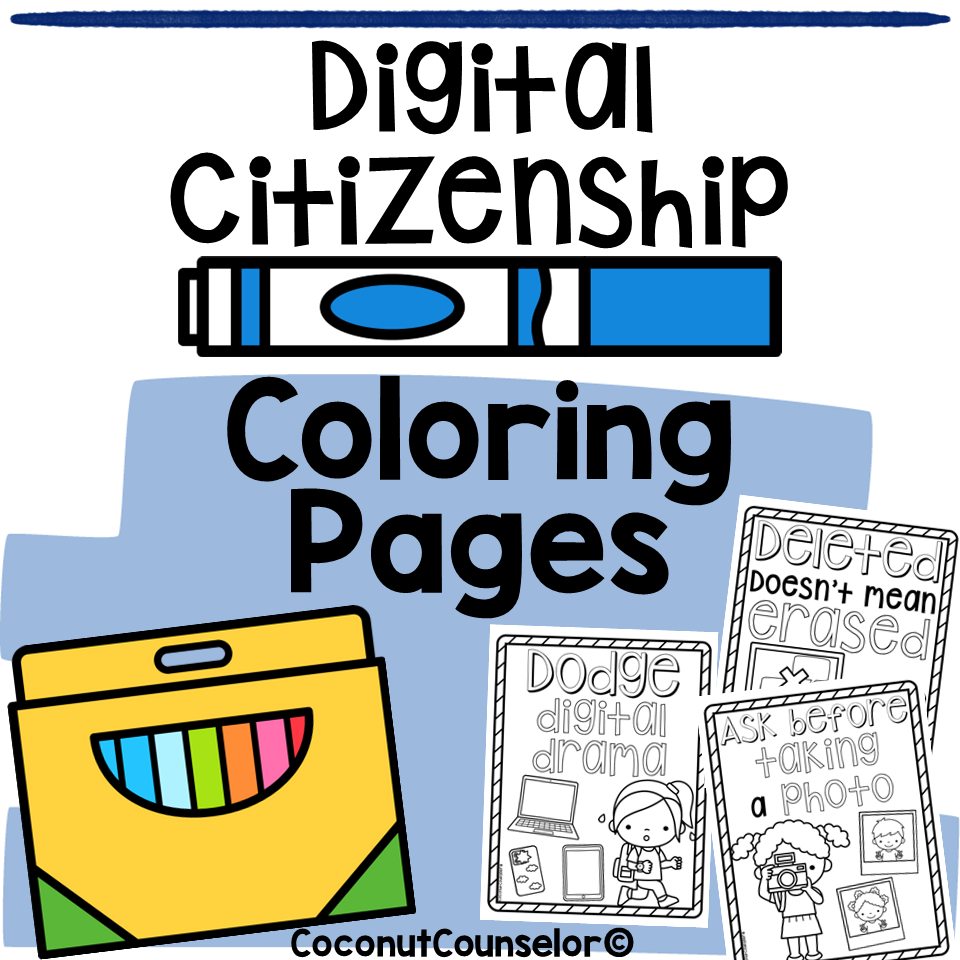
Helping young children grasp complex digital concepts requires meeting them at their developmental level. When introducing early internet concepts, educators and families often turn to a digital citizenship coloring worksheet for kids to translate abstract ideas like privacy, kindness, and device balance into tangible learning moments. Grounded in foundational guidance from organizations like ConnectSafely and the Family Online Safety Institute, early tech-safety education works best when it is creative, low-stress, and conversational. By blending art with foundational rules about online behavior, adults can lay the groundwork for smart choices before children ever open their first browser window or download a messaging app.
💡 Activity Key Takeaways:
- Core Focus: Printable Digital Citizenship Coloring Worksheet For Kids designed for creative expression and fine-motor coordination.
- Target Scope: Ideal for toddlers, preschool, kindergarten, and classroom art activities.
- Best Recommendation: Use standard heavy printer paper (24–28 lb) or cardstock for vibrant results with crayons, colored pencils, or washable markers.
Identifying Early Digital Risks and Implementing Smart Technical Guardrails
Even young children who only use family tablets or school-issued devices encounter interactive elements, advertisements, and unexpected links. Recognizing how kids interact with technology helps adults bridge the gap between creative play and safe device usage. Reviewing age-appropriate device controls alongside your lessons ensures that screen time remains secure and structured across home and school environments.
| Setting / Context | Common Vulnerability | Practical Safeguard |
|---|---|---|
| Home Tablets & Phones | Accidental in-app purchases and exposure to inappropriate pop-up ads during games. | Lock down app store permissions, require passwords for downloads, and enable strict parental controls. |
| School Chromebooks | Unsupervised searching or navigating away from approved educational platforms. | Rely on district-managed web filters and review browser history regularly with students. |
| Messaging & Chat Apps | Interacting with unknown users in multiplayer gaming lobbies or chat features. | Disable direct messaging entirely on younger children’s profiles and keep devices in common areas. |
Establishing Daily Routines and Consistent Classroom Expectations
Effective digital safety extends far beyond a single lesson or craft activity. To build lasting digital literacy, educators and parents should establish predictable routines that normalize talking about online experiences. Start by utilizing resources from our Worksheets archive to supplement art sessions with guided reflection questions. Create a shared family charging station in a central room like the kitchen to eliminate unsupervised late-night device use. Pair these physical boundaries with calm conversations, reminding students that if something online ever makes them feel uncomfortable, scared, or confused, they can report it immediately without fear of losing device privileges. Clear classroom safety policies should also mirror these rules, ensuring children hear consistent messages whether they are at their school desk or the kitchen table.
Troubleshooting Student Pushback and Managing Workarounds Calmly
Children are remarkably resourceful when eager to bypass restrictions, whether that means guessing parental control pins or opening unauthorized tabs during quiet study time. When adults react with anger or immediate confiscation, children often respond by hiding future online mistakes out of fear. Instead of relying solely on heavy-handed technical bans that drive behavior underground, pair your technical filters with transparent dialogue. If a child finds a workaround, use it as a teachable moment to discuss why the safety rule exists in the first place. Reinforce these concepts by exploring topics found in our Internet and Digital Safety section, helping students understand the real-world impact of their digital footprints and why boundaries protect their personal well-being.
Frequently Asked Questions About Creative Safety Tools
What age group benefits most from a digital citizenship coloring worksheet for kids?
Children in pre-kindergarten through second grade benefit most from visual and tactile learning tools. These activities introduce fundamental vocabulary regarding kindness and privacy before they navigate complex online spaces independently.
How can teachers integrate these creative safety lessons into busy school days?
Teachers can easily weave these activities into morning meeting time, art classes, or media literacy units. Pair the coloring exercise with a brief, five-minute group discussion about what it means to be a good digital citizen.
Where can I find more printable activities for teaching online safety?
You can discover a wide variety of educational materials by browsing our dedicated Coloring Pages collection, which features engaging graphics designed specifically to reinforce safe digital habits.
Explore More Digital Citizenship Resources and Safety Guides
Equipping the next generation with healthy tech habits requires ongoing collaboration between educators, parents, and community leaders. Discover more actionable advice, printable tools, and expert-backed strategies by visiting SafeWiredSchools.org to support your students on their digital journey.
Printable Coloring Page Previews