Introduction
The “free screen time checklist for grade 4” is an invaluable educational tool designed specifically for Elementary grades 15, targeting the unique developmental stage of nine and ten-year-olds. This printable resource plays a crucial role in reinforcing essential internet safety concepts through a hands-on, engaging learning experience. Educators and parents consistently trust printable worksheets for their tangible nature and effectiveness in building foundational digital awareness and promoting responsible online behavior. Such resources provide a structured approach for children to understand complex ideas about technology use, making abstract rules concrete and actionable. The checklist format encourages active participation and self-reflection, fostering a sense of ownership over personal digital habits. This method supports the development of critical thinking skills regarding screen engagement, a vital component of modern digital citizenship education. Implementing these types of resources helps establish a proactive stance on digital well-being from an early age, preparing children for a lifetime of safe and balanced technology use.
💡 Educational Key Takeaways:
- Core Skill: Structured Free Screen Time Checklist For Grade 4 focused on developing pencil grip, stroke control, and early literacy/math confidence.
- Target Scope: Suited for homeschoolers, preschool, kindergarten, and elementary learners.
- Best Recommendation: Practice 10–15 minutes daily with ergonomic writing tools to reinforce muscle memory without hand fatigue.
What This Worksheet Covers
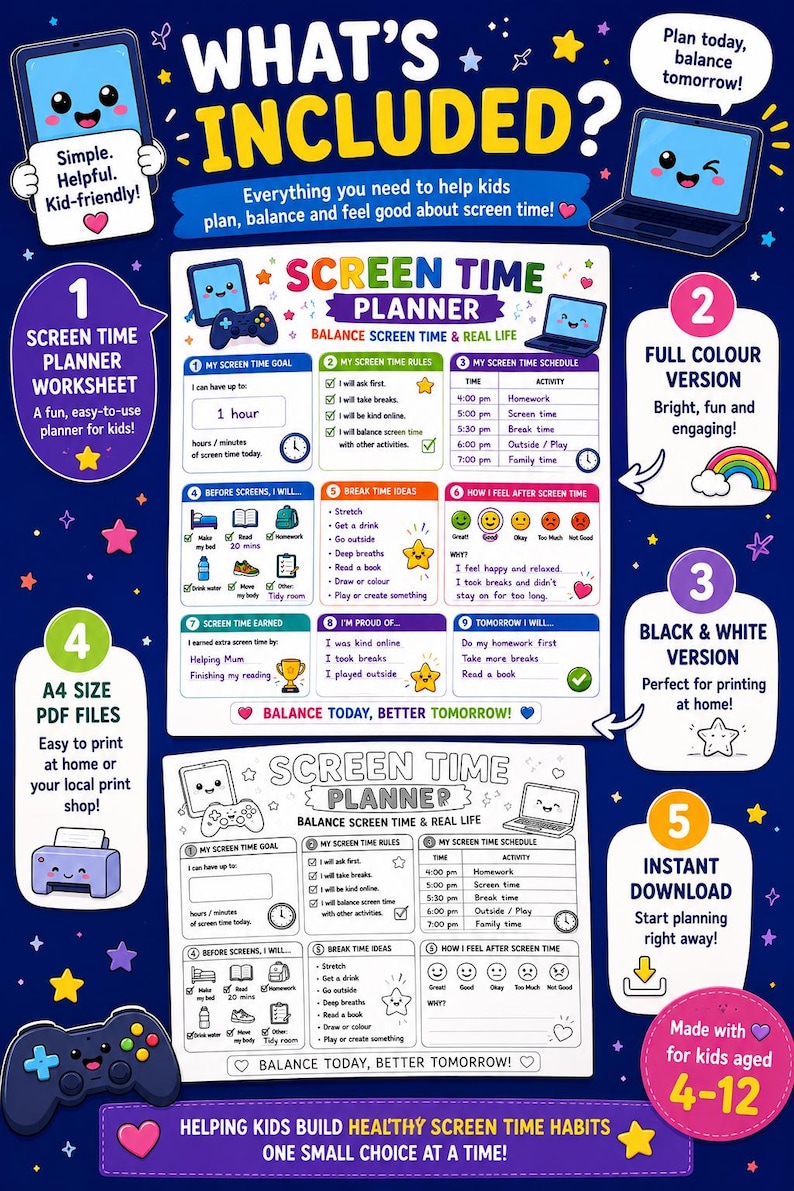
This resource, the “free screen time checklist for grade 4,” directly addresses the critical topic of balanced screen time and digital well-being. It guides children through understanding the difference between various types of screen engagement, such as educational content, creative activities, and passive entertainment. The worksheet covers fundamental concepts like setting healthy limits, recognizing the importance of taking breaks, and understanding the impact of excessive screen use on sleep, physical activity, and social interactions. It introduces practical strategies for identifying appropriate times and places for device use, encouraging thoughtful consideration before logging on. The content aligns with recognized digital citizenship and child safety education standards, which advocate for media literacy, responsible technology use, and the development of self-regulation skills. This comprehensive approach ensures that children gain a holistic understanding of how to integrate technology into their lives constructively and safely.
Key Learning Outcomes
By engaging with the “free screen time checklist for grade 4,” children develop several important skills and knowledge areas:. Browse more guides on Safe Wired Schools.
- Ability to identify healthy screen time practices and recognize the benefits of balancing online and offline activities.
- Understanding of the importance of setting personal screen time goals and participating in their creation.
- Capacity to distinguish between different types of screen content and make informed choices about digital engagement.
- Recognition of appropriate times and contexts for screen use, fostering mindful technology habits.
- Development of early self-regulation skills concerning digital devices and media consumption.
How to Use This Worksheet
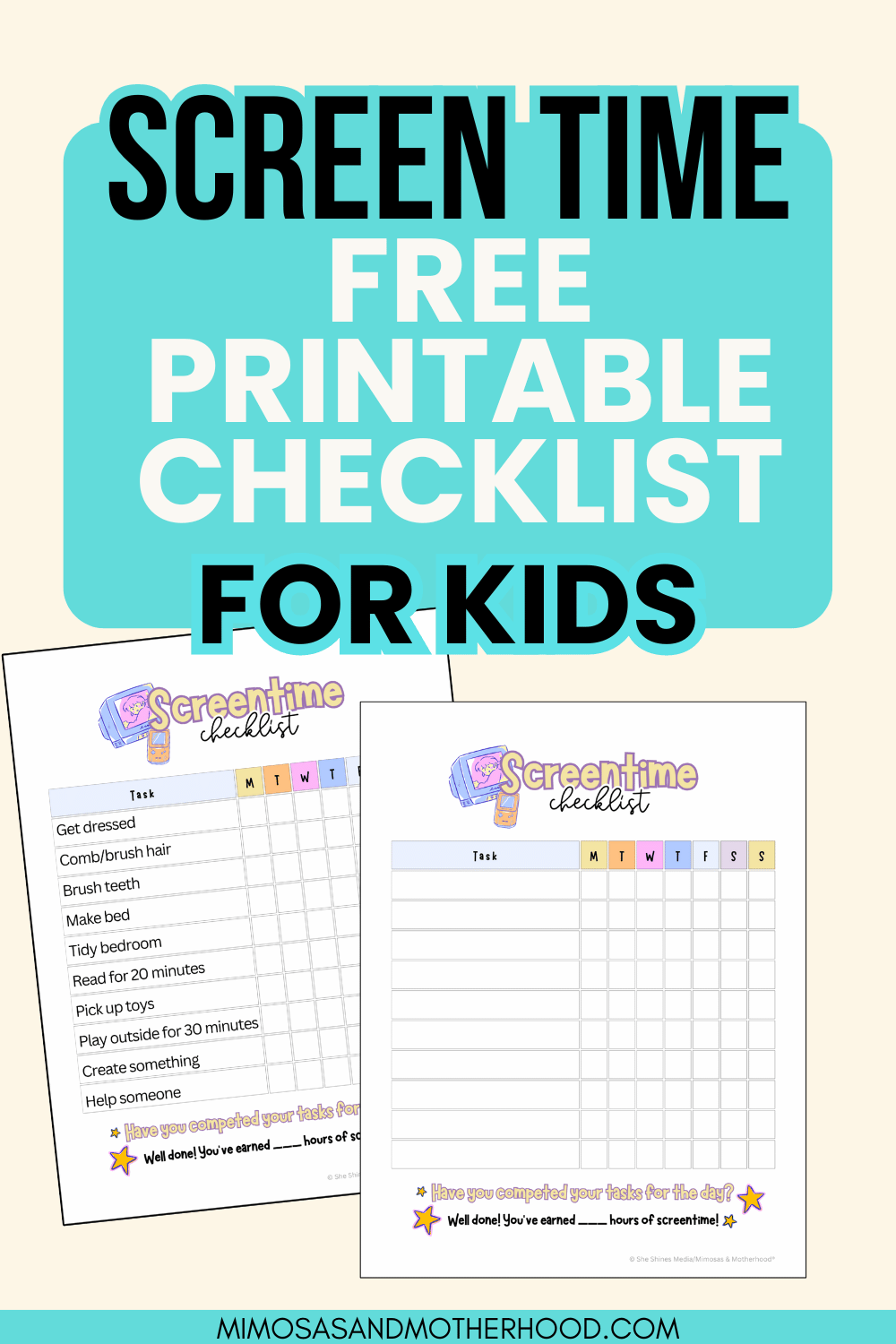
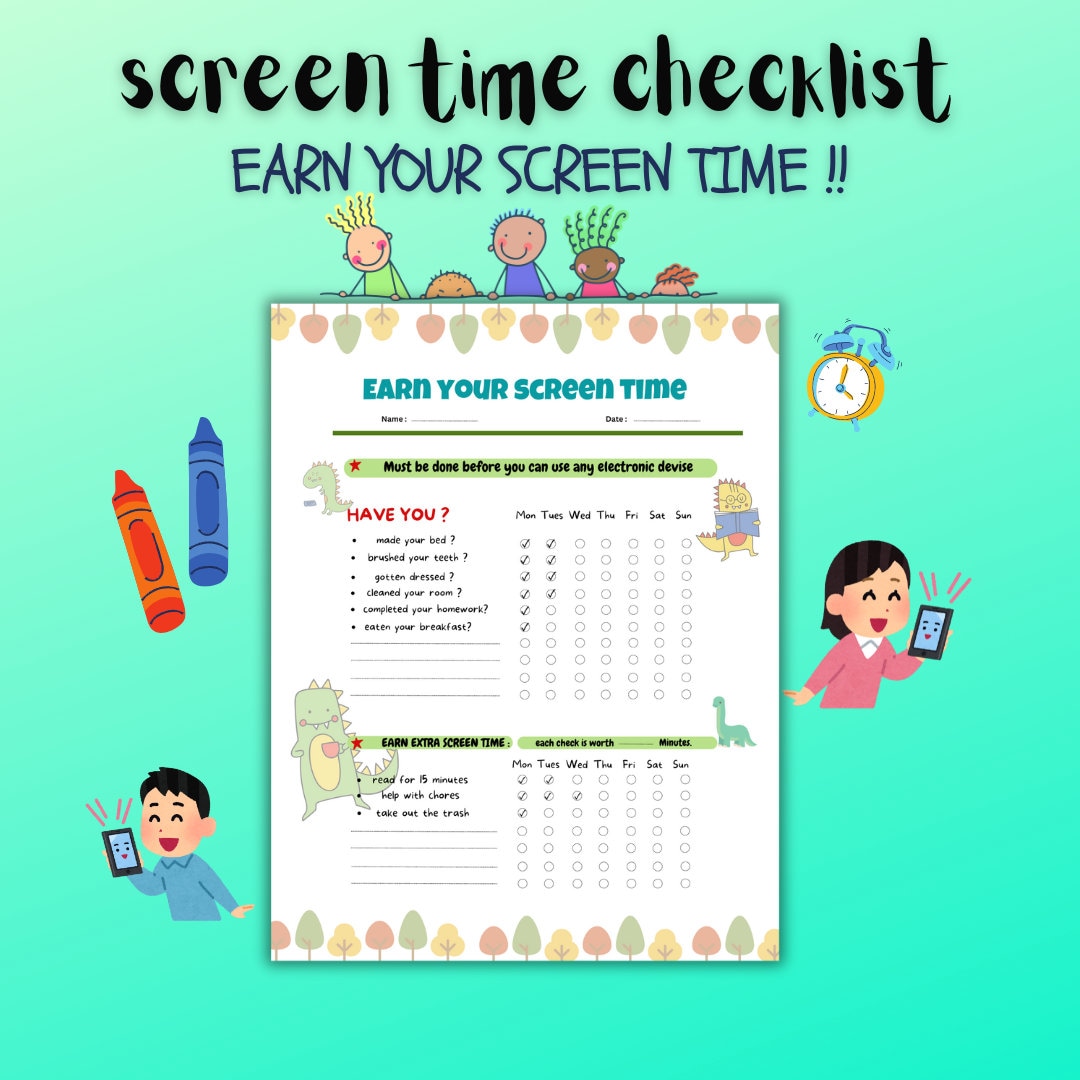
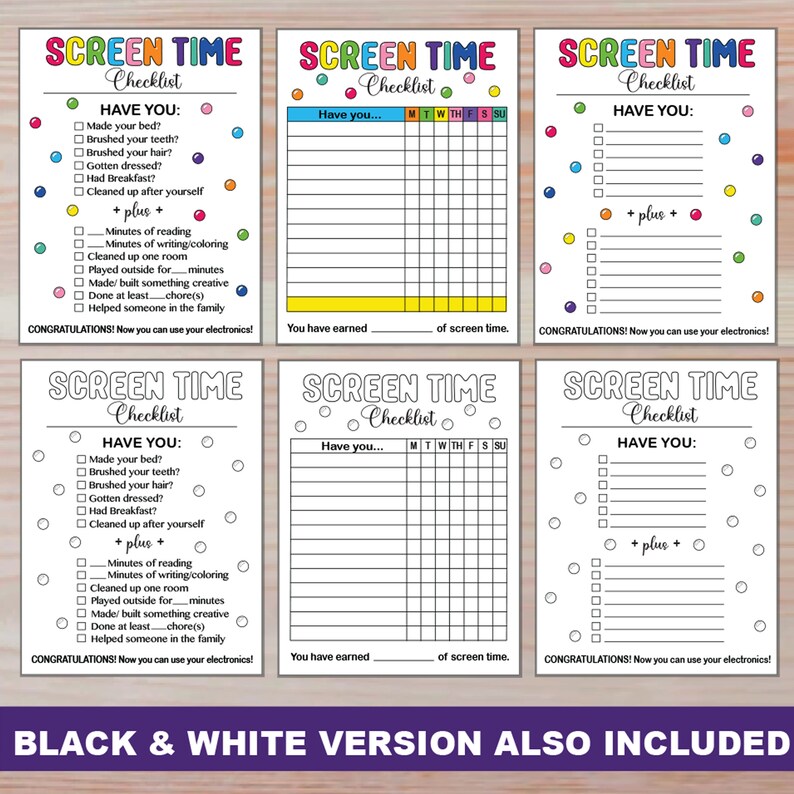
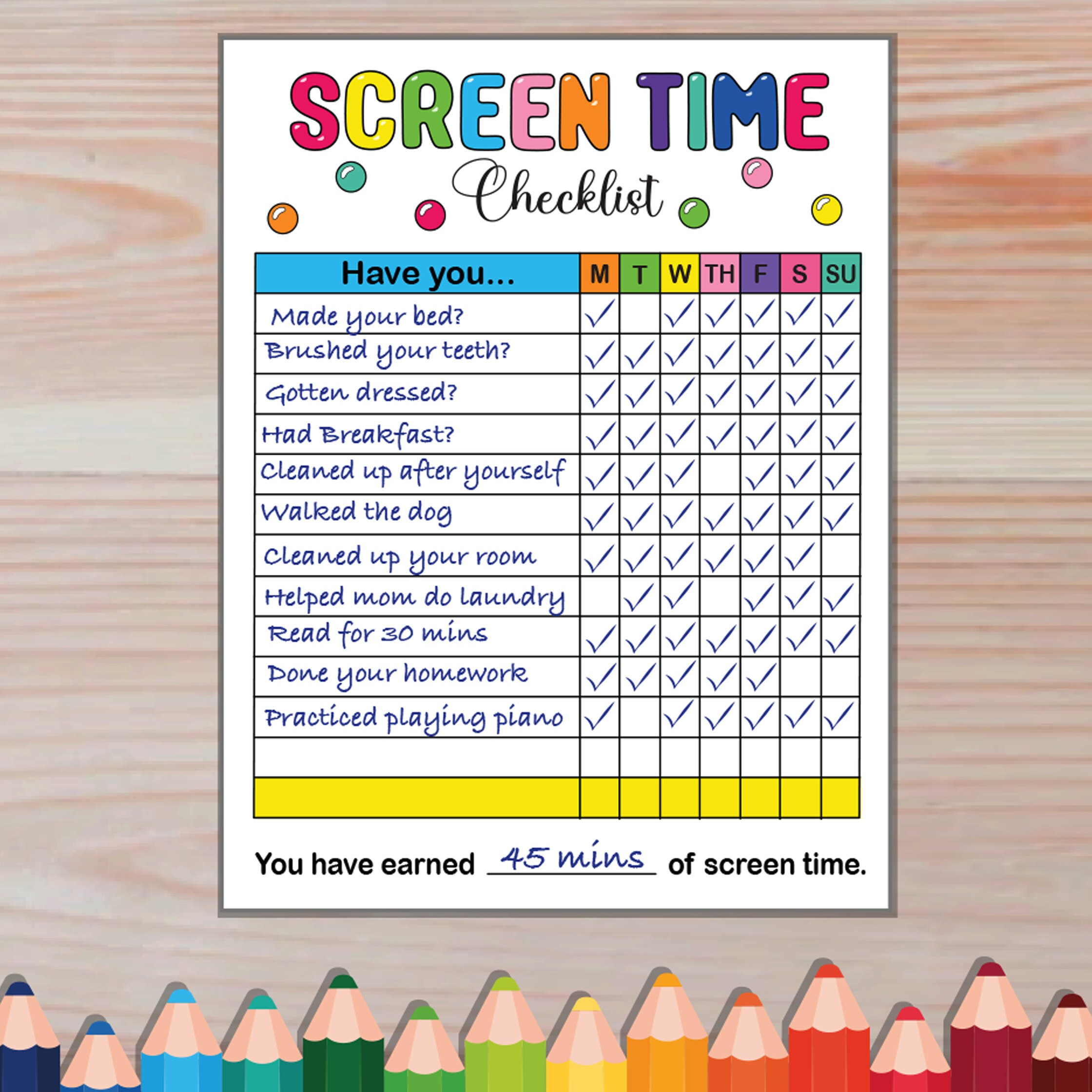
The “free screen time checklist for grade 4” offers a straightforward and adaptable format for both classroom and home environments. The worksheet typically includes a combination of reflection prompts, simple checkboxes for self-assessment, goal-setting sections, and opportunities for short written responses or drawings. Its difficulty level is perfectly suited for Grade 4 students, with clear, concise instructions that scaffold learning progressively. Children are guided through evaluating their current screen time habits and then prompted to consider more balanced approaches. This resource functions effectively as a standalone activity, providing a focused discussion point on digital wellness. It can also be seamlessly integrated into a broader lesson plan on digital citizenship or health education, serving as an interactive component. Furthermore, assigning the checklist as homework encourages family involvement, extending the learning and discussion into the home environment.
Practical Tips for Parents and Teachers
- Review and Discuss Beforehand: Before children begin, review the checklist together. Discuss what “screen time” means in various contexts and why managing it is important for overall well-being.
- Model Healthy Habits: Adults can complete a version of the checklist themselves, demonstrating responsible screen use and sharing personal strategies for balance. This provides a powerful example for children.
- Facilitate a Post-Activity Discussion: After completion, engage in an open conversation about the children’s responses. Ask open-ended questions like, “What was surprising about your screen time habits?” or “What new activities might you try?”
- Integrate into Family/Class Rules: Use the completed checklist as a foundation for creating a family media plan or classroom technology guidelines. Post it visibly as a reminder of agreed-upon goals.
- Extend the Learning: Encourage children to track their screen time for a week or experiment with new offline hobbies. Revisit the checklist periodically to assess progress and adjust goals as needed.
Age-Appropriate Recommendations
The “free screen time checklist for grade 4” is specifically tailored for children in Elementary grades, generally ages 9-10. For this age band, a guided approach proves most effective. Children at this stage benefit from clear, direct instructions and a supportive adult presence to facilitate understanding and encourage thoughtful responses. While they are capable of independent reflection, discussion prompts from a parent or teacher can deepen their comprehension of concepts like “purposeful use” versus “passive consumption.” Vocabulary support might be needed for specific terms related to digital wellness, ensuring full engagement with the material. Activity pacing should allow ample time for reflection and discussion, rather than rushing through the checklist. Parental or teacher involvement remains crucial, not just for guidance, but also for modeling healthy digital habits and integrating the checklist’s principles into daily routines. For slightly younger children in elementary grades (ages 6-8), the checklist can be adapted by simplifying language and focusing on one or two key concepts with more adult guidance. For older elementary students (ages 11-12), the checklist can serve as a springboard for more independent goal-setting and critical analysis of their digital footprint.
Frequently Asked Questions
Q: What specific age group is this checklist best suited for?
A: This checklist is primarily designed for Grade 4 students, typically ages 9-10. Its content and language are optimized for their developmental stage, though it can be adapted for similar elementary grade levels with appropriate guidance.
Q: How can this resource be integrated into a school curriculum?
A: The “free screen time checklist for grade 4” integrates effectively into digital citizenship lessons, health education units, or technology classes. It serves as a practical tool for teaching responsible technology use and promoting digital well-being.
Q: How is the “free screen time checklist for grade 4” accessed?
A: This valuable resource is available for free download and printing directly from SafeWiredSchools.org’s comprehensive resources section. Simply locate the checklist and print it for immediate use in classrooms or at home.
Explore More Free Printable Worksheets
A single worksheet works best as part of a broader collection of printable resources, ensuring consistent reinforcement of digital safety principles. The “free screen time checklist for grade 4” represents just one component of a comprehensive approach to digital literacy. Educators and parents are invited to explore a full collection of free printable internet safety worksheets, activity sheets, checklists, quizzes, and more. These resources are available at SafeWiredSchools.org Worksheets, covering every internet safety topic and designed for every grade level and learning environment. Building a robust foundation of digital awareness requires continuous engagement with varied, age-appropriate materials, and SafeWiredSchools.org provides an extensive library to support this vital educational endeavor.
Developmental Milestone & Activity Table
| Development Stage | Recommended Daily Duration | Primary Learning Objective |
|---|---|---|
| Preschool & Pre-K | 10 – 15 Minutes | Pencil grip development & basic pre-stroke lines |
| Kindergarten | 15 – 20 Minutes | Letter/number formation & spatial line awareness |
| Early Elementary (Grade 1–2) | 20 – 30 Minutes | Fluency, sentence construction & neatness |
Images References