Introduction
The phrase “screen time log for children” functions as a crucial noun phrase, referring to a tangible tool for recording and monitoring digital device usage. This printable resource serves as an invaluable component of digital literacy education, directly reinforcing vital internet safety concepts through hands-on, accessible learning. For educators and parents alike, printable worksheets remain trusted instruments for cultivating digital awareness and fostering responsible online behavior. These resources offer a structured approach to understanding and managing children’s interactions with digital platforms, providing a concrete foundation for developing healthy habits. The educational value of such materials lies in their ability to translate abstract concepts of digital well-being into practical, measurable activities, building essential skills that promote safety and balance in the digital age. Safewiredschools.org offers this free printable to support a proactive approach to digital citizenship.
💡 Educational Key Takeaways:
- Core Skill: Structured Screen Time Log For Children focused on developing pencil grip, stroke control, and early literacy/math confidence.
- Target Scope: Suited for homeschoolers, preschool, kindergarten, and elementary learners.
- Best Recommendation: Practice 10–15 minutes daily with ergonomic writing tools to reinforce muscle memory without hand fatigue.
What This Worksheet Covers
The “screen time log for children” worksheet directly addresses the critical internet safety topic of digital well-being and responsible screen time management. It guides users through the process of systematically tracking daily engagement with various digital devices and online activities. Concepts covered include identifying different types of screen use, recording duration, and recognizing patterns of consumption. The worksheet encourages self-awareness regarding digital habits, promoting a balanced approach to online and offline pursuits. Its content aligns with recognized digital citizenship standards, specifically those pertaining to health and wellness, responsible use, and the development of self-regulation skills in a connected world. This resource offers a clear framework for understanding personal digital footprints and making informed choices about device interaction.
Key Learning Outcomes
Students and children completing the “screen time log for children” will develop several crucial skills and knowledge areas:. Browse more guides on Safe Wired Schools.
- Capacity to accurately track and record daily screen time across multiple devices and activities.
- Recognition of personal screen time patterns, including peak usage times and preferred digital activities.
- Development of foundational self-regulation skills concerning digital device use and online engagement.
- Understanding the importance of balancing online interactions with essential offline activities for overall well-being.
- Ability to identify specific opportunities for reducing or managing screen time to achieve healthier digital habits.
How to Use This Worksheet
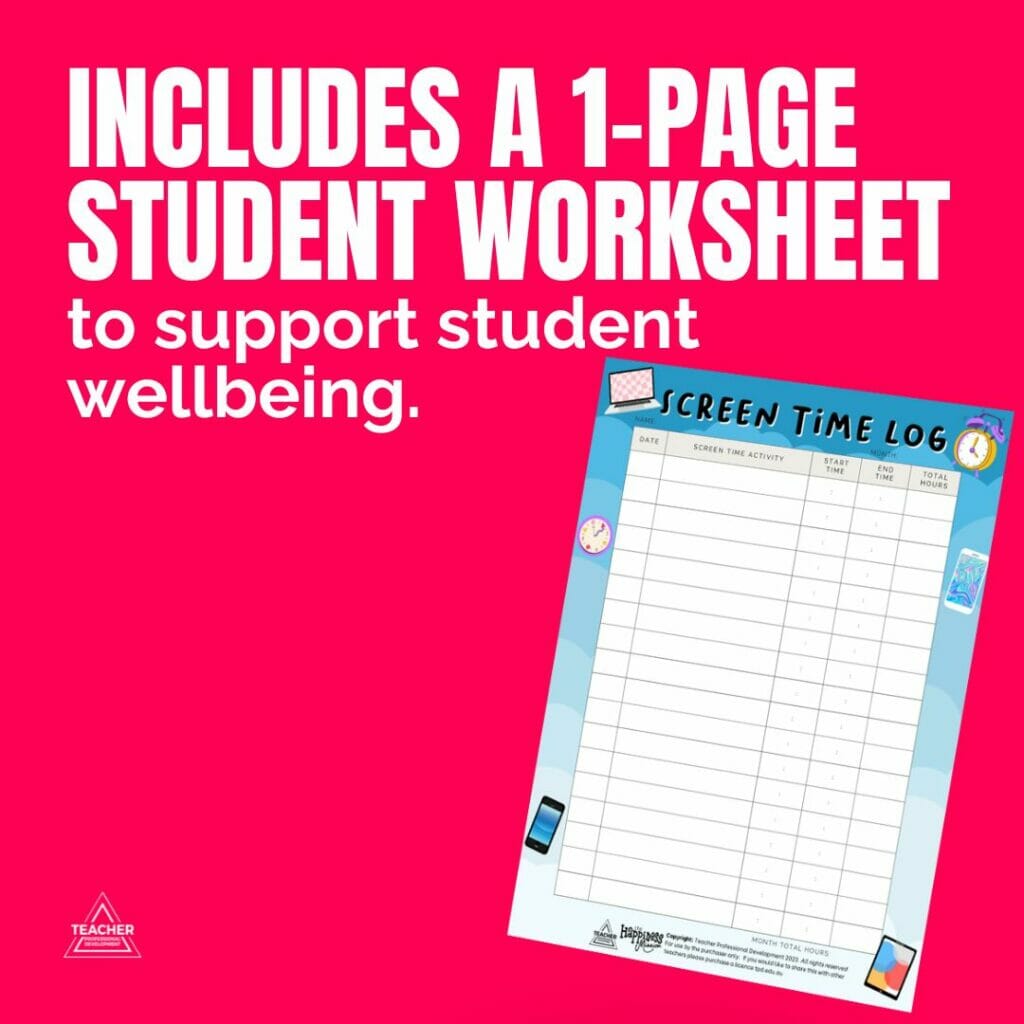
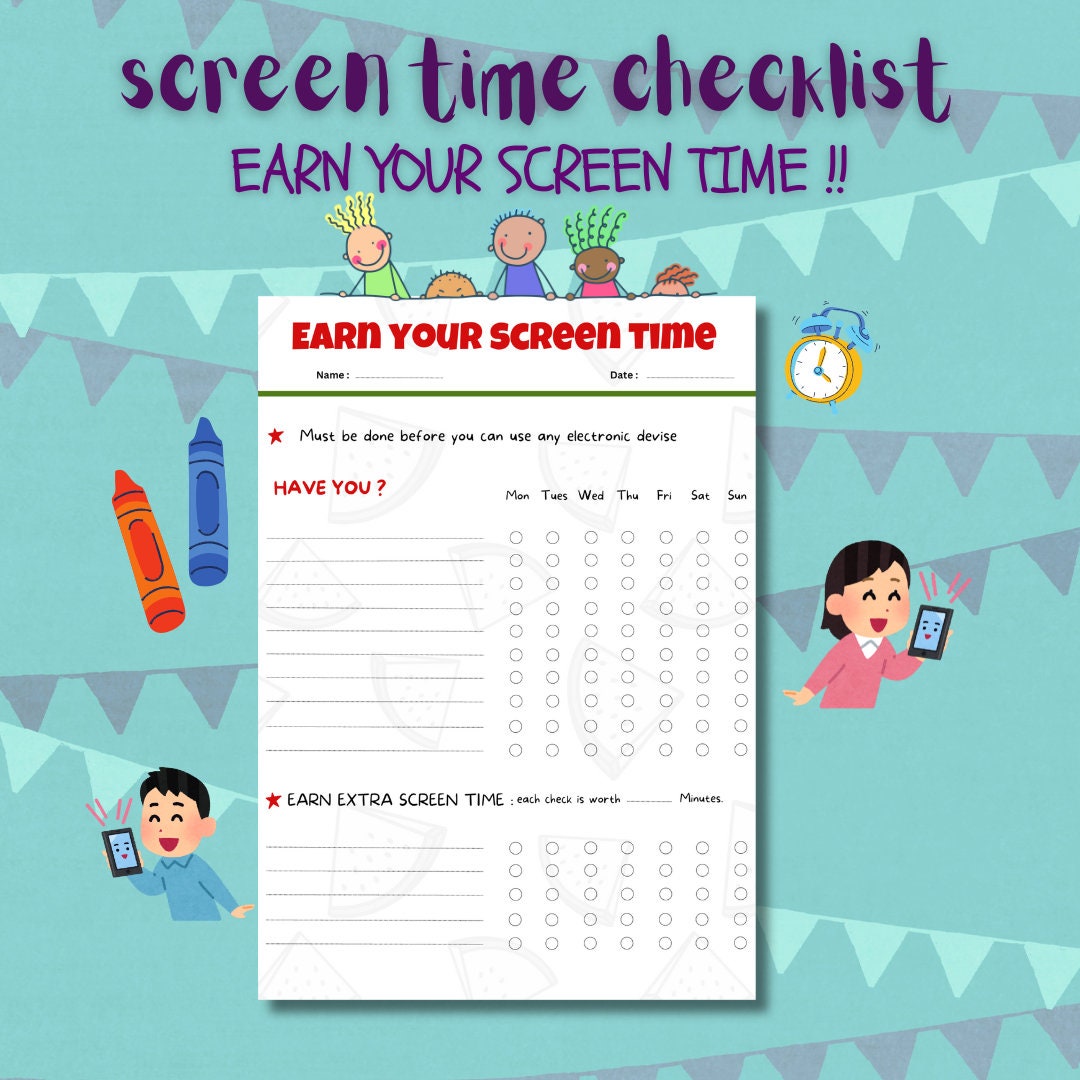
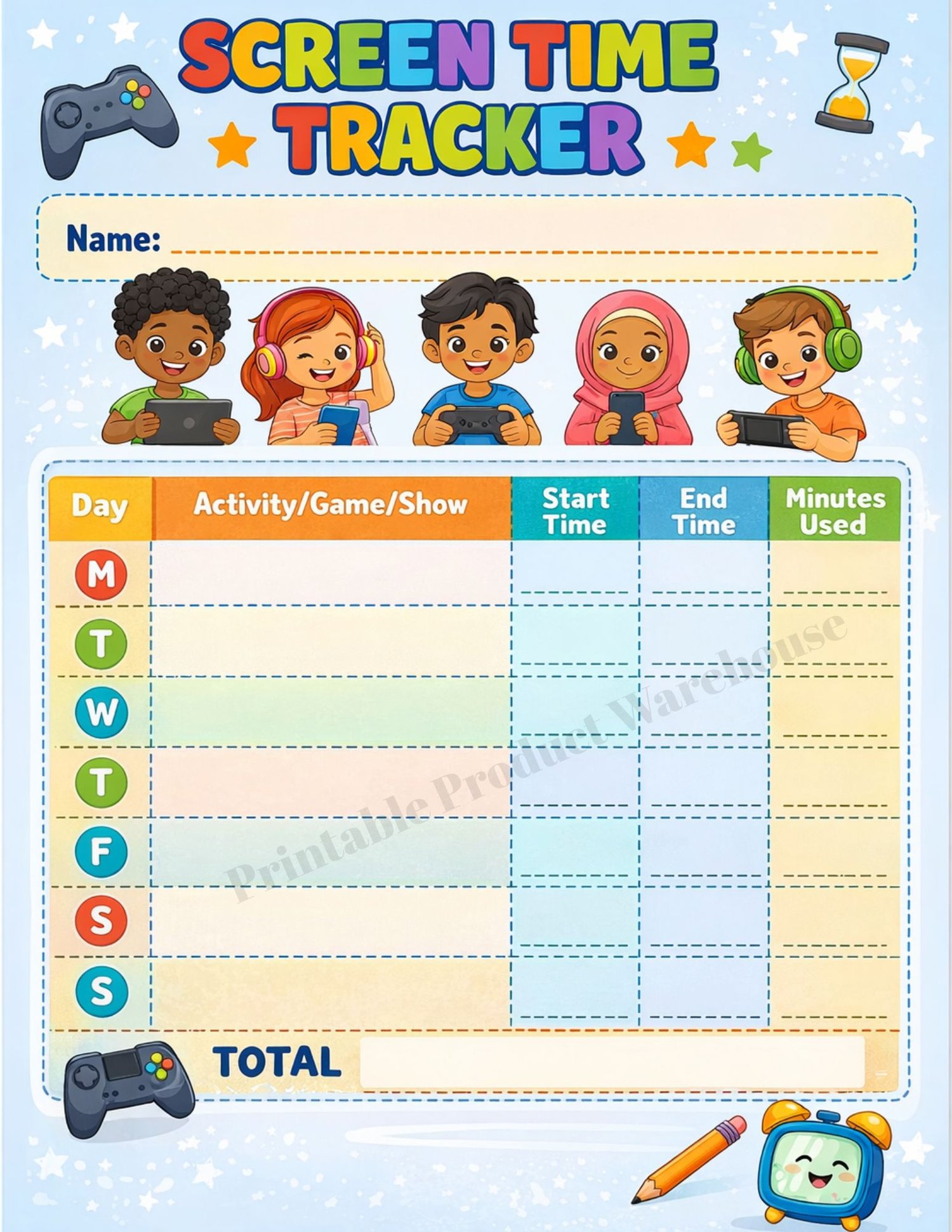
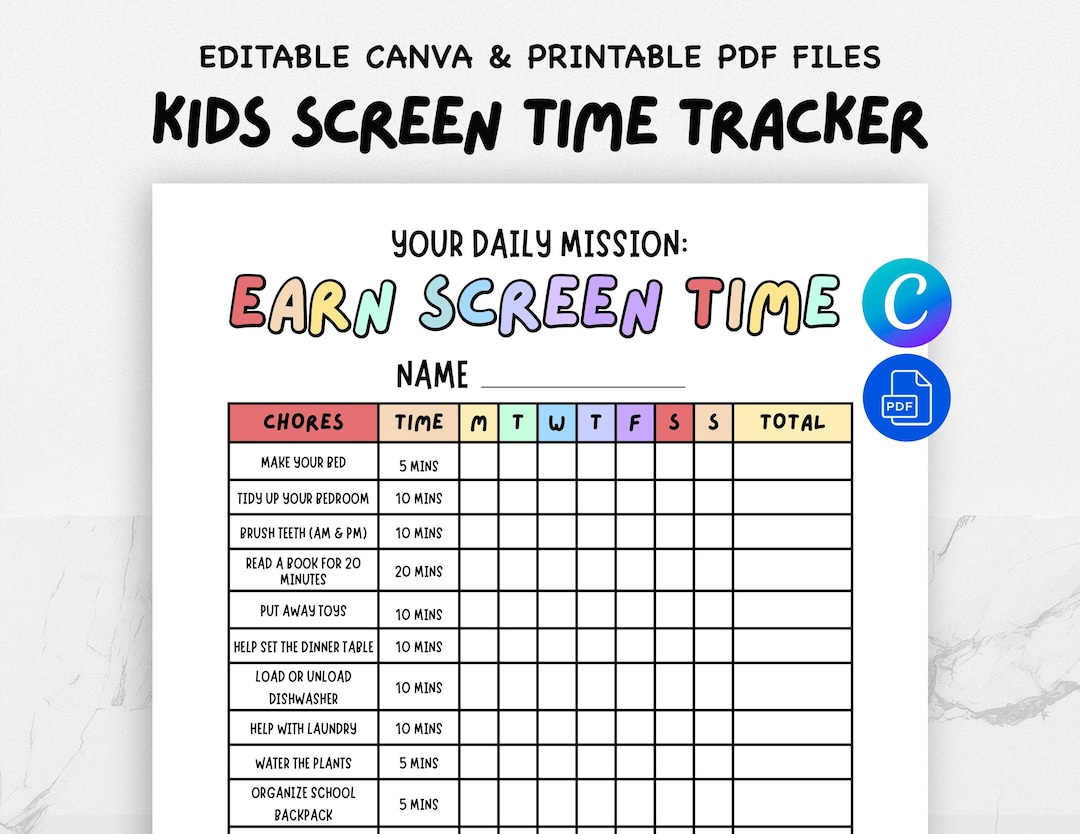
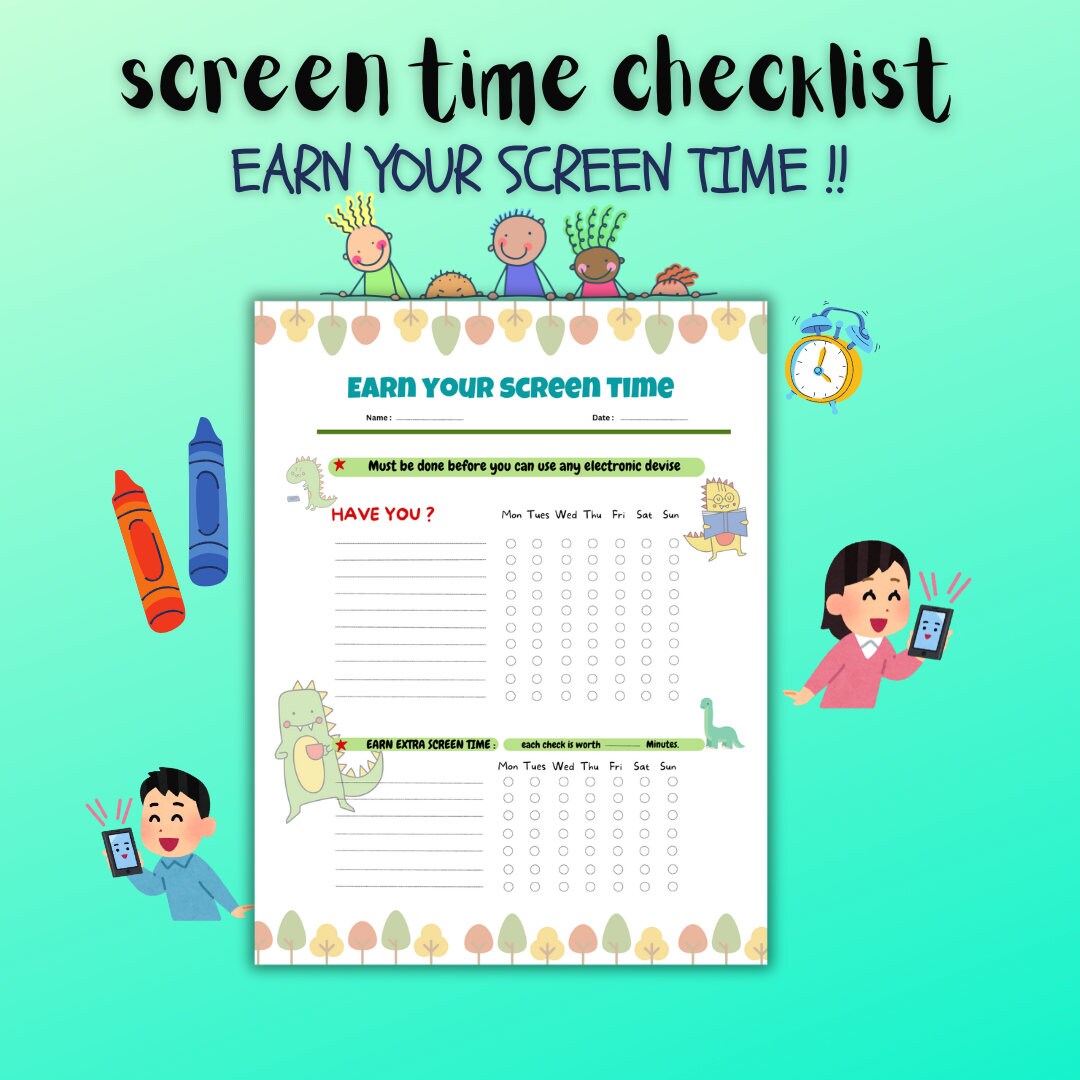
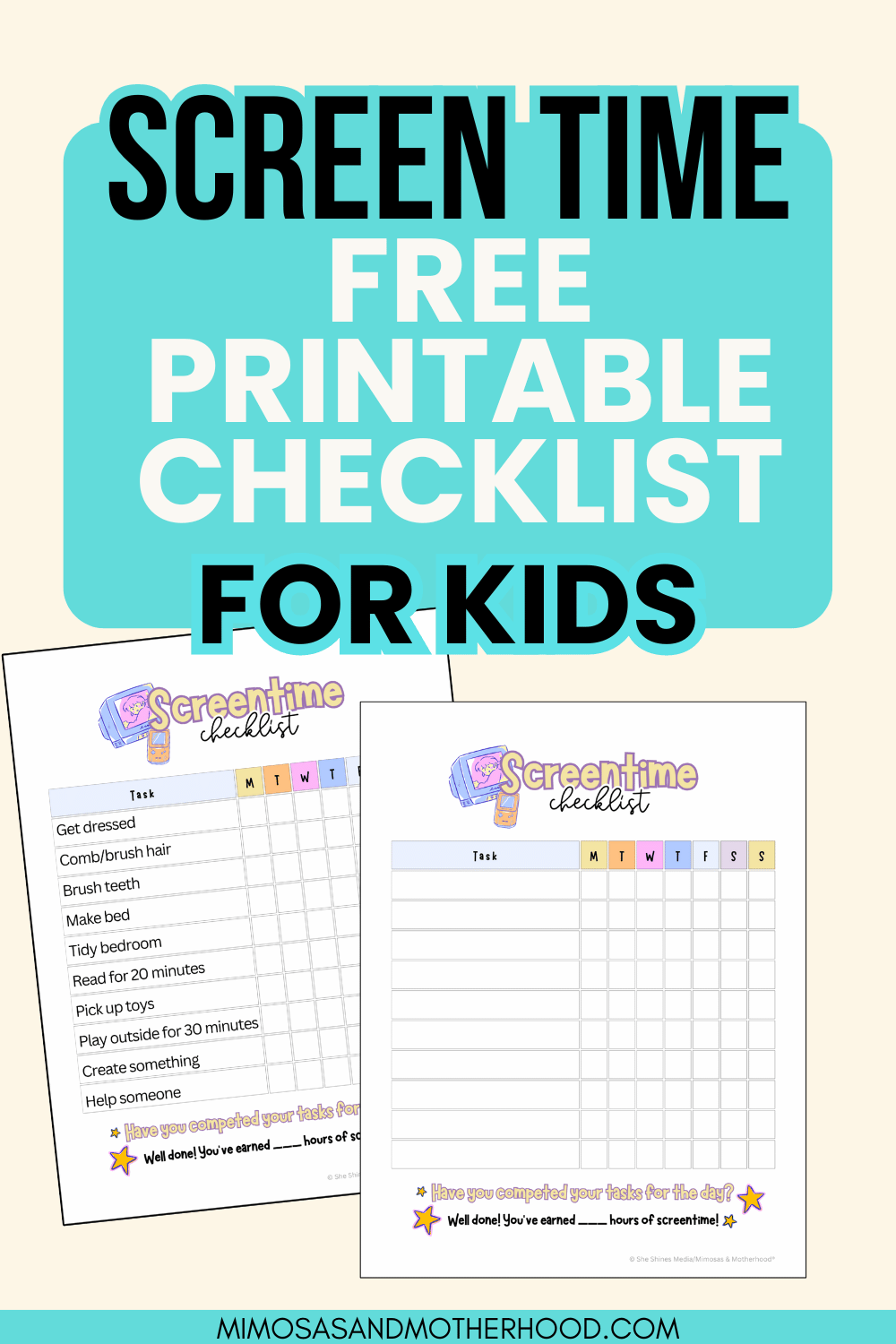
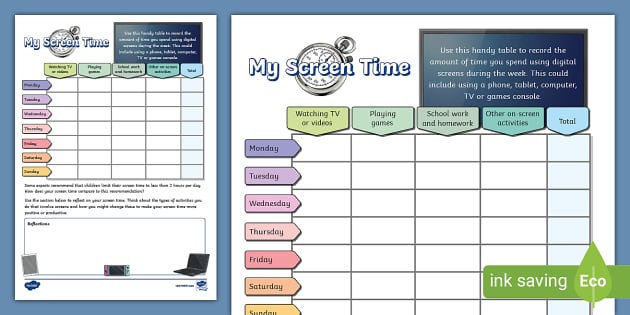
The “screen time log for children” worksheet is designed for flexible use in various educational and home environments. Its format typically includes clear sections for recording the date, device used, type of activity, and duration of screen engagement. Some versions may include prompts for reflecting on the activity’s purpose or emotional impact. The difficulty level is adaptable, ranging from simple time recording for younger learners to more detailed analysis for older students. Instructions are presented clearly, scaffolding learning progressively by moving from observation to reflection. This worksheet functions effectively as a standalone activity to initiate discussions on digital habits, as an integral part of a broader lesson plan on digital citizenship, or as a consistent homework assignment encouraging long-term self-monitoring. Its printable nature allows for repeated use and easy integration into daily routines.
Practical Tips for Parents and Teachers
- Introduce Purpose Clearly: Begin by explaining the “why” behind logging screen time. Frame it as a tool for understanding habits, not as a punishment. Emphasize that the goal is to find a healthy balance.
- Model the Behavior: Adults can complete their own screen time logs alongside children, demonstrating the process and fostering a shared commitment to digital well-being. This normalizes the activity and encourages open dialogue.
- Choose Consistent Times: Establish a regular time each day for filling out the log, such as before dinner or at bedtime. Consistency helps integrate the activity into a routine and ensures accuracy in recording.
- Facilitate Reflective Discussions: After a week of logging, review the completed worksheets together. Ask open-ended questions like, “What patterns do you notice?” “How did different activities make you feel?” or “Were there times you wished you were doing something else?”
- Collaborate on Solutions: Use the insights gained from the log to collaboratively set realistic goals for screen time management. This could involve scheduling device-free zones, planning alternative activities, or setting time limits for specific apps.
Age-Appropriate Recommendations
Adapting the “screen time log for children” to different age groups ensures maximum effectiveness and engagement.
For Ages 5-8 (Early Elementary), the focus should remain simple and visual. Children at this stage can track basic information: the device used (e.g., tablet, TV) and the duration of use, perhaps represented by tally marks or simple numbers. Heavy parental or teacher involvement is crucial for guiding the recording process and initiating brief, positive conversations about what was done online. Vocabulary support might involve defining “screen time” in simple terms. Activity pacing should be short and focused, perhaps logging once at the end of the day.
For Ages 9-12 (Upper Elementary/Middle School), the worksheet can incorporate more detail. Children can record the specific activity (e.g., gaming, homework, social media), the purpose of their screen time, and even a quick feeling check (e.g., happy, tired, productive). Moderate involvement from adults allows for independent logging with periodic check-ins and more in-depth discussions about the impact of different activities. This age group benefits from introducing the concept of setting personal screen time goals based on their observations.
For Ages 13-18 (Middle/High School), the “screen time log for children” transforms into a powerful self-reflection tool. Students can take full ownership of their logging, focusing on the quality of screen time, its impact on sleep or productivity, and the balance with academic and social responsibilities. Minimal direct adult involvement is needed, shifting to a mentorship role that facilitates critical thinking and self-assessment. Discussions can explore the psychological effects of excessive screen use, digital citizenship, and strategies for maintaining digital well-being in an increasingly connected world. The worksheet can prompt students to identify patterns that affect mood, focus, or physical activity, leading to self-directed adjustments.
Frequently Asked Questions
Q: What is a “screen time log for children”?
A: A “screen time log for children” is a printable worksheet designed to help children and their families track daily digital device usage. It records the type of device, the activity, and the duration, fostering awareness of screen time habits.
Q: How does this worksheet promote internet safety?
A: This log promotes internet safety by encouraging mindful media consumption and self-regulation. By visualizing their screen habits, children and adults can identify potential overuse, discuss healthy limits, and develop balanced online and offline routines, contributing to overall digital well-being.
Q: Where can the “screen time log for children” be downloaded?
A: The free “screen time log for children” worksheet can be downloaded directly from the SafeWiredSchools.org website. Navigate to the worksheets section to access and print this valuable educational resource instantly.
Explore More Free Printable Worksheets
While the “screen time log for children” offers a focused approach to digital well-being, its impact is amplified when integrated into a consistent digital safety learning routine. A single worksheet works best as part of a broader collection of printable resources. Educators and parents are invited to explore a full collection of free printable internet safety worksheets, activity sheets, checklists, quizzes, and more at SafeWiredSchools.org Worksheets. These comprehensive resources cover every internet safety topic, including cyberbullying, privacy, digital footprints, and critical thinking online, and are designed for every grade level and learning environment.
Developmental Milestone & Activity Table
| Development Stage | Recommended Daily Duration | Primary Learning Objective |
|---|---|---|
| Preschool & Pre-K | 10 – 15 Minutes | Pencil grip development & basic pre-stroke lines |
| Kindergarten | 15 – 20 Minutes | Letter/number formation & spatial line awareness |
| Early Elementary (Grade 1–2) | 20 – 30 Minutes | Fluency, sentence construction & neatness |
Images References