Introduction
Establishing clear boundaries around digital device usage stands as a fundamental aspect of modern parenting and education. The “screen time rules checklist for kids” emerges as a critical, free printable resource, primarily suitable for Elementary (grades 1-5) and Middle School (grades 6-8) learners, though adaptable for younger and older students. This practical tool reinforces vital internet safety concepts through a hands-on, engaging format. Printable learning materials, trusted by educators and parents alike, offer a tangible way to engage children in discussions about digital awareness and responsible online behavior. Such resources provide a consistent framework for families and classrooms to navigate the complexities of screen time, fostering positive habits from an early age. The act of physically interacting with a checklist helps solidify understanding and commitment, moving abstract concepts into concrete action. This approach empowers children to become active participants in managing their digital lives, a crucial step towards building resilient digital citizens. Explore more in our Worksheets category.
💡 Educational Key Takeaways:
- Core Skill: Structured Screen Time Rules Checklist For Kids focused on developing pencil grip, stroke control, and early literacy/math confidence.
- Target Scope: Suited for homeschoolers, preschool, kindergarten, and elementary learners.
- Best Recommendation: Practice 10–15 minutes daily with ergonomic writing tools to reinforce muscle memory without hand fatigue.
What This Worksheet Covers
The “screen time rules checklist for kids” specifically addresses the essential topic of screen time management and the establishment of healthy digital boundaries. This resource guides children and adults through the process of defining appropriate screen usage, setting clear time limits, and identifying suitable content. Concepts covered include the importance of balancing digital activities with offline engagement, recognizing designated “no-screen” zones within the home or classroom, and understanding the necessity of open communication regarding digital device rules. The worksheet encourages a proactive approach to technology use, promoting mindful engagement rather than passive consumption. Its content aligns directly with recognized digital citizenship and child safety education standards, which advocate for media literacy, responsible online conduct, and the development of self-regulation skills in a digital environment. The structured format helps demystify screen time expectations, transforming potential areas of conflict into opportunities for collaborative learning and agreement.
Key Learning Outcomes
By engaging with the “screen time rules checklist for kids,” children and students develop several crucial skills and areas of knowledge:. Browse more guides on Safe Wired Schools.
- Ability to articulate personal and family screen time rules and understand their rationale.
- Development of an understanding regarding the importance of balanced digital and offline activities for overall well-being.
- Cultivation of self-regulation skills pertaining to device usage, fostering independence and responsible choices.
- Improvement in communication skills, enabling constructive discussions about digital boundaries with parents, teachers, and peers.
- Recognition of the impact of screen time on various aspects of daily life, including sleep, schoolwork, and social interactions.
How to Use This Worksheet
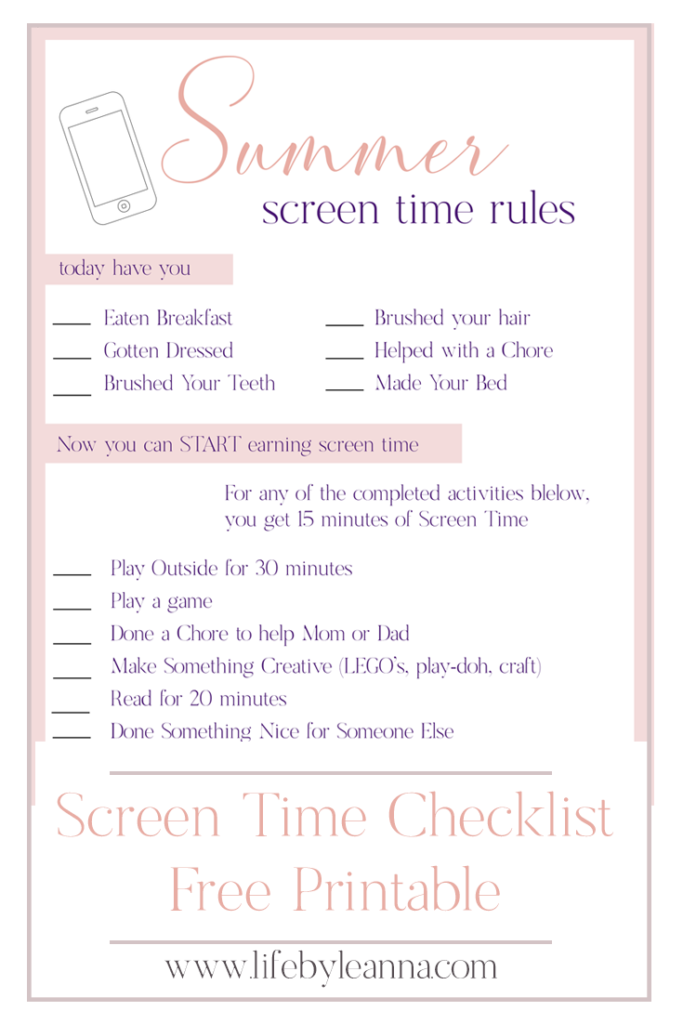
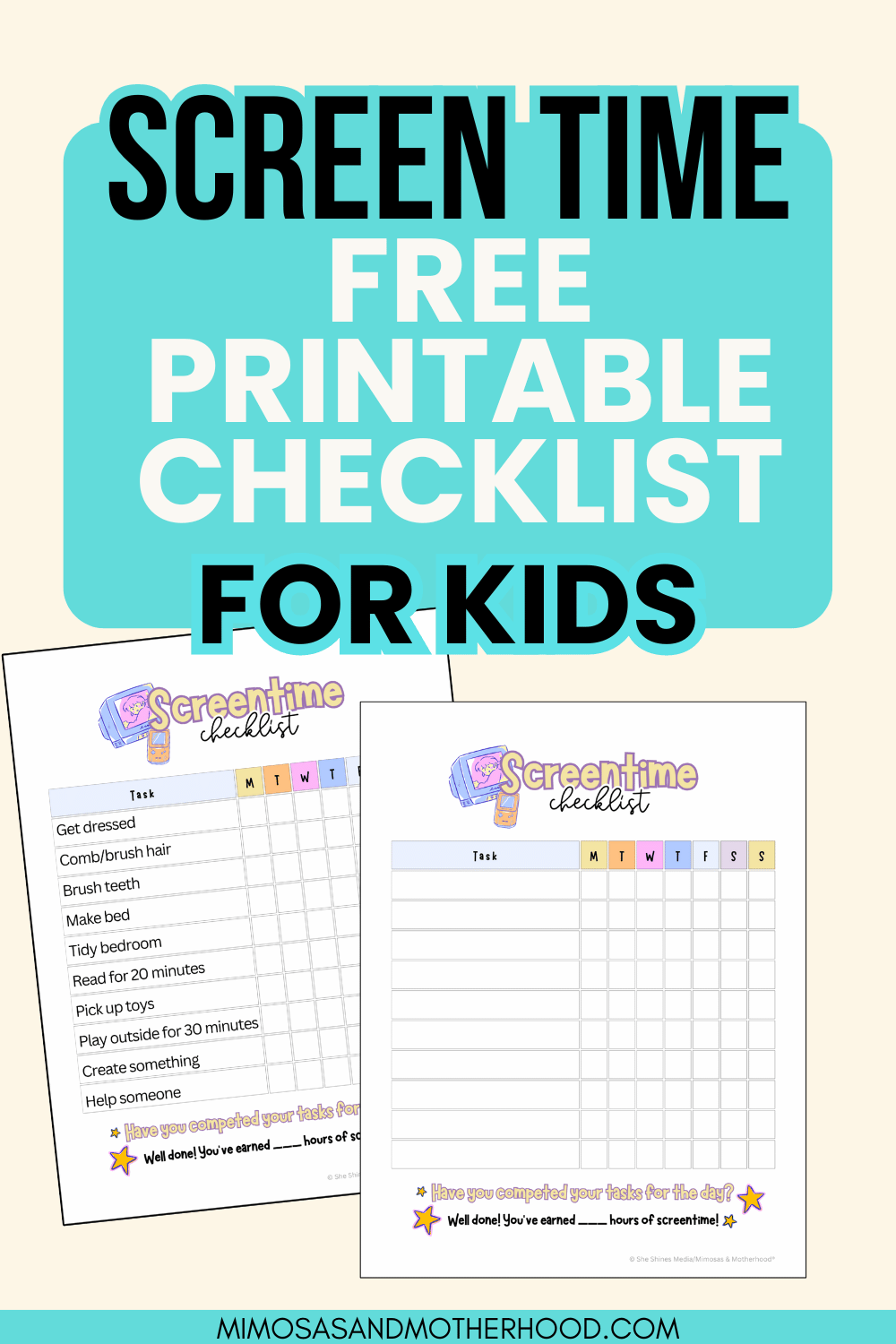
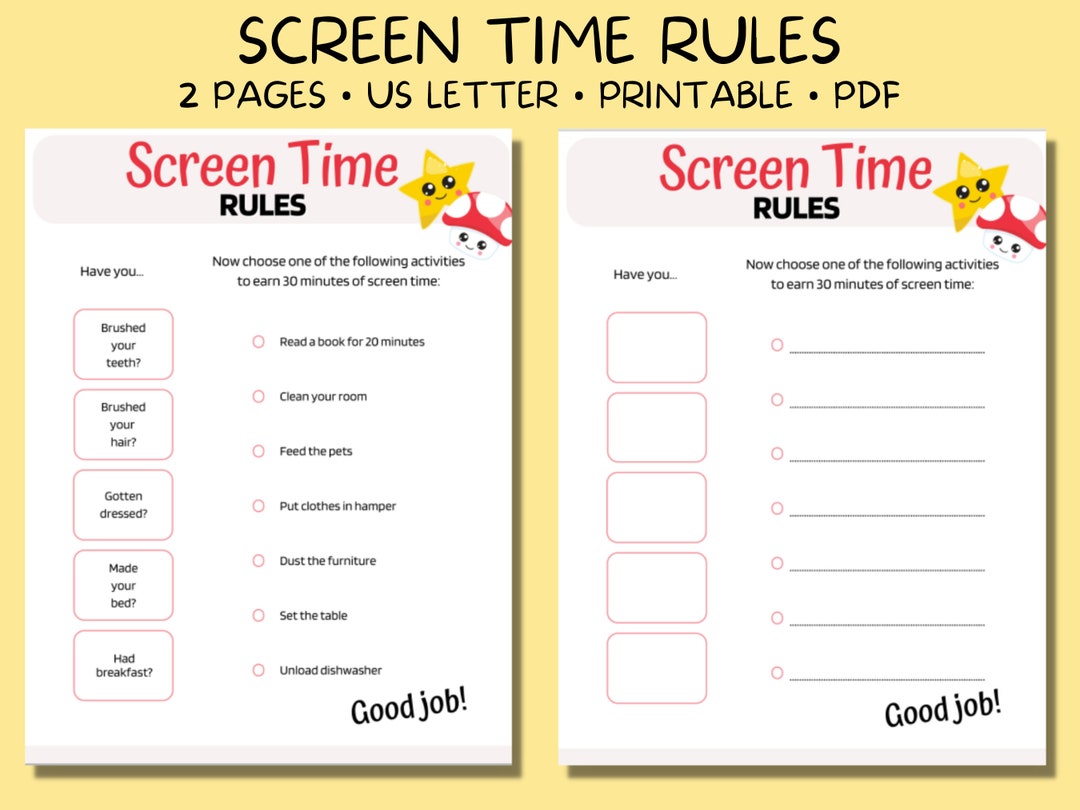
The “screen time rules checklist for kids” offers a versatile tool for both educational settings and home environments. Its format typically includes a list of common screen time rules with spaces for checking off agreement, adding personalized rules, and perhaps reflecting on their importance. The difficulty level is designed to be accessible, encouraging participation rather than complex problem-solving. Instructions are clear and often scaffold learning, guiding users through the process of understanding and applying each rule. This worksheet can function as a standalone activity to initiate a discussion about digital habits. Alternatively, it can be integrated into a broader lesson plan on digital wellness, serving as a practical application component. As a homework assignment, it facilitates family discussions, extending learning beyond the classroom and reinforcing consistent messaging between school and home. The interactive nature of a checklist promotes active learning, allowing children to personalize their commitment to responsible screen use.
Practical Tips for Parents and Teachers
- Prepare for Collaboration: Print multiple copies of the checklist. Gather the family or class together, emphasizing that this is a collaborative effort to create a supportive digital environment, not a punitive measure.
- Facilitate Open Discussion: Encourage open dialogue about each rule. Ask questions like, “Why is this rule important?” or “How does this rule help us stay healthy and happy?” Listen actively to children’s perspectives and concerns.
- Personalize and Customize: Utilize the blank spaces on the checklist to add rules specific to a household or classroom. Allow children to suggest rules they believe are fair and beneficial, fostering a sense of ownership over their digital guidelines.
- Display Prominently: Once completed, post the “screen time rules checklist for kids” in a visible location where devices are often used, such as near the television, computer, or in a child’s bedroom. This serves as a consistent visual reminder of agreed-upon expectations.
- Review and Adapt Regularly: Digital landscapes and children’s developmental stages evolve. Schedule regular check-ins (e.g., monthly or quarterly) to review the rules, discuss their effectiveness, and make necessary adjustments as children grow and technology changes.
Age-Appropriate Recommendations
The application of the “screen time rules checklist for kids” can be tailored to meet the developmental needs of various age groups, ensuring maximum impact and engagement.
For Ages 5-8 (Early Elementary), the focus should remain on foundational rules and direct adult guidance. Parents and teachers should lead the discussion, reading each rule aloud and explaining it in simple, concrete terms. Visual cues and examples are highly beneficial. Children at this stage can use stickers or simple checkmarks to indicate agreement. The activity pacing should be brief, perhaps covering a few rules at a time to maintain attention. Parental or teacher involvement is crucial for clarifying concepts and ensuring understanding.
For Ages 9-12 (Upper Elementary/Early Middle School), the checklist becomes a tool for more independent thought and collaborative rule-setting. Students can complete sections with less direct supervision, prompting them to think critically about why certain rules exist and their personal benefits. Group discussions in a classroom setting can explore different perspectives on screen time. Vocabulary support may be needed for terms like “digital footprint” or “privacy settings” if they are incorporated into customized rules. This age group benefits from opportunities to negotiate rules and understand the logical consequences of not adhering to them.
For Ages 13-18 (Middle/High School), the resource can facilitate self-assessment and a deeper exploration of digital well-being. The checklist prompts discussions about the impact of screen time on mental health, sleep patterns, academic performance, and social relationships. Students can independently complete the checklist, reflecting on their current habits and proposing self-imposed limits. Peer discussion can be powerful, allowing students to share strategies for managing screen time effectively. The emphasis shifts from simply following rules to understanding the long-term benefits of responsible digital habits and taking personal accountability for one’s digital life. Adult involvement at this stage should be supportive, guiding, and focused on empowering students to make informed choices.
Frequently Asked Questions
Q: What is the primary goal of the “screen time rules checklist for kids”?
A: The primary goal is to establish clear, consistent, and agreed-upon boundaries for digital device usage, fostering healthy habits and promoting responsible online behavior in children. It aims to empower families and educators to collaboratively define appropriate screen time parameters.
Q: How can this resource be customized for different families or classrooms?
A: The “screen time rules checklist for kids” includes sections designed for personalization, allowing users to add specific rules relevant to their unique environment. This adaptability ensures the checklist remains pertinent whether implemented at home, in a classroom, or within a specific age group.
Q: Where can this free printable be accessed?
A: The “screen time rules checklist for kids” is available for free download on the SafeWiredSchools.org website. Navigate to the resources section to easily locate and print this valuable internet safety tool.
Explore More Free Printable Worksheets
While the “screen time rules checklist for kids” serves as an excellent starting point for fostering digital responsibility, its true value is amplified when integrated into a consistent digital safety learning routine. A single worksheet works best as part of a broader collection of printable resources that address the multifaceted nature of online safety. Educators and parents are invited to explore a full collection of free printable internet safety worksheets, activity sheets, checklists, quizzes, and more at SafeWiredSchools.org Worksheets. These resources cover every essential internet safety topic, from identifying cyberbullying to understanding privacy settings, and are meticulously designed for every grade level and diverse learning environments. Building a comprehensive understanding of digital citizenship requires ongoing engagement with varied, age-appropriate educational tools.
Developmental Milestone & Activity Table
| Development Stage | Recommended Daily Duration | Primary Learning Objective |
|---|---|---|
| Preschool & Pre-K | 10 – 15 Minutes | Pencil grip development & basic pre-stroke lines |
| Kindergarten | 15 – 20 Minutes | Letter/number formation & spatial line awareness |
| Early Elementary (Grade 1–2) | 20 – 30 Minutes | Fluency, sentence construction & neatness |
Images References