Introduction
Effective digital citizenship education often begins with practical, hands-on tools that bridge abstract concepts with daily routines. The “weekly screen time tracker for families” printable resource serves as a cornerstone for reinforcing internet safety concepts through tangible, accessible learning. This resource is particularly relevant for Elementary grades 1-5 and Middle School grades 6-8, though its adaptable nature extends its utility to younger and older learners with appropriate guidance. Educators and parents consistently trust printable worksheets for their proven efficacy in fostering digital awareness and promoting responsible online behavior. Such resources provide a low-tech yet highly effective means to engage with complex digital topics, allowing for focused discussions and sustained habit formation within both classroom and home environments. The act of physically interacting with a tracker helps demystify screen use, transforming it from an invisible activity into a measurable and manageable aspect of daily life, thereby building foundational understanding for safer online interactions.
💡 Educational Key Takeaways:
- Core Skill: Structured Weekly Screen Time Tracker For Families focused on developing pencil grip, stroke control, and early literacy/math confidence.
- Target Scope: Suited for homeschoolers, preschool, kindergarten, and elementary learners.
- Best Recommendation: Practice 10–15 minutes daily with ergonomic writing tools to reinforce muscle memory without hand fatigue.
What This Worksheet Covers
The “weekly screen time tracker for families” directly addresses the crucial internet safety topic of digital wellness and responsible screen time management. This resource guides families in observing and understanding their screen habits, covering essential concepts such as differentiating between various types of screen engagement (e.g., educational, creative, social, entertainment), recognizing patterns of use, and establishing healthy boundaries. It supports the development of self-regulation skills, encouraging individuals to become more mindful of how and when digital devices are utilized. The worksheet content connects directly to recognized digital citizenship and child safety education standards by emphasizing balanced digital diets, promoting media literacy, and fostering open communication about online activities within the family unit. It provides a framework for discussing and agreeing upon family-specific rules regarding device usage, ultimately contributing to a safer and more harmonious digital experience for all members.
Key Learning Outcomes
By engaging with the “weekly screen time tracker for families,” children and adults develop several critical skills and areas of knowledge:. Browse more guides on Safe Wired Schools.
- Develops self-awareness regarding personal and family digital consumption habits.
- Fosters open and constructive communication about screen use and digital boundaries within the family.
- Supports the establishment of healthy, sustainable digital habits and family-wide screen time rules.
- Enhances critical thinking skills by encouraging reflection on the purpose and impact of various screen activities.
- Cultivates a sense of personal responsibility for managing one’s own digital engagement.
How to Use This Worksheet
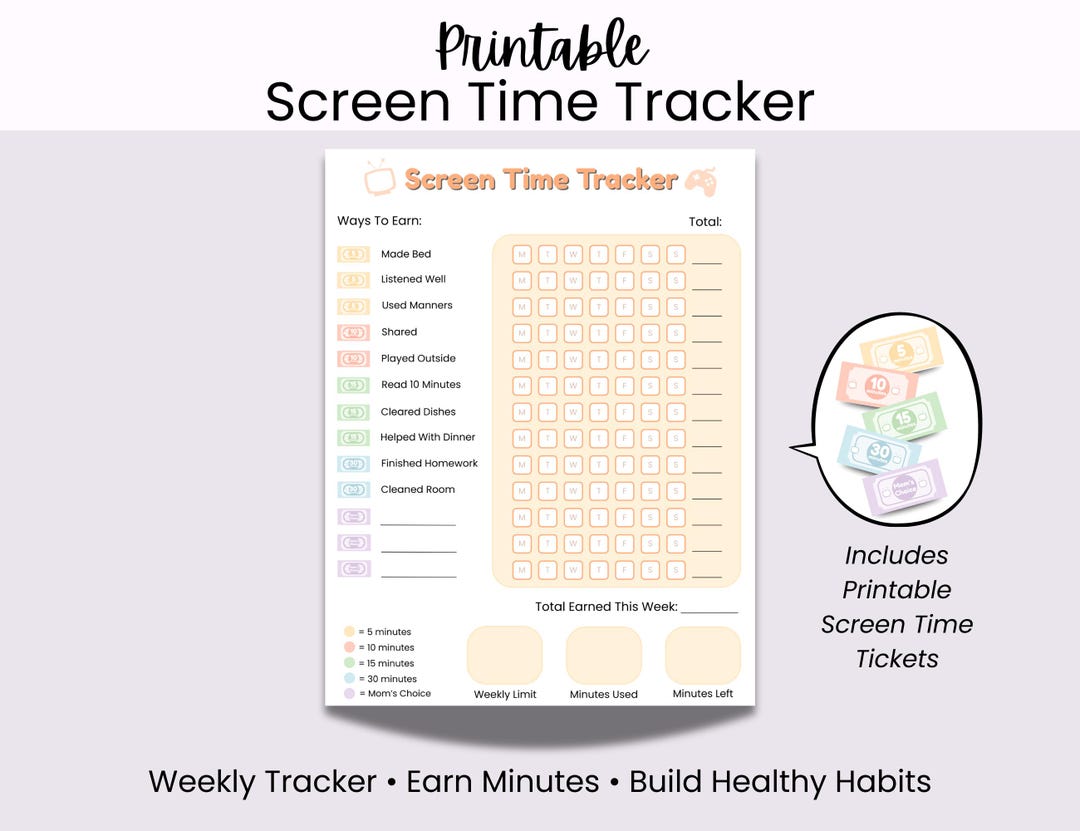
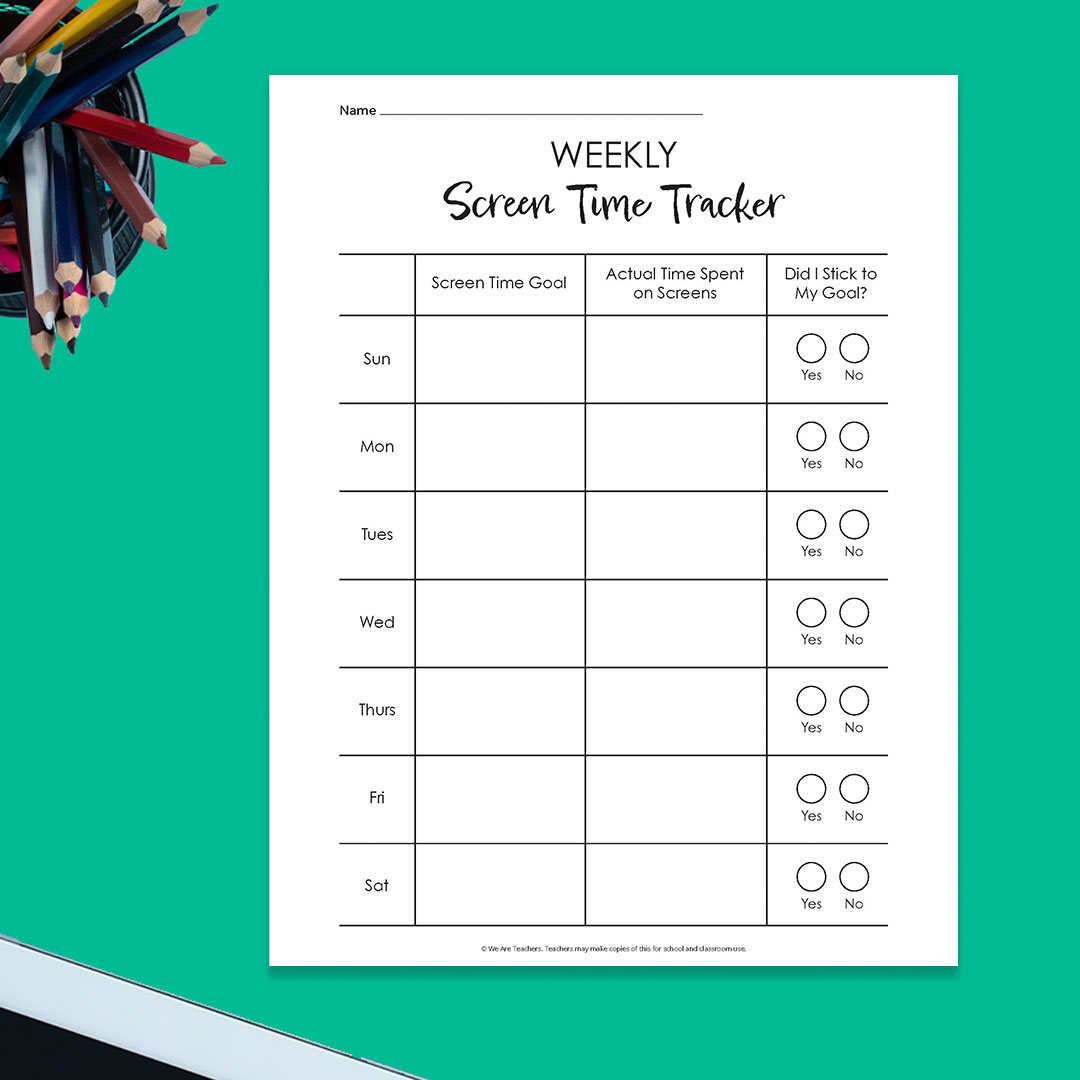
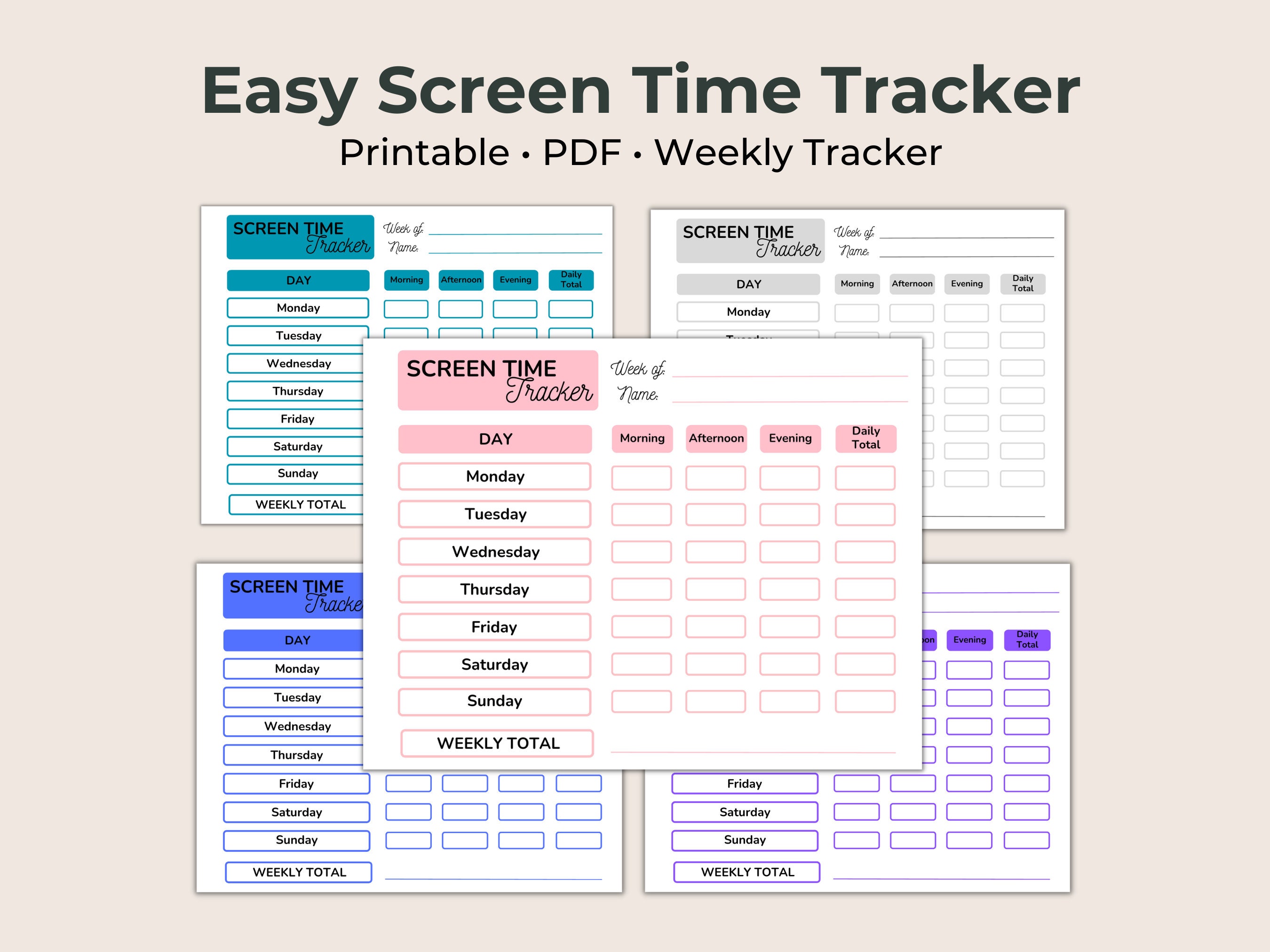
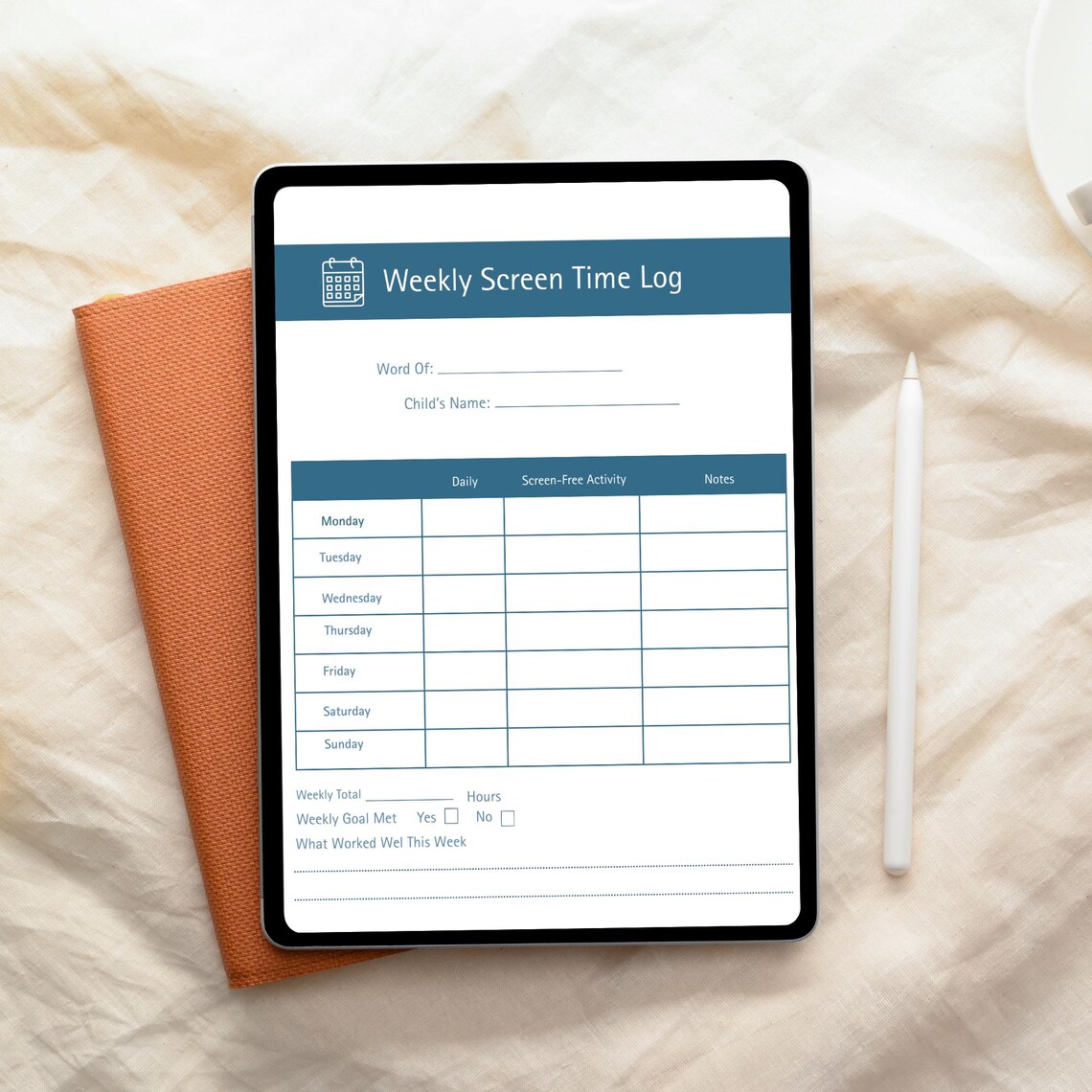
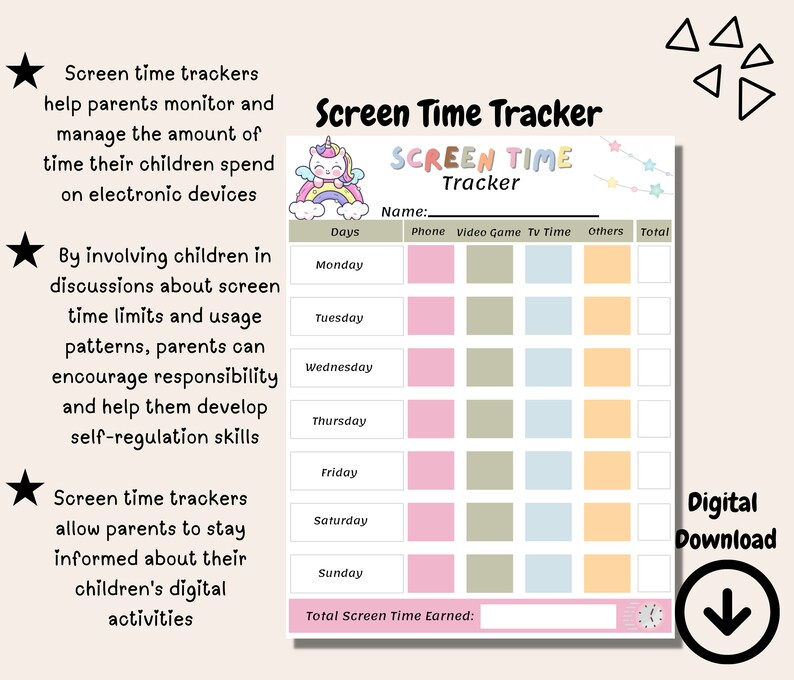
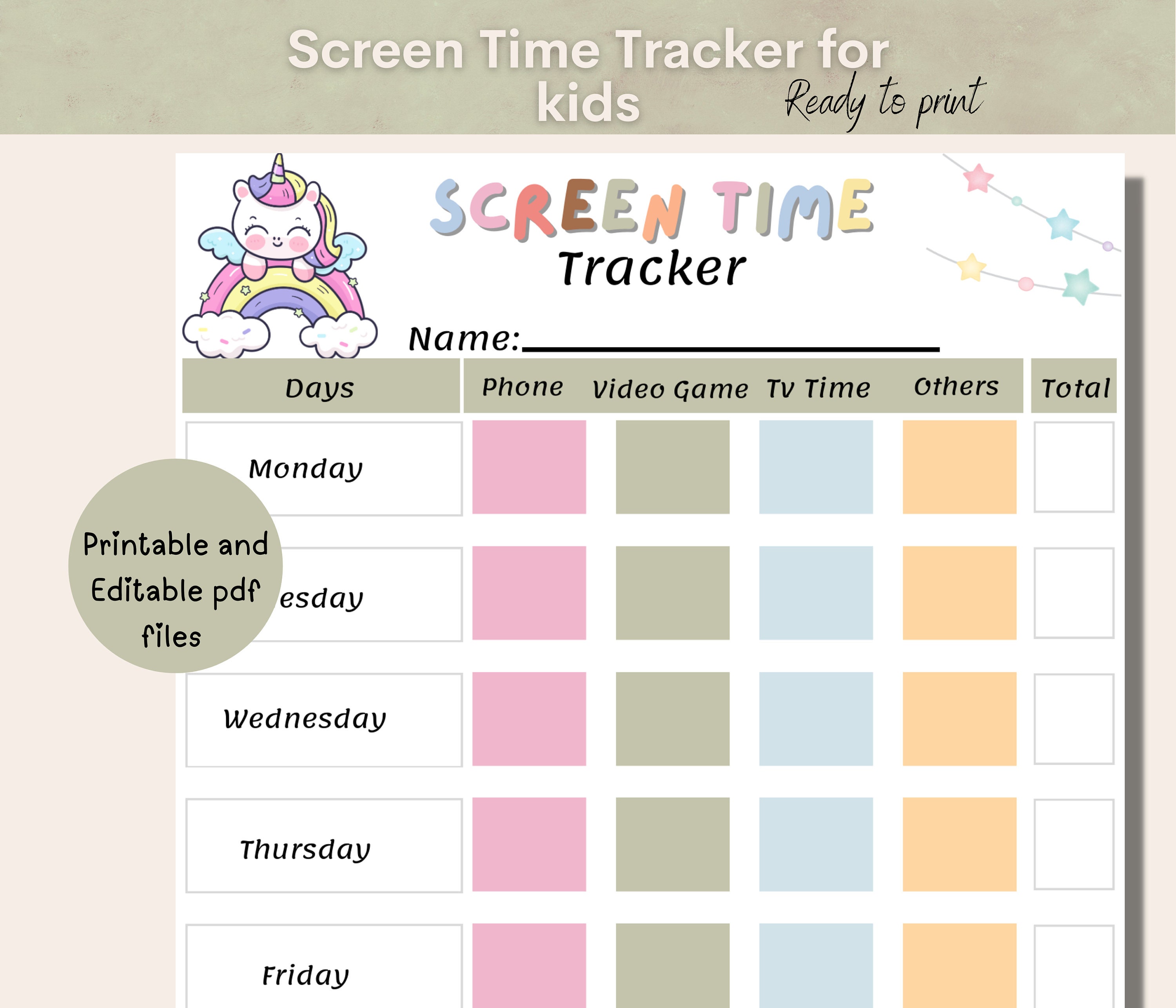
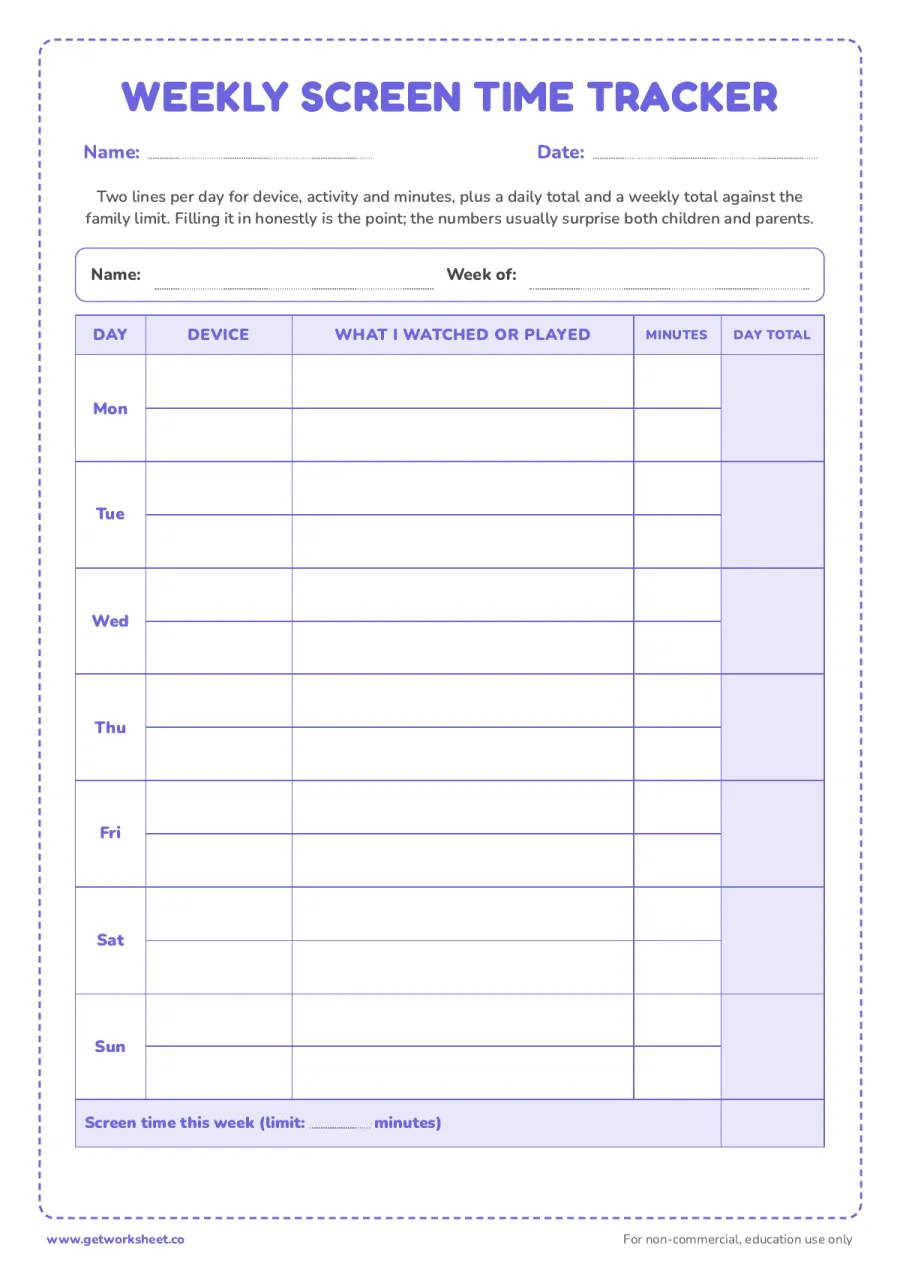
The “weekly screen time tracker for families” is designed for straightforward implementation in various learning environments. The worksheet typically features a simple grid or log format, allowing users to record daily screen time duration and potentially the type of activity for a full week. Instructions are clear and concise, scaffolding learning by guiding users through the process of observation, recording, and reflection. Its difficulty level is moderate, making it accessible for elementary school children with some adult support and easily manageable for middle school students independently. The resource can function effectively as a standalone activity to initiate discussions on digital wellness, or it can be integrated seamlessly into a broader lesson plan on digital citizenship. Furthermore, its nature makes it an ideal homework assignment, encouraging family participation and extending learning beyond the classroom into the home environment, where screen time management is most pertinent.
Practical Tips for Parents and Teachers
- Preparation and Goal Setting: Before beginning, discuss with children or students the purpose of tracking screen time. Establish clear, realistic goals for screen use for the week and record them at the top of the tracker.
- Consistent Engagement: Encourage daily recording rather than retrospective estimation. This builds a habit of mindfulness and ensures accuracy in data collection. Consider a designated time each day for filling out the tracker.
- Facilitate Discussion, Not Judgment: After the week’s tracking is complete, review the results together. Focus conversations on observations and insights rather than criticism. Ask open-ended questions like, “What did you notice about your screen time this week?” or “How did your screen time align with your goals?”
- Model Responsible Behavior: Adults can demonstrate the value of the tracker by completing one for themselves. Children often learn best through observation, making parental or teacher participation a powerful teaching tool.
- Extend the Learning: Use the tracker as a springboard for further activities. This could involve planning alternative non-screen activities, researching the impact of screen time on well-being, or collaboratively creating a family media plan based on the insights gained.
Age-Appropriate Recommendations
Utilizing the “weekly screen time tracker for families” effectively requires tailoring the approach to the developmental stage of the learners.
For Ages 5-8 (Early Elementary), the focus should remain highly visual and collaborative. A parent or teacher should guide the tracking process, perhaps using simple tally marks, stickers, or drawing faces to represent screen time periods. Vocabulary support is crucial; simplify concepts like “entertainment screen time” versus “learning screen time.” Keep sessions brief and positive, emphasizing that tracking helps the family understand how to make smart choices. Direct involvement from an adult is essential for accurate recording and initiating basic discussions about digital balance.
For Ages 9-12 (Upper Elementary/Early Middle School), children can engage more independently with the tracker. Encourage them to record their own data, distinguishing between different types of screen activities (e.g., gaming, homework, video calls). Discussions can delve deeper into why limits are beneficial and how excessive screen time might impact other activities like sleep or outdoor play. Introduce concepts of digital citizenship and the importance of personal responsibility in managing device usage. Parental or teacher involvement transitions from direct guidance to supportive supervision and facilitated discussions.
For Ages 13-18 (Middle/High School), the tracker becomes a tool for self-reflection and personal goal setting. Encourage independent tracking and critical analysis of their own data. Discussions should focus on the impact of screen time on mental health, academic performance, and social interactions. This age group can be challenged to develop their own strategies for balancing online and offline activities, using the tracker as a data-driven foundation for their choices. Adult involvement shifts to a mentoring role, providing resources and supporting autonomous decision-making.
Frequently Asked Questions
Q: What specific information should be recorded on the screen time tracker? A: The tracker typically includes spaces to log the duration of screen use each day and can also incorporate categories for the type of activity, such as educational, social, gaming, or passive viewing. This detail helps identify patterns and areas for adjustment.
Q: How often should the “weekly screen time tracker for families” be used? A: For initial habit formation or when addressing specific concerns, weekly use for several consecutive weeks is recommended. Once healthy patterns are established, intermittent use, such as one week per month, can help maintain awareness and accountability.
Q: Where can the free printable “weekly screen time tracker for families” be accessed? A: This valuable resource, along with many other educational materials, is available for free download directly from the SafeWiredSchools.org website. Simply navigate to the “Worksheets” section to find and print the tracker.
Explore More Free Printable Worksheets
While the “weekly screen time tracker for families” offers a robust starting point for digital wellness, consistent learning flourishes when a single resource is part of a broader educational framework. Continuous reinforcement of digital safety principles is paramount for children and families navigating the complexities of the online world. Educators and parents are invited to explore a full collection of free printable internet safety worksheets, activity sheets, checklists, quizzes, and more at SafeWiredSchools.org Worksheets. These resources cover every essential internet safety topic and are meticulously designed for every grade level and learning environment, ensuring comprehensive and age-appropriate digital literacy development.
Developmental Milestone & Activity Table
| Development Stage | Recommended Daily Duration | Primary Learning Objective |
|---|---|---|
| Preschool & Pre-K | 10 – 15 Minutes | Pencil grip development & basic pre-stroke lines |
| Kindergarten | 15 – 20 Minutes | Letter/number formation & spatial line awareness |
| Early Elementary (Grade 1–2) | 20 – 30 Minutes | Fluency, sentence construction & neatness |
Images References