Introduction
Understanding digital threats is fundamental for safe online experiences. The concept of “virus explained for kids” is most directly applicable for Elementary grades 1-5, where foundational digital literacy begins. This topic serves as a crucial starting point for building digital awareness, encouraging responsible online behavior, and ensuring personal safety across all age groups. Internet safety education stands as a trusted priority for educators, parents, and schools. A proactive approach to understanding potential online harm fosters resilience and informed decision-making in the digital world. Equipping young individuals with knowledge about digital safety threats cultivates a generation of confident and secure online citizens. Explore more in our Internet and Digital Safety category.
💡 Educational Key Takeaways:
- Core Skill: Structured Virus Explained For Kids focused on developing pencil grip, stroke control, and early literacy/math confidence.
- Target Scope: Suited for homeschoolers, preschool, kindergarten, and elementary learners.
- Best Recommendation: Practice 10–15 minutes daily with ergonomic writing tools to reinforce muscle memory without hand fatigue.
Why This Topic Matters
Introducing the topic of digital “viruses” or malicious software provides specific, measurable learning benefits. It enhances critical thinking skills by encouraging discernment of suspicious online content. Students learn to recognize potential dangers like pop-ups or unfamiliar links, reducing susceptibility to harm. The development of safe digital habits, such as cautious clicking and seeking adult assistance, becomes ingrained. Responsible internet use flourishes as individuals understand the consequences of risky online actions. These benefits align directly with established digital citizenship frameworks and child development milestones, promoting independent and secure navigation of digital spaces. This foundational knowledge empowers users to protect personal information and device integrity. Related guide: Teachers Of Grades 9–12 Should Expand Internet Safety Instruction To Include Which Of The Following Topics?.
Key Concepts and Teaching Strategies
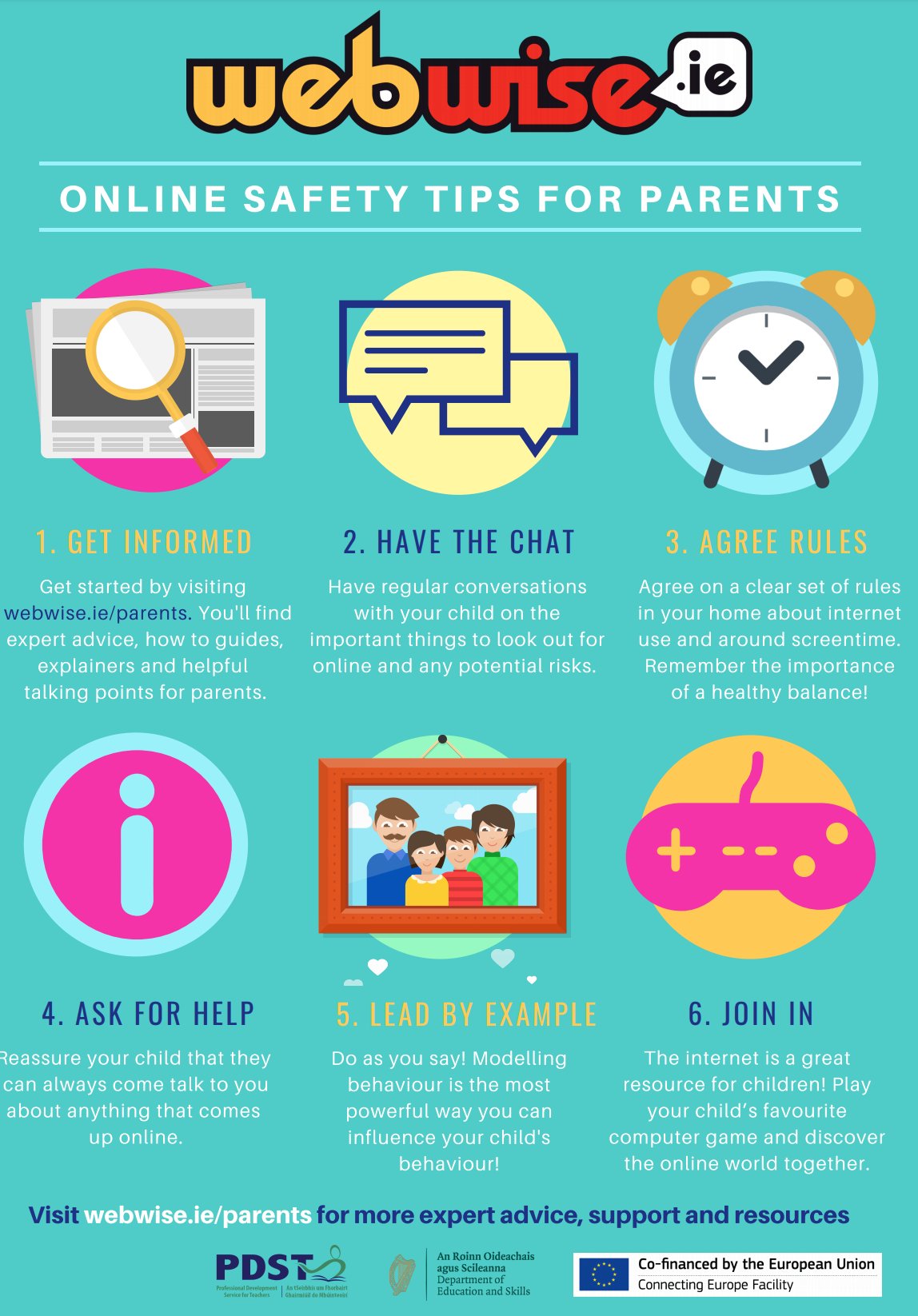
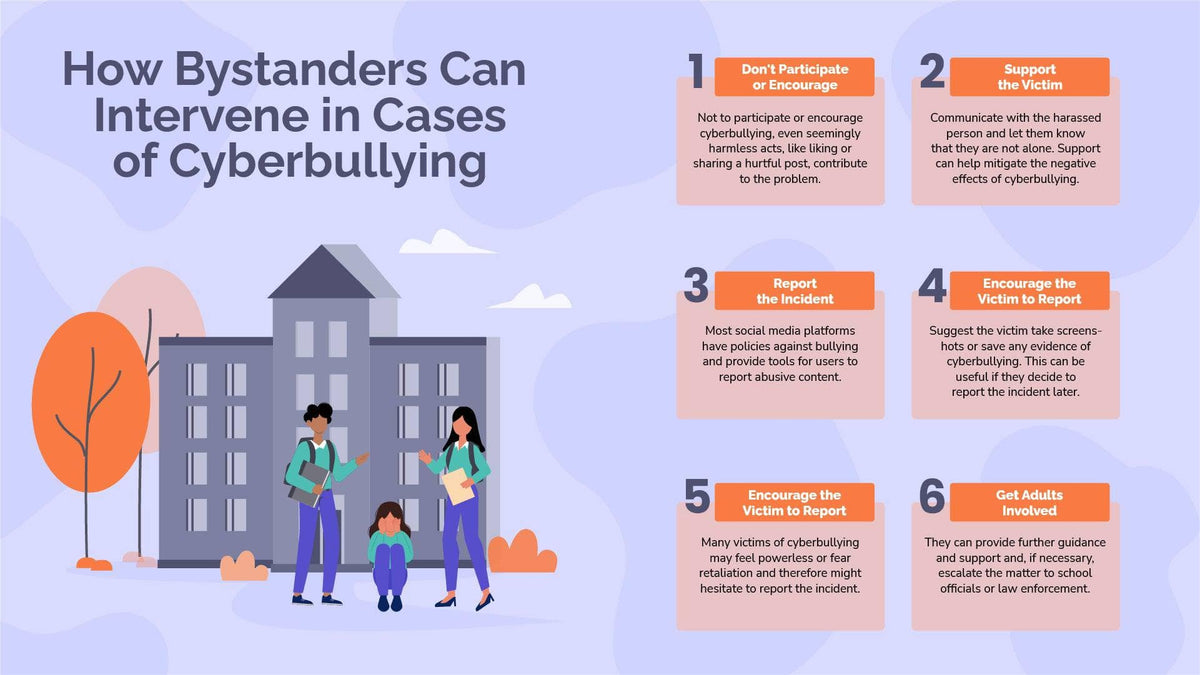
Core concepts covered in “virus explained for kids” include understanding that some software can be harmful, recognizing warning signs, and knowing rules for safe interaction. Practical tips involve avoiding unknown links, not opening suspicious attachments, and always asking an adult for help. Real-life scenarios, such as a pop-up ad appearing unexpectedly, provide tangible learning opportunities. Educators and parents can scaffold learning progressively; for younger children, emphasize “ask an adult before you click.” For older students, discussions can include identifying phishing attempts, understanding the importance of strong passwords, and safe downloading practices. Classroom activities might include identifying safe and unsafe websites, while home-based approaches can involve setting clear family rules for online engagement and device use. Regular discussions about online experiences reinforce these critical lessons. Browse more guides on Safe Wired Schools.
Explore More Resources
The value of consistent digital safety learning routines cannot be overstated. Continued exploration of internet safety topics ensures ongoing skill development. Educators and parents are invited to explore more comprehensive internet safety resources, guides, and printable materials available at safewiredschools.org. These resources support the ongoing education necessary for fostering a secure and positive digital environment for all learners. Continuous learning strengthens the collective defense against evolving online threats.
Developmental Milestone & Activity Table
| Development Stage | Recommended Daily Duration | Primary Learning Objective |
|---|---|---|
| Preschool & Pre-K | 10 – 15 Minutes | Pencil grip development & basic pre-stroke lines |
| Kindergarten | 15 – 20 Minutes | Letter/number formation & spatial line awareness |
| Early Elementary (Grade 1–2) | 20 – 30 Minutes | Fluency, sentence construction & neatness |