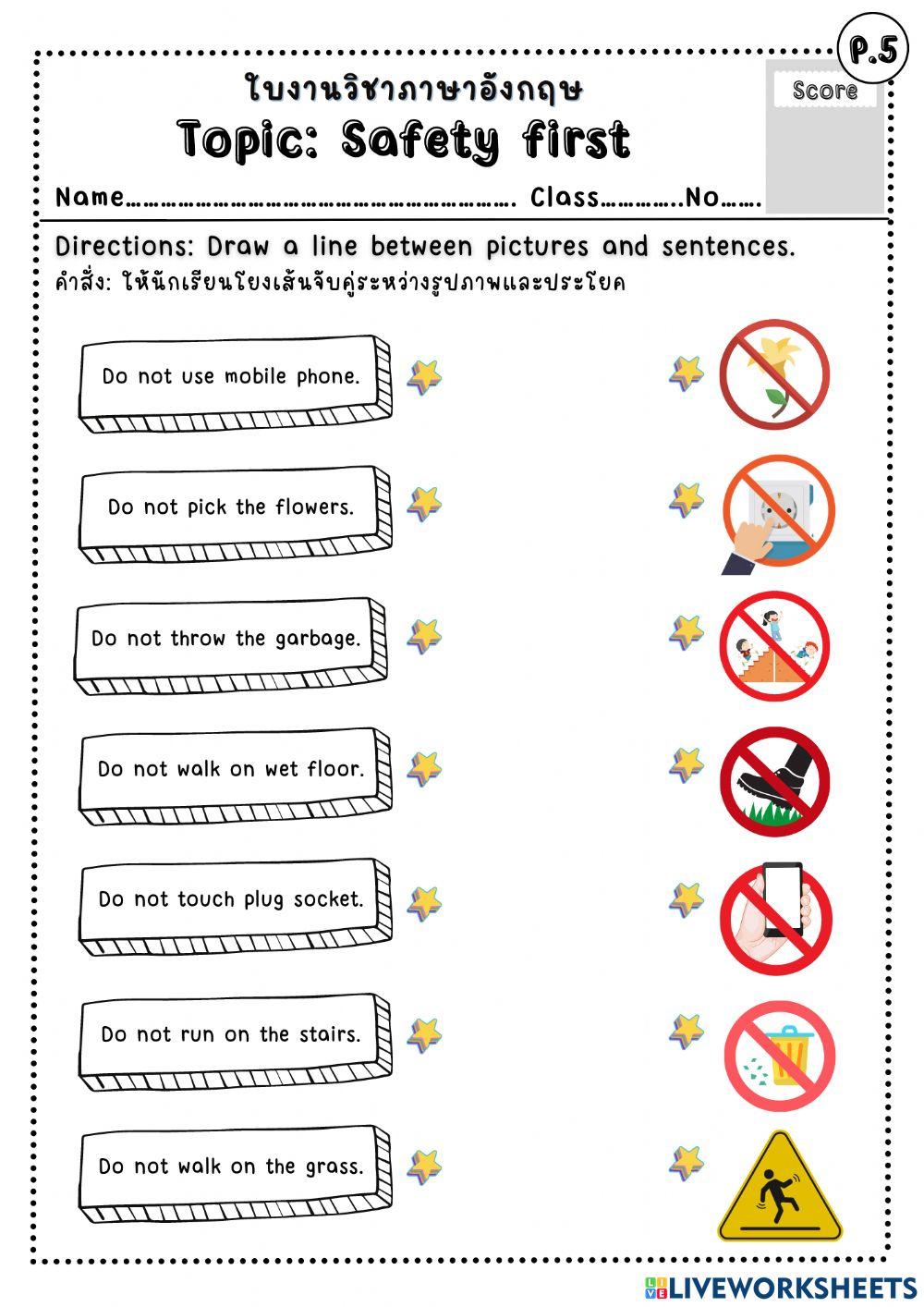
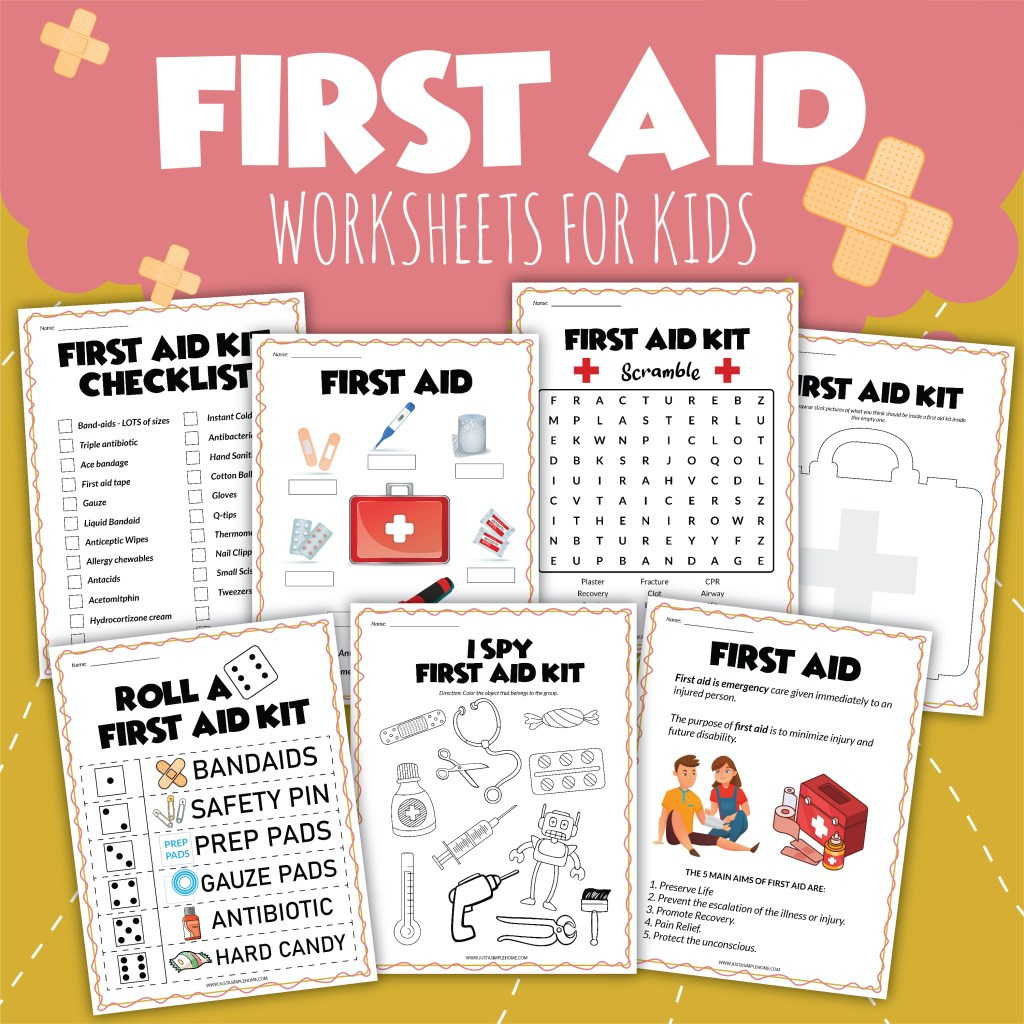
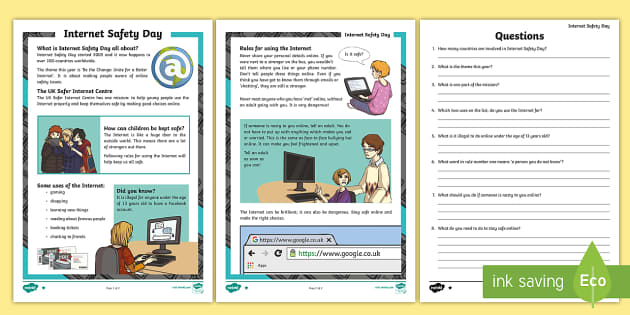
Why Shop Safety Worksheets Matter for Modern Career and Technical Education
As career and technical education expands into digital design spaces, students increasingly interact with virtual shop environments, online tool configurators, and e-learning safety modules. Incorporating shop safety worksheets into blended classrooms helps bridge the gap between physical workshop hazards and virtual device habits. Grounded in guidance from ConnectSafely and the Cybersecurity and Infrastructure Security Agency, digital safety goes beyond traditional physical shop rules. Educators and parents must ensure that downloading digital printables, accessing instructional videos, and submitting online assignments remain secure experiences that do not expose students to unvetted software or phishing traps.
💡 Educational Key Takeaways:
- Core Skill: Structured Shop Safety Worksheets focused on developing pencil grip, stroke control, and early literacy/math confidence.
- Target Scope: Suited for homeschoolers, preschool, kindergarten, and elementary learners.
- Best Recommendation: Practice 10–15 minutes daily with ergonomic writing tools to reinforce muscle memory without hand fatigue.
Digital Risk Signals and Preventive Guardrails for Technical Worksheets
Navigating the internet for instructional handouts and printable resources can sometimes expose students to misleading download links, aggressive pop-up ads, or unintended data collection. Educators can consult our Worksheets guide for structural advice on vetting educational assets. Adults must understand the technical red flags associated with online academic portals and third-party resource repositories.
| Setting / Context | Common Vulnerability | Practical Safeguard |
|---|---|---|
| Home Devices | Malicious file downloads disguised as printable instructional PDFs. | Install reputable endpoint protection and restrict downloads to school-approved learning management systems. |
| School Chromebooks and Tablets | Unfiltered search engine queries leading to scam sites offering free safety manuals. | Enforce network-level domain filtering and bookmark secure, educator-vetted curriculum repositories. |
| Social and Collaborative Chat Habits | Sharing unverified links to interactive tool simulators in peer study groups. | Establish clear communication policies and teach students to verify URLs before clicking shared collaborative materials. |
Actionable Guardrails and Communication Strategies for Families and Schools
Building a cohesive digital citizenship culture requires consistent routines across both the classroom and the living room. When introducing shop safety worksheets, teachers should explicitly demonstrate how to download PDFs safely without clicking deceptive advertising banners. Parents can reinforce these habits at home by designating central charging stations, keeping family computers in common areas, and maintaining calm, open-ended dialogues about what students encounter online. For broader safety frameworks, review our resources on Internet and Digital Safety to keep students protected.
Handling Pushback and Managing Common Student Workarounds
Overly restrictive device bans and blocked content can inadvertently encourage students to seek workarounds, such as using unmonitored personal devices or unauthorized browser extensions to access restricted worksheets. Instead of relying solely on reactive blocking, educators and parents should pair technical filters with transparent explanations. Teaching young learners *why* certain file formats or third-party links are restricted fosters critical thinking. When students understand the reasoning behind digital safety boundaries, they are far more likely to report suspicious pop-ups or broken download links rather than attempting risky workarounds.
Frequently Asked Questions About Integrating Shop Safety Worksheets
How can I ensure downloadable shop safety materials are free from malware?
Always source instructional documents directly from official school learning management systems, reputable district portals, or trusted non-profit safety organizations. Remind students never to download executable files or files ending in unfamiliar extensions when searching for printable educational content.
What age group benefits most from digital safety integration in shop classes?
Students in middle school and high school enrolled in introductory shop, wood-working, engineering, or maker-space electives benefit immensely. As they transition to using digital tools alongside physical machinery, combining physical shop rules with digital hygiene is vital.
How do I talk to my child if they accidentally click a suspicious link while looking for study materials?
Approach the situation with calm curiosity rather than immediate punishment to ensure your child feels safe reporting digital mistakes. Emphasize that closing the window, notifying an adult immediately, and running a quick security check is the correct response to accidental exposure.
Explore More Digital Citizenship Resources
Empowering students to navigate technical assignments safely requires ongoing education, collaborative communication, and reliable resources. To discover additional strategies, lesson plans, and family guidelines, visit us at SafeWiredSchools.org and explore our full collection of Online and Digital Safety tools.
Worksheet Previews & Reference Materials