Why Scenario-Based Learning Shapes Better Digital Choices
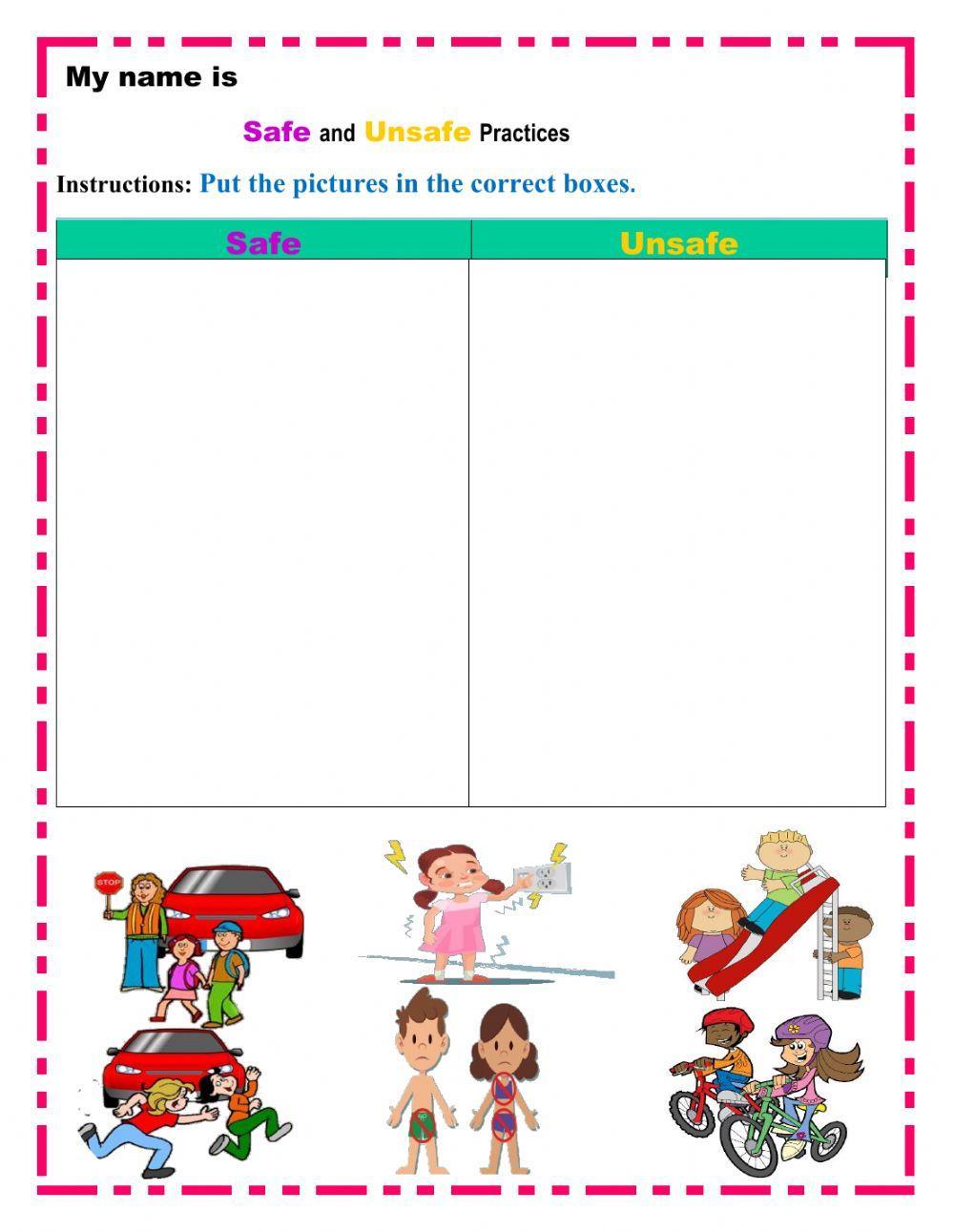
Navigating the digital world requires more than technical filters; it demands critical thinking. When children encounter pop-ups, chat requests, or unknown downloads, they must quickly evaluate potential risks. Integrating safe unsafe situations worksheets into daily lessons gives students concrete scenarios to analyze in a low-stakes environment. Guided by recommendations from organizations like ConnectSafely and the Cybersecurity and Infrastructure Security Agency, educators and parents can use these exercises to build foundational digital literacy, ensuring kids recognize boundary violations, protect their personal information, and know exactly how to seek help.
💡 Educational Key Takeaways:
- Core Skill: Structured Safe Unsafe Situations Worksheets focused on developing pencil grip, stroke control, and early literacy/math confidence.
- Target Scope: Suited for homeschoolers, preschool, kindergarten, and elementary learners.
- Best Recommendation: Practice 10–15 minutes daily with ergonomic writing tools to reinforce muscle memory without hand fatigue.
Evaluating Risk Signals Across School and Home Environments
Digital vulnerabilities change depending on whether a child is using a school-issued device or personal technology at home. To establish robust protection, adults must monitor both technical settings and behavioral shifts. The following breakdown highlights common digital exposure points alongside actionable safeguards for educators and families to implement immediately. Related guide: Free Screen Time Balance Checklist For Kids.
| Setting / Context | Common Vulnerability | Practical Safeguard |
|---|---|---|
| Home Devices & Tablets | Unvetted app store downloads and accidental in-app purchases exposing kids to aggressive data tracking. | Require parent approval passwords for all downloads and review privacy permissions together. |
| School Chromebooks & Portals | Students bypassing web filters or sharing login credentials with peers during collaborative projects. | Enforce strict school policies via Internet and Digital Safety modules that emphasize password secrecy. |
| Online Chats & Multiplayer Gaming | Over-sharing personal details like full names, locations, or school names with unknown players. | Disable public voice and text chat features on gaming platforms and practice safe persona creation. |
Establishing Clear Household Protocols and Classroom Routines
Consistency between school policies and home expectations is vital for reinforcing safe online habits. Educators can introduce interactive Worksheets during computer lab time, prompting students to categorize digital actions as green-light or red-light behaviors. At home, families can complement these lessons by establishing physical boundaries, such as a central charging station in the kitchen where all tablets and smartphones rest overnight. Furthermore, establish a zero-blame reporting rule: reassure children that if they click something suspicious or encounter cyberbullying, they will not lose their device privileges if they come forward immediately. This supportive approach builds trust and ensures minor mistakes do not escalate into hidden crises.
Overcoming Student Workarounds and Managing Device Pushback
Children and teens are resourceful, and overly restrictive internet controls often backfire by driving them to seek out workarounds, such as using anonymous proxy sites or deleting browser history. Instead of relying solely on hard blocks that create an adversarial dynamic, pair technical safeguards with open-ended conversations. When using safe unsafe situations worksheets, ask students why they think a certain online behavior is risky rather than just giving them the answer. Engaging their analytical skills fosters genuine comprehension, making them far less likely to bypass safety measures when adults are not looking.
Frequently Asked Questions About Interactive Safety Exercises
At what age should children start learning about online safety scenarios?
Basic concepts can be introduced as early as kindergarten, focusing on rules like never sharing a home address. As students progress through elementary and middle school, scenarios can expand to cover phishing emails, cyberbullying, and app permissions.
How do I make safety worksheets engaging for reluctant students?
Turn worksheet activities into collaborative group discussions, sorting games, or role-playing exercises. Allowing students to debate whether a fictional online scenario is safe or unsafe encourages active participation.
Can these exercises help prevent cyberbullying?
Yes. Many scenarios focus on digital empathy, helping students identify unkind remarks, exclusion, or harassment online and teaching them how to document and report such behavior effectively.
Continue Exploring Comprehensive Digital Citizenship Resources
Empowering the next generation of digital citizens requires ongoing collaboration between teachers, school administrators, and families. To discover more printable activities, lesson plans, and guidance on safeguarding young users, visit us at SafeWiredSchools.org.
Worksheet Previews & Reference Materials