Why Eight-Year-Olds Need Proactive Digital Guidance Today
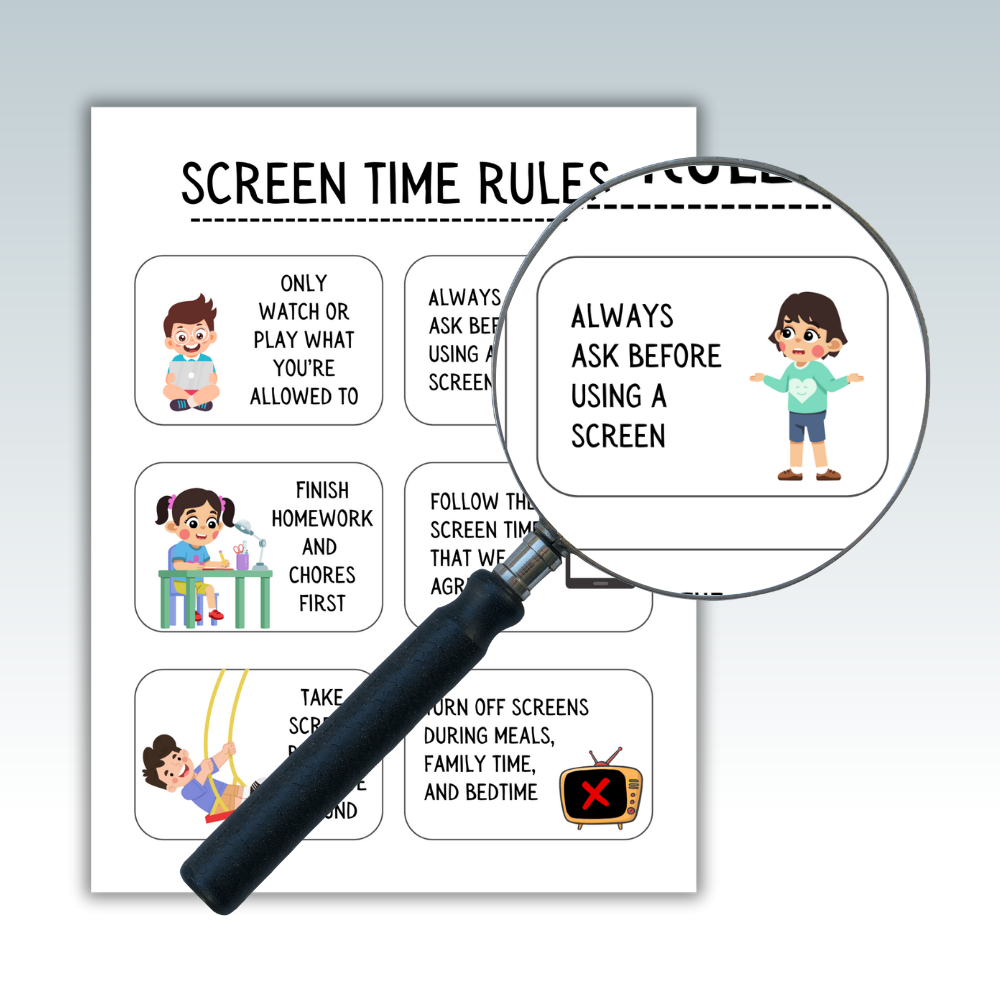
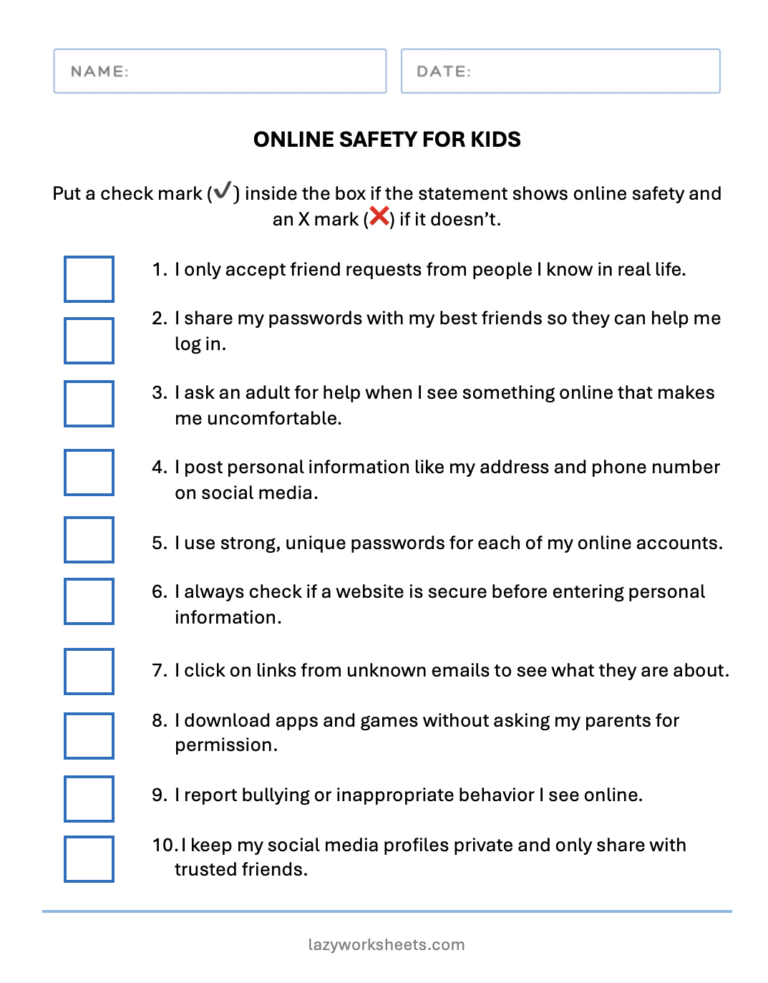
Third grade marks a major developmental milestone for children. At eight or nine years old, students transition from simple interactive games to utilizing school-issued Chromebooks for research, communicating with peers on collaborative school platforms, and navigating streaming apps independently at home. According to youth safety benchmarks from organizations like ConnectSafely and the Cybersecurity and Infrastructure Security Agency, establishing concrete habits during these early elementary years prevents future anxiety. Prioritizing structured online safety for grade 3 ensures children understand that the digital world requires the same mindfulness as crossing a busy street. Explore more in our Internet and Digital Safety category.
💡 Educational Key Takeaways:
- Core Skill: Structured Online Safety For Grade 3 focused on developing pencil grip, stroke control, and early literacy/math confidence.
- Target Scope: Suited for homeschoolers, preschool, kindergarten, and elementary learners.
- Best Recommendation: Practice 10–15 minutes daily with ergonomic writing tools to reinforce muscle memory without hand fatigue.
Spotting Vulnerability Signals in Third Grade Device Use
Adults often struggle to balance digital freedom with protective oversight. While technical blocks are essential, understanding behavioral red flags and environment-specific vulnerabilities helps parents and teachers catch minor issues before they escalate. The breakdown below details common friction points across home and school environments alongside actionable interventions.
| Setting / Context | Common Vulnerability | Practical Safeguard |
|---|---|---|
| Home Tablets & Phones | Unvetted app store downloads and accidental micro-transactions. | Require adult password approval for all downloads and disable in-app purchasing features. |
| School Chromebooks & Tablets | Accessing unmonitored search engine features or open chat tools during downtime. | Pair district-level content filters with educator positioning that keeps screens visible in classrooms. |
| Multiplayer Games & Chat | In-game text boxes where strangers can message young players directly. | Disable all open chat functionalities and restrict gameplay to friends-only modes. |
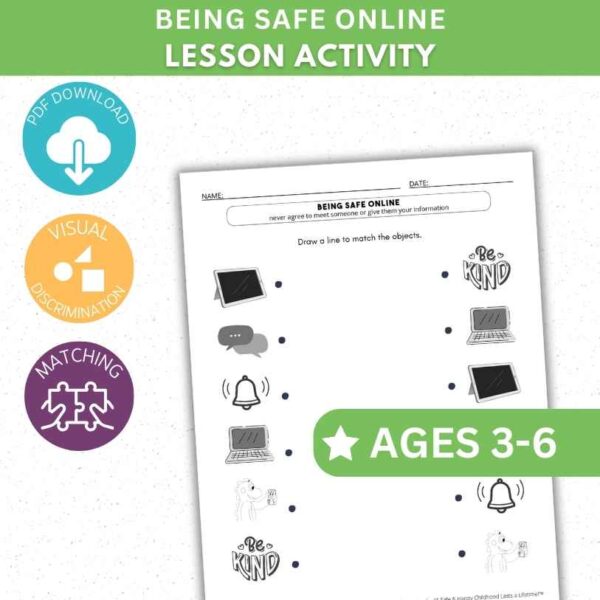
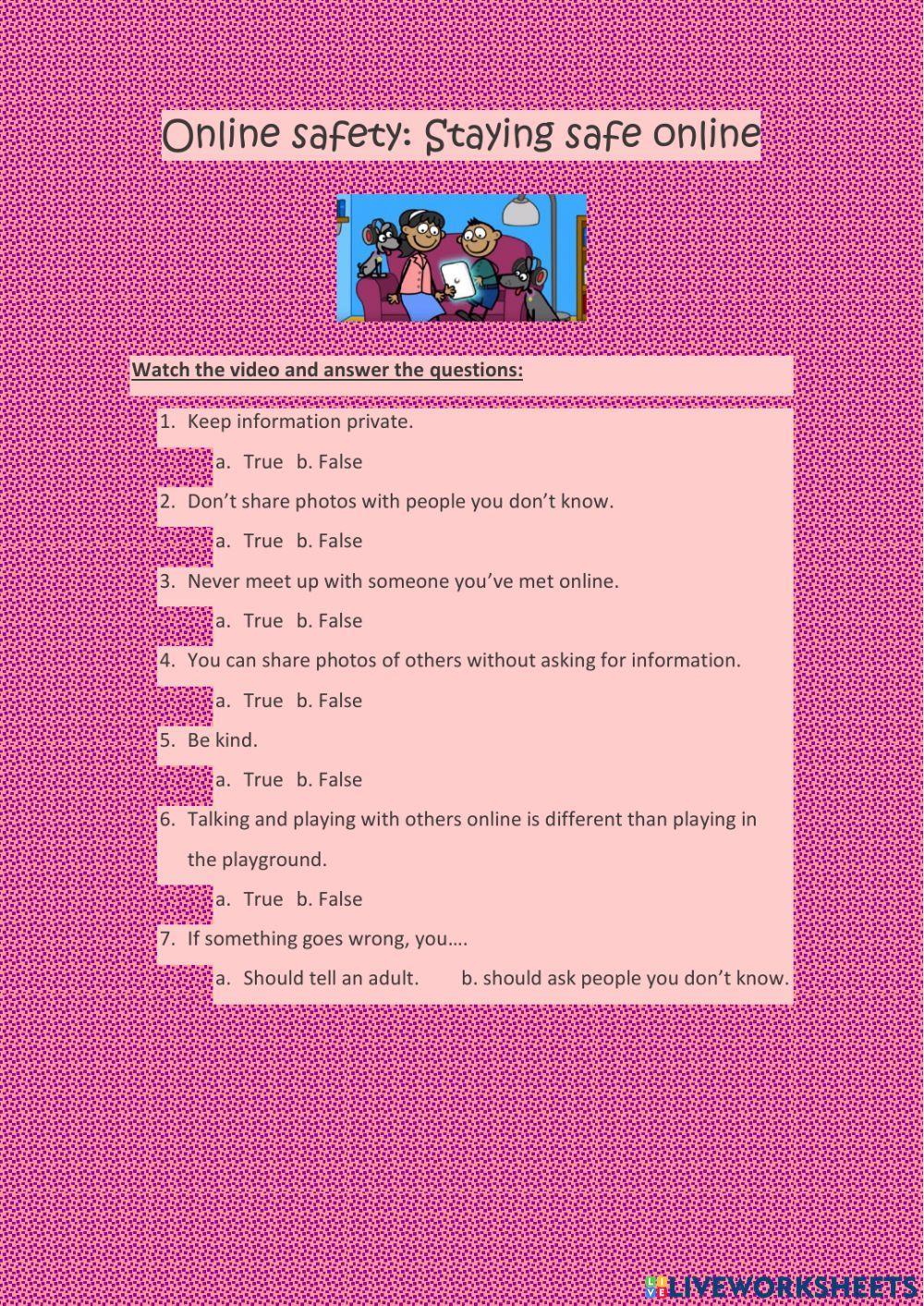
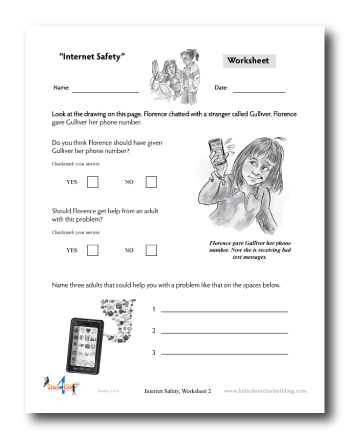
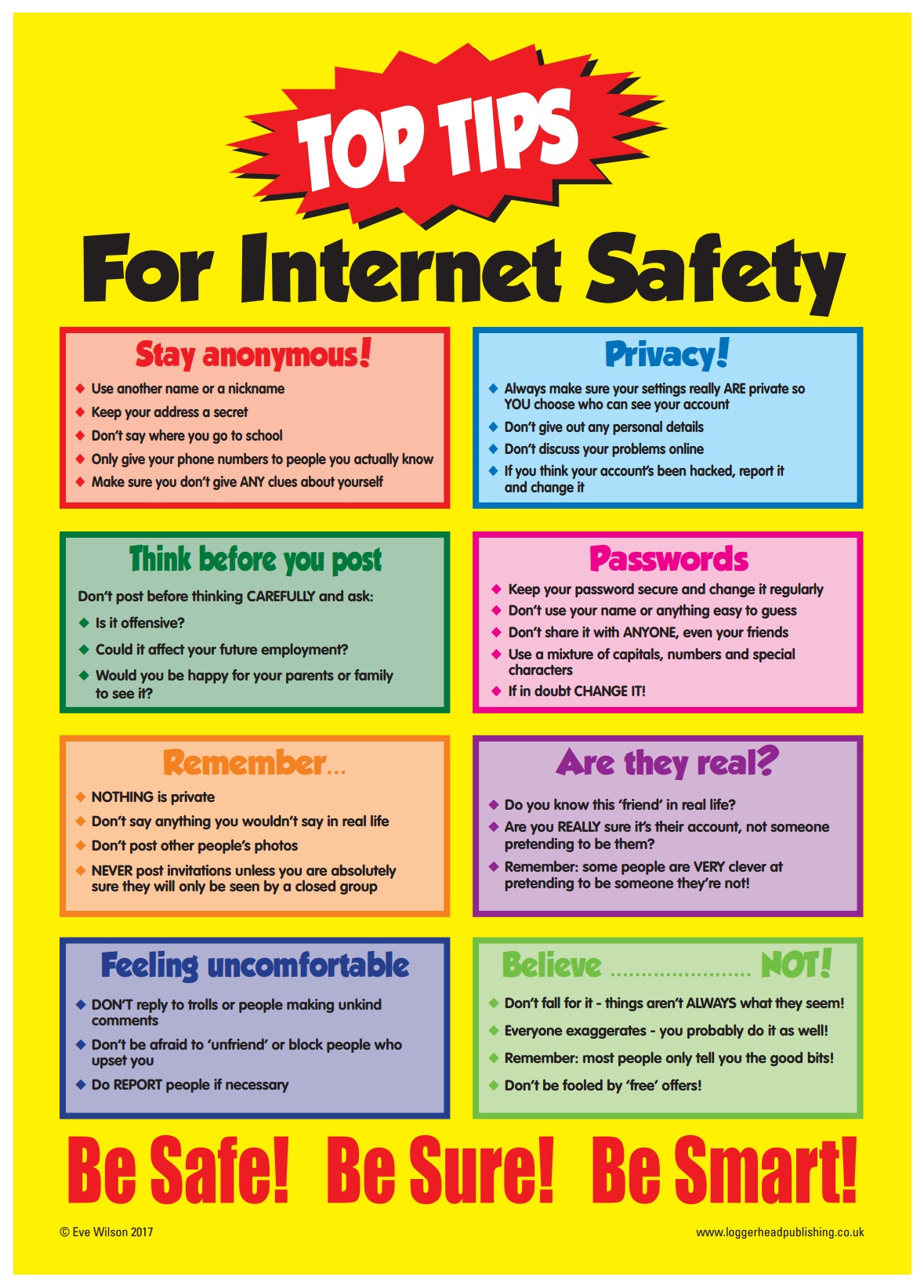
Consistency between the classroom and the living room is the cornerstone of effective digital citizenship. When educators and parents align their expectations, children experience less confusion and fewer loopholes to exploit. Start by setting up a central, public charging station in the home where all tablets, phones, and laptops rest overnight. This eliminates late-night screen time and sleep disruptions. Incorporating engaging Worksheets into classroom lessons gives children low-pressure opportunities to talk through hypothetical online scenarios, such as what to do if a pop-up window offers a free prize. Educators can also reinforce these lessons by encouraging students to complete fun Coloring Pages that highlight core safety rules, like never sharing a home address or full name online.
Addressing Student Workarounds and Emotional Pushback
Third graders are remarkably resourceful and quickly discover how to bypass basic content filters, open incognito tabs, or sneak devices under bedsheets. When adults discover these workarounds, the instinct is often to react with harsh punishments or confiscate devices entirely. However, severe penalties often teach children to hide their digital mistakes rather than seek help. Instead, treat workarounds as a natural teachable moment. Acknowledge their cleverness while calmly explaining why the safety rule exists. Cultivate an environment where a child can say, I clicked something weird, without fearing they will lose access to their favorite educational apps.
Common Questions About Eight-Year-Old Digital Habits
How much screen time is appropriate for a third-grade student?
Focus less on a strict stopwatch number and more on the quality of content and balance of daily activities. Ensure children have ample time for offline play, physical activity, and face-to-face socialization alongside their schoolwork and recreational screen use.
What should my child do if they encounter scary imagery online?
Teach your child the flip the screen or walk away rule, followed immediately by telling a trusted adult. Emphasize that they will never get in trouble for stumbling upon inappropriate content as long as they report it right away.
Most mainstream platforms require users to be at least thirteen years old for privacy and safety compliance. For younger children, stick to closed, adult-managed communication tools or heavily moderated multiplayer games designed specifically for early elementary students.
Explore More Digital Citizenship Resources
Keeping kids safe in a connected world requires ongoing education, open communication, and up-to-date tools for both educators and families. For more expert guides, lesson plans, and practical strategies tailored to elementary students, visit SafeWiredSchools.org today.
Visual Reference Gallery