Introduction
June brings warmer weather, long afternoons, and a sharp uptick in screen time for children of all ages. School bells pause, but digital devices remain active. Children frequently encounter online risks in familiar spaces, such as shared household tablets left unattended on the kitchen counter or unregulated in-game chat features embedded in popular multiplayer video games. Educators and parents recognize the urgent need for structured guidance during these summer months. June is internet safety month, and finding printable exercises offers a practical bridge between screen time and meaningful conversation. Digital citizenship is not an innate trait; it is a learned habit built through consistent, calm reinforcement.
💡 Educational Key Takeaways:
- Core Skill: Structured June Is Internet Safety Month`Looking For Printable Exercises focused on developing pencil grip, stroke control, and early literacy/math confidence.
- Target Scope: Suited for homeschoolers, preschool, kindergarten, and elementary learners.
- Best Recommendation: Practice 10–15 minutes daily with ergonomic writing tools to reinforce muscle memory without hand fatigue.
What This Printable Covers
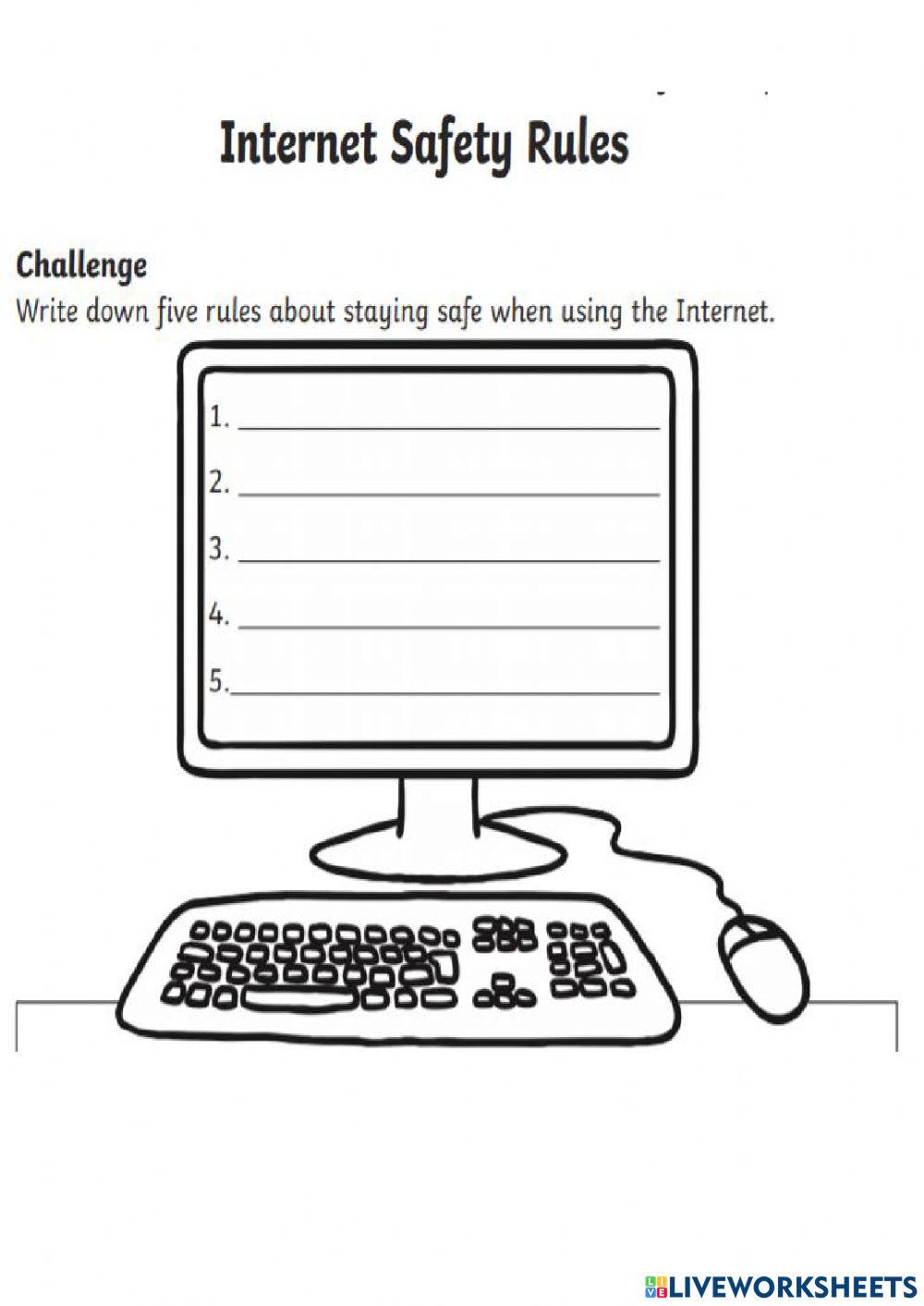
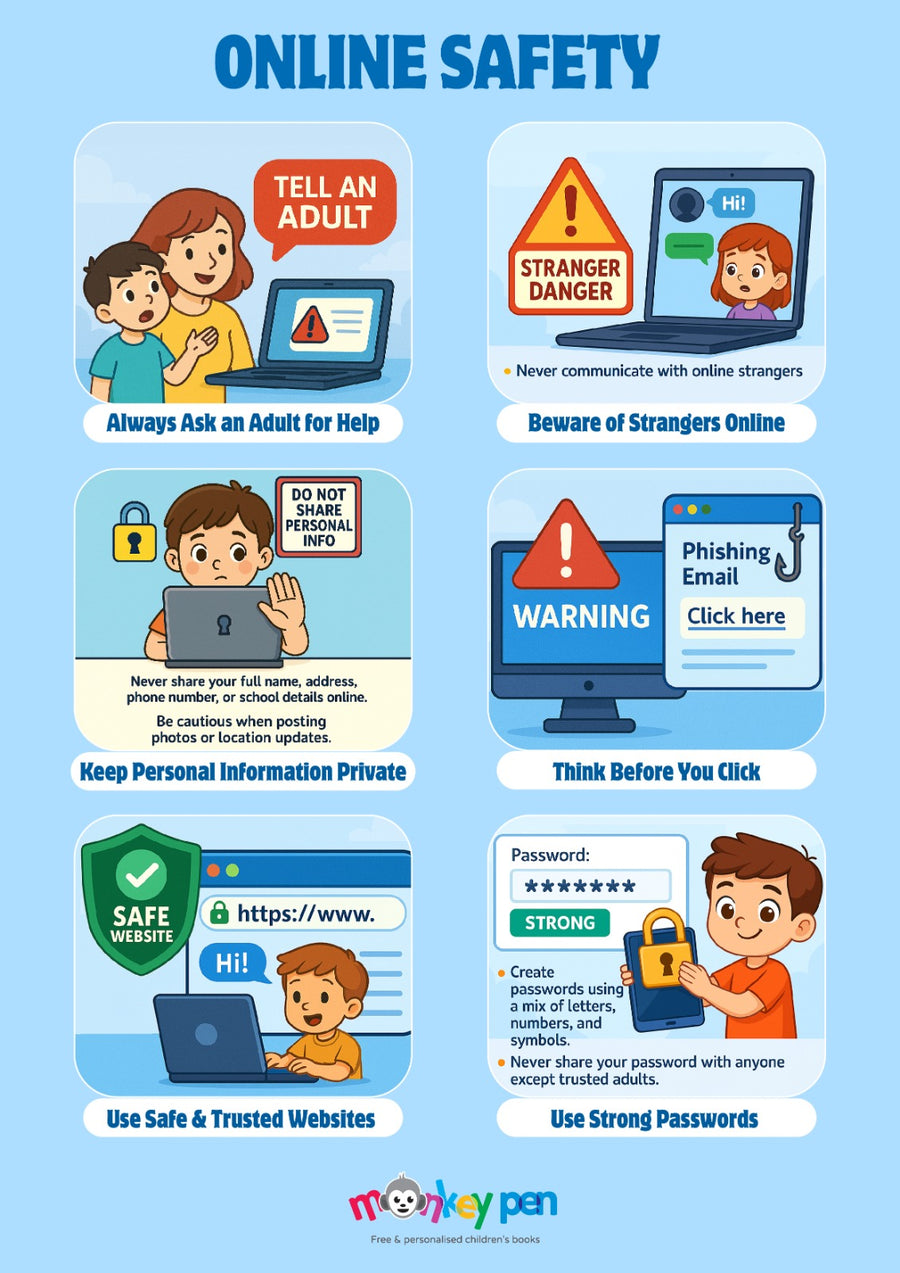
The free printable “June is internet safety month” functions as an interactive worksheet designed to engage young minds through thoughtful prompts and guided exercises. Specific skills practiced include identifying private versus public personal information, recognizing secure account passwords, and understanding the vital protocol of reporting uncomfortable digital encounters to a trusted adult. It sounds simple, and that’s the point. Children grasp complex digital boundaries much faster when abstract concepts translate into concrete writing and matching activities. Worksheets provide a tangible anchor for discussions that might otherwise feel overwhelming or overly technical for elementary-aged learners.
Key Learning Outcomes
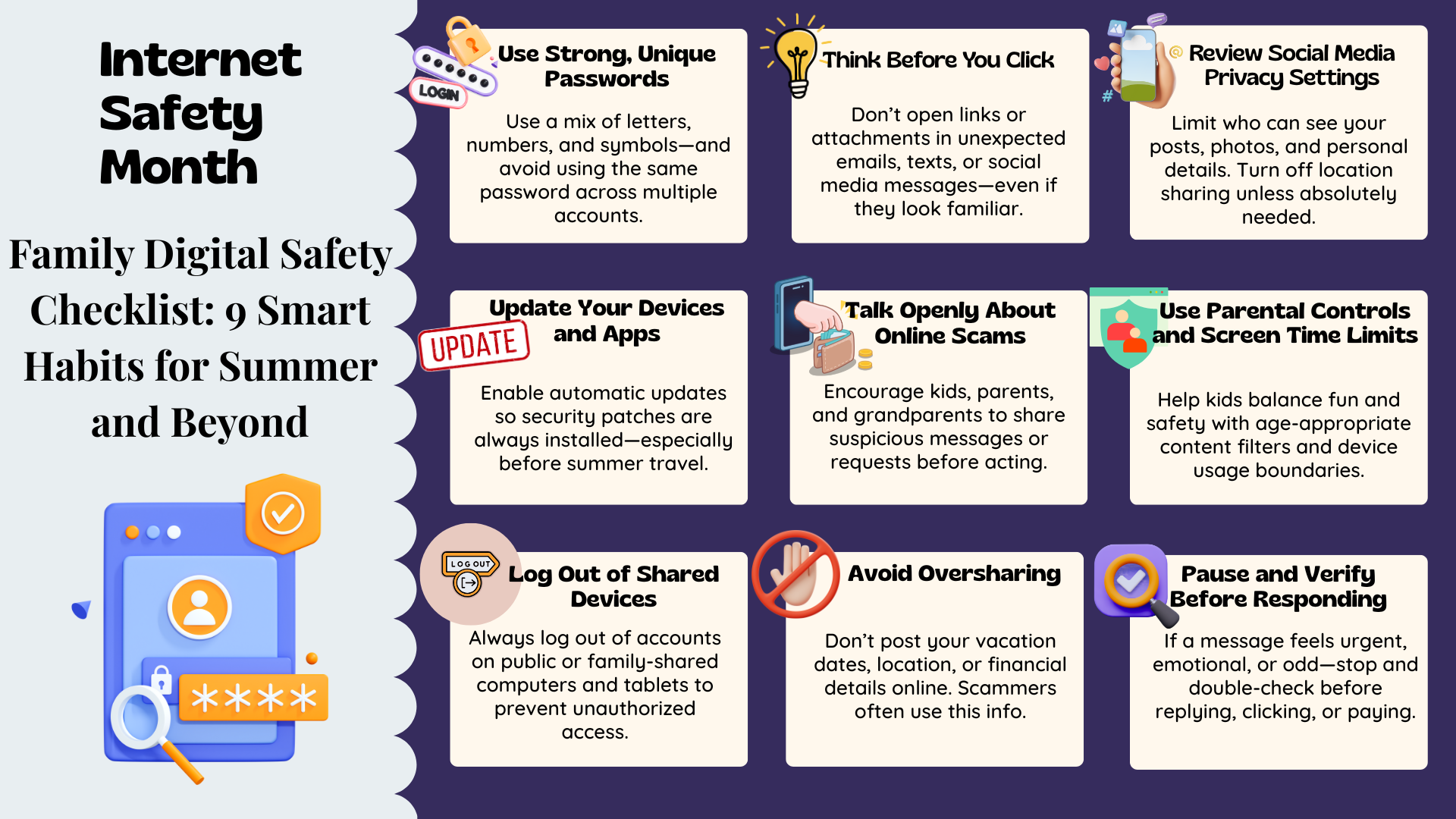
Completing these exercises helps children internalize the foundational rules of safe technology use without instilling fear. Protective habits form the core curriculum: thinking critically before sharing photos or locations, choosing robust passwords, and knowing that reporting a problem never puts the child in trouble. According to the Federal Trade Commission, children frequently navigate digital environments where personal data collection happens seamlessly, making early education on privacy non-negotiable. Educators utilize these printables to foster critical thinking, ensuring students understand that the internet is a public space requiring the same mindfulness as a bustling city park.
How to Use This Printable
Implementation requires zero advanced technical preparation. Adults can easily integrate these downloadable materials into morning meeting routines, classroom centers, or kitchen table discussions. Here’s what makes this resource different: it actively facilitates dialogue rather than testing for rote memorization. Grown-ups sit alongside learners, reading through scenarios together and discussing the best course of action. When children participate in guided practice, they build confidence in their decision-making abilities long before they encounter a tricky situation on a video platform or mobile app.
Practical Tips for Parents and Teachers
Maximizing the impact of any educational handout depends heavily on the surrounding environment. Adults should approach these sessions with a calm, curious demeanor rather than a punitive lecture style. Ask open-ended questions about favorite online games and how players communicate with one another. Frame safety as a superpower rather than a restriction. Exploring additional resources, such as specialized printable activity sheets, reinforces these lessons across multiple subjects and settings, ensuring the messaging sticks throughout the summer break.
Age-Appropriate Recommendations
Children ages five through twelve possess vastly different cognitive developmental stages, requiring tailored approaches to digital safety. Kindergarteners and first graders benefit from focusing on basic concepts like keeping home addresses secret and asking permission before clicking links. Upper elementary students tackle nuanced scenarios involving digital footprints, peer interactions, and recognizing misleading online content. Aligning instruction with the Common Sense Education Digital Citizenship Curriculum ensures that activities match developmental milestones, keeping expectations realistic and achievable for every unique learner.
According to Common Sense Media research, a significant percentage of children begin using mobile devices and engaging with digital media before entering kindergarten, highlighting the necessity for very early foundational safety habits. — Common Sense Media
Frequently Asked Questions
How do adults download and print these safety materials?
Accessing the files requires simply clicking the download link on the platform, saving the document to a device, and sending it to any standard home or classroom printer.
How does this specific resource support online safety learning?
The printable uses guided writing, matching, and scenario analysis to transform abstract digital citizenship rules into memorable, actionable daily habits for kids.
What does the National Center for Missing & Exploited Children recommend for talking to kids online?
The National Center for Missing & Exploited Children emphasizes maintaining open communication, keeping internet devices in common family areas, and ensuring children know they can always report worries without fear of punishment.
Explore More Free Kids Online Safety Printables
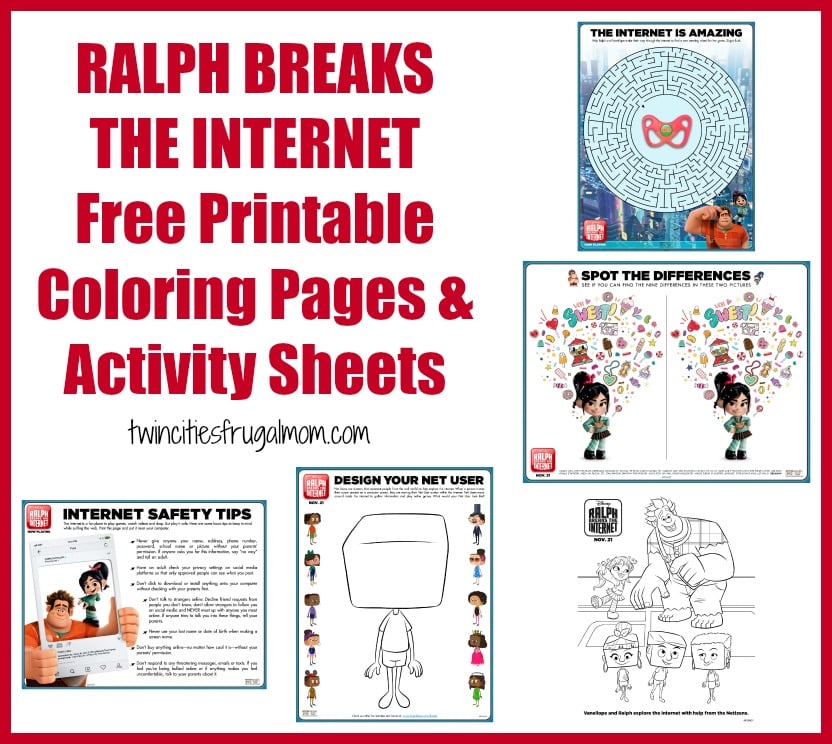
Comprehensive digital citizenship education extends far beyond a single worksheet. Adults committed to fostering secure digital habits can browse a wide variety of supplemental tools to keep momentum going all year long. Discover creative options like engaging educational coloring pages that make foundational rules approachable for younger children. For broader lesson planning, explore comprehensive guides on internet and digital safety, or check out expert articles focused on online and digital safety strategies designed specifically for families and educators.
Developmental Milestone & Activity Table
| Development Stage | Recommended Daily Duration | Primary Learning Objective |
|---|---|---|
| Preschool & Pre-K | 10 – 15 Minutes | Pencil grip development & basic pre-stroke lines |
| Kindergarten | 15 – 20 Minutes | Letter/number formation & spatial line awareness |
| Early Elementary (Grade 1–2) | 20 – 30 Minutes | Fluency, sentence construction & neatness |
Images References