Introduction
The “free weekly screen time checklist for kids” offers a vital educational tool, primarily designed for Elementary grades 15 and Middle School grades 68, extending its utility into early High School for habit reinforcement. This printable resource plays a crucial role in reinforcing internet safety concepts by engaging learners in hands-on tracking and reflection regarding their digital habits. Printable worksheets are widely trusted by educators and parents as effective tools for building digital awareness, encouraging responsible online behavior, and fostering a balanced approach to technology. Their tangible nature allows for direct interaction, making abstract concepts like screen time management more concrete and actionable for young minds. This checklist stands as a testament to practical learning, empowering children to develop crucial self-regulation skills in an increasingly digital world.
💡 Educational Key Takeaways:
- Core Skill: Structured Free Weekly Screen Time Checklist For Kids focused on developing pencil grip, stroke control, and early literacy/math confidence.
- Target Scope: Suited for homeschoolers, preschool, kindergarten, and elementary learners.
- Best Recommendation: Practice 10–15 minutes daily with ergonomic writing tools to reinforce muscle memory without hand fatigue.
What This Worksheet Covers
This “free weekly screen time checklist for kids” addresses the essential topic of digital wellness through effective screen time management. It covers key concepts related to monitoring daily and weekly digital device usage, distinguishing between productive and recreational screen activities, and setting personal boundaries. The worksheet encourages learners to track their time spent on various digital platforms, promoting an understanding of where and how their screen time is utilized. This content aligns directly with recognized digital citizenship and child safety education standards that emphasize responsible technology use, digital well-being, and the development of healthy online habits. It serves as a practical framework for children to visualize and evaluate their engagement with digital media, moving beyond simple time limits to a more thoughtful approach to digital consumption.
Key Learning Outcomes
By engaging with the “free weekly screen time checklist for kids,” students and children will develop several critical skills and areas of knowledge:. Browse more guides on Safe Wired Schools.
- Self-Regulation and Goal Setting: Learners gain the ability to set personal goals for their digital device usage and monitor their progress, fostering crucial self-management skills.
- Awareness of Digital Consumption: The checklist enhances a child’s understanding of how much time is spent on screens, promoting mindfulness about their digital presence.
- Understanding Balanced Activities: Children learn to recognize the importance of balancing screen time with offline activities, contributing to overall well-being.
- Communication Skills: The resource facilitates discussions about screen time rules and expectations within families, improving communication regarding digital boundaries.
- Personal Responsibility: It instills a sense of accountability for one’s digital habits, encouraging proactive choices for healthier engagement with technology.
How to Use This Worksheet
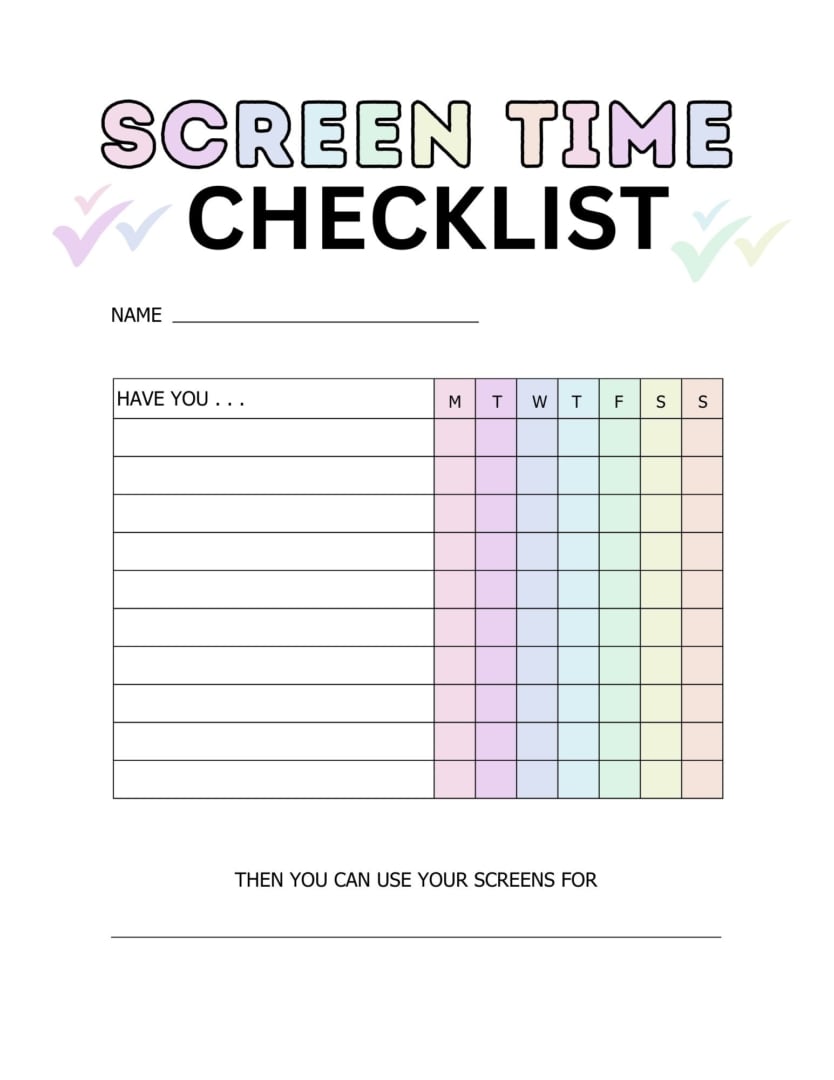
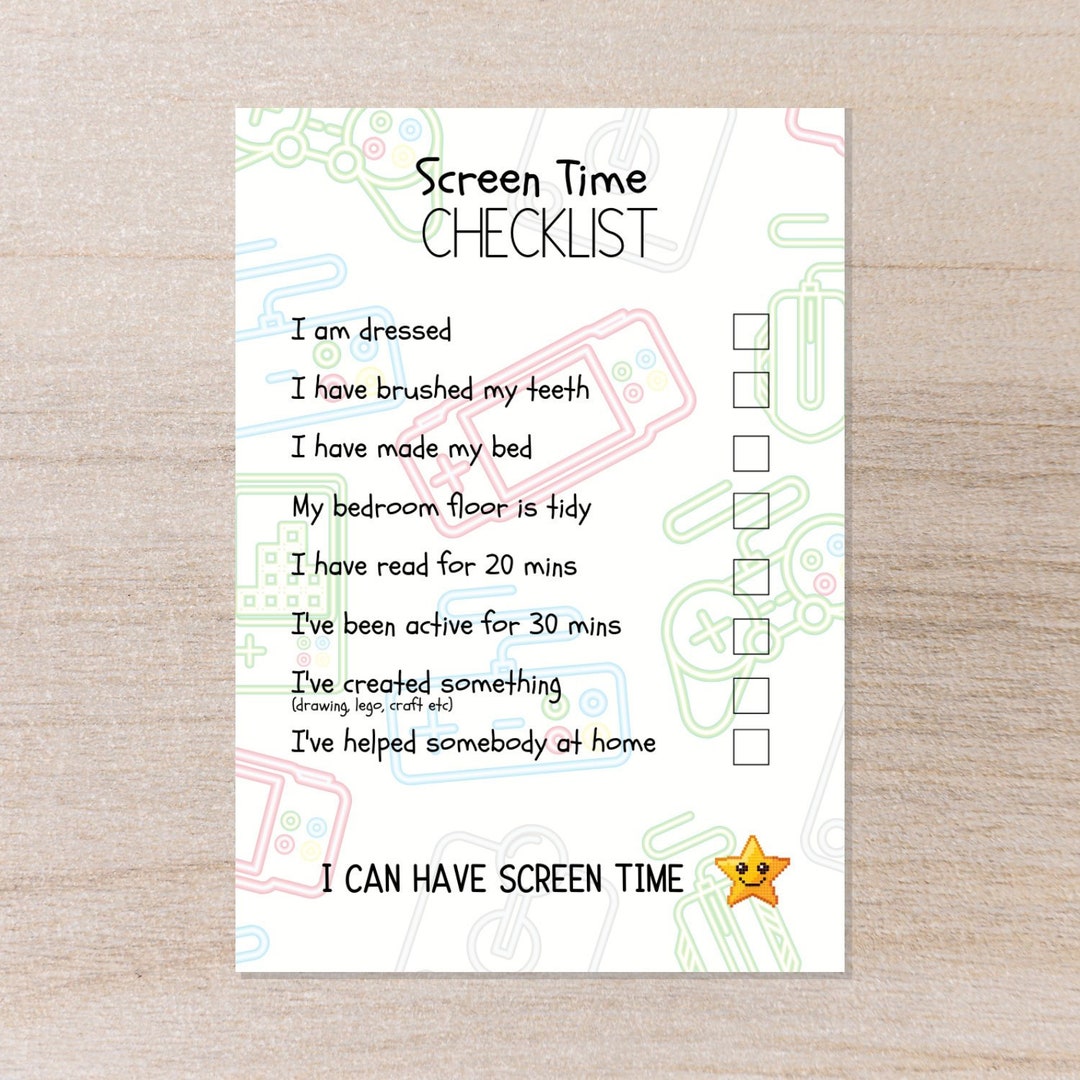
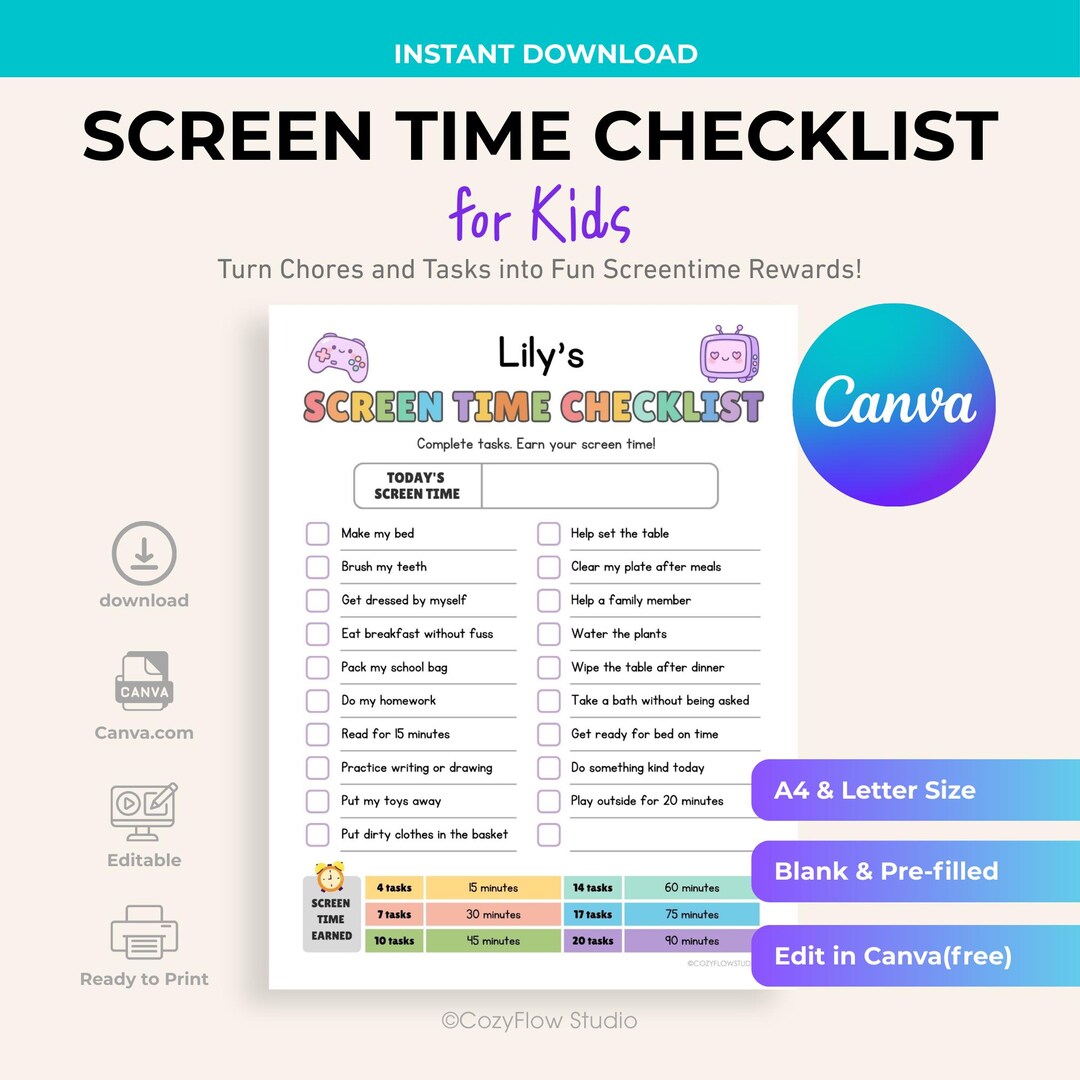
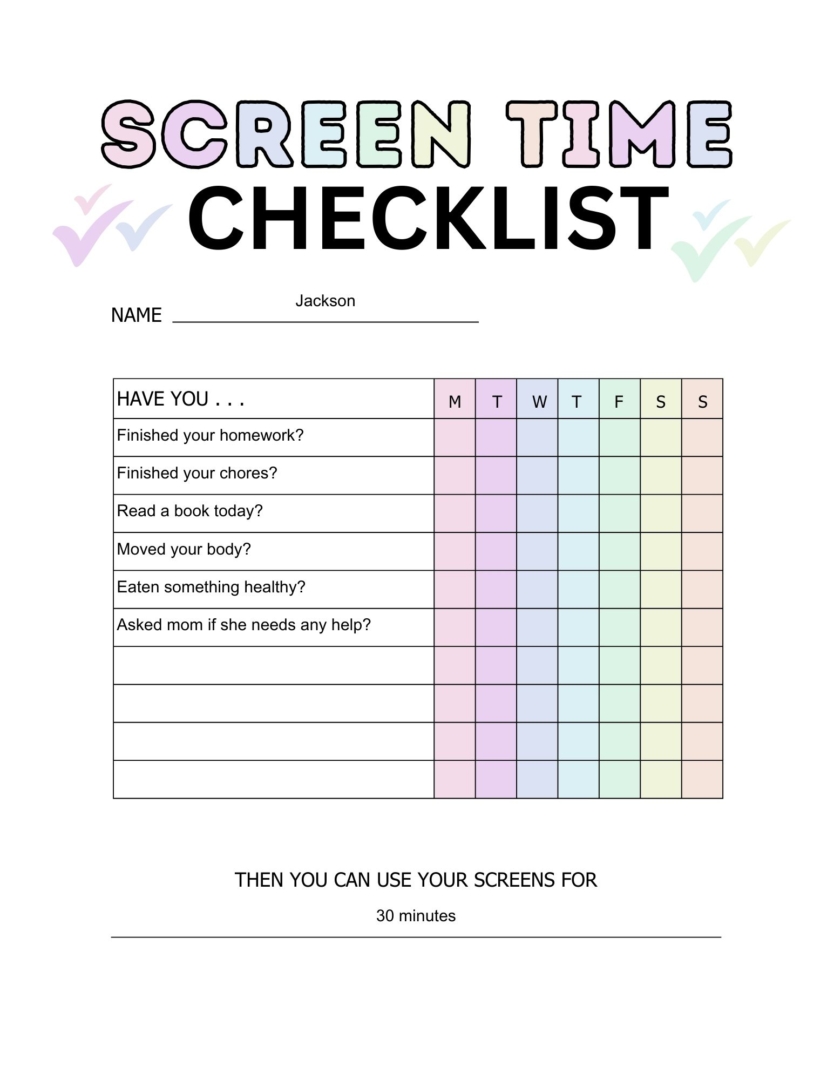
Educators and parents can effectively integrate the “free weekly screen time checklist for kids” into learning routines both in the classroom and at home. The worksheet typically features a straightforward tracking format, incorporating check-off boxes, simple time logs, and reflective prompts suitable for its target age groups. Its difficulty level is designed to be accessible, with instructions that progressively scaffold learning, starting with basic tracking and moving towards more reflective analysis. This resource functions excellently as a standalone activity to initiate discussions about digital habits, can be incorporated as part of a broader lesson plan on digital citizenship, or assigned as homework to encourage consistent monitoring. The tactile nature of the printable worksheet allows children to physically engage with their screen time data, making the learning experience more personal and impactful.
Practical Tips for Parents and Teachers
- Establish Clear Expectations: Before beginning, discuss what constitutes screen time, set realistic weekly goals, and explain the purpose of tracking to the child.
- Regular Review Sessions: Dedicate specific times each week to review the completed checklist together, celebrating successes and constructively addressing any challenges.
- Foster Open Dialogue: Use the checklist as a prompt for conversations about online activities, encouraging children to share what they learned and how they felt about their screen time.
- Integrate Offline Alternatives: Actively suggest and plan non-screen activities alongside the checklist to demonstrate and encourage a balanced lifestyle.
- Customize and Adapt: Modify the checklist or adjust goals to fit individual needs, family rules, or classroom objectives, ensuring relevance and engagement for every child.
Age-Appropriate Recommendations
Implementing the “free weekly screen time checklist for kids” requires tailoring the approach to different developmental stages to maximize its effectiveness.
Ages 5-8 (Early Elementary): For younger children, the focus should be on simple, visual tracking with significant adult guidance. Vocabulary should be kept basic, explaining concepts like “games,” “videos,” and “reading on screen.” The activity pacing should be gentle, perhaps tracking only 2-3 specific types of screen use. Parental involvement is crucial here, helping fill in boxes, discussing daily entries, and ensuring understanding of basic time limits. The goal is to introduce the concept of screen time awareness rather than strict adherence to limits.
Ages 9-12 (Late Elementary/Early Middle School): Children in this age group can take on more independence in tracking their screen time. Encourage them to set their own weekly goals, distinguish between educational and entertainment screen use, and reflect on how different activities make them feel. Vocabulary can expand to include terms like “digital wellness” and “responsible use.” Discussion prompts can delve deeper into the types of content consumed and the balance with physical activities. Teacher or parental involvement shifts from direct assistance to mentorship, guiding reflection and problem-solving.
Ages 13-18 (Middle/High School): For adolescents, the checklist promotes self-assessment and critical thinking about digital well-being. The approach should emphasize personal responsibility, negotiating boundaries, and understanding the long-term impact of digital habits on academic performance, sleep, and social interactions. Vocabulary can include concepts such as “digital footprint,” “cyber etiquette,” and “mindful technology use.” The role of adults is to facilitate self-reflection, encourage healthy decision-making, and offer support in managing increasingly complex digital lives. The checklist becomes a tool for personal accountability and a starting point for discussions on digital independence.
Frequently Asked Questions
Q: What is the primary purpose of this screen time checklist? A: This resource aims to help children and families monitor and manage digital device usage, fostering balanced online habits and promoting digital well-being through conscious tracking and reflection.
Q: How often should the “free weekly screen time checklist for kids” be used? A: The checklist is designed for weekly tracking, encouraging consistent monitoring and regular review of screen time patterns to help build sustainable and healthy digital habits over time.
Q: Where can the “free weekly screen time checklist for kids” be accessed and downloaded? A: The printable checklist is available for immediate download on the SafeWiredSchools.org website, typically found in the “Worksheets” or “Resources” section, completely free of charge.
Explore More Free Printable Worksheets
While the “free weekly screen time checklist for kids” offers a powerful tool for digital wellness, its impact is magnified when integrated into a consistent digital safety learning routine. A single worksheet works best as part of a broader collection of printable resources that address the multifaceted aspects of internet safety. Educators and parents are invited to explore a full collection of free printable internet safety worksheets, activity sheets, checklists, quizzes, and more at SafeWiredSchools.org Worksheets. These resources cover every internet safety topic and are meticulously designed for every grade level and learning environment, ensuring comprehensive and continuous digital literacy education.
Developmental Milestone & Activity Table
| Development Stage | Recommended Daily Duration | Primary Learning Objective |
|---|---|---|
| Preschool & Pre-K | 10 – 15 Minutes | Pencil grip development & basic pre-stroke lines |
| Kindergarten | 15 – 20 Minutes | Letter/number formation & spatial line awareness |
| Early Elementary (Grade 1–2) | 20 – 30 Minutes | Fluency, sentence construction & neatness |
Images References