Why Blending Fire Safety Education With Safe Digital Habits Matters
When young learners search online for creative activities, finding trusted resources like free printable coloring pages for fire safety can turn a simple art project into a vital lifesaving lesson. However, navigating the open web for downloadable worksheets introduces children to unexpected risks, ranging from malicious pop-up ads and hidden malware downloads to adult content redirection. Grounding our approach in youth online safety guidance from organizations like ConnectSafely and the Federal Trade Commission (FTC), educators and parents must remember that digital literacy goes hand in hand with physical well-being. By proactively preparing kids to navigate educational resource sites safely, we protect them from digital threats while reinforcing crucial community helper and emergency response lessons.
💡 Activity Key Takeaways:
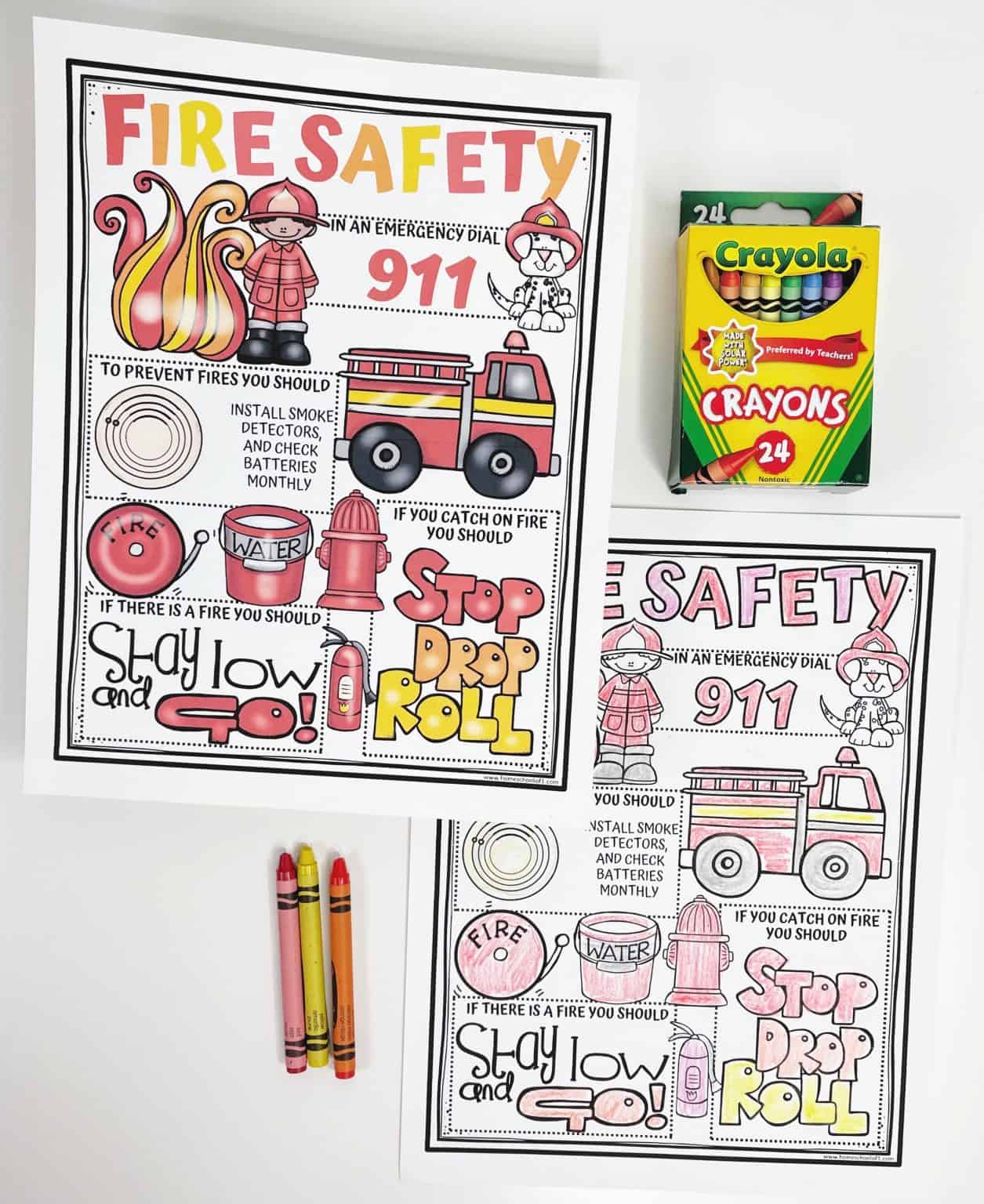
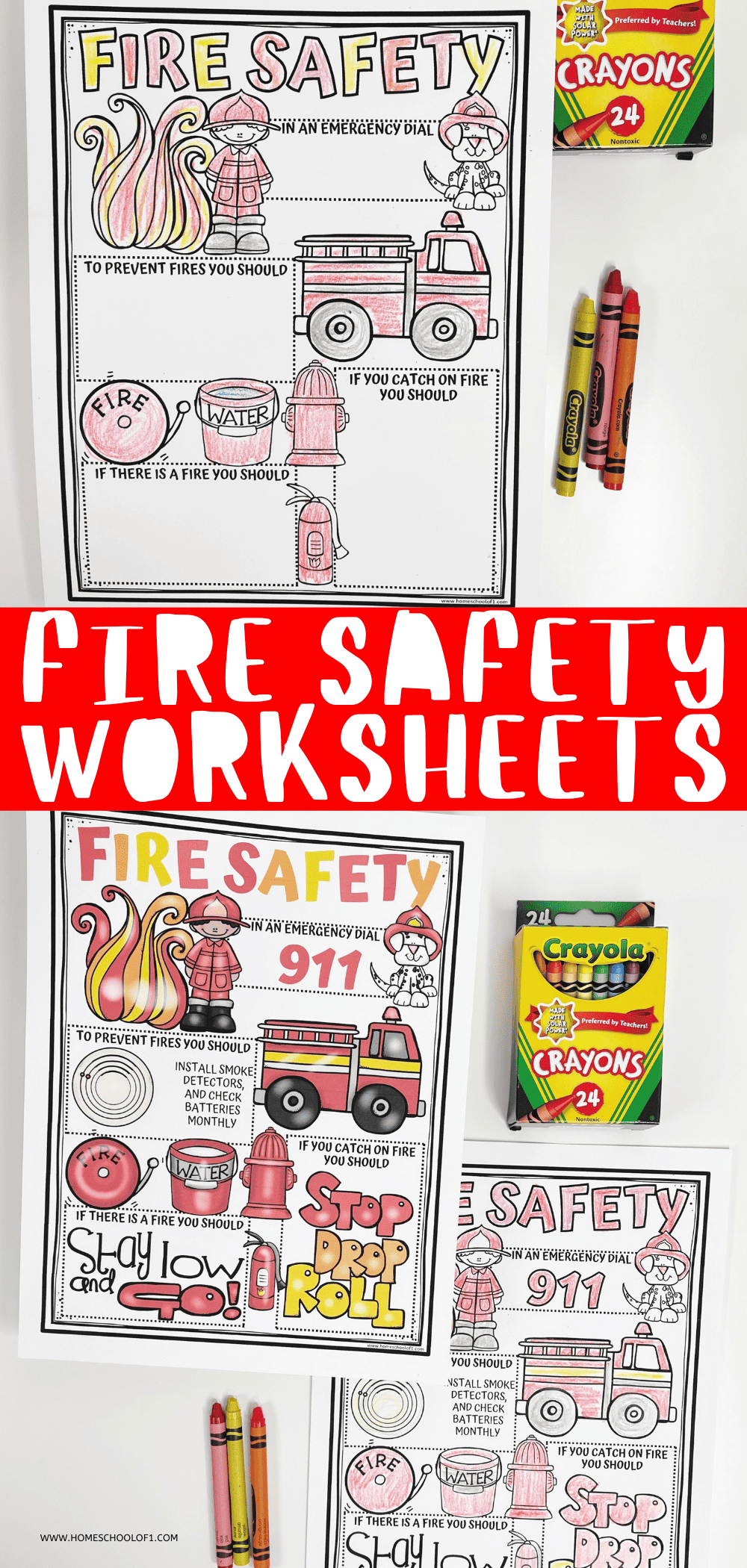
- Core Focus: Printable Free Printable Coloring Pages For Fire Safety designed for creative expression and fine-motor coordination.
- Target Scope: Ideal for toddlers, preschool, kindergarten, and classroom art activities.
- Best Recommendation: Use standard heavy printer paper (24–28 lb) or cardstock for vibrant results with crayons, colored pencils, or washable markers.
Assessing Digital Exposure Risks When Downloading Creative Classroom Materials
Children searching independently for printable sheets often encounter unvetted websites featuring aggressive advertising or deceptive download links. To help adults evaluate these potential hazards, the following breakdown outlines common vulnerabilities across different environments and offers practical technical safeguards to keep students secure.
| Setting / Context | Common Vulnerability | Practical Safeguard |
|---|---|---|
| Home Devices & Tablets | Accidental clicks on fake download buttons or malicious third-party banner ads. | Install reputable content filtering extensions and guide children to curated Coloring Pages directories vetted by educators. |
| School Chromebooks & Laptops | Bypassing network firewalls to reach unverified freebie platforms during independent research. | Enforce district-level administrative restrictions and utilize curated Worksheets platforms that strip out external advertising. |
| Messaging & Peer Sharing | Clicking direct links shared by peers in chat apps that lead to unverified file repositories. | Teach a pause-and-verify habit, encouraging students to consult an adult before opening links sent via peer chat. |
Establishing Clear Guidelines for Safe Online Searches and Downloads
Protecting students during digital art sessions requires a blend of age-appropriate device controls and open, predictable routines. Rather than hoping children avoid hazardous links, adults can establish structured workflows that make safe choices the easiest path. Begin by setting up shared device charging stations in common household or classroom areas to discourage unsupervised late-night browsing. Parents should configure built-in safe search features on all family browsers, while school technology coordinators should routinely audit student-facing resource hubs. When introducing new online projects, review digital safety expectations clearly, emphasizing that if a pop-up window appears or asks for personal information, the student should immediately stop and notify an adult without fear of punishment or reprimand.
Overly restrictive internet filters can sometimes backfire, driving curious students to seek out workarounds or unmonitored devices to find the exact imagery they want. When children encounter blocked pages or clumsy download forms, they may feel tempted to click blindly just to secure their coloring sheet. Instead of relying purely on blocking mechanisms, pair your technical filters with proactive conversations. Explain to students why certain pop-ups are dangerous and how malicious actors try to trick internet users. By fostering an environment of transparent communication, children feel comfortable asking for help when a website looks suspicious, transforming a potential cybersecurity hazard into a valuable teachable moment about online resilience.
Frequently Asked Questions About Safe Digital Resource Gathering
How can I ensure the websites my child visits for printable activities are genuinely safe?
Stick to established educational publishers, museum websites, and government safety portals that do not rely on aggressive monetization or third-party ad networks. You can also bookmark trusted directories found in our Internet and Digital Safety archives to streamline safe browsing.
What should I do if my student accidentally clicks a malicious pop-up while downloading a worksheet?
Remain calm and immediately disconnect the device from the internet or close the browser window. Reassure the child that they are not in trouble, and run a quick security scan on the device to check for unwanted software downloads.
Are standard school devices secure enough for independent student web searches?
School-issued devices typically feature robust administrative filters, but clever students can occasionally stumble upon unblocked edge-case domains. Combining institutional filtering with active adult supervision remains the most effective defense strategy.
Continue Exploring Comprehensive Digital Citizenship and Safety Guides
Empowering the next generation requires continuous learning, adaptable guardrails, and strong collaboration between home and school communities. To discover more expert-backed strategies, lesson plans, and protective frameworks, visit SafeWiredSchools.org today.
Printable Coloring Page Previews