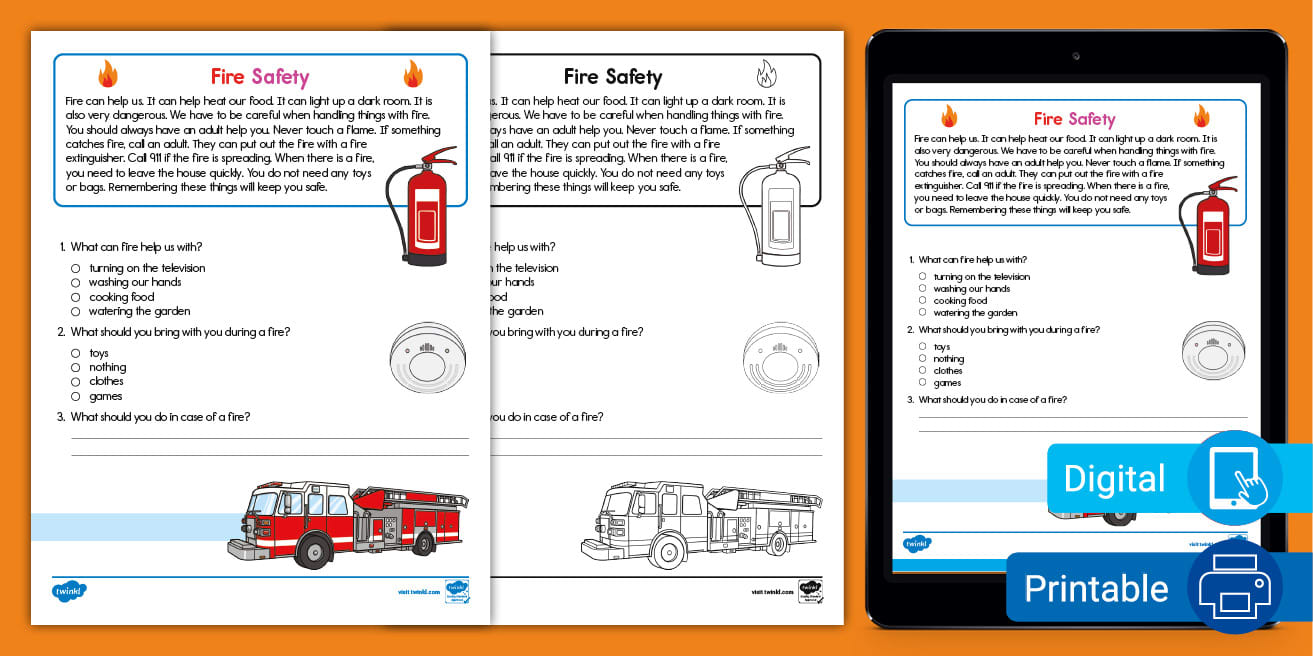
Why Fire Safety Reading Comprehension Worksheets Matter for School & Home Safety
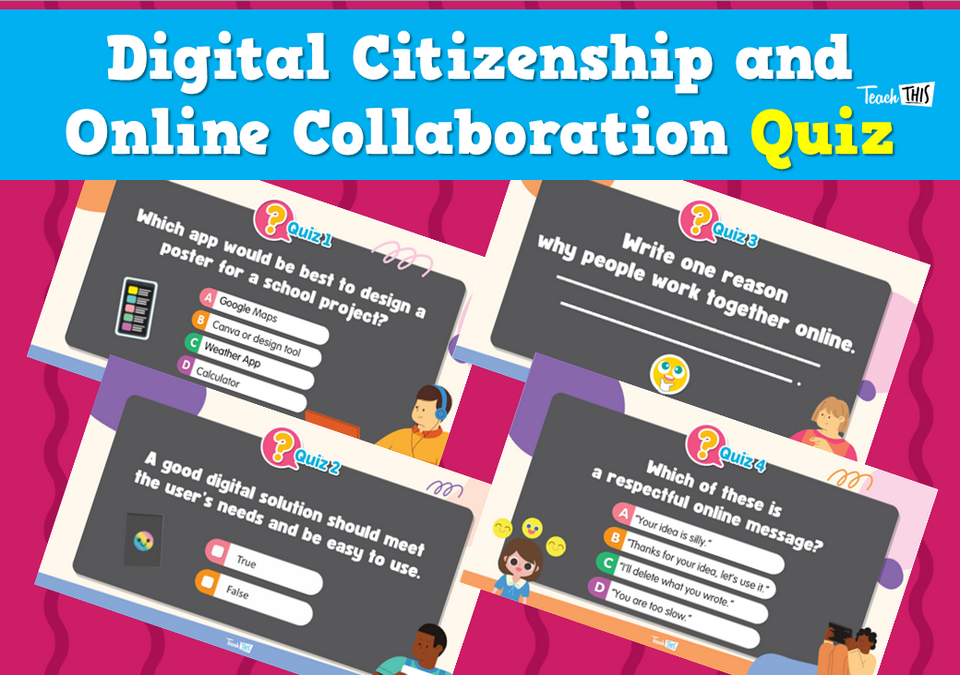
Integrating fire safety reading comprehension worksheets into digital lesson plans bridges essential emergency preparedness with foundational literacy skills. As students increasingly rely on school-issued tablets and home laptops to research community helpers or complete emergency preparedness modules, educators must ensure these digital activities reinforce safe online habits. According to guidance from organizations like ConnectSafely and the Cybersecurity and Infrastructure Security Agency, blending offline life-safety lessons with secure browsing practices helps children recognize trustworthy educational platforms while shielding them from misleading pop-ups or unverified download links.
💡 Educational Key Takeaways:
- Core Skill: Structured Fire Safety Reading Comprehension Worksheets focused on developing pencil grip, stroke control, and early literacy/math confidence.
- Target Scope: Suited for homeschoolers, preschool, kindergarten, and elementary learners.
- Best Recommendation: Practice 10–15 minutes daily with ergonomic writing tools to reinforce muscle memory without hand fatigue.
Risk Signals & Preventive Guardrails for Digital Literacy Tasks
When students navigate the web to find printables, interactive quizzes, or reading texts, they may encounter malicious redirects, phishing traps, or inappropriate third-party advertisements. Adults should monitor technical settings and behavioral indicators to ensure children remain secure while completing assignments. The breakdown below details common vulnerabilities across different environments and outlines proactive safeguards to keep learners protected. Related guide: Worksheet On Color Safe And Unsafe.
| Setting / Context | Common Vulnerability | Practical Safeguard |
|---|---|---|
| Home Devices | Unfiltered search engine results directing children to malvertising sites hosting fake PDF downloads. | Configure safe search parameters, install trusted browser extensions, and pin verified educational resource hubs. |
| School Chromebooks and Tablets | Accidental clicks on embedded third-party ad banners during online reading exercises. | Rely on district-managed DNS filters and provide direct links to curated Worksheets without open web browsing. |
| Social and Chat Habits | Sharing downloaded documents or personal project files in unverified peer chat rooms. | Teach students to share files exclusively through official school portals and review secure online communication protocols outlined in Online and Digital Safety guidelines. |
Rules & Habits Families and Schools Can Apply
Establishing clear, consistent routines ensures that digital learning remains safe and stress-free. Educators and parents should collaborate on structured workflows that eliminate guesswork. First, maintain designated charging stations in common household areas, discouraging late-night, unsupervised device usage. Second, enable age-appropriate device controls and safe-search filters across all household and classroom gadgets. When introducing fire safety reading comprehension worksheets, teachers should explicitly demonstrate how to navigate directly to trusted educational portals rather than relying on random search engine queries. Finally, cultivate a blame-free reporting culture: if a student accidentally clicks a suspicious link or encounters a strange pop-up while looking for emergency preparedness materials, they should feel confident notifying an adult immediately without fear of losing device privileges.
Handling Pushback & Common Student Workarounds
Overly restrictive internet filters or rigid device bans often backfire, driving students to seek out workarounds, unapproved file-sharing sites, or alternative personal devices when completing assignments. Instead of relying solely on heavy-handed blocks, adults should pair technical safeguards with transparent, calm conversations explaining why certain sites are restricted. When students understand that ad-blockers and safety filters exist to protect them from malicious actors rather than to ruin their research experience, they become active partners in their own digital defense. Regularly reviewing foundational concepts found in Internet and Digital Safety modules helps reinforce these lessons naturally.
Educator & Parent Questions
How can I verify that a website offering free fire safety printables is safe for kids?
Always look for established educational domains ending in .edu, .gov, or recognized non-profit organizations. Check that the site uses HTTPS encryption and avoid platforms that force you to download executable files or disable your browser security settings just to access a text document.
What should I do if a student accidentally downloads an unsafe file while searching for school resources?
Immediately disconnect the device from the internet to prevent potential malware propagation. Notify your school’s IT department or run a trusted local security scan, and use the incident as a teachable moment to discuss why using pre-vetted resource libraries is vital.
How do I balance independent student research with online safety monitoring?
Provide students with a curated list of approved links for their assignments rather than letting them search the open web independently. As they demonstrate responsible browsing habits, gradually expand their autonomy while keeping communication channels open for any unexpected digital hurdles.
Explore More Digital Citizenship Resources
Empowering children to navigate educational tasks safely requires ongoing collaboration between home and school. To discover additional guidance, printable activities, and expert tips for keeping students secure in every digital environment, visit SafeWiredSchools.org.
Worksheet Previews & Reference Materials