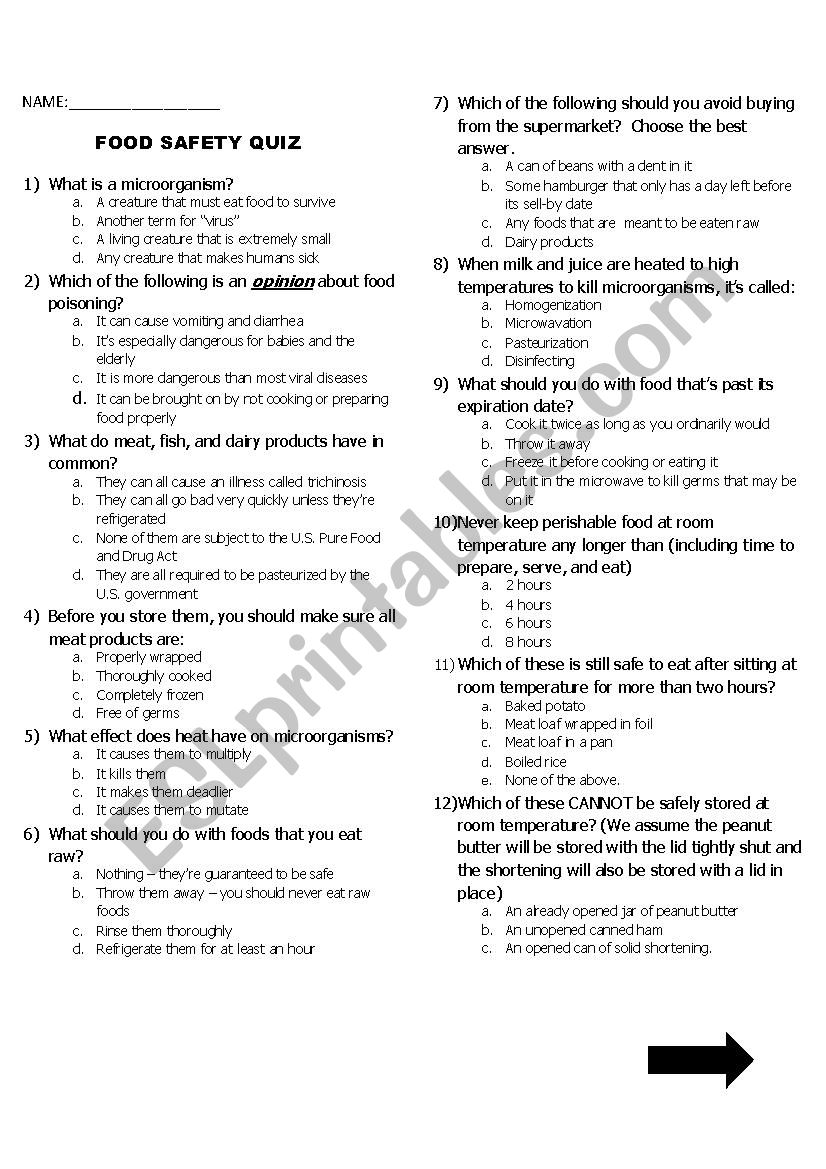
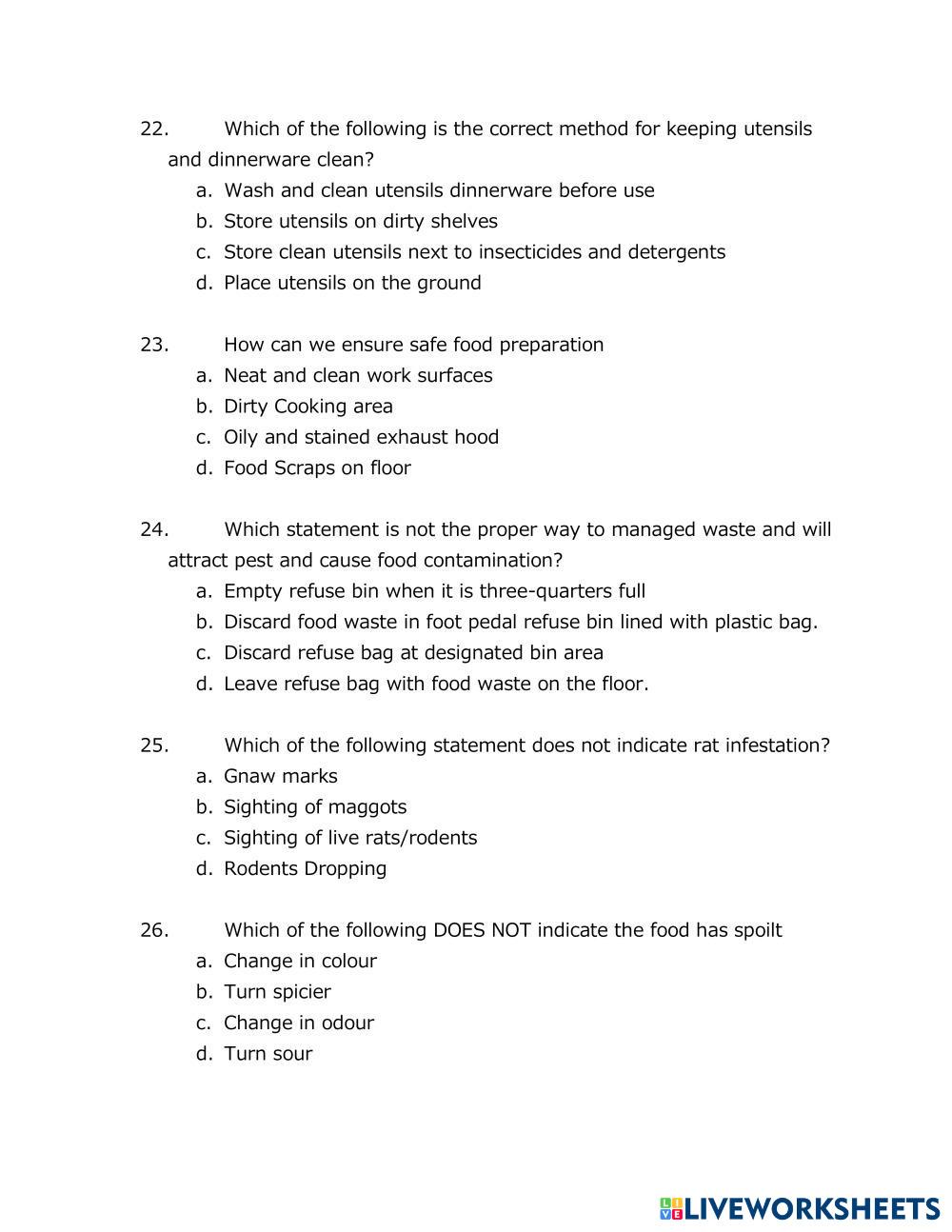
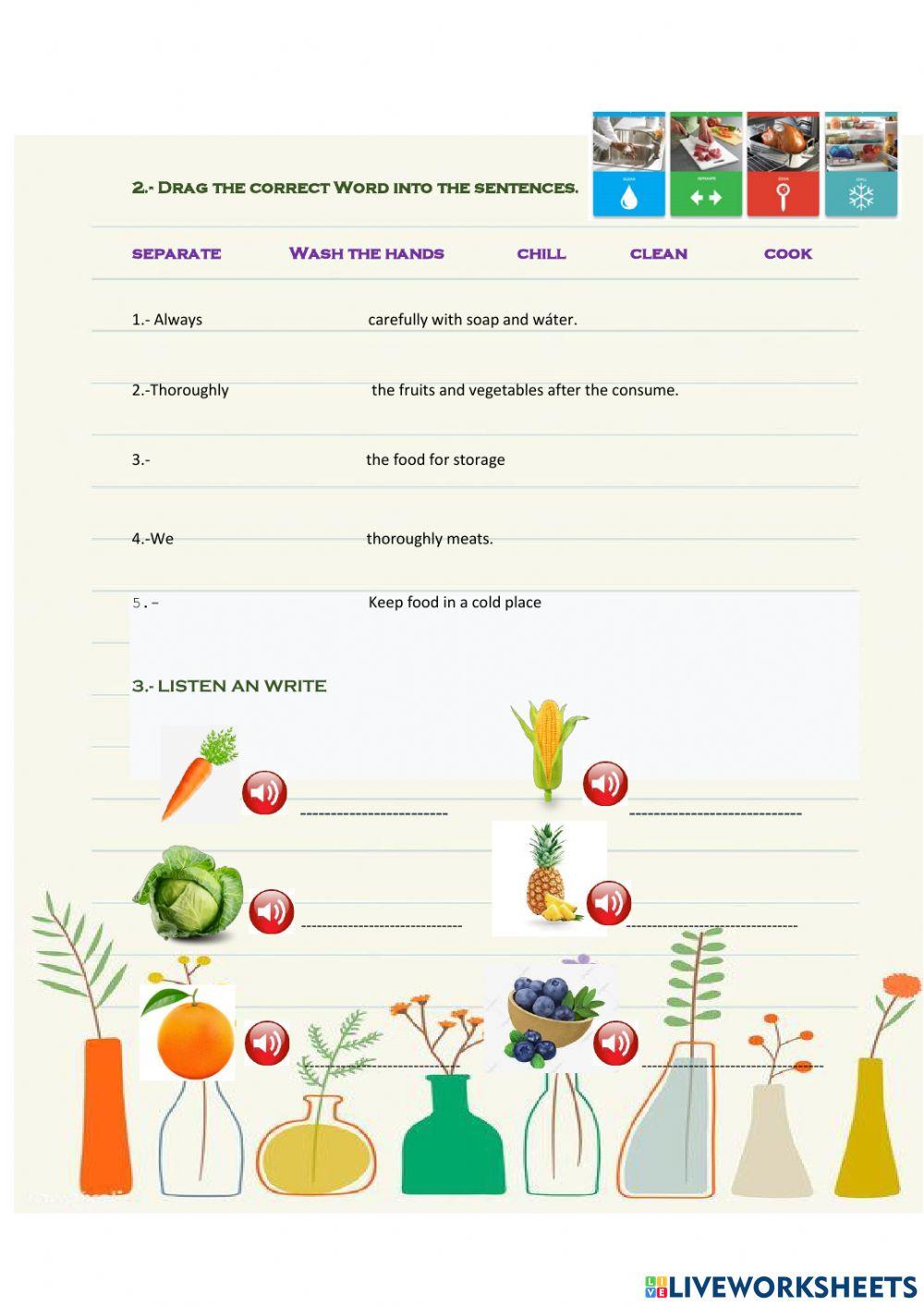
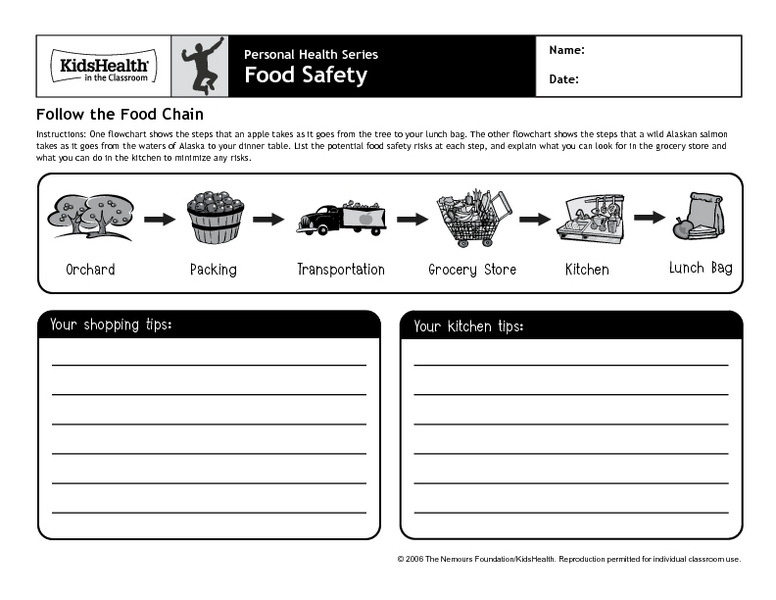
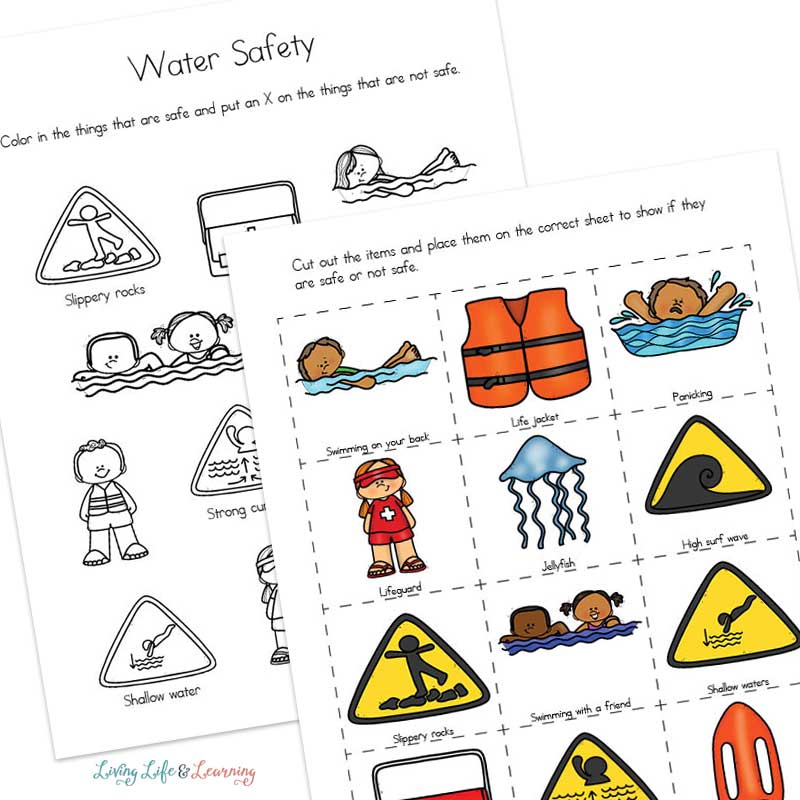
Why Integrating the Dr X And The Quest For Food Safety Worksheet Bridges Health Literacy and Digital Citizenship
As K-12 students increasingly navigate a mix of interactive health modules, educational video games, and online portals, teaching them how to evaluate online resources safely is vital. Educational resources like the Dr X And The Quest For Food Safety Worksheet offer a wonderful multidisciplinary opportunity to teach science literacy while establishing sound digital habits. Connecting physical health and food safety education with the digital world allows educators and parents to reinforce important online evaluation strategies, aligning with safety guidance from ConnectSafely and the Cybersecurity and Infrastructure Security Agency (CISA) regarding secure web navigation and data privacy for young learners.
💡 Educational Key Takeaways:
- Core Skill: Structured Dr X And The Quest For Food Safety Worksheet focused on developing pencil grip, stroke control, and early literacy/math confidence.
- Target Scope: Suited for homeschoolers, preschool, kindergarten, and elementary learners.
- Best Recommendation: Practice 10–15 minutes daily with ergonomic writing tools to reinforce muscle memory without hand fatigue.
Assessing Vulnerabilities: Risk Signals and Preventive Guardrails
When students access digital worksheets, interactive modules, or educational games across personal and school networks, adults must monitor various risk signals—from unexpected external pop-ups to data-sharing prompts on unverified educational platforms. Establishing clear digital guardrails ensures that students can complete assignments safely without exposing themselves to data tracking or malicious redirects.
| Setting / Context | Common Vulnerability | Practical Safeguard |
|---|---|---|
| Home Devices & Tablets | Accidental clicks on third-party ad banners embedded in free worksheet hosting sites. | Install reputable browser extensions and restrict access using curated Internet and Digital Safety tools. |
| School Chromebooks & Laptops | Unfiltered search engine results directing students to lookalike download portals. | Rely on district-managed DNS filtering and provide direct links via official learning management systems. |
| Interactive Class Chats & Portals | Over-sharing personal details when registering for gamified science platforms. | Review privacy policies and use pseudonyms or teacher-managed accounts to protect student data. |
Practical Classroom and Home Protocols for Safe Digital Learning
To maximize the educational value of resources like the Dr X And The Quest For Food Safety Worksheet, adults should establish predictable routines that foster accountability without cultivating fear. Educators can establish clear classroom boundaries by pre-loading digital assignments and disabling unnecessary browser tabs during independent research time. At home, families can set up shared charging stations in common living areas to keep evening screen time visible and balanced. Furthermore, utilizing structured printable assets from our collection of Worksheets helps transition students away from endless scrolling toward focused, tactile, and screen-managed learning.
Children and teens are remarkably resourceful when trying to bypass web filters to access games, social media, or unapproved entertainment sites while completing digital tasks. When students discover workarounds to access restricted areas of educational sites, overreacting or imposing sudden, draconian bans often backfires by driving their online activity underground. Instead, treat these moments as teachable digital citizenship milestones. Calmly discuss why certain security controls exist, review proper internet etiquette, and guide them back toward safe educational engagement.
Frequently Asked Questions About Managing Interactive Assignments Online
How can I verify that a free worksheet download site is safe for my child?
Always look for HTTPS encryption in the browser address bar, avoid sites that prompt you to download executable files just to view a PDF, and rely on trusted educational portals vetted by your school district.
Are interactive learning games secure for elementary and middle school students?
Many games are entirely safe, but some third-party platforms collect user metrics or display targeted ads. Check privacy disclosures to ensure compliance with youth data protection laws like COPPA before letting students create accounts.
What should I do if a student encounters inappropriate pop-ups while doing schoolwork?
Instruct the student to immediately close the tab, leave the device open, and notify an adult. Normalize this reporting process without assigning blame so children feel confident coming forward.
Explore More Digital Citizenship Resources
Keeping students safe, informed, and critical-minded in digital environments requires ongoing collaboration between parents, teachers, and school administrators. Discover more helpful guides, printable activities, and expert advice by visiting SafeWiredSchools.org.
Worksheet Previews & Reference Materials