Why Blending Physical Awareness With Digital Safety Matters
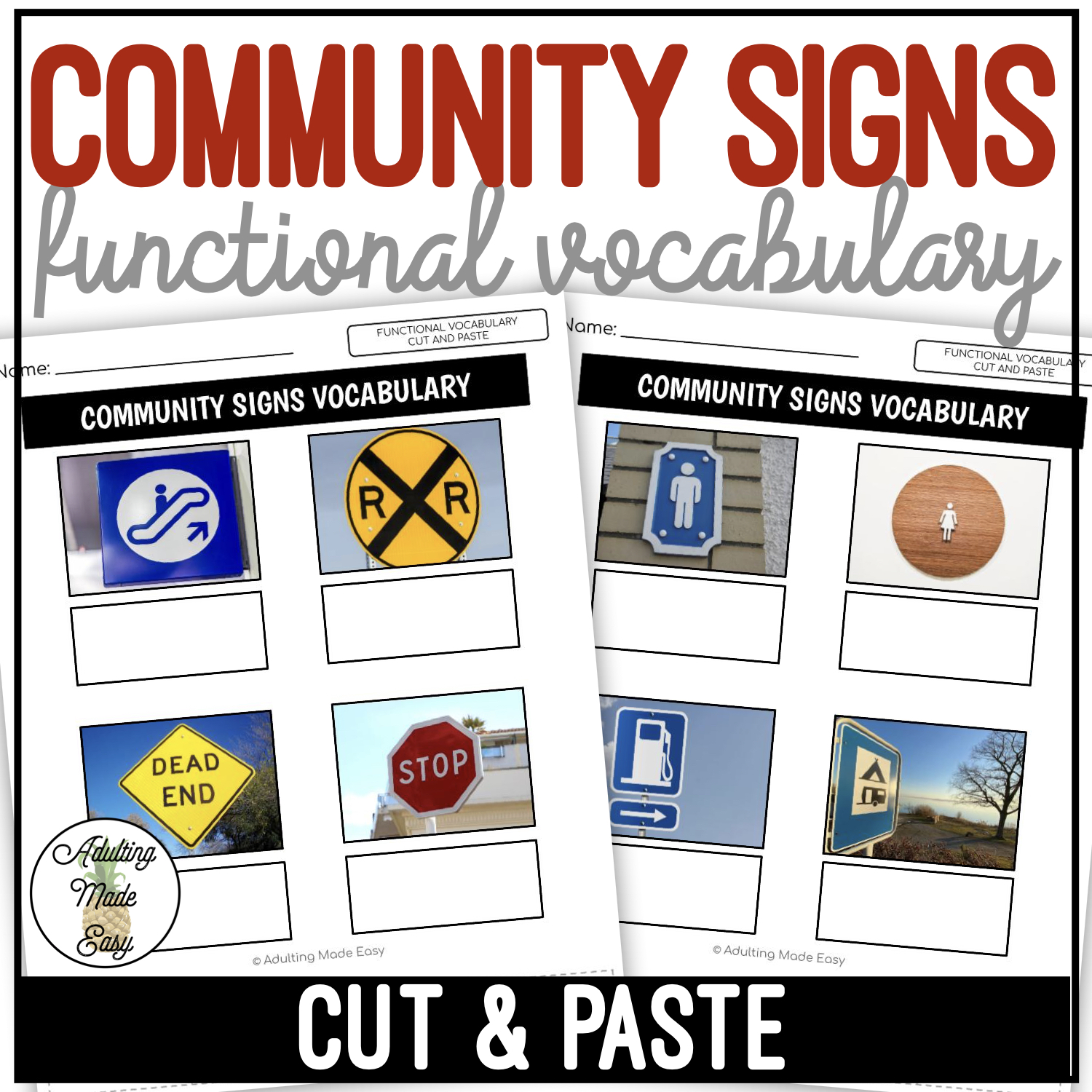
As children navigate increasingly digital environments, establishing foundational safety concepts goes beyond screen-time limits. Whether toddlers are learning navigation through offline materials or older students are interpreting digital maps and geolocation tools, understanding safety cues is critical. Educators often utilize a community signs worksheets pdf to help younger learners recognize environmental rules, but these lessons also translate to the virtual world. According to guidance from organizations like ConnectSafely and the Federal Trade Commission, teaching children to spot warning signals, boundary markers, and trusted authorities helps them develop critical thinking skills that protect them both offline and online.
💡 Educational Key Takeaways:
- Core Skill: Structured Community Signs Worksheets Pdf focused on developing pencil grip, stroke control, and early literacy/math confidence.
- Target Scope: Suited for homeschoolers, preschool, kindergarten, and elementary learners.
- Best Recommendation: Practice 10–15 minutes daily with ergonomic writing tools to reinforce muscle memory without hand fatigue.
Risk Signals and Preventive Guardrails Across Student Devices
Managing student device usage requires vigilance across multiple platforms, from school-issued Chromebooks to personal home tablets. Adults should monitor technical settings and behavioral cues to ensure children do not stumble into unsafe digital territories or misinterpret online navigation prompts. The table below outlines common digital vulnerabilities and practical safeguards for home and school environments.
| Setting / Context | Common Vulnerability | Practical Safeguard |
|---|---|---|
| Home Tablets & Phones | Accidental clicks on malicious banner ads or inappropriate external links. | Enable robust parental controls, strict content filtering, and curated Worksheets for offline engagement. |
| School Chromebooks | Bypassing network filters or accessing unapproved communication channels during independent study. | Coordinate with IT to enforce classroom management software and maintain active monitoring policies. |
| Chat & Social Apps | Interacting with unverified users who masquerade as trusted community figures. | Establish strict rules against sharing personal location data and review privacy settings regularly. |
Actionable Offline and Online Safety Routines for Families and Schools
Consistency between home and school rules helps reinforce positive digital citizenship habits. Educators and parents can partner to build predictable routines, such as establishing central charging stations overnight to keep bedrooms screen-free. When integrating learning tools, pair digital lessons with hands-on activities found in Internet and Digital Safety modules so students learn to connect physical boundary markers with virtual safety protocols. Adults should also implement clear reporting workflows that allow children to flag suspicious pop-ups, strange messages, or online discomfort without fear of losing device privileges. Providing printable safety checklists and open-ended conversation starters ensures children know exactly who to turn to when something online feels confusing or wrong.
Handling Student Pushback and Overcoming Digital Workarounds
Overly restrictive device bans often backfire, driving children to find clever workarounds to bypass parental controls or school filters. Instead of relying solely on hard technological blocks, adults should pair automated filters with transparent conversations about why certain boundaries exist. If a student attempts to circumvent a filter, use the moment as a teachable inquiry rather than an immediate punitive measure. Discuss how online threats mimic physical hazards, drawing parallels to concepts taught through early childhood safety materials. By maintaining calm, approachable dialogue, adults encourage kids to report accidental exposure to inappropriate content instead of hiding it out of panic.
Frequently Asked Questions About Safety and Digital Literacy Integration
How do offline safety concepts connect to online digital citizenship?
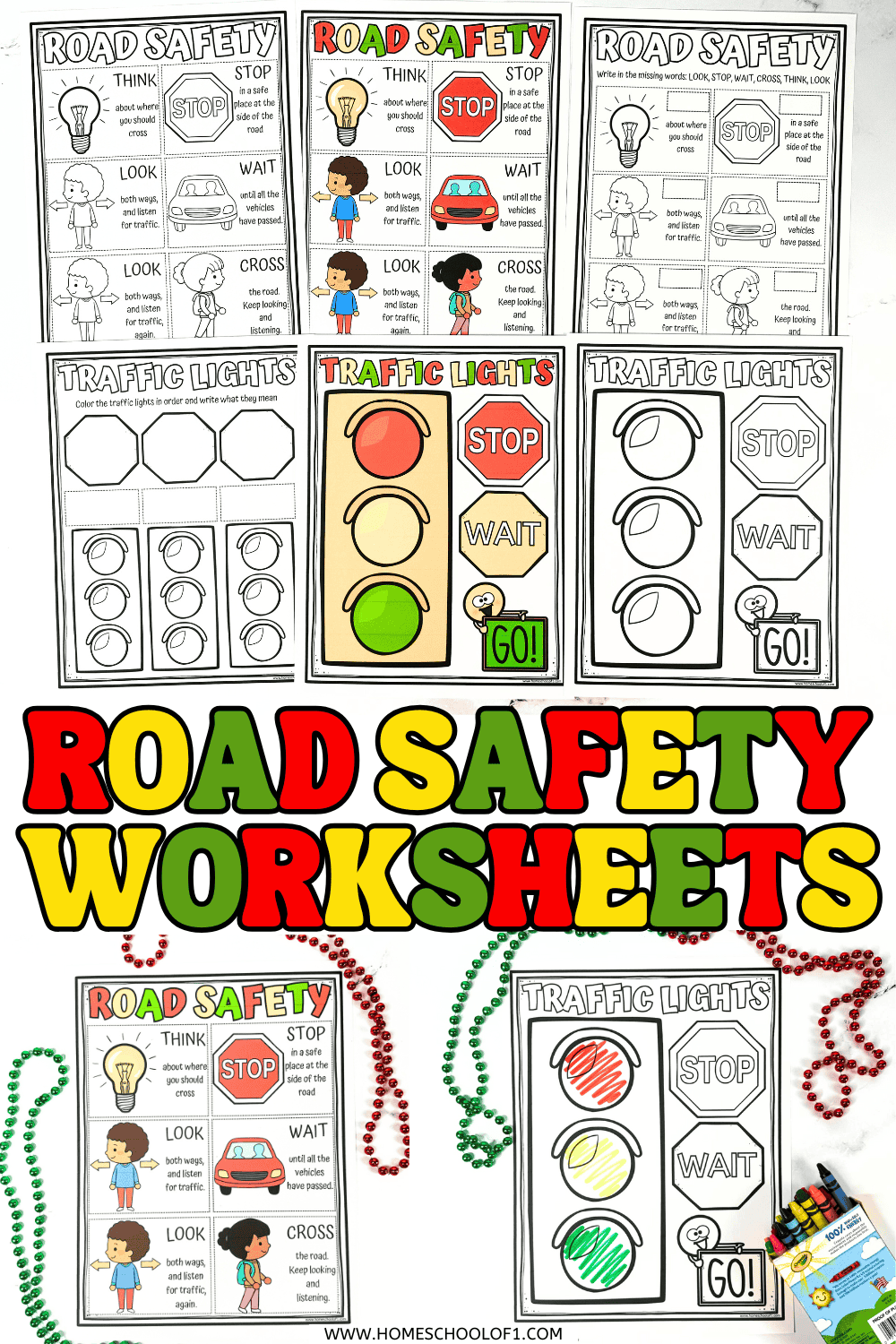
Just as children learn to stop at a red light or identify trusted community helpers in the physical world, they must learn to spot digital red flags like suspicious links or unverified requests for personal information. Using foundational learning tools bridges this conceptual gap effectively.
What is the best way to handle accidental exposure to inappropriate online content?
Reassure the child immediately that they are not in trouble for seeing an unexpected pop-up or image. Teach them to close the tab, turn off the screen, and notify a trusted adult right away using established Online and Digital Safety reporting steps.
How can teachers incorporate digital safety without adding to an already packed curriculum?
Embed digital citizenship discussions naturally into existing lessons, reading comprehension exercises, and computer lab time. Brief, frequent check-ins are far more effective at building long-term habits than isolated lectures.
Explore More Digital Citizenship and Safety Resources
Empowering the next generation of digital citizens requires continuous learning, collaboration, and access to reliable educational materials. Discover more expert-vetted guides, lesson plans, and safety toolkits by visiting SafeWiredSchools.org today.
Worksheet Previews & Reference Materials