Introduction
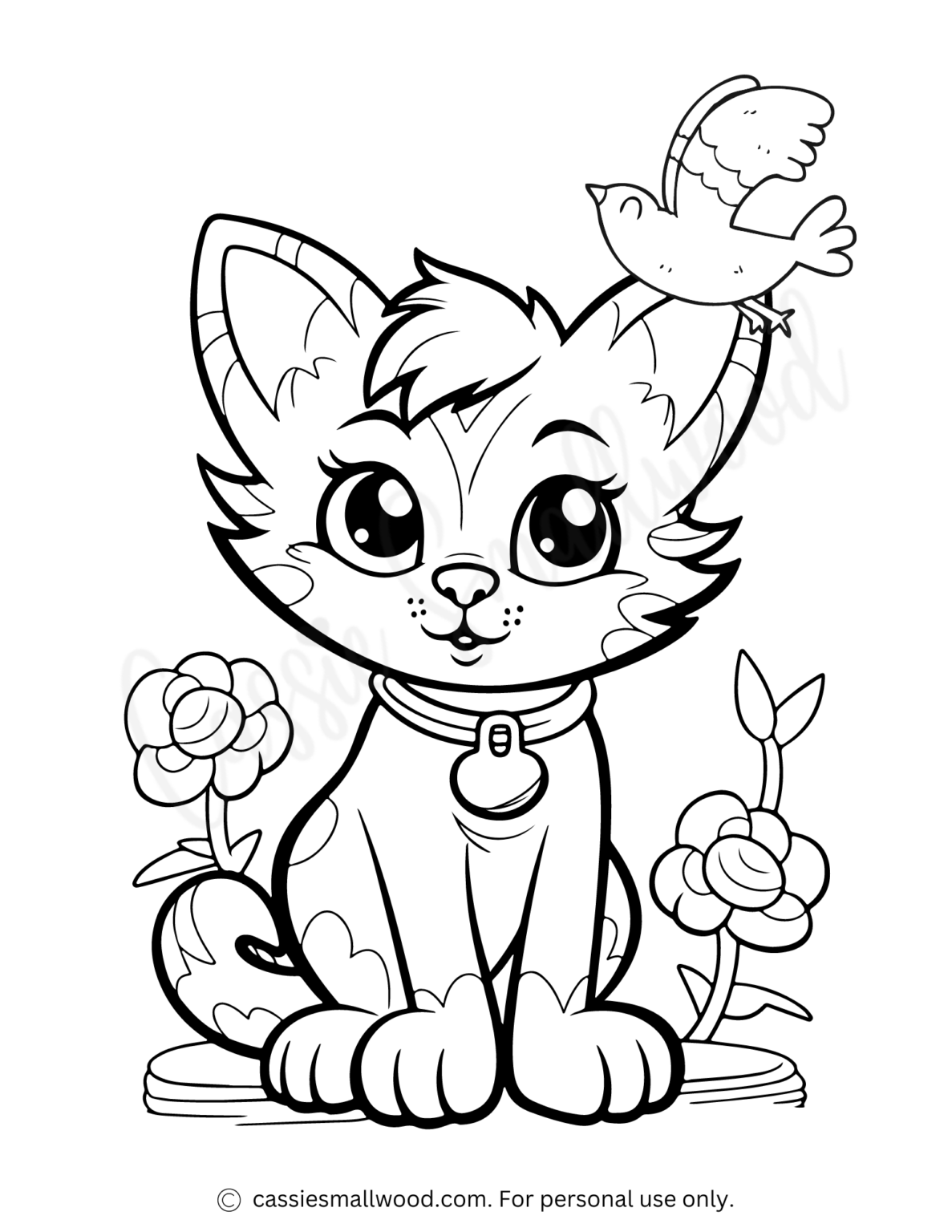
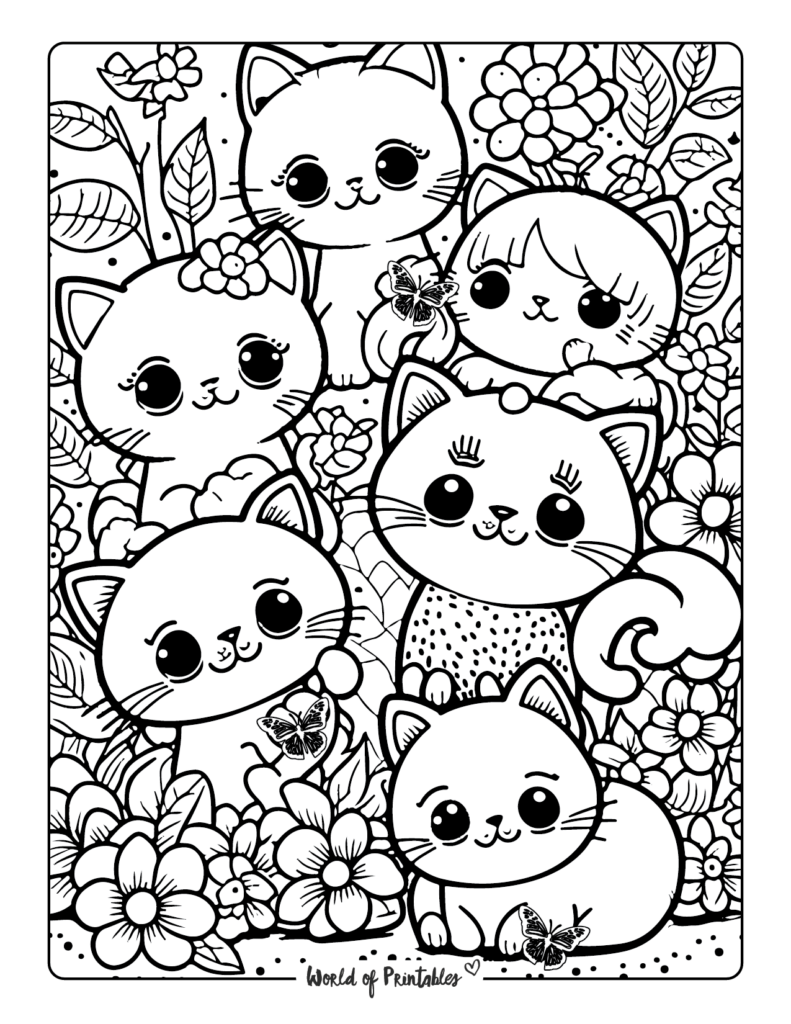
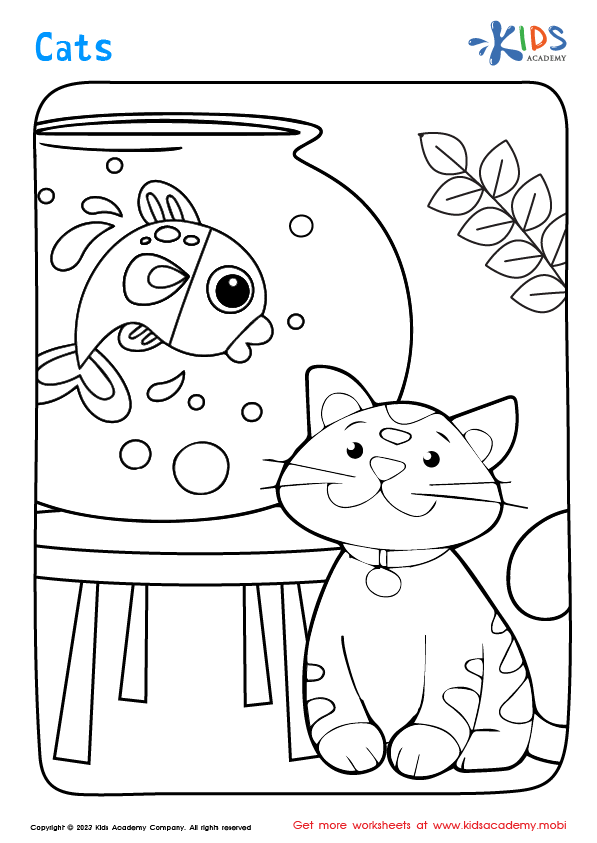
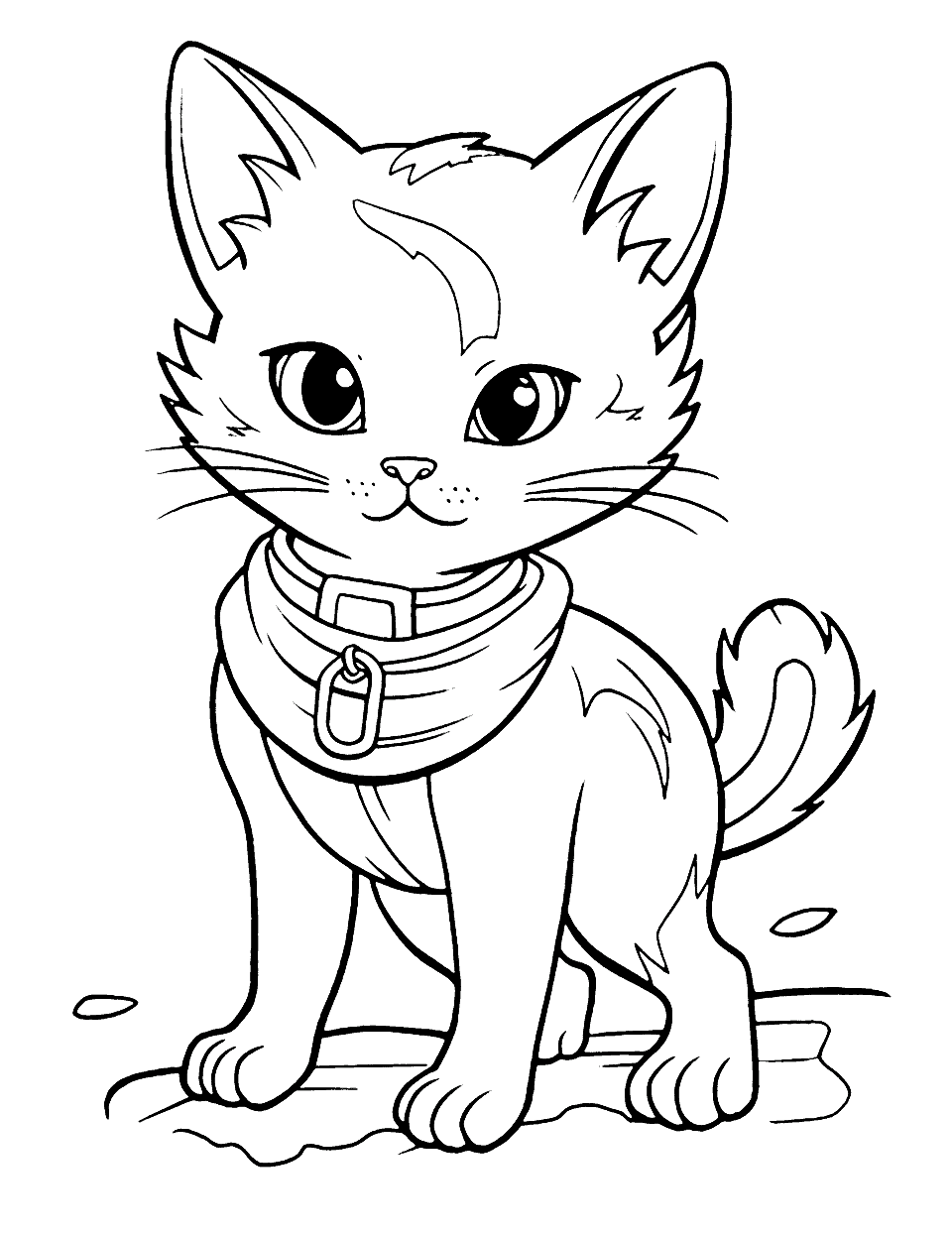
Coloring worksheets cat assets function as secure, offline educational media that mitigate online tracking risks while fostering foundational motor skills during digital breaks. According to ConnectSafely Research, integrating offline tactile activities such as printable coloring sheets significantly reduces student screen fatigue and minimizes accidental exposure to malicious pop-up advertisements. Educators and administrators utilize these physical resources to maintain classroom screen balance without sacrificing creative engagement. Furthermore, incorporating verified material from authorized repositories ensures that students avoid rogue file downloads hiding adware. Balancing device usage with tangible media supports broader digital citizenship initiatives by teaching mindful consumption of online assets. Exploring structured platforms like Coloring Pages provides educators with safe, pre-vetted educational tools.
Digital Safety Snapshot:
- Core Focus: Utilizing coloring worksheets cat as an offline alternative to curb screen time vulnerabilities.
- Target Scope: Schools, classrooms, and domestic learning environments prioritizing safe media habits.
- Key Recommendation: Download printable content solely from authorized educational repositories to avoid malware risks.
Core Principles and Detailed Overview
Managing student digital footprints requires intentionally substituting unregulated internet searches with curated, offline activities like printable felines. Directing learners to search haphazardly for feline artwork on unmonitored search engines exposes classrooms to malvertising, phishing links, and inappropriate tracking scripts. Safe device hygiene dictates that teachers or parents pre-download PDF worksheets onto local drives before distribution. Establishing secure document handling protocols protects school networks from unauthorized executable files masquerading as image downloads. Integrating these offline resources into daily lesson plans reinforces classroom focus and prevents cyberbullying incidents that often originate during unstructured online browsing sessions. Administrative oversight of downloaded instructional materials guarantees adherence to institutional cybersecurity benchmarks.
Key Specifications and Breakdown
| Safety Pillar | Digital Risk Factor | Actionable Protective Habit |
|---|---|---|
| Device Hygiene | Malicious executable masquerading as a worksheet download. | Pre-screen and store PDF files in secure institutional repositories. |
| Screen Balance | Cognitive overload and eye strain from excessive web browsing. | Schedule dedicated offline hours utilizing tactile art materials. |
| Digital Footprint | Accidental data harvesting through sketchy image search engines. | Rely exclusively on certified platforms like Worksheets for printable media. |
| Cyber Safety | Unfiltered pop-up ads leading to inappropriate external domains. | Deploy network-level ad blockers and enforce strict safe-search policies. |
Minimizing unvetted web searches through structured offline resource distribution effectively mitigates malware exposure and protects minor user data privacy. — Cybersecurity & Infrastructure Security Agency (CISA)
Step-by-Step Practical Application and Guidelines
Implementing safe offline creative periods begins by curating authorized lesson resources prior to student device access. Educators must download required documents directly from trusted domains rather than allowing middle school students to conduct open-web searches for feline templates. Storing these assets on secure school servers or encrypted local folders prevents accidental navigation to compromised third-party websites. During classroom sessions, instructors distribute physical prints or lock device screens to read-only local viewers, ensuring complete digital detachment. Reviewing digital safety rules alongside creative tasks reinforces concepts found within comprehensive Internet and Digital Safety curricula. Regular auditing of downloaded classroom files ensures that only verified, malware-free pedagogical media remains accessible across shared student terminals.
Common Challenges and How to Avoid Them
Encountering deceptive download buttons on unregulated free graphic websites remains the primary vulnerability when sourcing printable classroom activities. Rogue web banners frequently imitate legitimate PDF links, tricking users into downloading executable adware or tracking software onto school networks. Educators eliminate this vector by utilizing direct institutional resource libraries and avoiding unverified external search results. Another frequent hurdle involves students attempting to pivot from offline drawing tasks back to unauthorized web browsing. Establishing clear classroom expectations regarding device lids-closed policies during tactile art sessions prevents off-task navigation and cyberbullying opportunities. Maintaining vigilance over local folder directories ensures that instructional media stays strictly educational and secure.
💬 Frequently Asked Questions
Explore More Kids Safety and Digital Citizenship Guides on SafeWiredSchools
Maintaining a secure, balanced, and digitally literate educational environment requires ongoing access to verified resources, expert guidance, and actionable community standards. Educators, school administrators, and parents are encouraged to explore the comprehensive library of protective strategies, classroom policies, and digital citizenship tools available across the network at Safe Wired Schools.
Printable Coloring Page Previews