Introduction
Simplified internet safety rules establish foundational digital boundaries that protect students from online threats while navigating academic and personal technologies. According to the Family Online Safety Institute (FOSI), establishing clear, consistent digital guidelines significantly reduces online vulnerabilities and fosters positive online behaviors among minors. Implementing concise digital safety standards ensures that middle school students, educators, and administrators maintain secure learning environments across all connected devices. Instructional materials found within Internet and Digital Safety resources provide further actionable guidance for developing secure institutional policies.
Digital Safety Snapshot:
- Core Focus: Distilling complex cybersecurity standards into concise, memorable rules for school environments.
- Target Scope: Middle school students, classroom teachers, school administrators, and parents.
- Key Recommendation: Enforce strict privacy configurations and maintain open communication regarding digital interactions.
Core Principles and Detailed Overview
Simplified internet safety frameworks rely on three fundamental pillars: protecting personal data, preventing malicious communication, and maintaining device hygiene. Direct answers to everyday digital dilemmas begin with treating online spaces with the same caution as physical environments. Students must understand that digital actions carry permanent consequences, creating a lasting digital footprint that influences future academic and professional opportunities. Detailed pedagogical toolkits available via Online and Digital Safety collections offer expanded lesson plans tailored for modern classrooms.
Key Specifications and Breakdown
| Safety Pillar | Digital Risk Factor | Actionable Protective Habit |
|---|---|---|
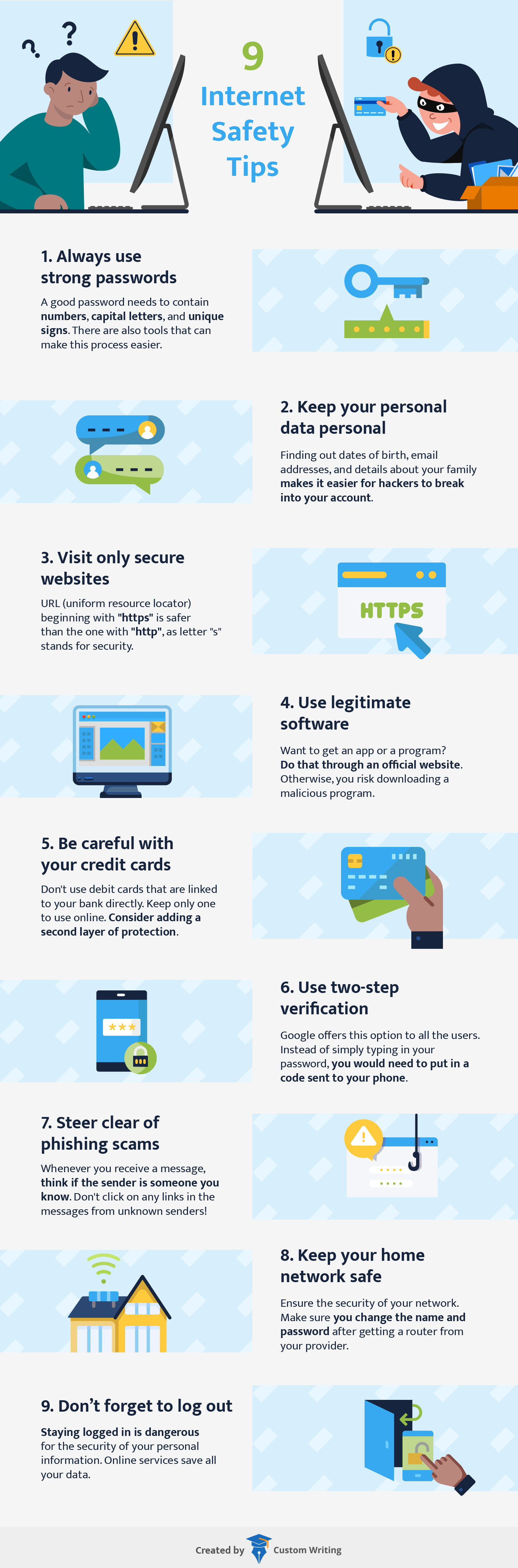
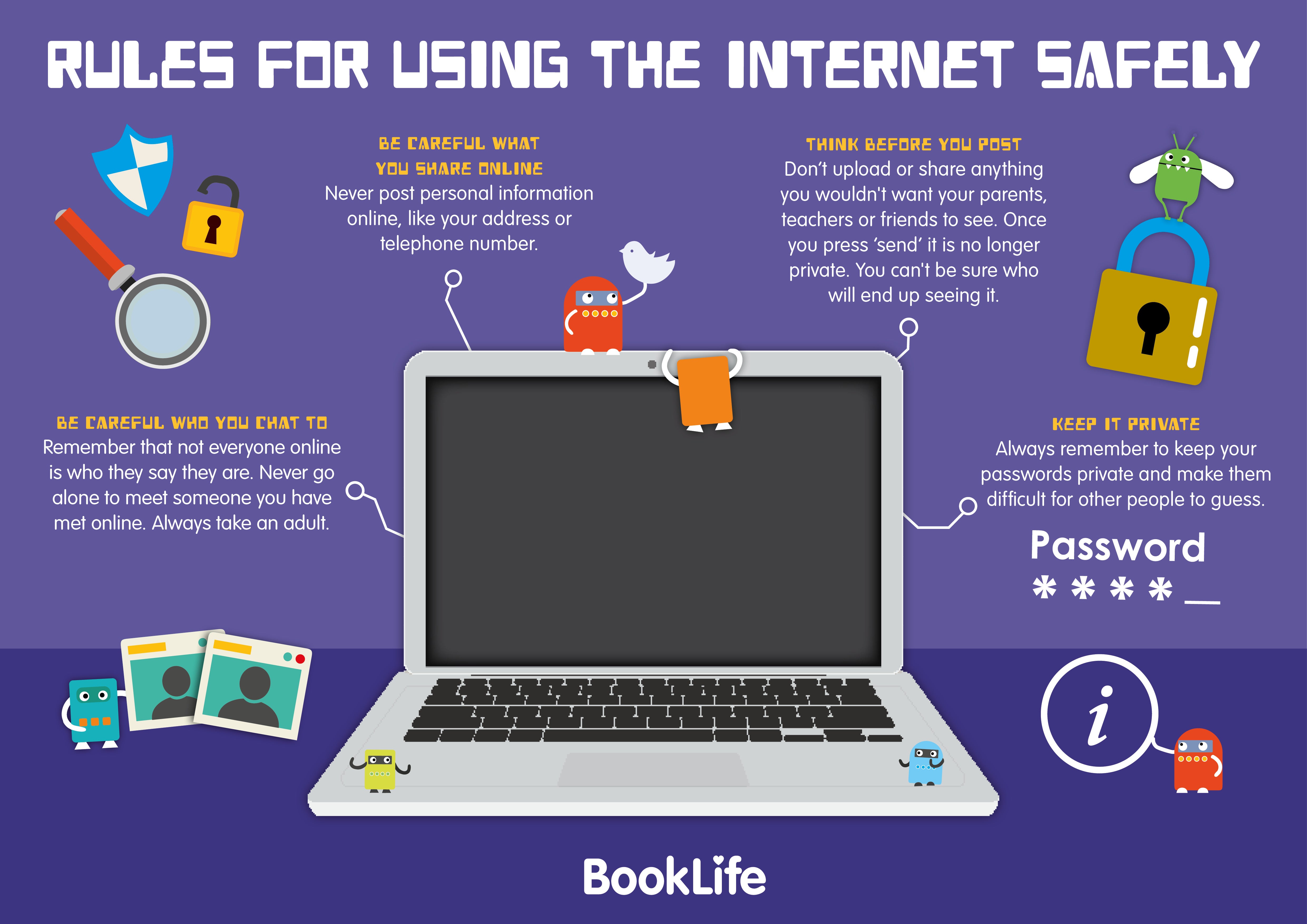
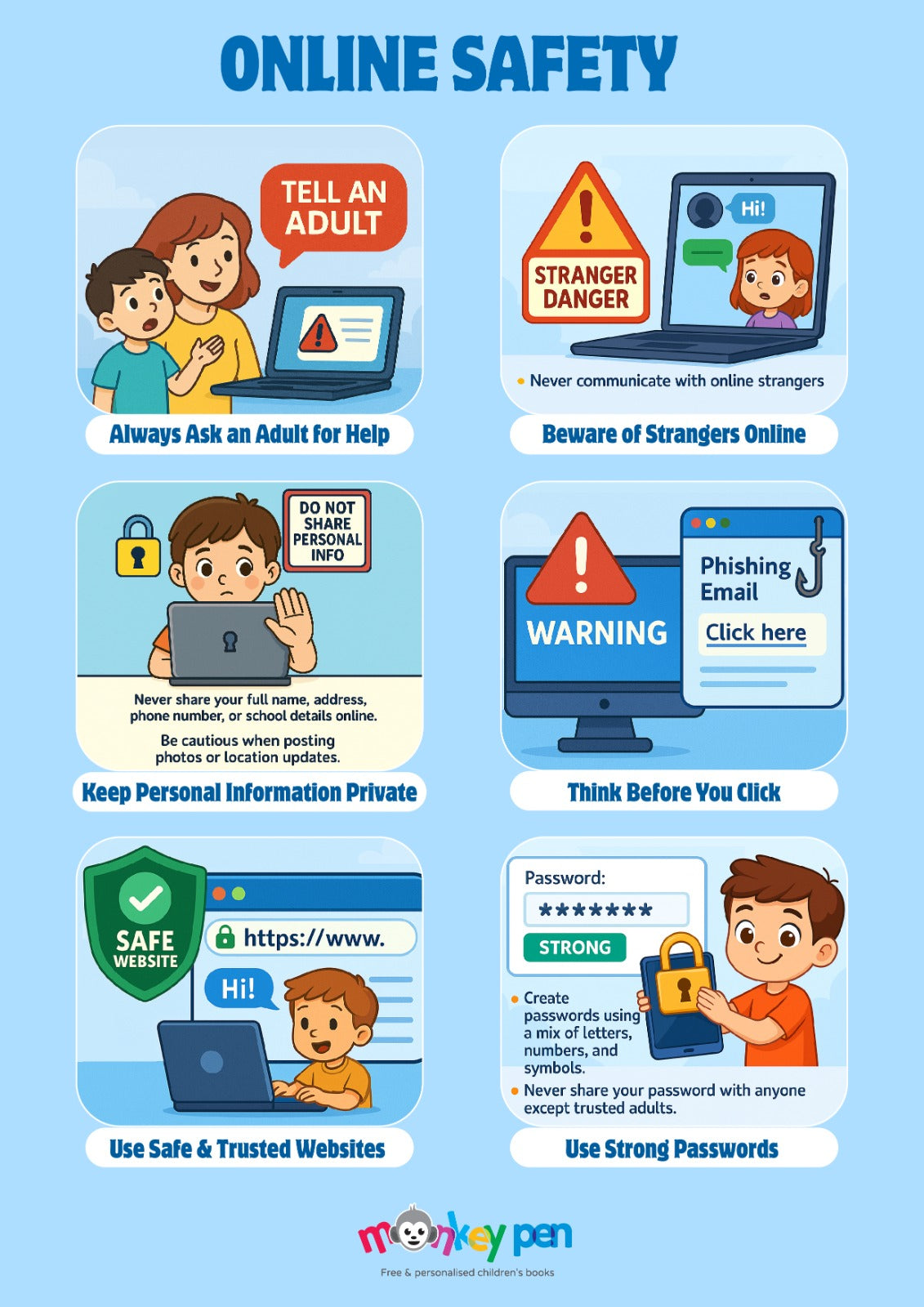
| Data Privacy | Identity theft and data harvesting | Never share home addresses, passwords, or phone numbers online. |
| Cyberbullying | Harassment and digital ostracism | Block harmful users immediately and report incidents to trusted adults. |
| Device Hygiene | Malware infection and tracking | Log out of shared terminals and update software regularly. |
Maintain strict digital boundaries by treating every online interaction as permanent, public, and verifiable — Cybersecurity & Infrastructure Security Agency (CISA)
Step-by-Step Practical Application and Guidelines
Executing streamlined safety protocols requires establishing routine habits during every school-issued device session. First, verify network security indicators before entering credentials into any educational portal. Second, employ complex, unguessable passphrases and enable multi-factor authentication where available. Third, immediately log out of shared accounts upon completing classroom assignments to prevent unauthorized access. Finally, engage with practical classroom exercises and Worksheets designed to reinforce these protective habits through active student participation.
Common Challenges and How to Avoid Them
Overconfidence in navigating digital interfaces often leads students to ignore foundational safety rules or engage in accidental oversharing. Educational communities frequently struggle with peer-to-peer digital conflicts that migrate from social platforms into physical classrooms. Mitigating these risks involves proactive monitoring, maintaining transparent device policies, and utilizing creative engagement tools such as Coloring Pages to introduce foundational concepts to younger learners without inducing anxiety.
💬 Frequently Asked Questions
Explore More Kids Safety and Digital Citizenship Guides on SafeWiredSchools
Empowering educational communities with reliable digital citizenship resources remains vital for modern academic success. Explore comprehensive curricula, administrative guides, and student activity modules directly at Safe Wired Schools to build safer, more resilient connected classrooms.
Visual Reference Gallery