Why Visual Learning Guides Are Essential for Young Digital Learners
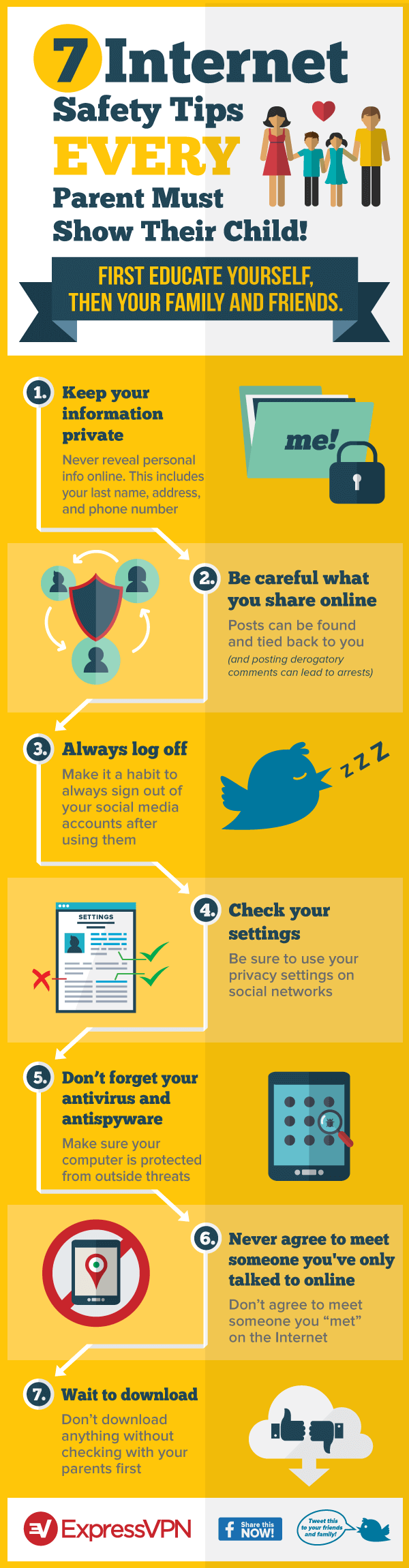
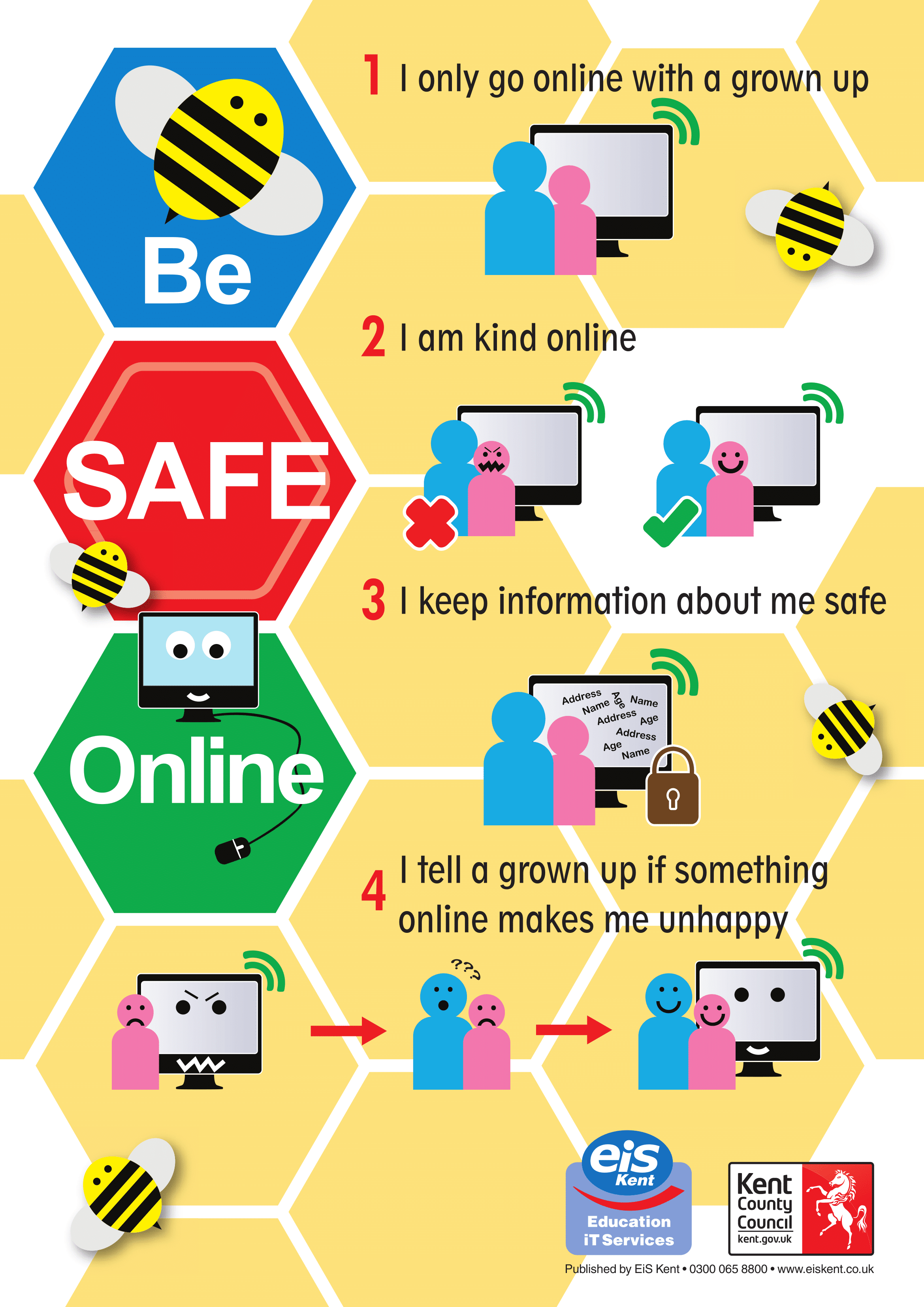
Young children process visual information far quicker than dense paragraphs of text, making an internet safety infographic for elementary students a cornerstone of modern digital citizenship. As kindergartens through fifth graders increasingly access school-issued tablets and home devices, translating abstract cyber rules into clear, engaging illustrations helps prevent accidental data sharing and exposure to inappropriate content. Following guidelines from organizations like ConnectSafely and the Cybersecurity and Infrastructure Security Agency, educators and parents can utilize graphic aids to establish early, positive screen habits that stick. Related guide: 5 Cyber Safety Tips Symbols That Can Be Read By The Grede 7 Students.
💡 Educational Key Takeaways:
- Core Skill: Structured Internet Safety Infographic For Elementary focused on developing pencil grip, stroke control, and early literacy/math confidence.
- Target Scope: Suited for homeschoolers, preschool, kindergarten, and elementary learners.
- Best Recommendation: Practice 10–15 minutes daily with ergonomic writing tools to reinforce muscle memory without hand fatigue.
Recognizing Digital Risks and Establishing Technical Guardrails
Elementary students encounter a variety of digital environments, ranging from secure classroom learning portals to open-world gaming platforms. Identifying vulnerable friction points early allows adults to implement proactive protections before a minor misstep turns into a major safety concern. The breakdown below highlights common risk signals across home and school setups alongside actionable fixes you can deploy immediately.
| Setting / Context | Common Vulnerability | Practical Safeguard |
|---|---|---|
| Home Tablets & Phones | Unfiltered app store downloads and accidental in-app purchases. | Require adult password approval for all new downloads and disable default payment methods. |
| School Chromebooks | Unauthorized public chat features hidden inside educational games. | Verify that district web filters block external communication channels and peer-to-peer messaging. |
| Multiplayer Gaming | Unmoderated voice chat with unknown adult or older teen users. | Disable headset chat features entirely or restrict voice communication to pre-approved real-life friends. |
Actionable Habits and Device Routines for Classrooms and Living Rooms
Consistency is key when developing healthy digital routines across both educational and domestic spaces. Start by incorporating resources from our Internet and Digital Safety archives to anchor your lessons. Establish a centralized charging station in a common household area where all personal and school devices sleep overnight, preventing late-night scrolling or unmonitored messaging. Reinforce a non-punitive reporting workflow so that if a child clicks a strange pop-up or encounters a frightening image, they feel confident turning to an adult immediately rather than hiding the mistake out of fear of losing device privileges.
When adults implement overly restrictive digital blocks without explanation, children often seek out workarounds, such as using hidden browser modes or peer-sharing tactics to bypass school filters. To counter this, pair technical restrictions with transparent conversations. Remind students that web filters are not punishments, but rather digital guardrails designed to keep them focused and protected, much like wearing a bike helmet. When kids understand the why behind a rule, they are significantly less likely to try circumventing it.
Frequently Asked Questions From Educators and Families
What age should children be introduced to formal internet safety concepts?
Basic safety concepts should begin as soon as children touch a screen, typically around preschool or kindergarten. Keep lessons simple by teaching them never to tap pop-ups and to always ask an adult before downloading a new app or game.
How can teachers incorporate digital citizenship into regular core subjects?
Educators can integrate digital lessons seamlessly through cross-curricular activities, such as practicing safe online research skills during science projects or utilizing interactive Worksheets designed to reinforce responsible tech usage without adding grading pressure.
What is the best way to handle an accidental exposure to inappropriate content?
Stay calm, validate the child for coming forward immediately, and close the browser window or device screen. Reassure them that they are not in trouble, document the incident if it occurred on a school network, and use the moment to review why reporting early matters.
Explore More Digital Citizenship Resources
Empowering children to navigate the digital landscape safely requires continuous collaboration between teachers, school administrators, and families. To discover more printable guides, lesson plans, and strategies for your community, visit SafeWiredSchools.org.
Visual Reference Gallery