Introduction
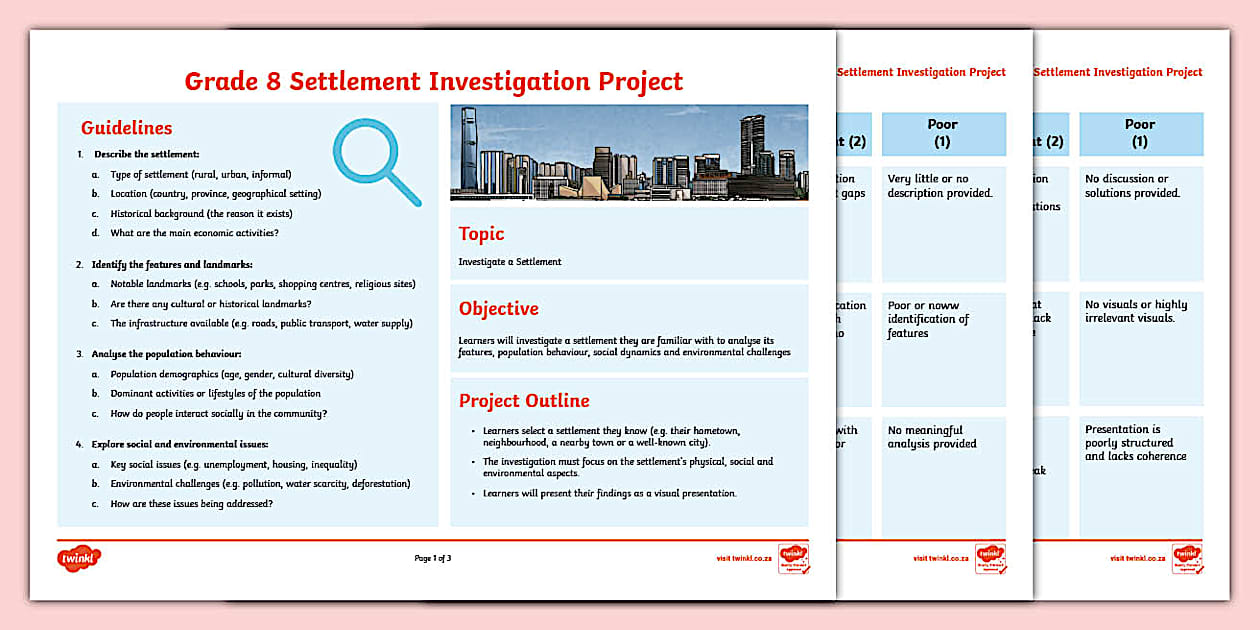
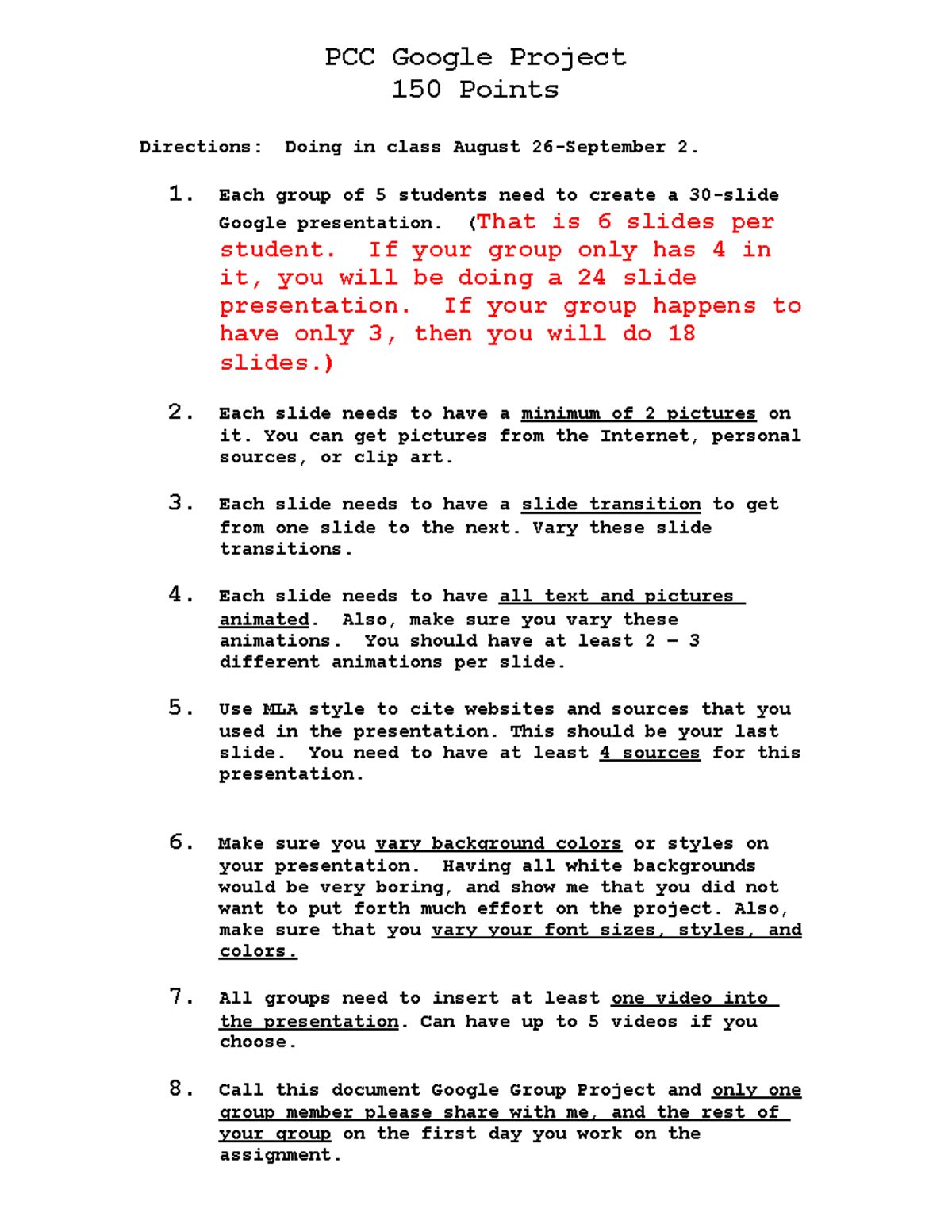
Middle school represents a massive shift in how children navigate digital environments. Young adolescents routinely use shared family devices, in-game chat features, and video platforms to socialize, complete homework, and explore personal interests. Designing a comprehensive digital citizenship project for eighth graders requires addressing complex topics like digital footprints, privacy settings, and respectful communication. Educators and families need practical tools to guide these discussions without relying on fear-based tactics. This free printable helps outline what topics should be included in an internet safety project for 8th grade, providing a structured framework for students to research, evaluate, and present essential digital safety concepts. Related guide: Teachers Of Grades 9–12 Should Expand Internet Safety Instruction To Include Which Of The Following Topics?.
💡 Educational Key Takeaways:
- Core Skill: Structured What Tolics Should He Included In An Internet Safety Project Dor 8Th Grade focused on developing pencil grip, stroke control, and early literacy/math confidence.
- Target Scope: Suited for homeschoolers, preschool, kindergarten, and elementary learners.
- Best Recommendation: Practice 10–15 minutes daily with ergonomic writing tools to reinforce muscle memory without hand fatigue.
What This Printable Covers
Navigating the digital world effectively means moving beyond basic rules into critical thinking and self-regulation. The resource outlines key thematic areas that eighth-grade students must master before stepping fully into independent online spaces. It covers the permanence of digital footprints, the importance of strong passwords, recognizing reliable sources, and understanding the mechanics of cyberbullying. Students explore how information travels across networks and why keeping personal details private is a lifelong protective habit. By organizing these themes into manageable research prompts, the guide transforms abstract internet safety concepts into concrete, actionable learning objectives that fit seamlessly into various Internet and Digital Safety curricula.
Key Learning Outcomes
Working through this guided activity helps students articulate why protecting personal information matters in everyday digital interactions. Learners practice evaluating online interactions, distinguishing between healthy peer communication and coercive behavior. Another core outcome involves understanding the protocol for reporting uncomfortable situations. According to the National Center for Missing & Exploited Children, open communication between youth and trusted adults remains a vital protective factor when encountering online risks. Children learn that reporting an issue never puts them in trouble, reinforcing help-seeking behaviors as a standard safety skill.
How to Use This Printable
Implementing structured writing prompts and project outlines in the classroom or home environment works best when integrated into broader media literacy lessons. Teachers can assign sections as individual research starters, while parents might use the document to guide a collaborative weekend discussion about responsible device use. It sounds simple, and that is the point. Clear rules and structured conversations build competence over time. Adults can print copies to distribute during advisory periods, computer lab sessions, or homeschool planning meetings. Pairing these writing prompts with hands-on Worksheets allows students to map out their digital boundaries creatively and thoughtfully.
Practical Tips for Parents and Teachers
Facilitating productive conversations about technology requires patience and active listening. Adults should avoid lecturing and instead ask open-ended questions about favorite apps and online communities. Here is what makes this resource different: it shifts the focus from restriction to empowerment, encouraging students to take ownership of their digital reputations. Setting aside dedicated time to review completed project outlines ensures that young learners internalize the material. Consistency across home and school environments reinforces healthy habits, helping preteens recognize that digital citizenship applies everywhere.
Age-Appropriate Recommendations
Eighth-grade students possess the cognitive maturity to grasp abstract digital concepts, such as copyright law, data privacy, and the long-term impact of shared content. According to Common Sense Media research, adolescents frequently encounter digital dilemmas involving social media drama and privacy boundaries well before reaching high school. Educational frameworks, including the ISTE Standards for Students, emphasize empowering learners to become responsible digital citizens who understand the human and ethical implications of technology use. Tailoring project expectations to this developmental stage ensures that activities remain engaging, challenging, and directly relevant to real-world peer dynamics.
Adolescents frequently encounter digital dilemmas involving social media drama and privacy boundaries well before reaching high school. — Common Sense Media
Frequently Asked Questions
How do educators access and print the project guide? Downloading the file takes seconds by clicking the direct link, saving the document as a PDF, and printing standard letter-sized copies for groups or individuals. Does this resource guarantee complete online safety? No printable or curriculum can guarantee safety; instead, these tools support ongoing conversation, critical thinking, and essential habit-building for youth. What organization provides research on youth technology habits? According to the Pew Research Center, the vast majority of teens connect to the internet daily using smartphones and shared household devices, highlighting the need for continuous guidance.
Explore More Free Kids Online Safety Printables
Expanding a digital citizenship unit requires a diverse toolkit of engaging materials. Educators and families can explore additional resources dedicated to Online and Digital Safety to keep lessons fresh throughout the academic year. Pairing writing prompts with creative exercises found in specialized Coloring Pages offers younger learners a balanced mix of artistic expression and foundational safety messaging.
Developmental Milestone & Activity Table
| Development Stage | Recommended Daily Duration | Primary Learning Objective |
|---|---|---|
| Preschool & Pre-K | 10 – 15 Minutes | Pencil grip development & basic pre-stroke lines |
| Kindergarten | 15 – 20 Minutes | Letter/number formation & spatial line awareness |
| Early Elementary (Grade 1–2) | 20 – 30 Minutes | Fluency, sentence construction & neatness |
Images References