Introduction
Digital devices frequently land in young hands during shared family time, casual homework sessions, or quiet moments on living room couches. Children rarely encounter online risks through dramatic, cinematic scenarios; instead, bumps happen quietly inside in-game chat windows, popular video platforms, and borrowed tablets. Building healthy habits requires consistent, low-stress reinforcement rather than sudden warnings. The free printable “internet safety reference cards printable” for SafeWiredSchools serves as a practical, tangible tool for homes and classrooms. These cards transform abstract digital rules into accessible daily reminders that children can actually hold, read, and understand. Related guide: 5 Cyber Safety Tips Symbols That Can Be Read By The Grede 7 Students.
💡 Educational Key Takeaways:
- Core Skill: Structured Internet Safety Reference Cards Printable focused on developing pencil grip, stroke control, and early literacy/math confidence.
- Target Scope: Suited for homeschoolers, preschool, kindergarten, and elementary learners.
- Best Recommendation: Practice 10–15 minutes daily with ergonomic writing tools to reinforce muscle memory without hand fatigue.
What This Printable Covers
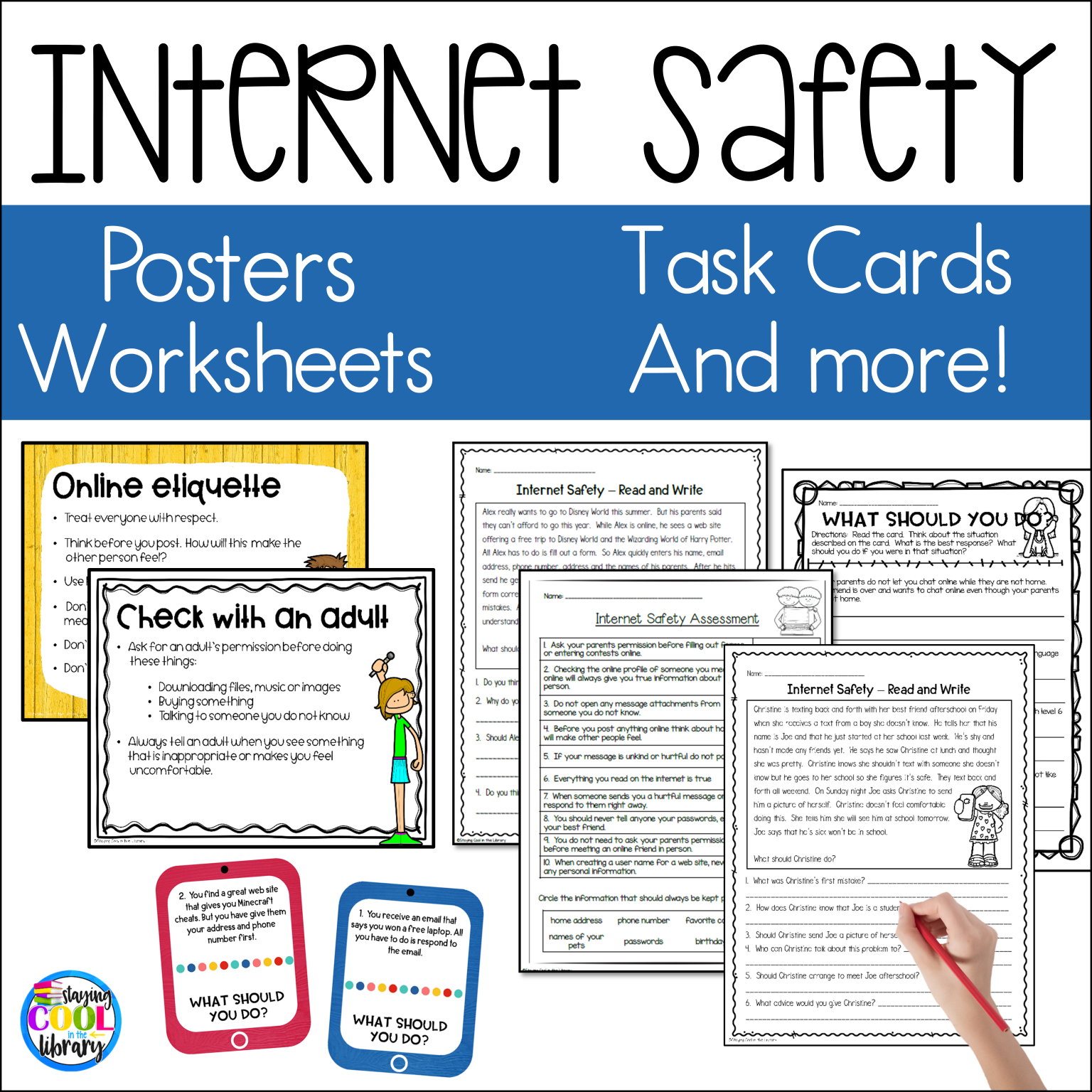
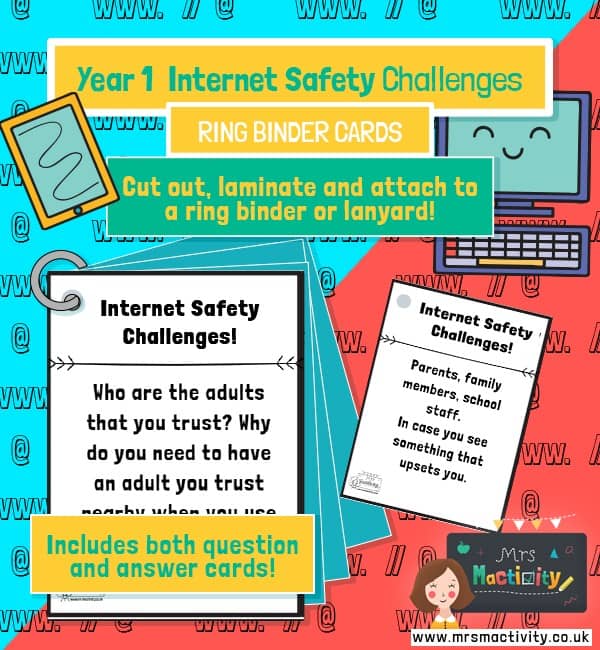
Clear rules and thoughtful home or classroom implementation anchor this resource. Each card outlines foundational protective habits that elementary students need for navigating connected spaces safely. Topics span keeping personal information private, recognizing the importance of strong passwords, and pausing to think before sharing digital content. Most importantly, the reference cards reinforce the absolute rule that children are never in trouble for reporting something uncomfortable to a grown-up. It sounds simple, and that is precisely the point. Children thrive when expectations remain straightforward and repeatable.
Key Learning Outcomes
Working with these physical reference cards helps students internalize critical decision-making steps before clicking or typing. Learners discover how to identify private data like home addresses, full names, and school locations. They practice the habit of pausing when a pop-up, message, or video feels strange or confusing. Educators and caregivers can explore related concepts further through structured student activity pages designed to reinforce these exact lessons through hands-on practice. Mastery comes from repetition, discussion, and connecting online choices to real-world common sense.
How to Use This Printable
Laminating these cards and placing them near computer stations, classroom tablets, or study desks keeps safety front and center. Teachers often distribute the cards during digital citizenship units, while parents clip them to refrigerators or device charging stations as friendly visual cues. According to the Federal Trade Commission, open and ongoing communication between adults and children is one of the most effective ways to guide young digital explorers. Physical reference tools act as conversation starters, making it easy to bring up online topics naturally without raising anxiety or sparking defensiveness.
Practical Tips for Parents and Teachers
Adults should review the cards alongside children rather than simply handing them out as rules to memorize. Role-playing different scenarios—such as receiving a strange message in a multiplayer game or accidentally clicking a link—helps students build muscle memory for difficult moments. When children know exactly who to talk to and what words to use, reporting a confusing online encounter becomes much less intimidating. Families looking to expand their toolkit can also explore curated online safety resources to find complementary reading materials, posters, and discussion guides.
Age-Appropriate Recommendations
Aligning digital lessons with developmental stages ensures that children absorb concepts without feeling overwhelmed. For younger elementary students ages five through eight, focus centers on basic device boundaries and always asking a trusted adult before downloading apps. Older elementary students ages nine through twelve can dive deeper into digital footprint management, respectful communication, and critical thinking regarding online sources. This progression mirrors the Common Sense Education Digital Citizenship Curriculum, which emphasizes empowering students to think critically, behave safely, and participate responsibly in digital communities.
According to the Pew Research Center, the vast majority of parents worry about their young children’s screen time and digital exposure, making structured, proactive guidance essential for modern households. — Pew Research Center
Frequently Asked Questions
Explore More Free Kids Online Safety Printables
Supporting children through their formative digital years requires a diverse set of creative tools and ongoing conversations. Educators and families can browse additional downloadable materials, including engaging creative safety sheets that make learning memorable for younger learners. Discovering more helpful digital citizenship guides ensures that classrooms and homes stay equipped with fresh strategies as children grow, explore, and navigate new technologies.
Developmental Milestone & Activity Table
| Development Stage | Recommended Daily Duration | Primary Learning Objective |
|---|---|---|
| Preschool & Pre-K | 10 – 15 Minutes | Pencil grip development & basic pre-stroke lines |
| Kindergarten | 15 – 20 Minutes | Letter/number formation & spatial line awareness |
| Early Elementary (Grade 1–2) | 20 – 30 Minutes | Fluency, sentence construction & neatness |
Images References