Evaluating the True Value of Digital Guardrails
As children navigate school Chromebooks, smartphones, and gaming consoles, the debate around structured boundaries is universal. Parents and educators frequently ask whether implementing strict internet safety rules for kids is truly worth the effort, or if children simply find clever ways around them. Organizations like ConnectSafely and the Cybersecurity and Infrastructure Security Agency emphasize that digital boundaries are most effective when they treat technology use as a teachable skill rather than a hostile battleground. By weighing the pros and cons of structured policies, adults can establish an environment that protects minors from harm while encouraging critical thinking and independence online.
💡 Educational Key Takeaways:
- Core Skill: Structured Is Internet Safety Rules For Kids Worth It Pros And Cons focused on developing pencil grip, stroke control, and early literacy/math confidence.
- Target Scope: Suited for homeschoolers, preschool, kindergarten, and elementary learners.
- Best Recommendation: Practice 10–15 minutes daily with ergonomic writing tools to reinforce muscle memory without hand fatigue.
Weighing the Balance of Restrictions and Freedoms
Understanding how technical controls interact with student behavior requires looking at both vulnerable digital contexts and practical countermeasures. The breakdown below details how common digital environments create risks and how balanced safeguards can minimize exposure without completely shutting down exploration. Related guide: 5 Cyber Safety Tips Symbols That Can Be Read By The Grede 7 Students.
| Setting / Context | Common Vulnerability | Practical Safeguard |
|---|---|---|
| Home Devices & Tablets | Unfiltered search engine exposure and accidental app purchases | Enable built-in parental controls, safe search locks, and require adult password approval for downloads. |
| School Chromebooks | Bypassing network filters via proxy extensions or incognito windows | Collaborate with IT departments to lock down browser extensions and review active monitoring software logs. |
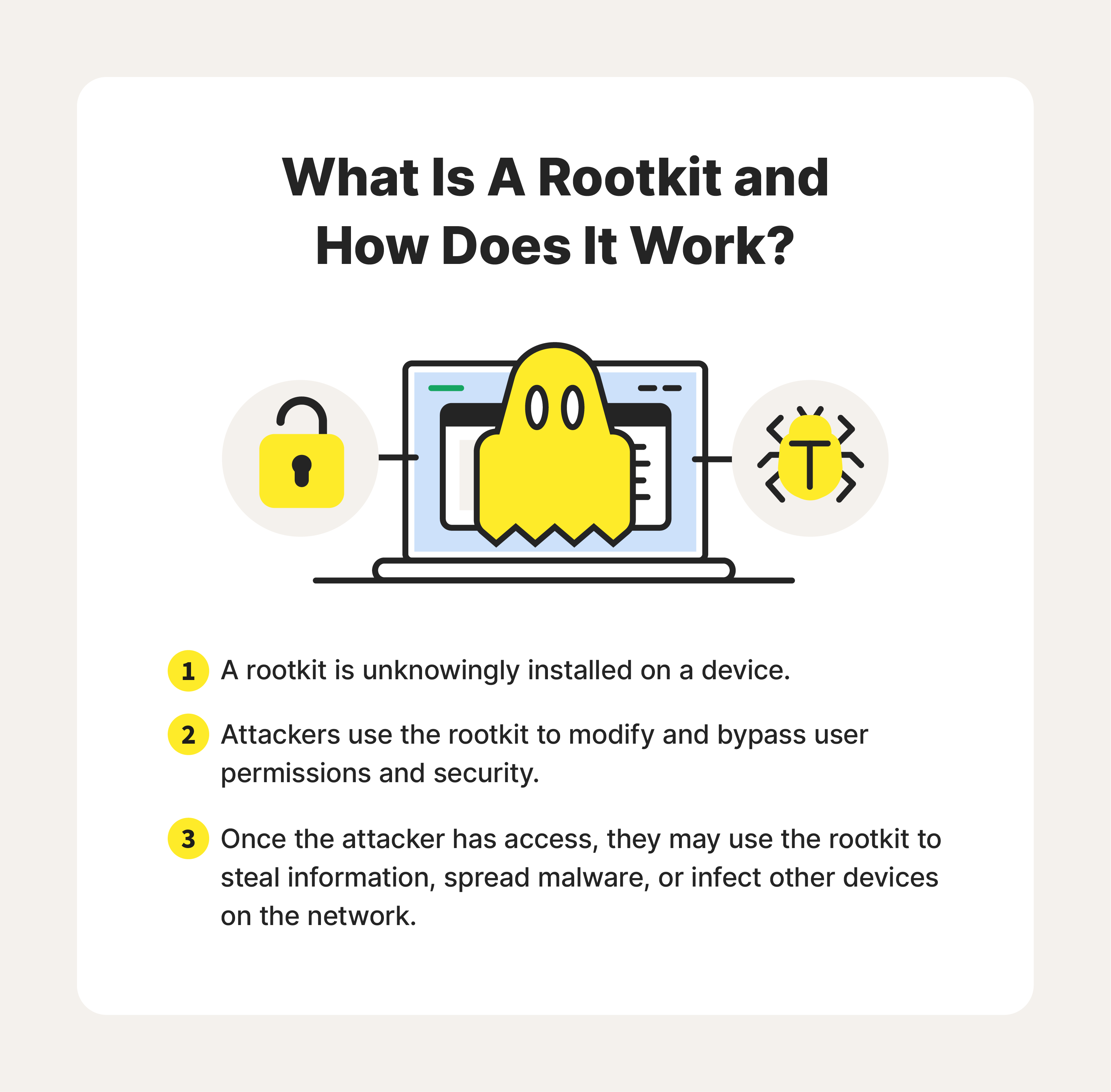
| Social Apps & Multiplayer Chat | Contact from strangers, grooming tactics, or cyberbullying in private text rooms | Turn off direct messaging for younger kids, keep gaming in common rooms, and review privacy settings together. |
Implementing Sustainable Home and Classroom Routines
To make digital safety rules stick, adults must combine age-appropriate device controls with clear, predictable routines. Establishing a shared nighttime charging station in the kitchen prevents late-night screen scrolling and disruptive sleep habits. Educators can support these habits by weaving lessons from Internet and Digital Safety modules directly into daily instruction. When a student encounters uncomfortable content or accidental cyberbullying, the response from adults should focus on calm support rather than immediate punitive device confiscation. Pairing these discussions with creative resources like Coloring Pages helps younger children grasp digital citizenship concepts in a welcoming, non-threatening format.
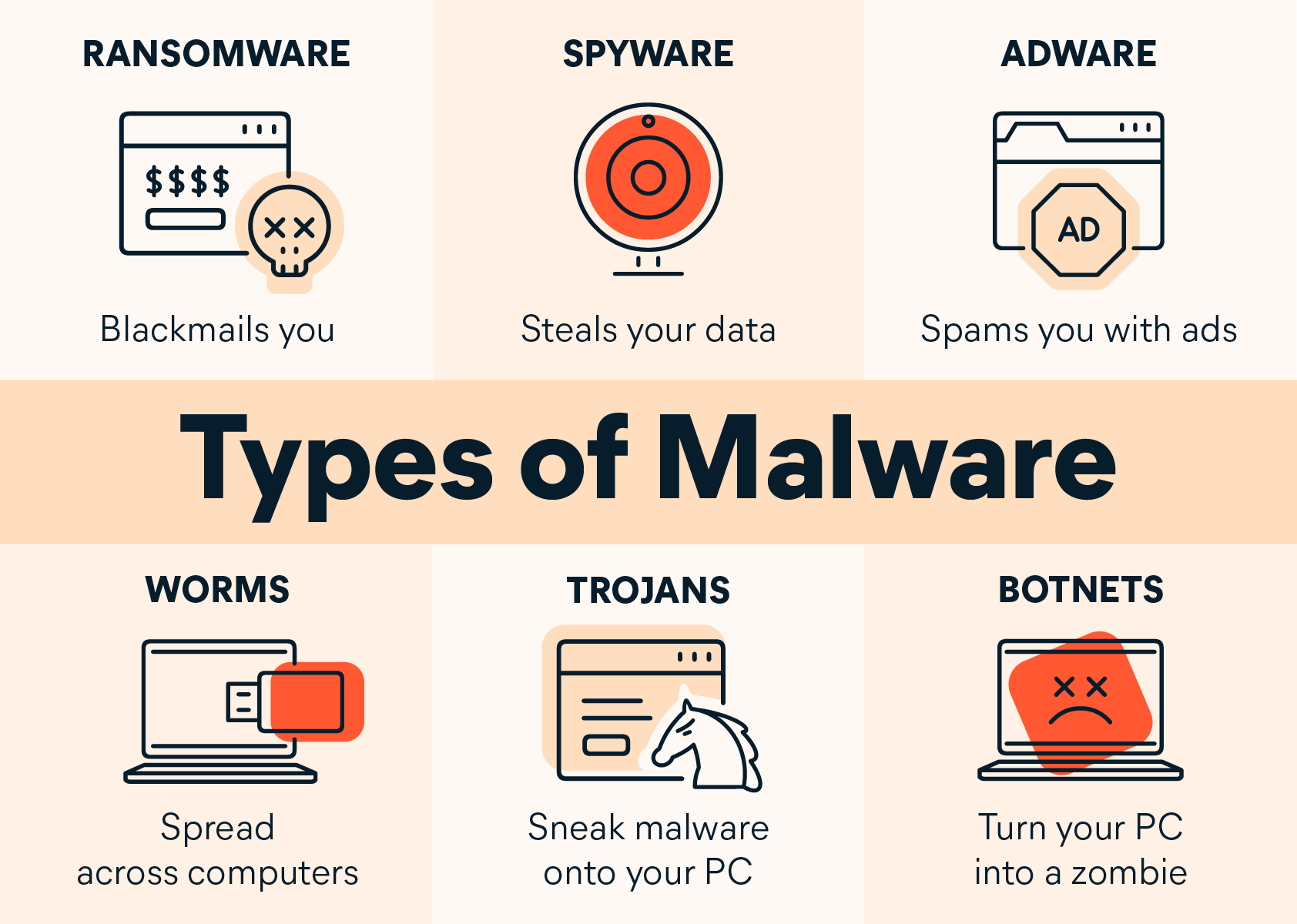
One of the main reasons adults question whether internet safety rules for kids are worth it is the inevitable pushback. When rules are overly draconian—such as banning all internet access past a certain hour without explanation—kids often experiment with workarounds like guest networks or hidden browser tabs. Guidance from the Family Online Safety Institute highlights that open communication yields better long-term compliance than rigid micromanagement. Instead of treating technical restrictions as a secret weapon, adults should explain the reasoning behind specific blocks. When kids understand that a rule protects their personal data or prevents malware rather than just ruining their fun, they are far more likely to respect the boundary.
Frequently Asked Questions About Digital Safety Rules
At what age should children be introduced to formal internet safety rules?
Basic safety concepts should begin the moment a child starts using a touchscreen or school tablet. Introduce foundational rules like not sharing home addresses or passwords early, and scale up privacy discussions as they gain independent access to social apps.
Do strict technical filters completely stop kids from seeing inappropriate content?
No filter is one hundred percent foolproof. While network filters and safe search settings block a vast majority of accidental exposure, they must be paired with active parental supervision and open conversations about what to do if something slips through.
How can teachers handle students who bypass school device restrictions?
Teachers should partner immediately with school IT staff to log the workaround method, then address the behavior as a digital citizenship teachable moment. Emphasize that network rules protect the entire school learning community from security threats.
Explore More Digital Citizenship Resources
Building a safer digital culture for children requires ongoing education, practical tools, and collaborative communication between home and school. To discover additional guides, printable activities, and expert teaching strategies, visit SafeWiredSchools.org today.
Visual Reference Gallery