Building Digital Foundations: Why Early Internet Safety Matters in First Grade
Children as young as six years old frequently interact with educational tablets, gaming consoles, and streaming devices both at school and at home. Assessing 1St Grade Prior Knowledge Of Internet Safety helps educators and parents bridge the gap between what kids think the internet is—a magical television screen or game box—and what it actually is: a global network of interconnected computers. According to youth safety insights from organizations like ConnectSafely and the Cybersecurity and Infrastructure Security Agency (CISA), introducing basic digital literacy early prevents future confusion and establishes lifelong healthy device habits. Related guide: Teachers Of Grades 9–12 Should Expand Internet Safety Instruction To Include Which Of The Following Topics?.
💡 Educational Key Takeaways:
- Core Skill: Structured 1St Grade Prior Knowledge Of Internet Safety focused on developing pencil grip, stroke control, and early literacy/math confidence.
- Target Scope: Suited for homeschoolers, preschool, kindergarten, and elementary learners.
- Best Recommendation: Practice 10–15 minutes daily with ergonomic writing tools to reinforce muscle memory without hand fatigue.
Assessing the Landscape: First-Grade Risk Signals and Preventive Guardrails
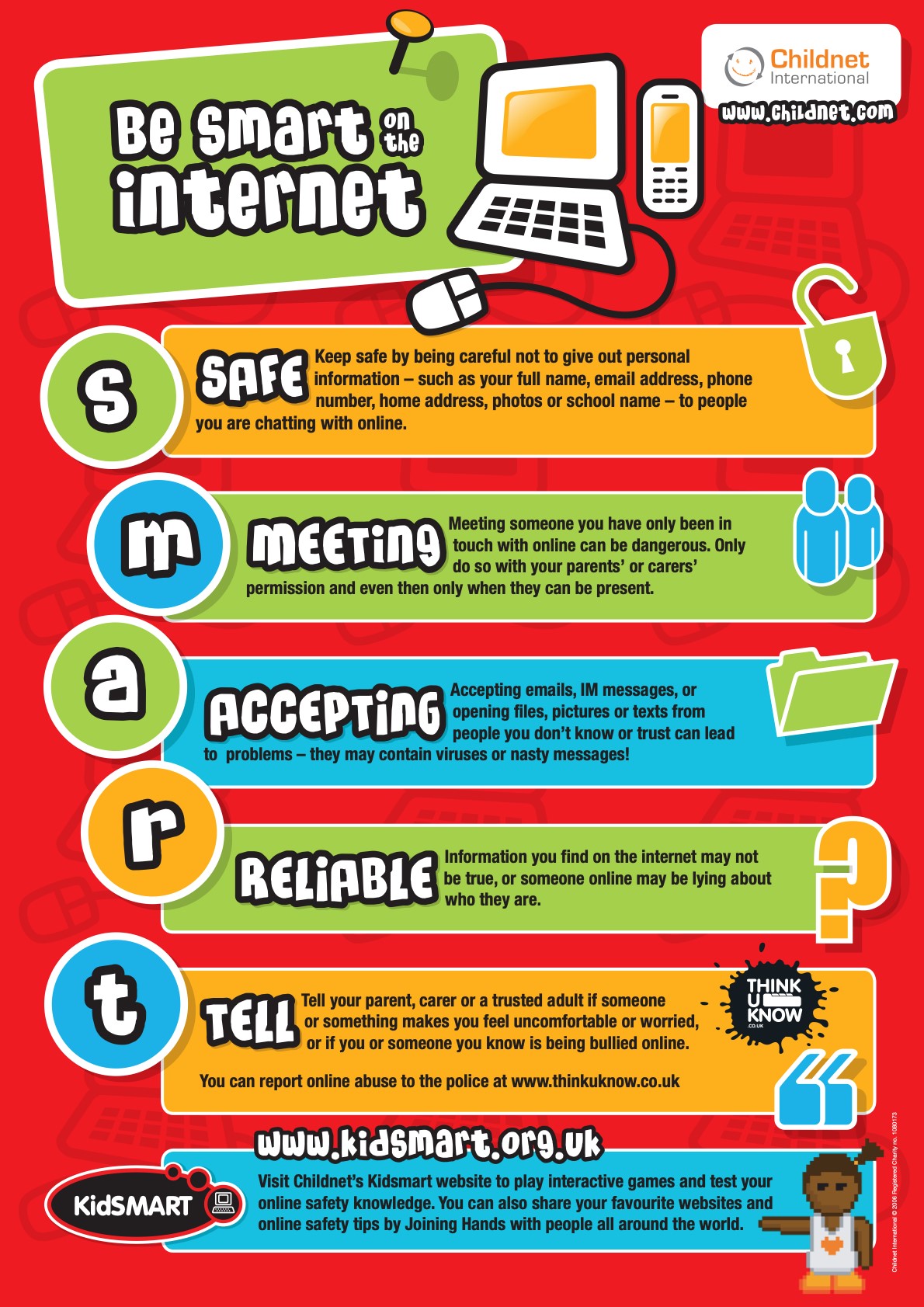
First graders rarely encounter sophisticated online predators, but they frequently stumble upon inappropriate pop-up ads, accidental in-app purchases, or frightening auto-playing videos. Establishing robust device controls and observing how children react to unexpected screen prompts creates an immediate layer of defense across home and school environments.
| Setting / Context | Common Vulnerability | Practical Safeguard |
|---|---|---|
| Home Devices & Tablets | Accidental clicks on bright, misleading banner ads or unintended micro-transactions. | Enable strict app store purchase passwords and use ad-blocking browser extensions. |
| School Chromebooks & iPads | Bypassing web filters or wandering into unvetted image search results. | Rely on district-managed DNS filtering, safe search defaults, and monitored communal charging stations. |
| Interactive Games & Chat | Encountering open text or voice chat rooms in seemingly innocent kid-friendly games. | Disable all microphone and chat permissions in game settings before handing the device to a child. |
Establishing Clear Routines and Healthy Device Habits
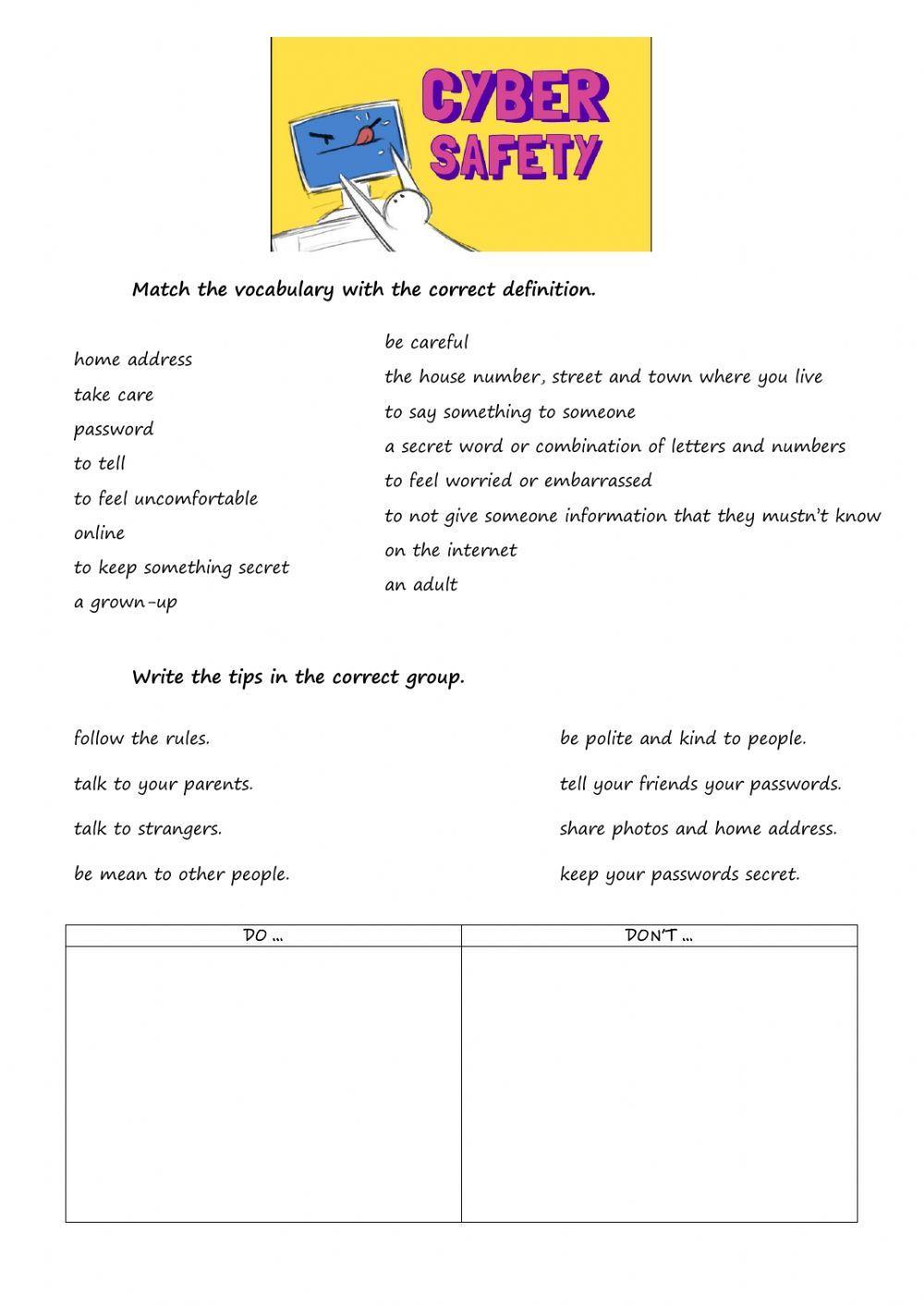
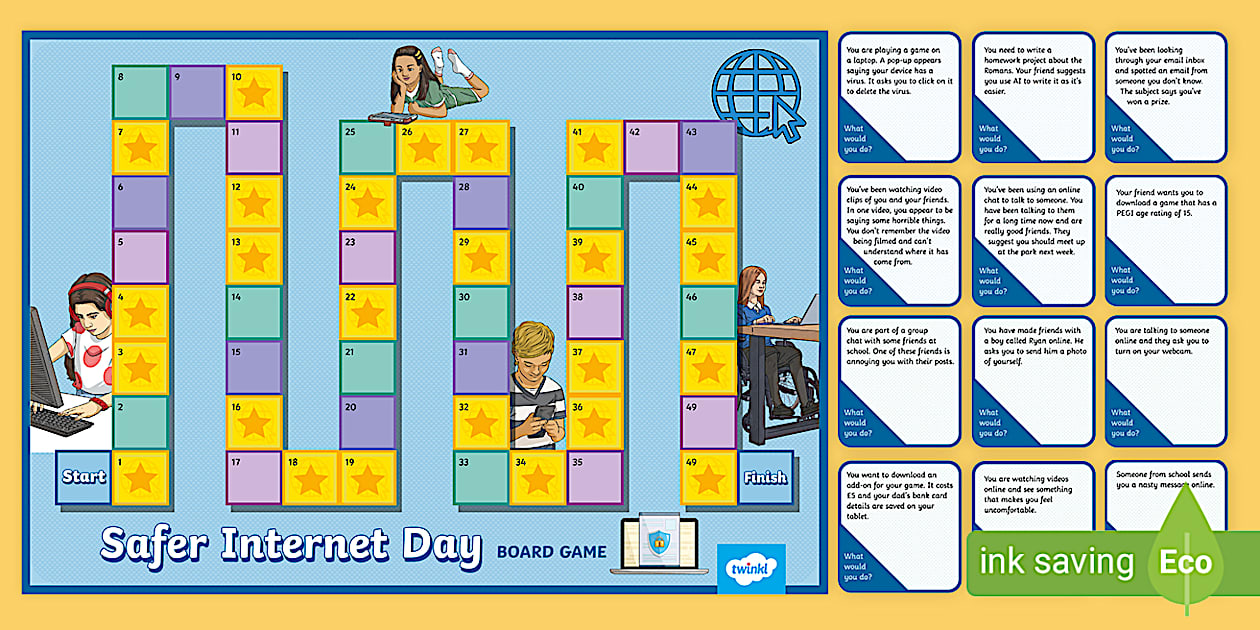
Translating digital safety concepts into action for six-year-olds requires concrete routines rather than abstract lectures. Educators and families should collaborate to ensure that technology use is always public and purposeful. Parents can reinforce lessons learned through interactive Coloring Pages that depict unplugged play and safe screen boundaries. Additionally, teachers often utilize structured Worksheets to help students identify trusted adults they can turn to if something weird or scary pops up on a screen. Every home and classroom should maintain a central charging station in a common area—such as the kitchen or living room—meaning tablets and laptops never sleep in a child’s bedroom.
Children are naturally curious, and a heavy-handed ban on all technology often backfires, driving exploration underground or to a friend’s unsupervised device. Instead of making the internet a forbidden mystery, frame device safety around the concept of a digital neighborhood. When a child inevitably asks about a blocked website or an unusual pop-up, pause to praise their honesty in reporting it rather than reacting with anger. Pair robust technical filters found in our comprehensive Internet and Digital Safety hub with calm, reassuring conversations that normalize asking for help.
Frequently Asked Questions About Early Digital Literacy
What foundational rules should a six-year-old understand about the internet?
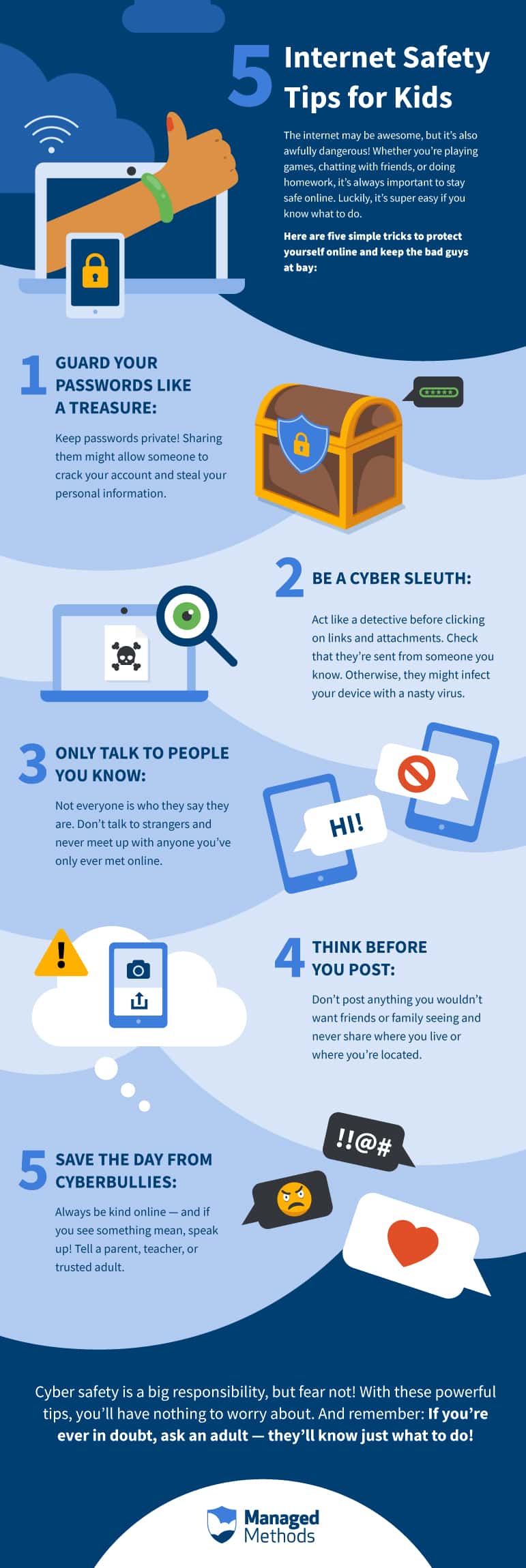
First graders should know three basic rules: never type their real name or address, always ask an adult before clicking on something unexpected, and treat screen time like borrowing a library book that must be returned when finished.
How can teachers weave digital citizenship into standard first-grade lessons?
Teachers can incorporate digital citizenship by discussing how to treat classmates kindly during shared computer lab time, drawing parallels between real-world strangers and online entities, and practicing offline problem-solving steps.
What should a parent do immediately if a child encounters inappropriate content?
Stay calm, reassure the child that they did nothing wrong by telling you, close the browser window, and take a break from the screen to engage in a comforting physical activity together.
Explore More Digital Citizenship Resources
Guiding young learners through their first digital experiences requires ongoing collaboration between educators, families, and communities. Continue exploring expert tips, lesson plans, and safety guidelines by visiting SafeWiredSchools.org to keep every child safe online.
Visual Reference Gallery