Introduction
Digital spaces are as much a part of modern childhood as playgrounds and schoolyards. Children naturally gravitate toward interactive screens for learning, gaming, and connection. Yet, navigating these environments requires thoughtful guidance just like crossing a busy street. Adults often worry about digital dangers, but fear rarely teaches effective prevention. Building healthy online habits relies on consistent, accessible conversations rather than sudden warnings after a mistake happens. Free visual aids make these abstract concepts tangible for developing minds. By turning digital citizenship into a shared visual experience, educators and families can transform screen time into an opportunity for growth. Exploring the Internet and Digital Safety section provides educators and parents with foundational tools to begin these essential dialogues without stress or confusion.
💡 Educational Key Takeaways:
- Core Skill: Structured Infographics About Internet Safety focused on developing pencil grip, stroke control, and early literacy/math confidence.
- Target Scope: Suited for homeschoolers, preschool, kindergarten, and elementary learners.
- Best Recommendation: Practice 10–15 minutes daily with ergonomic writing tools to reinforce muscle memory without hand fatigue.
What This Printable Covers
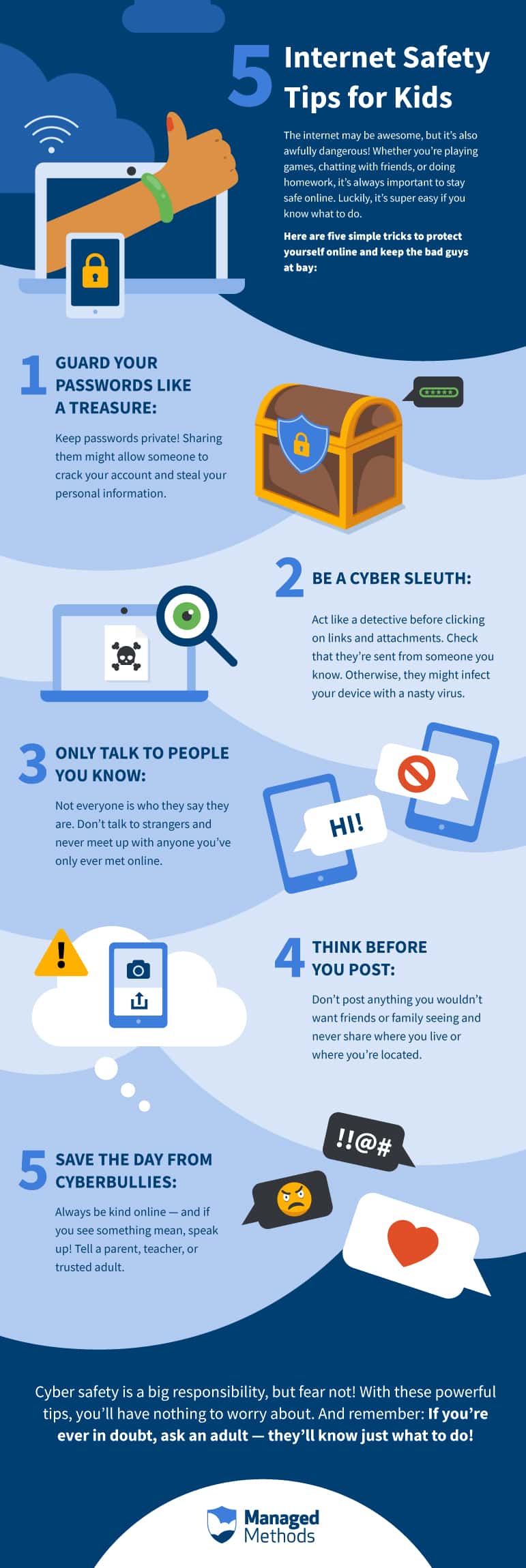
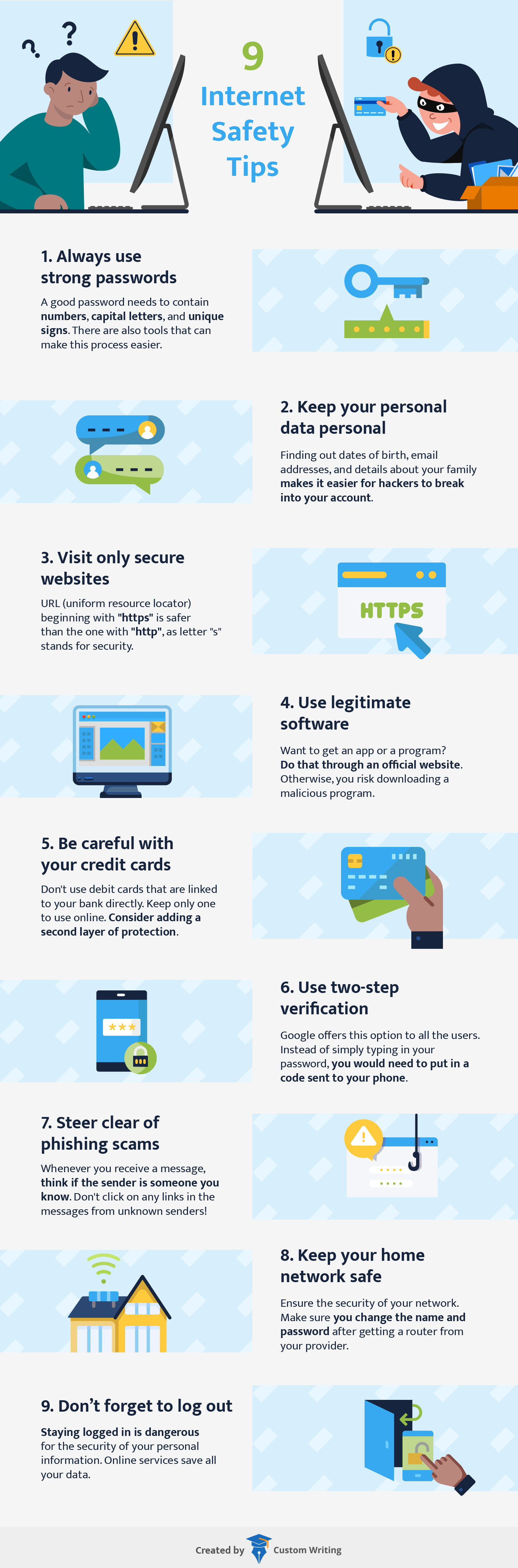
Visual learners thrive on clarity, and infographics distill complex digital rules into memorable imagery. These free printables break down everyday online navigation into clear, bite-sized concepts suitable for young elementary students up through upper elementary grades. Children rarely encounter online risks through dramatic scenarios; instead, vulnerabilities usually appear quietly during cooperative in-game chat features, shared household tablets, or immersive video streaming platforms. The infographics address these realistic moments by focusing on protective everyday habits. Keeping personal information private, creating strong passwords, and pausing before clicking or sharing are all highlighted. Furthermore, every concept reinforces a vital emotional anchor: children are never in trouble for reporting something that feels confusing or uncomfortable. This resource supports habit-building and open communication, serving as a helpful springboard for deeper discussions rather than an absolute shield against every digital hazard. Related guide: Teachers Of Grades 9–12 Should Expand Internet Safety Instruction To Include Which Of The Following Topics?.
Key Learning Outcomes
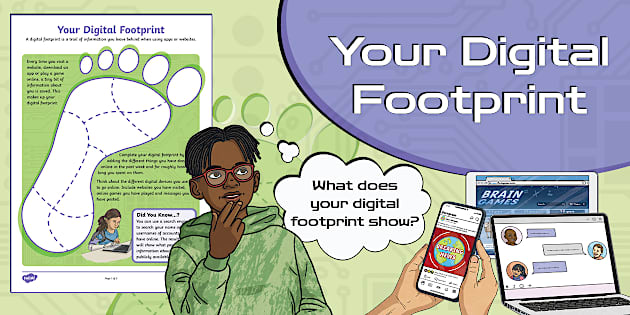
Structured learning goals ensure that visual aids translate into real-world protective behaviors. Children who interact with these infographics learn to recognize the boundary between public and private data long before typing a name, address, or school into a form. Another primary outcome involves recognizing trusted adults both at home and at school, establishing a dependable safety net for digital dilemmas. It sounds simple, and that is the point. When children understand that seeking help is a sign of smart thinking rather than a confession of wrongdoing, trust deepens. Additional skills include identifying secure versus insecure moments, understanding the permanence of digital footprints, and learning basic digital etiquette that prevents accidental cyberbullying. These competencies align closely with broader lessons found throughout dedicated Worksheets designed to reinforce healthy technology use through interactive practice.
How to Use This Printable
Implementation requires flexibility depending on whether the setting is a lively classroom, a cozy homeschool room, or a family kitchen table. Printing and posting these infographics near home computer stations or school media centers provides a constant, gentle reminder of best practices. Adults can introduce the sheet during a calm morning meeting or a relaxed weekend chat rather than during a device-policing moment. Asking open-ended questions invites children to explain the graphics in their own words, revealing their current understanding of digital spaces. For instance, pointing to a section about passwords allows a child to explain why sharing a gaming login with a school friend might not be safe, even with good intentions. Turning the infographic into a collaborative scavenger hunt or an interactive poster-making session deepens engagement far beyond passive reading.
Practical Tips for Parents and Teachers
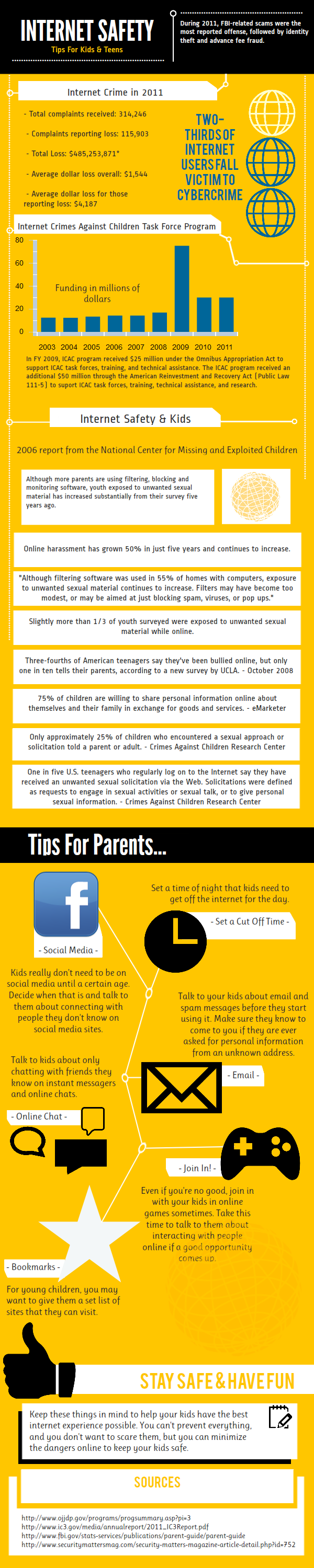
Consistency bridges the gap between digital rules learned at school and habits practiced at home. Educators and parents achieve the best results by maintaining a calm, empowering tone that frames safety as a valuable life skill rather than a restrictive punishment. Here is what makes this resource different: it shifts the focus from monitoring devices to empowering the child behind the screen. Adults should model good digital habits themselves, narrating safe choices aloud, such as checking a link or pausing before posting a photo. Regular check-ins about favorite online games and video platforms keep lines of communication wide open. When a child feels comfortable sharing a strange pop-up or a mean message from a peer, prevention succeeds long before any real harm occurs. Pairing these visual aids with hands-on practice found in various Online and Digital Safety modules builds comprehensive digital resilience.
Age-Appropriate Recommendations
Tailoring digital citizenship instruction to developmental stages ensures that children grasp concepts without feeling overwhelmed. Younger children in early elementary school benefit from focusing on basic rules, such as asking permission before downloading an app and recognizing who counts as a trusted adult. Upper elementary students can handle more nuanced topics, including digital footprints, evaluating online information, and understanding the emotional impact of words sent through text or chat. This tiered approach directly supports the International Society for Technology in Education Standards for Students, which encourages digital citizenship development across all grade levels. According to Common Sense Media, children begin engaging with interactive digital media at increasingly early ages, making foundational safety education critical during the primary school years. Keeping expectations aligned with cognitive maturity guarantees that children remain confident and curious explorers of the digital world.
Children frequently encounter digital spaces through collaborative in-game chats and shared household devices long before middle school. — Common Sense Media
Frequently Asked Questions
Clear answers to common questions help educators and families maximize the impact of these educational tools. How can adults access and print these materials for group or home settings? What specific strategies make these infographics effective for young learners? How do trusted organizations view the importance of early digital literacy? Addressing these inquiries ensures smooth integration into daily routines and reassures adults looking for reliable guidance.
Explore More Free Kids Online Safety Printables
Expanding a digital citizenship toolkit requires a variety of complementary resources. Alongside informative infographics, tactile activities help reinforce positive digital behaviors across different learning styles. Exploring creative options such as Coloring Pages offers younger children a relaxing way to internalize safety messages while fine-tuning motor skills. Combining diverse printables creates a rich, engaging environment where internet safety becomes an empowering, natural part of growing up in a digital age.
Developmental Milestone & Activity Table
| Development Stage | Recommended Daily Duration | Primary Learning Objective |
|---|---|---|
| Preschool & Pre-K | 10 – 15 Minutes | Pencil grip development & basic pre-stroke lines |
| Kindergarten | 15 – 20 Minutes | Letter/number formation & spatial line awareness |
| Early Elementary (Grade 1–2) | 20 – 30 Minutes | Fluency, sentence construction & neatness |
Images References