Why Creative Offline Breakouts Matter for Modern Media Literacy
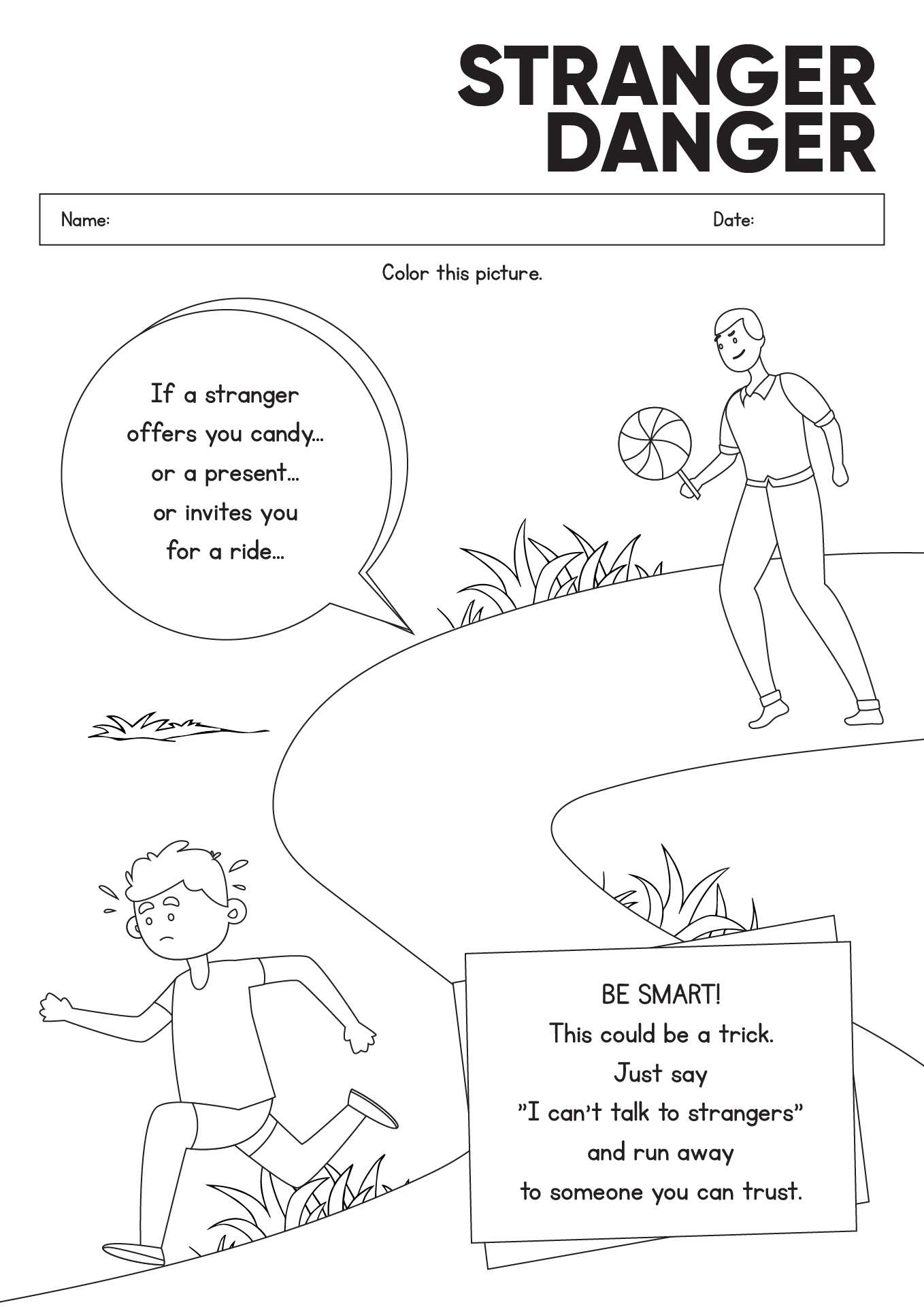
In a world where children navigate high-speed connectivity on school Chromebooks and home tablets almost constantly, striking a healthy balance between screen time and offline wellness is essential. Introducing an internet white coloring sheet into your daily routine provides a wonderful canvas for kids to pause, reflect, and discuss digital safety concepts offline. Leading organizations like ConnectSafely and the Cybersecurity and Infrastructure Security Agency consistently emphasize that young learners process complex web safety messages best when paired with tactile, low-pressure activities. By blending creative downtime with foundational cyber hygiene lessons, educators and parents can open up natural lines of communication about what children experience online without feeling overwhelmed. Related guide: Two Factor Authentication Coloring Page Kids.
💡 Activity Key Takeaways:
- Core Focus: Printable Internet White Coloring Sheet designed for creative expression and fine-motor coordination.
- Target Scope: Ideal for toddlers, preschool, kindergarten, and classroom art activities.
- Best Recommendation: Use standard heavy printer paper (24–28 lb) or cardstock for vibrant results with crayons, colored pencils, or washable markers.
Spotting Digital Stressors and Implementing Smart Preventive Guardrails
Children frequently encounter confusing content, unexpected pop-ups, or peer pressure while exploring websites, making proactive supervision crucial for both classrooms and living rooms. Adults should stay vigilant for behavioral cues that indicate a child is feeling overwhelmed online, such as abruptly closing browser windows or showing anxiety around shared devices. The breakdown below outlines key monitoring areas, potential technical vulnerabilities, and actionable safeguards to keep student experiences secure.
| Setting / Context | Common Vulnerability | Practical Safeguard |
|---|---|---|
| Home Devices & Tablets | Unfiltered search engines exposing children to age-inappropriate imagery or unsolicited pop-up ads. | Enable strict safe-search locks, curate browser bookmarks, and use robust parental control software. |
| School Chromebooks | Students attempting to bypass institutional web filters using unauthorized extensions or proxy sites. | Regularly audit device extensions with IT staff and reinforce classroom internet and digital safety protocols. |
| Interactive Chat & Gaming | Over-sharing personal information or falling victim to peer pressure in open multiplayer lobbies. | Disable direct messaging features on unfamiliar platforms and review privacy settings together monthly. |
Establishing Balanced Routines and Open Communication Channels
Effective digital citizenship is built on consistent habits rather than reactionary bans. When introducing topics like data privacy or mindful screen consumption, adults should create an environment free from shame or fear of device confiscation. Utilize hands-on materials like a printable internet white coloring sheet during device-free afternoons to spark organic discussions about passwords, cyberbullying, and kind online behavior. Pairing these creative exercises with physical guardrails—such as centralized family charging stations in the kitchen overnight—teaches children self-regulation and healthy digital boundaries that last a lifetime.
Children and teenagers are exceptionally resourceful when it comes to finding workarounds for parental controls or school firewalls, whether by using incognito modes or sharing login credentials with peers. When adults discover these workarounds, an aggressive or overly punitive reaction often backfires, driving kids to hide their digital behavior entirely. Instead, treat these moments as teachable opportunities. Acknowledge their technical curiosity while firmly resetting expectations around network security and personal safety. Reinforce that digital rules exist to protect their well-being, and pair your technical controls with continued access to educational resources like our Worksheets collection.
Frequently Asked Questions About Offline Safety Tools
How does a coloring sheet help teach online safety to young children?
Tactile activities give young minds a chance to step away from glowing screens and process digital concepts at their own pace. Coloring pages can be used as discussion prompts by teachers and parents to talk about password security, safe web navigation, and emotional well-being in a relaxed, non-threatening setting.
At what age should children start learning about digital citizenship?
Age-appropriate digital literacy conversations should begin as soon as children start interacting with touchscreen devices or school computers, typically in preschool or kindergarten. Simple concepts like asking permission before downloading apps lay the groundwork for advanced online and digital safety habits later on.
Where can educators find supplementary offline activities for computer labs?
Educators looking to complement their technology curricula can explore specialized activity hubs, including our curated Coloring Pages section, which provides engaging, screen-free ways to reinforce positive technology habits in the classroom.
Explore More Digital Citizenship and Safety Resources
Promoting a safe, empowering digital environment requires ongoing collaboration between home and school communities. Whether you are looking for classroom management strategies or family tech agreements, we invite you to explore further guidance, lesson plans, and safety toolkits directly at SafeWiredSchools.org.
Printable Coloring Page Previews