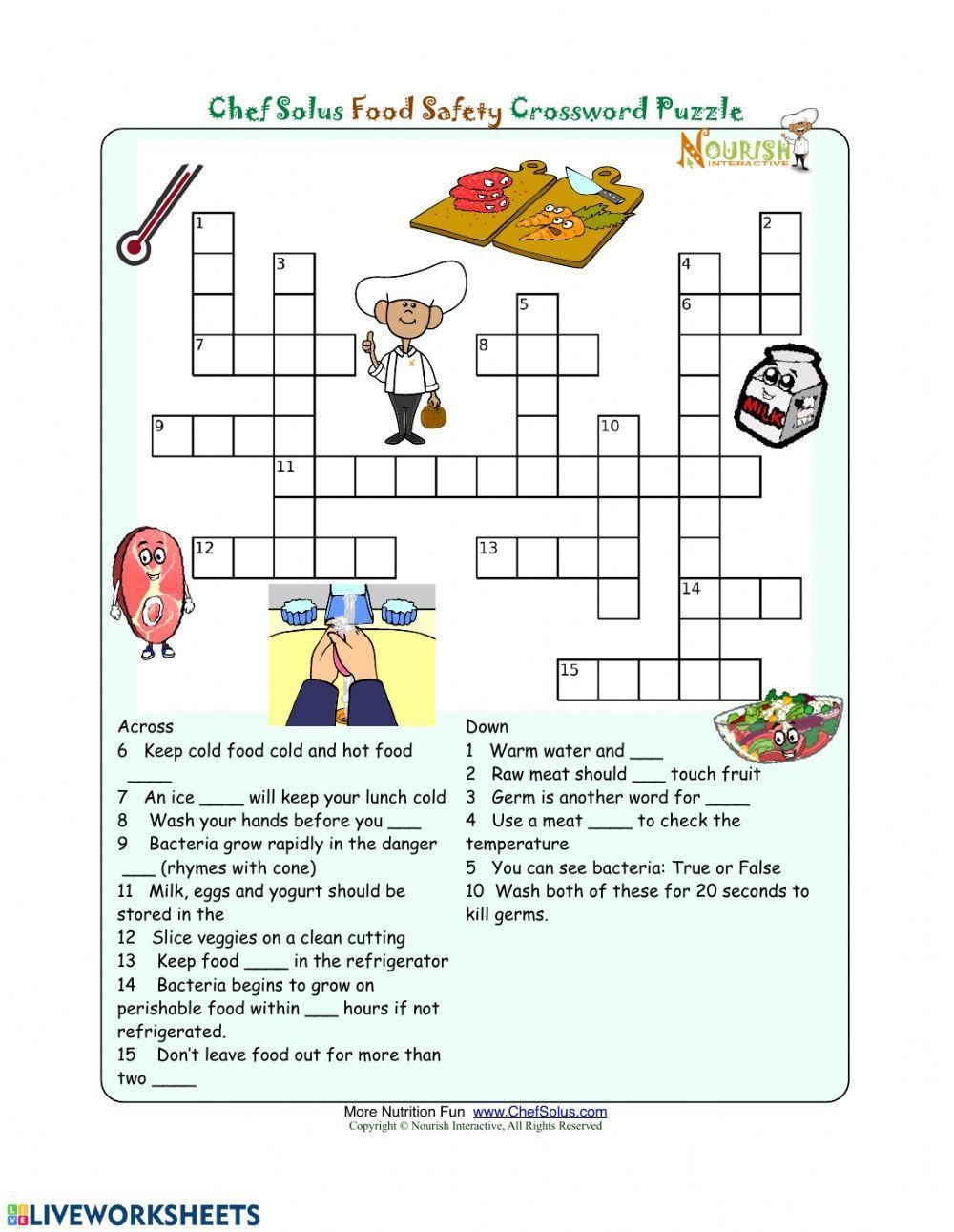
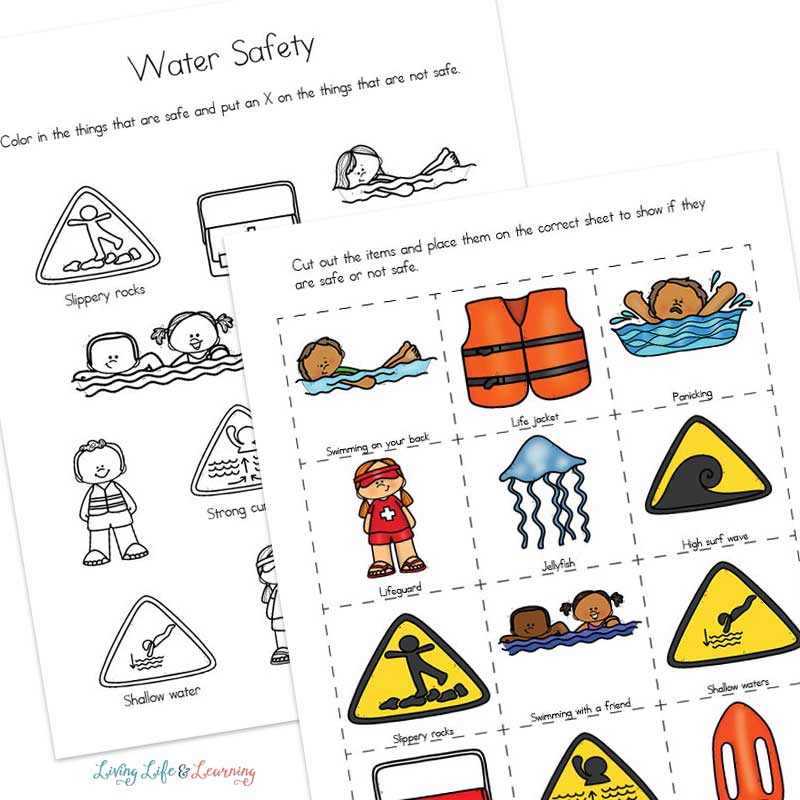
Why Safe Digital Access Matters When Searching for Food Safety Worksheets Free
When teachers, parents, and school staff search online for food safety worksheets free, they often dive straight into downloading printables, lesson plans, and instructional PDFs from unfamiliar third-party websites. While these educational resources help teach kids about kitchen hygiene, handwashing, and food preservation, open search queries can accidentally lead students and adults toward ad-heavy domains, malicious pop-ups, or phishing traps disguised as free downloads. Aligned with guidance from ConnectSafely and the Cybersecurity and Infrastructure Security Agency (CISA) regarding youth online safety, educators and families must balance instructional goals with rigorous digital hygiene. By taking a proactive approach to device safety, adults can protect students from sketchy download links while ensuring learning environments remain secure and engaging.
💡 Educational Key Takeaways:
- Core Skill: Structured Food Safety Worksheets Free focused on developing pencil grip, stroke control, and early literacy/math confidence.
- Target Scope: Suited for homeschoolers, preschool, kindergarten, and elementary learners.
- Best Recommendation: Practice 10–15 minutes daily with ergonomic writing tools to reinforce muscle memory without hand fatigue.
Downloading educational printables requires careful attention to browser security, device permissions, and file types. The table below outlines common vulnerabilities encountered when acquiring free educational resources online and details practical safeguards you can implement across home and school devices.
| Setting / Context | Common Vulnerability | Practical Safeguard |
|---|---|---|
| Home Laptops & Tablets | Deceptive ad banners offering fake download buttons that install adware or PUPs. | Install reputable ad-blockers, configure browser safe-browsing extensions, and teach children to identify official PDF links. |
| School Chromebooks & iPads | Unvetted third-party educational repositories allowing unauthorized file downloads. | Enforce district-wide content filtering through administrative consoles, restricting downloads to approved educational portals. |
| Peer File-Sharing & Chats | Students sharing unverified web links or compressed files via classroom messaging apps. | Establish clear classroom policies regarding digital resource sharing; incorporate lessons from our Internet and Digital Safety category. |
Establishing Healthy Download Routines at School and Home
Protecting children online does not mean restricting their access to helpful educational content; rather, it means building structured, predictable digital routines. Educators can curate a central repository of pre-vetted websites for lesson planning, minimizing the need for students or staff to surf unverified search engine results. Parents should model safe search habits by evaluating website URLs together before clicking download buttons, verifying that the domain is trusted and secure (HTTPS). Incorporating printable safety checklists from our Worksheets collection helps students understand why we avoid clicking on unfamiliar pop-ups or sharing personal details online.
Overcoming Technical Workarounds and Maintaining Open Communication
Overly restrictive network blocks often drive tech-savvy students to find workarounds, such as using unmonitored proxy sites or personal cellular hotspots to access blocked file repositories. Instead of relying solely on hard blocks, adults should foster open communication where students feel comfortable reporting strange pop-ups, accidental redirects, or suspicious downloads without fear of punishment. When a student encounters a sketchy advertisement while hunting for educational materials, treat it as a teachable moment about cyber hygiene, guiding them through safe reporting and browser tab closure techniques inspired by organizations like FOSI.
Frequently Asked Questions About Safe Educational Downloads
Are all free educational websites safe for students to browse independently?
Not necessarily. Many free resource sites rely heavily on third-party ad networks that display misleading download buttons, pop-up malware, or adult content. Children should always browse under adult supervision or within a pre-approved educational whitelist.
Teachers should download files directly on secure staff devices, scan them for safety, and redistribute them through official learning management systems like Google Classroom or Canvas rather than directing students to browse external file repositories.
Where can I find more digital citizenship tips for young learners?
You can explore specialized curriculum modules and interactive guides by visiting our Online and Digital Safety hub for comprehensive protection strategies.
Explore More Digital Citizenship Resources
Safeguarding student internet habits while accessing educational printables is an ongoing journey for modern educators and parents. For more expert guides, classroom policies, and safety toolkits, visit SafeWiredSchools.org today to keep your digital learning environment secure and empowering.
Worksheet Previews & Reference Materials