Why Visual Learning Guides and Safety Signs Worksheets Free Matter for Modern Students
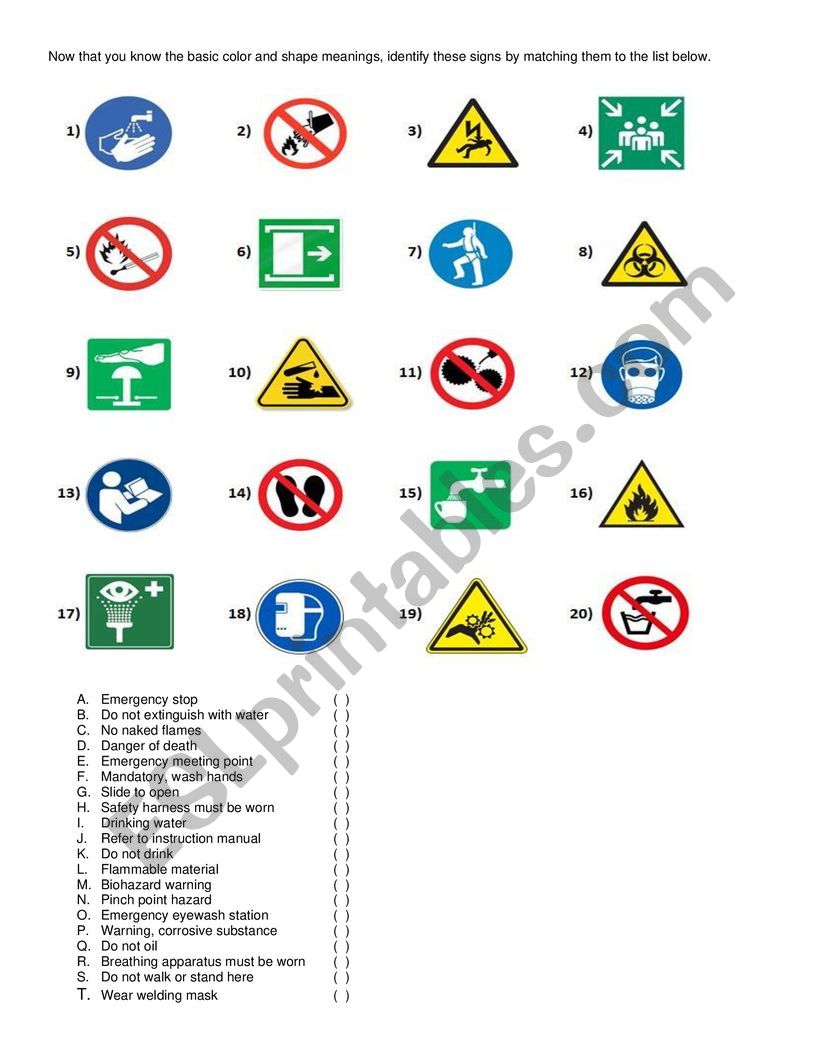
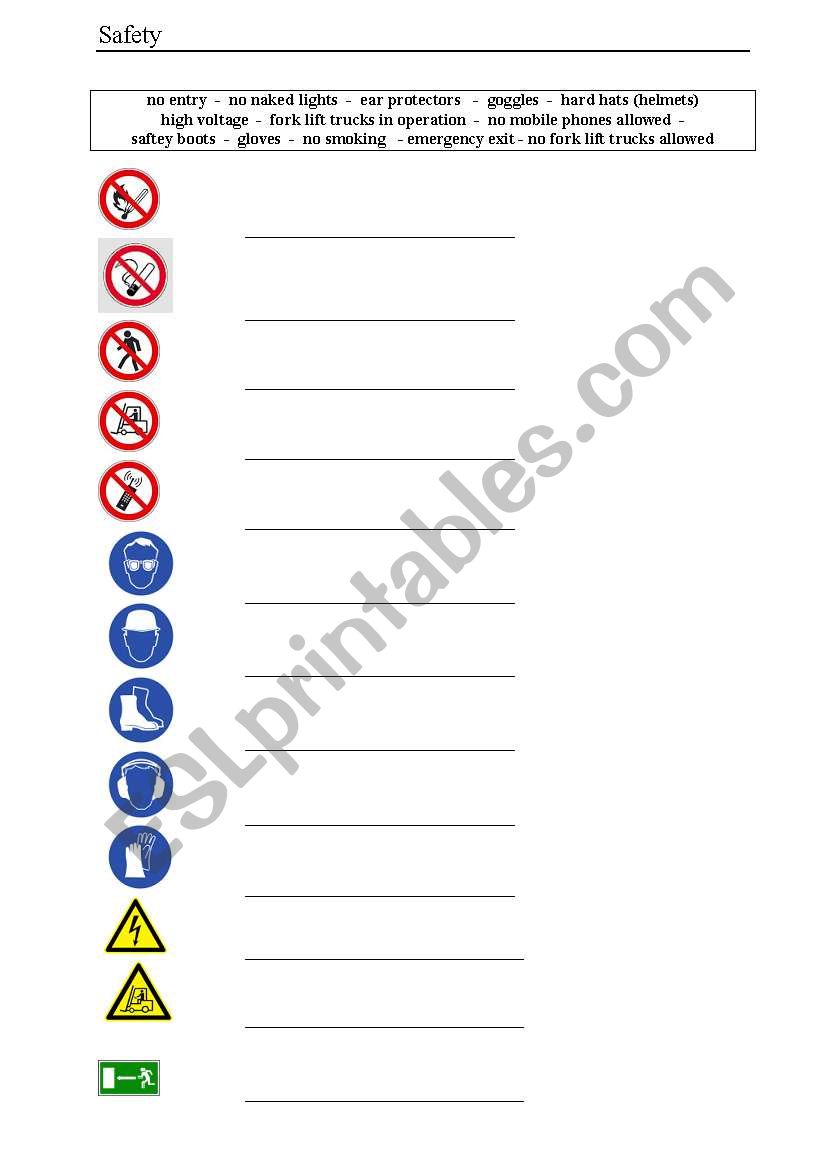
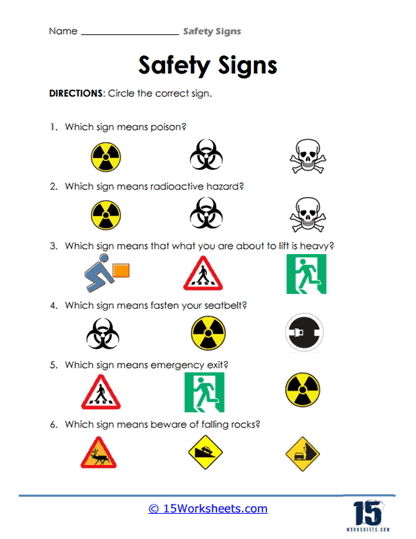
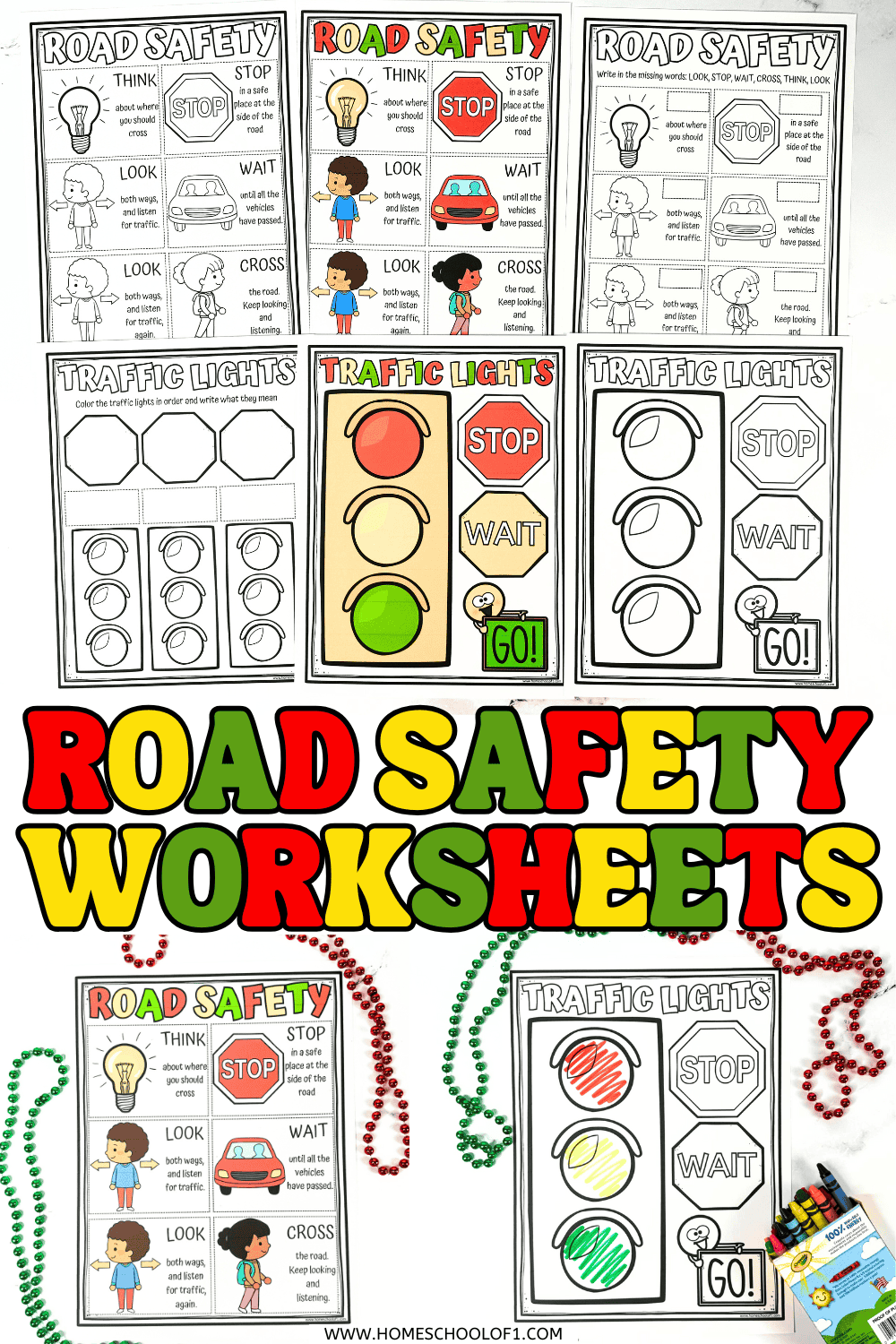
As children navigate school Chromebooks, smartphones, and gaming consoles at increasingly younger ages, translating abstract cyber safety rules into concrete understanding is a major challenge for educators and parents alike. Grounded in youth privacy and safety guidance from organizations like ConnectSafely and the FTC, teaching digital citizenship requires visual, engaging tools. Leveraging safety signs worksheets free allows teachers and parents to introduce essential online boundaries through familiar conceptual frameworks—much like traffic signs guide physical movement, digital safety signs help kids recognize red flags online.
💡 Educational Key Takeaways:
- Core Skill: Structured Safety Signs Worksheets Free focused on developing pencil grip, stroke control, and early literacy/math confidence.
- Target Scope: Suited for homeschoolers, preschool, kindergarten, and elementary learners.
- Best Recommendation: Practice 10–15 minutes daily with ergonomic writing tools to reinforce muscle memory without hand fatigue.
Digital Risk Signals and Preventive Guardrails
Children often encounter confusing pop-ups, chat solicitations, or questionable download prompts before they have developed the mature judgment needed to assess risk. Adults must pair downloadable classroom resources with active technical oversight across home networks, school-issued hardware, and personal devices. The following breakdown outlines common vulnerabilities students face and the practical safeguards adults can implement to mitigate them. Related guide: Online Safety And Netiquette Lesson Plan Grade 4.
| Setting / Context | Common Vulnerability | Practical Safeguard |
|---|---|---|
| Home Wi-Fi & Personal Tablets | Unfiltered search results or accidental exposure to inappropriate content during late-night browsing. | Enforce centralized device charging zones outside bedrooms overnight and enable router-level content filtering. |
| School Chromebooks & Tablets | Bypassing district web filters through unauthorized extensions or proxy sites. | Regularly audit browser extension lists in coordination with IT staff and integrate lessons from Worksheets into tech literacy classes. |
| Multiplayer Chat & Social Apps | Interacting with unverified strangers or responding to phishing links disguised as game rewards. | Disable direct messaging features on gaming platforms and practice safe reporting routines using guidance from Internet and Digital Safety modules. |
Establishing Clear Rules and Consistent Family Habits
Effective digital safety relies on consistency between the classroom and the living room. Educators and parents should establish collaborative tech agreements that encourage children to speak up immediately if something online makes them uncomfortable. By utilizing safety signs worksheets free during morning meetings or family game nights, adults can prompt meaningful discussions about privacy settings, strong passwords, and cyberbullying. Pair these printables with tangible routines, such as establishing a family media plan, setting age-appropriate screen time limits, and utilizing two-factor authentication on all personal accounts.
Overcoming Student Pushback and Common Tech Workarounds
Overly restrictive bans and heavy-handed monitoring often backfire, driving tech-savvy students to find secret workarounds or hide their online activity out of fear of punishment. When children encounter restricted content or make a digital mistake, an authoritarian reaction teaches them to keep future incidents a secret. Instead, pair technical device controls with calm, non-judgmental conversations. If a student attempts to bypass a filter or stumbles upon inappropriate material, use it as a teachable moment to review why the boundary exists, reinforcing lessons found in Online and Digital Safety resources.
Frequently Asked Questions About Digital Safety Printables
At what age should children start learning digital safety concepts?
Children can begin learning basic digital boundaries as soon as they start using touchscreen devices or school computers, typically around kindergarten or first grade. Utilizing visual, printable activities helps make abstract concepts like privacy concrete for young learners.
How can teachers incorporate safety signs worksheets free into busy lesson plans?
Educators can seamlessly integrate these printables into technology lab classes, morning advisory periods, or digital citizenship weeks. They work well as introductory hooks for discussions about cyber hygiene or as quick comprehension checks.
What should I do if a student reports an alarming online interaction?
Stay calm, thank the child for being honest, and document the incident if necessary by taking screenshots. Depending on the severity, report the account to the platform provider, school administration, or local authorities.
Explore More Digital Citizenship Resources
Equipping students with the tools to navigate the digital world safely requires ongoing education, practical activities, and strong collaboration between home and school. To discover additional lesson plans, printable guides, and expert strategies, visit SafeWiredSchools.org today.
Worksheet Previews & Reference Materials