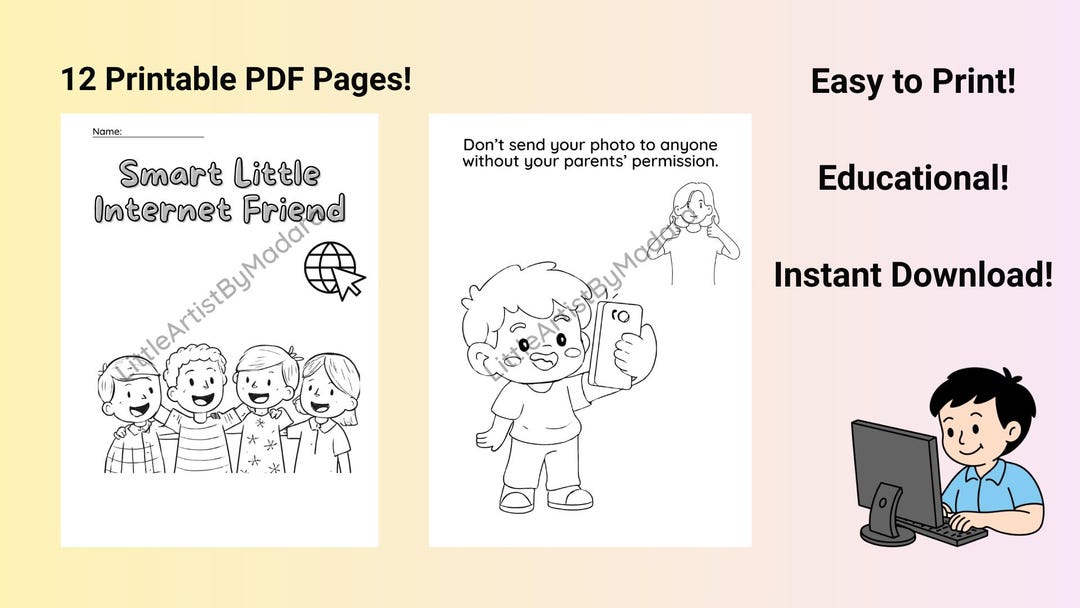
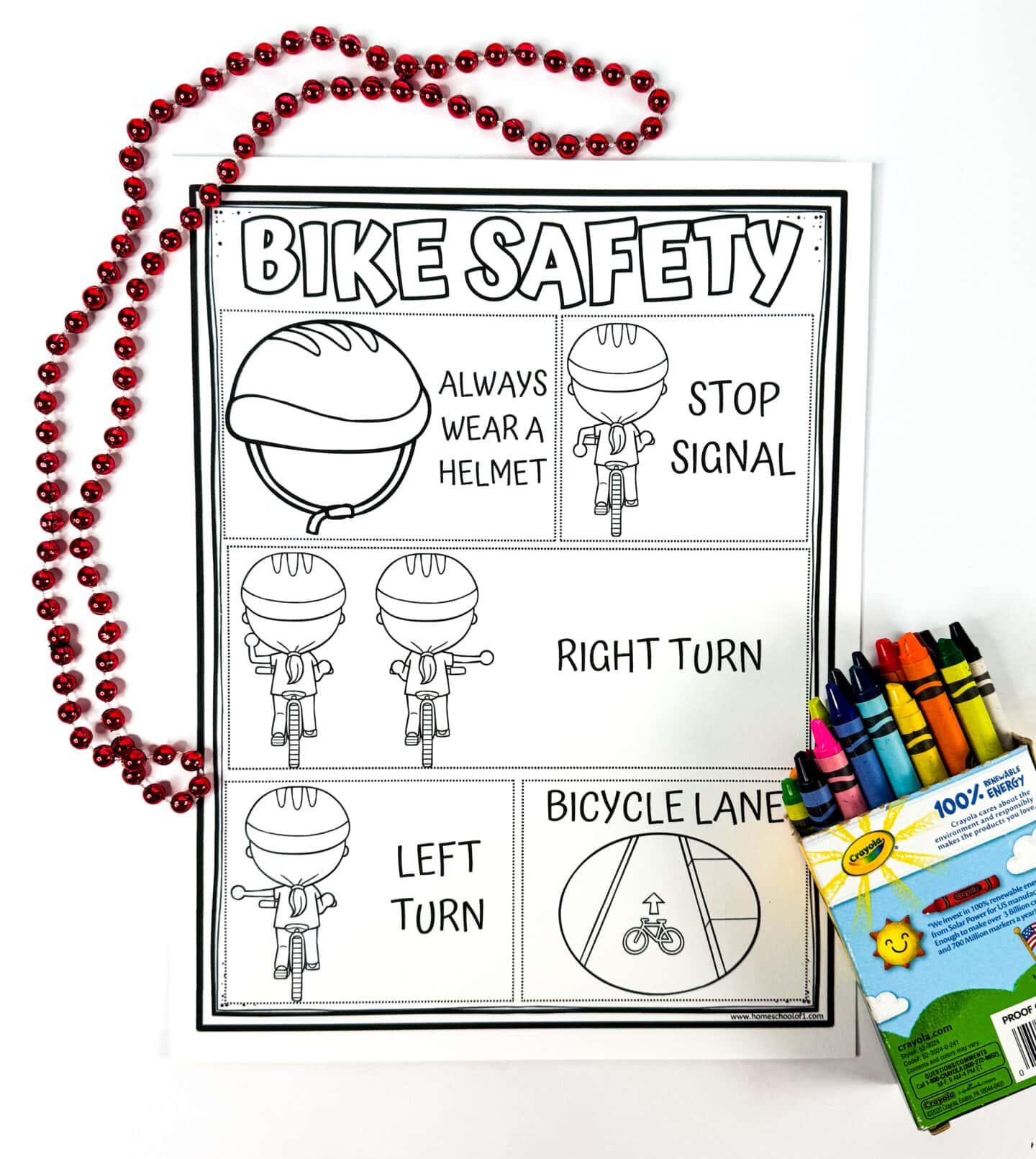
Why Early Tech Literacy and Digital Safety Coloring Pages Matter for Young Learners
As children interact with tablets, school-issued Chromebooks, and family smartphones at increasingly younger ages, establishing foundational online boundaries is a top priority for educators and caregivers. Translating abstract cyber concepts like privacy settings, screen time limits, and digital footprints into tangible lessons can be challenging. This is where Coloring Pages serve as an invaluable, low-stress pedagogical tool. Organizations like ConnectSafely and the Family Online Safety Institute (FOSI) emphasize that early digital citizenship should begin with creative, non-threatening dialogues. By integrating visual art with internet safety rules, adults can introduce critical online safety habits before children encounter complicated web environments.
💡 Activity Key Takeaways:
- Core Focus: Printable Digital Safety Coloring Pages designed for creative expression and fine-motor coordination.
- Target Scope: Ideal for toddlers, preschool, kindergarten, and classroom art activities.
- Best Recommendation: Use standard heavy printer paper (24–28 lb) or cardstock for vibrant results with crayons, colored pencils, or washable markers.
Mapping Common Device Risks to Actionable Preventive Guardrails
To keep young users secure across home and school networks, adults need a clear understanding of where vulnerabilities arise. The following breakdown maps common student technology contexts to realistic safeguards, aligning with foundational recommendations from the Cybersecurity and Infrastructure Security Agency (CISA). Related guide: Please Provide Free 8.5″X11″ Digital Safety Coloring Pages For K-2 Grade.
| Setting / Context | Common Vulnerability | Practical Safeguard |
|---|---|---|
| Home Tablets & Smartphones | Accidental in-app purchases or exposure to unvetted third-party video streaming apps. | Enable strict app store password requirements and turn off personalized ad tracking. |
| School Chromebooks & Tablets | Unsupervised searching or sharing personal credentials on school-managed browsers. | Review browser history weekly and reinforce password secrecy in the classroom. |
| Online Messaging & Multiplayer Chats | Interacting with strangers or sharing identifying details like school names or locations. | Disable public chat features on games and practice safe-sharing rules regularly. |
Establishing Healthy Screen Routines and Classroom Communication Habits
Effective digital safety extends far beyond software filters; it requires consistent, positive habits modeled by trusted adults. Integrating Internet and Digital Safety lessons into daily routines helps students internalize boundaries naturally. Schools should communicate their acceptable use policies clearly at the start of each term, while parents can establish a central nighttime charging station in a common family room to curb late-night device use. When coloring and discussing safety scenarios together, adults should invite students to share what they would do if a pop-up ad asks for their home address or if an online game makes them feel uncomfortable.
Heavy-handed device bans and punitive measures often backfire, driving children to find secretive workarounds or discouraging them from reporting accidental exposure to inappropriate content. Instead of threatening tech lockouts, pair age-appropriate technical filters with calm, open-ended check-ins. If a student tries to bypass a school content filter or downloads an unauthorized game, treat the moment as a teachable inquiry rather than a disciplinary crisis. Ask open questions about what drew them to the application, then use creative exercises or Worksheets to review secure exploration guidelines together.
Frequently Asked Questions From Parents and Educators
What age is appropriate to introduce digital safety concepts using coloring activities?
Children as young as preschool and kindergarten can begin learning foundational concepts like device sharing, asking an adult before downloading apps, and understanding that not everything online is real. Visual art makes these abstract ideas concrete and approachable.
How do creative safety lessons complement school-issued firewall protections?
While software filters block malicious domains and inappropriate content at the network level, they cannot teach critical thinking. Creative activities bridge this gap by teaching children how to recognize digital red flags independently when filters fail or when they browse on unmanaged networks.
Can these creative activities help children who feel anxious about making mistakes online?
Yes. Artistic exercises reduce anxiety by shifting the focus away from high-stakes testing or fear of punishment, allowing children to explore scenario-based problem solving in a safe, relaxed environment.
Explore More Digital Citizenship and Online Protection Resources
Empowering the next generation of digital citizens requires ongoing collaboration between home and school. To access a growing library of downloadable safety guides, interactive printables, and curriculum tools, visit SafeWiredSchools.org today.
Printable Coloring Page Previews