Why Early Tech Literacy and Visual Learning Go Hand-in-Hand
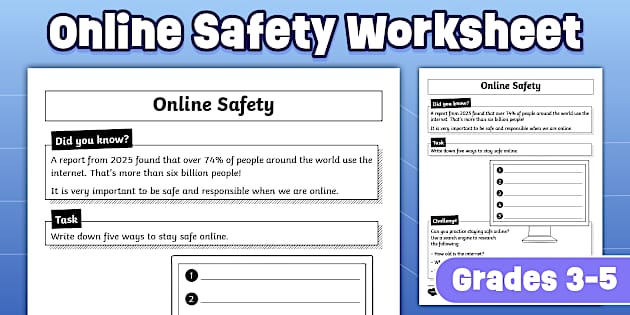
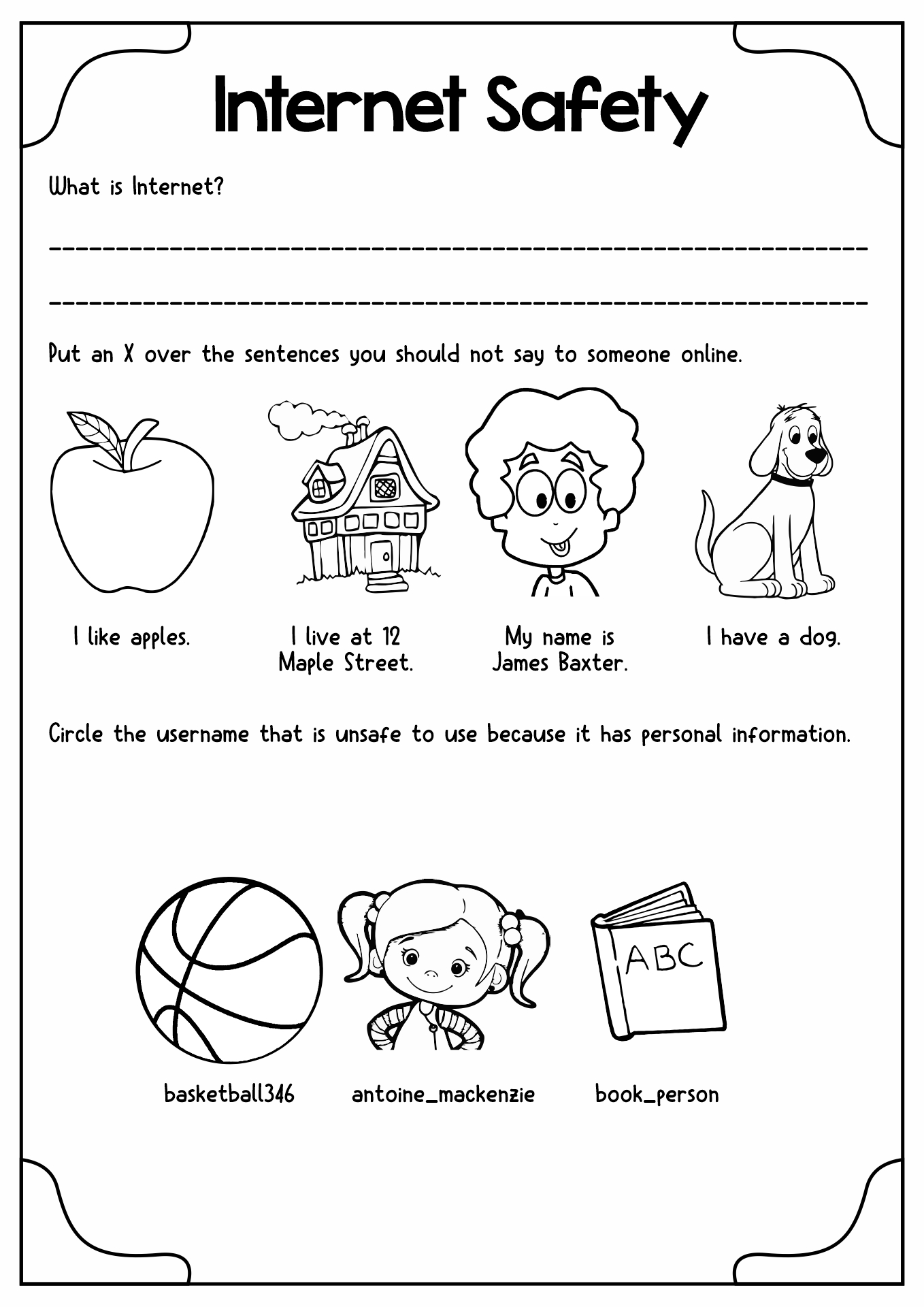
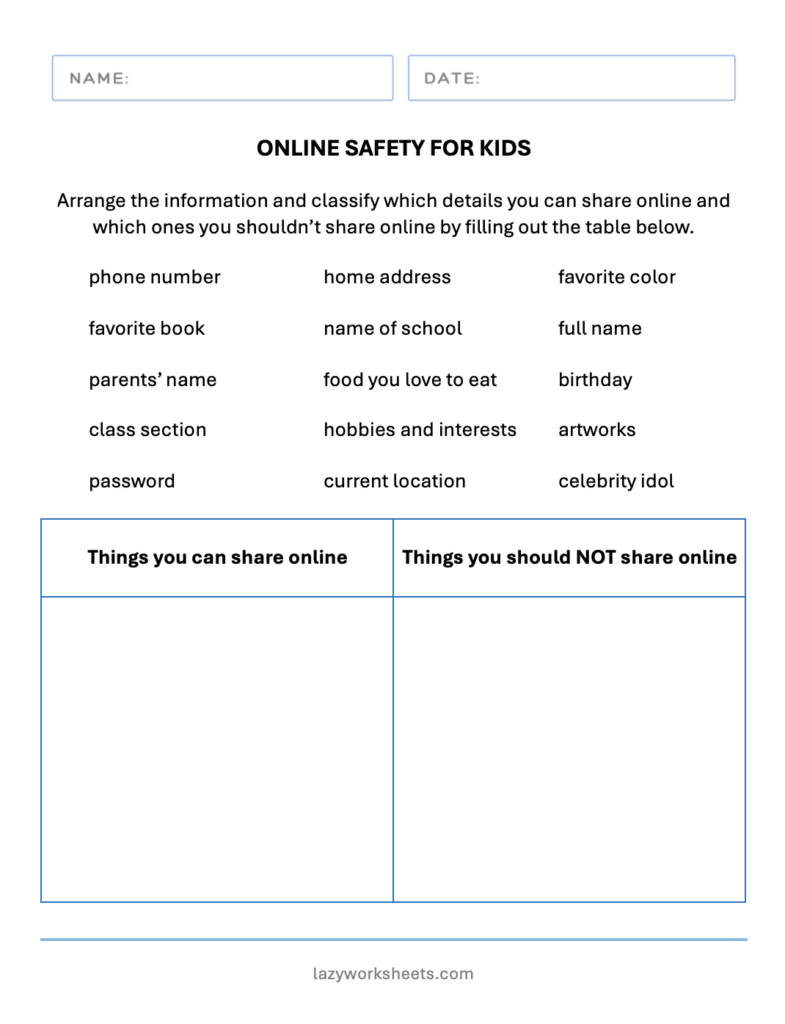
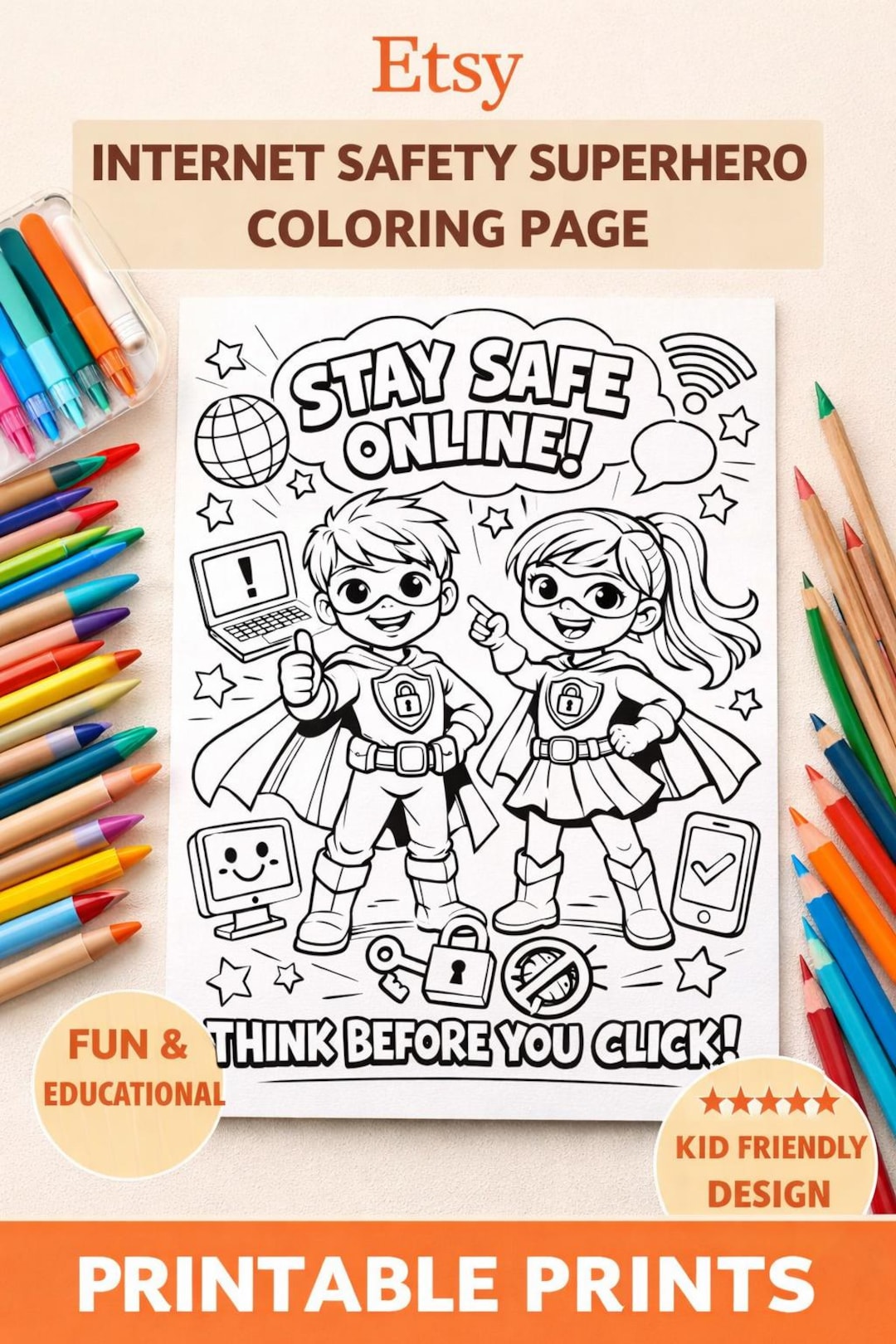
Introducing foundational cybersecurity concepts to young learners requires approaches that engage both attention and comprehension without triggering anxiety. Organizations like ConnectSafely and the Family Online Safety Institute frequently emphasize that early digital citizenship education should begin with positive, proactive habits rather than fear-based warnings. Utilizing an online safety coloring pages pdf offers educators and parents a creative entry point to discuss critical topics like strong passwords, private personal information, and kind online behavior. By pairing hands-on coloring activities with guided discussions, adults can demystify complex digital concepts, laying a groundwork supported by guidance from the Cybersecurity and Infrastructure Security Agency for safe technology use.
💡 Activity Key Takeaways:
- Core Focus: Printable Online Safety Coloring Pages Pdf designed for creative expression and fine-motor coordination.
- Target Scope: Ideal for toddlers, preschool, kindergarten, and classroom art activities.
- Best Recommendation: Use standard heavy printer paper (24–28 lb) or cardstock for vibrant results with crayons, colored pencils, or washable markers.
Mapping Digital Risks to Early Childhood Guardrails
Children encounter digital devices at increasingly young ages, moving fluidly between home tablets and school-issued Chromebooks long before they understand the implications of data sharing or public visibility. To help adults identify vulnerable touchpoints across different environments, the breakdown below pairs common technical contexts with practical safeguards you can implement today. Reviewing these areas helps bridge the gap between abstract device settings and everyday behaviors.
| Setting / Context | Common Vulnerability | Practical Safeguard |
|---|---|---|
| Home Tablets & Smartphones | Accidental in-app purchases and exposure to age-inappropriate pop-up ads | Enable strict app store password requirements and robust content filtering before handing over devices. |
| School Chromebooks & Laptops | Unintended browsing outside of approved educational whitelists during independent work | Collaborate with IT to maintain network-level filtering and review active browser history regularly. |
| In-Game Chats & Messaging | Interacting with unknown users or sharing identifying details in chat boxes | Turn off open voice and text chat features in multiplayer games, and encourage offline play modes. |
Establishing Practical Household and Classroom Routines
Turning digital safety concepts into lasting habits requires consistent, predictable routines both in the classroom and at home. Start by integrating resources from our Coloring Pages collection during morning meetings or art centers to visually reinforce how to handle cyberbullying or suspicious links. Establish a designated public charging station in the kitchen or media center where all personal devices must sleep overnight, eliminating late-night screen time. Pair these physical boundaries with age-appropriate device controls, and ensure students know they can report uncomfortable online encounters without fear of losing their device privileges.
Overcoming Resistance and Managing Student Workarounds
Even with clear rules and engaging introductory materials, children naturally test technological boundaries and device filters. Overly restrictive technical bans often backfire by driving kids to seek secretive workarounds, such as using alternative browsers or unmonitored guest networks. Instead of relying solely on heavy-handed blocks, combine your technical guardrails with ongoing conversations found in our Internet and Digital Safety modules. When children understand the reasoning behind a rule—such as why certain apps collect personal location data—they are far more likely to cooperate and alert an adult when something feels wrong online.
Frequently Asked Questions About Creative Digital Citizenship Tools
What age group benefits most from an online safety coloring pages pdf?
Children in pre-kindergarten through second grade benefit the most, as visual aids help cement abstract ideas like digital footprints and privacy into concrete, understandable actions.
How can teachers incorporate these printables into a busy curriculum?
Educators can use these activities during homeroom, transition periods, or art classes, seamlessly merging fine motor skill development with essential digital citizenship lessons.
Where can I find additional resources to support offline and online lessons?
Explore our comprehensive Worksheets section for cross-curricular activities, quizzes, and discussion prompts designed for various grade levels.
Explore More Digital Citizenship Resources
Building a resilient community of digital learners requires ongoing education, open dialogue, and adaptable tools for parents and teachers alike. Discover more expert-vetted guides, lesson plans, and safety strategies by visiting SafeWiredSchools.org to help every child navigate the digital world safely and confidently.
Printable Coloring Page Previews