Introducing Online Security Concepts Through Creative Play
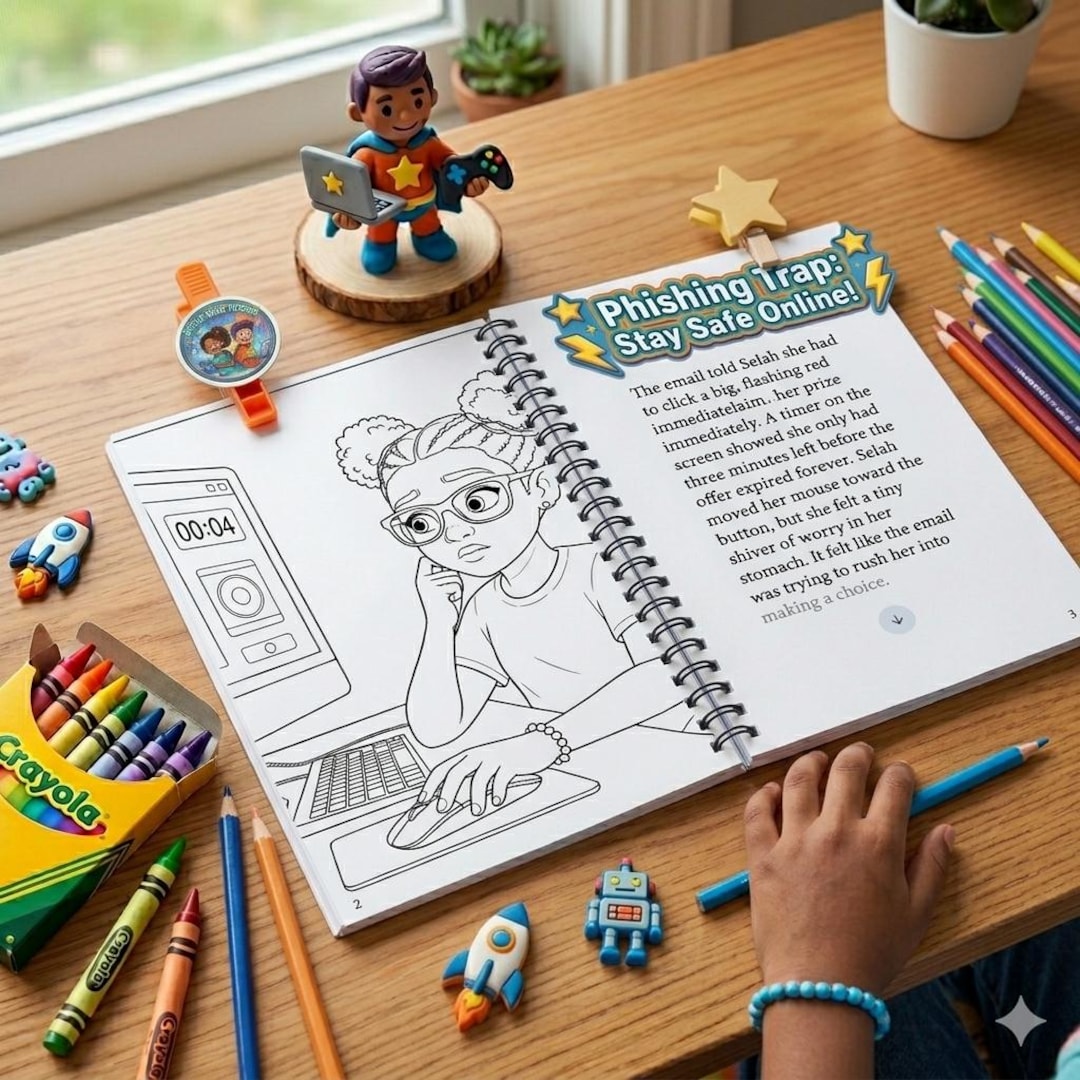
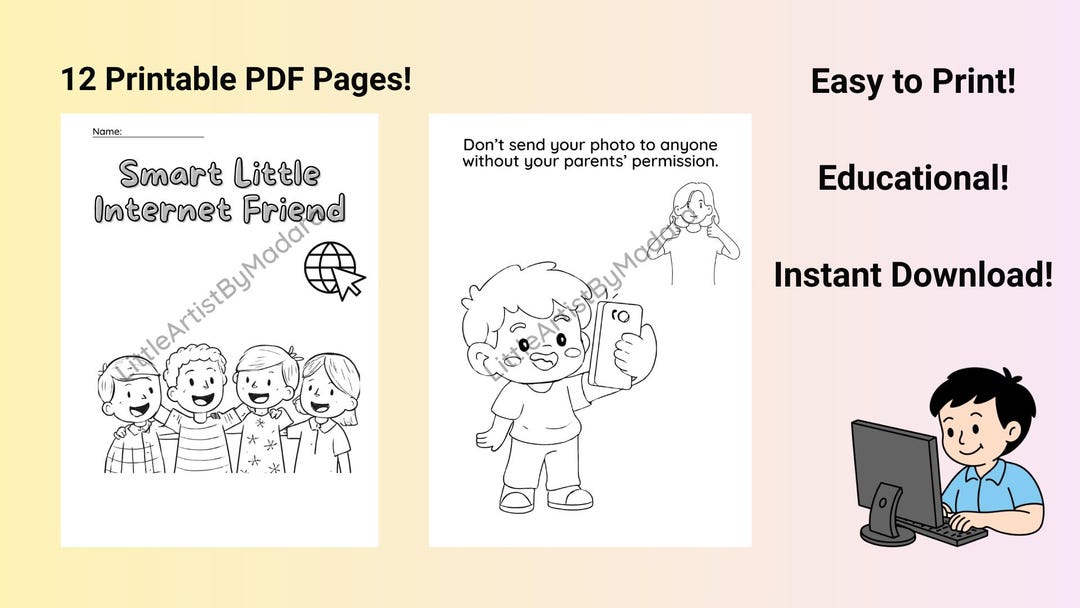
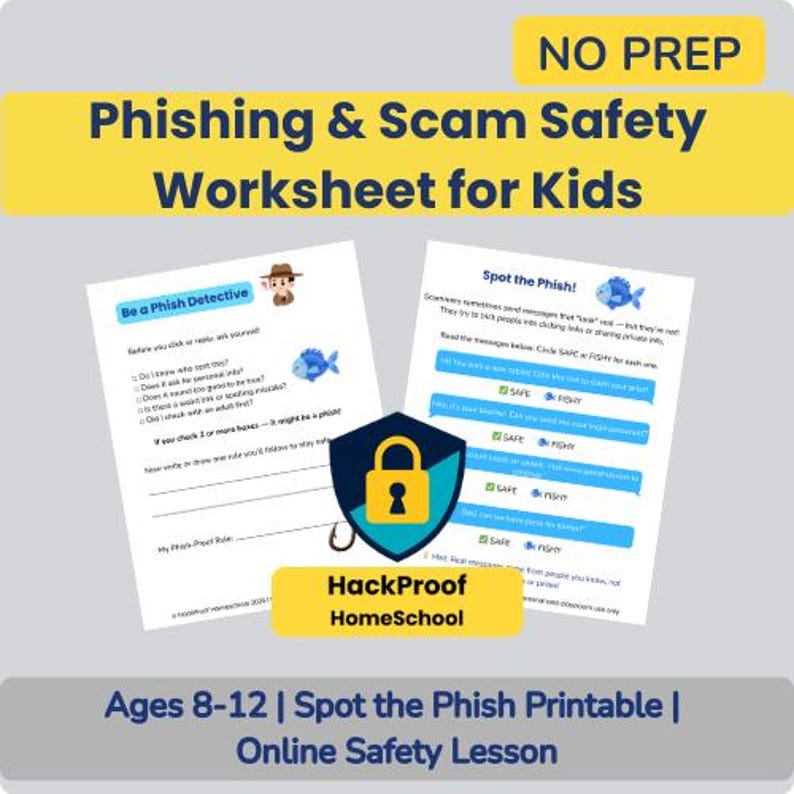
As children spend more time navigating digital platforms for homework, gaming, and communication, introducing cybersecurity concepts early has become essential. Phishing awareness coloring page options offer a low-pressure, highly engaging way to bridge the gap between abstract internet dangers and concrete safety rules for young learners. By transforming technical warnings into creative, hands-on activities, educators and parents can help kids visualize online deception without instilling fear. Organizations like ConnectSafely and the Federal Trade Commission emphasize that youth privacy education works best when it is interactive, visual, and grounded in everyday student habits. Related guide: Two Factor Authentication Coloring Page Kids.
💡 Activity Key Takeaways:
- Core Focus: Printable Phishing Awareness Coloring Page Kids designed for creative expression and fine-motor coordination.
- Target Scope: Ideal for toddlers, preschool, kindergarten, and classroom art activities.
- Best Recommendation: Use standard heavy printer paper (24–28 lb) or cardstock for vibrant results with crayons, colored pencils, or washable markers.
Decoding Digital Traps: What Kids See Versus What Hackers Do
Recognizing the difference between a safe website and a malicious trick requires a keen eye. Adults can use structured breakdown guides to explain risk signals to young children, pairing creative lessons from Coloring Pages with direct device management. The table below outlines common digital vulnerabilities across different learning environments and pairs them with practical safeguards.
| Setting / Context | Common Vulnerability | Practical Safeguard |
|---|---|---|
| Home Devices | Clicking pop-up ads promising free game currency or toy prizes. | Install reputable ad-blockers and configure family-safe browser extensions. |
| School Chromebooks | Opening fake login prompts mimicking classroom software portals. | Teach students to rely exclusively on school-vetted bookmarks and district portals. |
| Messaging & Chat | Responding to unknown accounts asking for personal or school details. | Disable direct messaging on casual apps and review safety rules found in Internet and Digital Safety modules. |
Building Safe Click Habits at Home and in the Classroom
Translating cybersecurity lessons into daily routines requires consistency between teachers and parents. When kids finish coloring scenes depicting digital trickery, adults should immediately reinforce the message with real-world rules. Establish a family policy where any unexpected pop-up, urgent download warning, or strange message must be shown to an adult before clicking. Reinforce that making a mistake online is never a reason for punishment; rather, open reporting is celebrated. Integrating these interactive lessons alongside materials from our Worksheets collection ensures that digital citizenship concepts are practiced regularly across multiple subjects.
Children are naturally curious, and overly punitive measures often backfire by driving mistakes underground. If a child accidentally interacts with a suspicious link or enters personal information into a strange form, yelling or taking away devices permanently teaches them to hide future incidents. Instead, maintain a calm, investigative demeanor. Walk through what happened, change compromised passwords together immediately, and use the moment as a teachable example of why digital verification matters. Combining empathetic conversations with age-appropriate technical filters creates a balanced environment where students feel safe seeking help.
Answers to Common Questions About Early Cybersecurity Education
What age is appropriate to start teaching phishing awareness?
Basic concepts can be introduced as early as kindergarten or first grade. Using visual tools like coloring pages helps young children understand that not everything they see online is true or safe, laying a solid foundation for more complex lessons later.
How can teachers use coloring activities in a busy curriculum?
Educators can integrate these creative exercises during computer lab orientation, library time, or indoor recess. They serve as a wonderful quiet-time activity that prompts organic classroom discussions about password safety and suspicious emails.
What should a child do if they think they clicked a bad link?
Teach children to immediately close the browser window or disconnect from the internet and find a trusted adult right away. Emphasize that honesty and quick reporting minimize any potential risk to home or school networks.
Explore More Digital Citizenship Resources
Equipping the next generation with strong digital literacy skills is a continuous journey that requires community collaboration. We invite educators, parents, and school administrators to browse our comprehensive archives, safety guides, and printable tools designed to make online safety engaging and effective by visiting SafeWiredSchools.org.
Printable Coloring Page Previews