Introduction
The journey into digital literacy begins early, and establishing healthy online habits is a critical component of modern education. “Screen time tracker for grade 1” represents a foundational resource within this journey, specifically designed for elementary learners in their first year of formal schooling (typically ages 6-7). This printable worksheet serves as a tangible tool, reinforcing essential internet safety concepts through engaging, hands-on learning. Educators and parents consistently trust printable worksheets for their efficacy in building digital awareness and promoting responsible online behavior. These resources bridge the gap between abstract concepts and concrete understanding, providing a tactile experience that complements digital learning. The simple act of marking or drawing on paper helps young learners internalize rules and routines, making the complex world of digital citizenship accessible and manageable from the outset. SafeWiredSchools.org champions such resources, understanding their vital role in shaping a generation of safe and responsible digital citizens.
💡 Educational Key Takeaways:
- Core Skill: Structured Screen Time Tracker For Grade 1 focused on developing pencil grip, stroke control, and early literacy/math confidence.
- Target Scope: Suited for homeschoolers, preschool, kindergarten, and elementary learners.
- Best Recommendation: Practice 10–15 minutes daily with ergonomic writing tools to reinforce muscle memory without hand fatigue.
What This Worksheet Covers
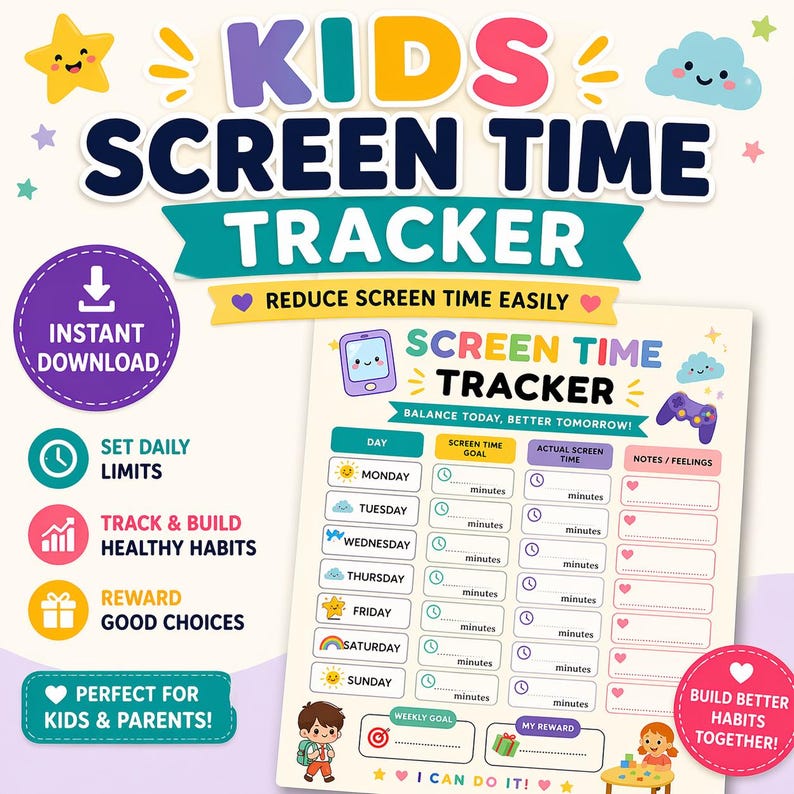
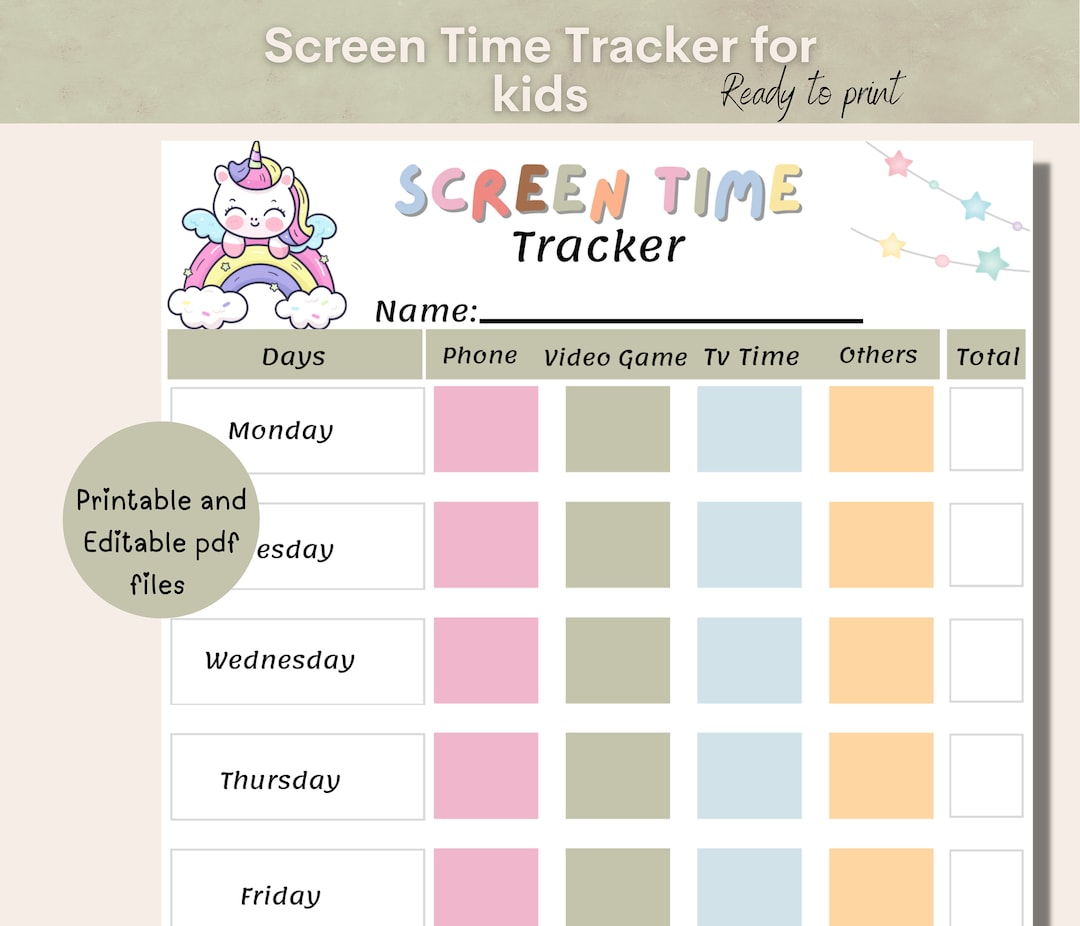
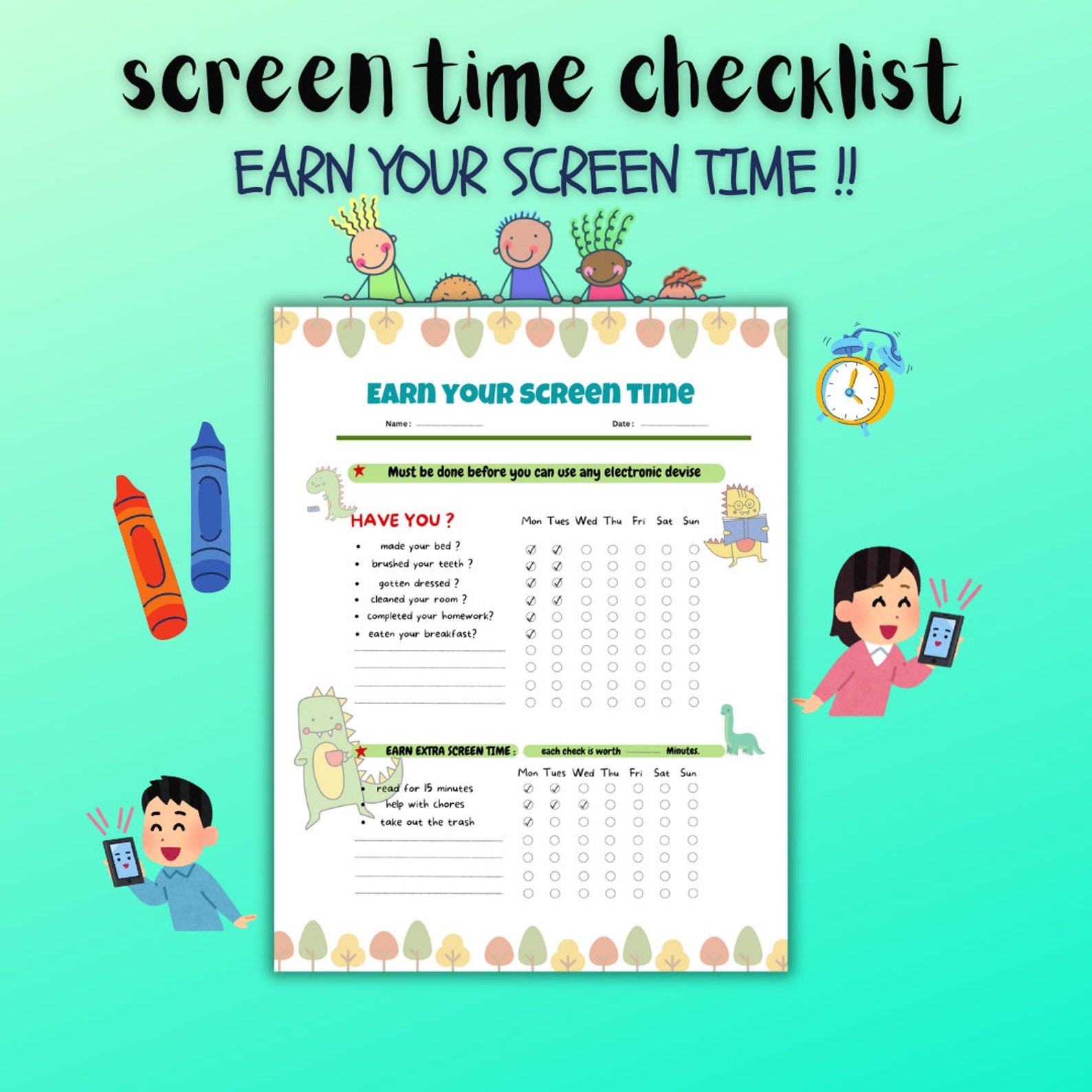
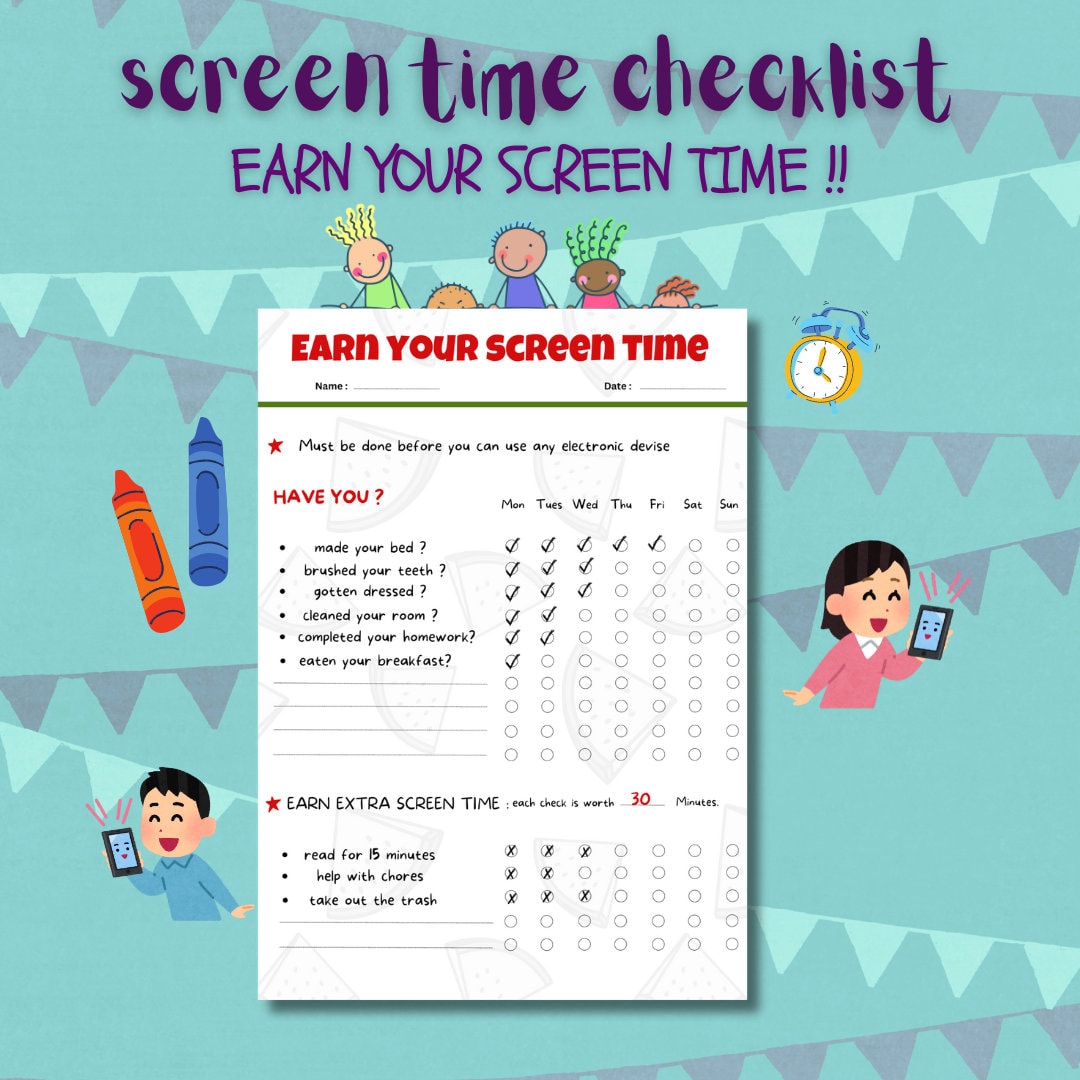
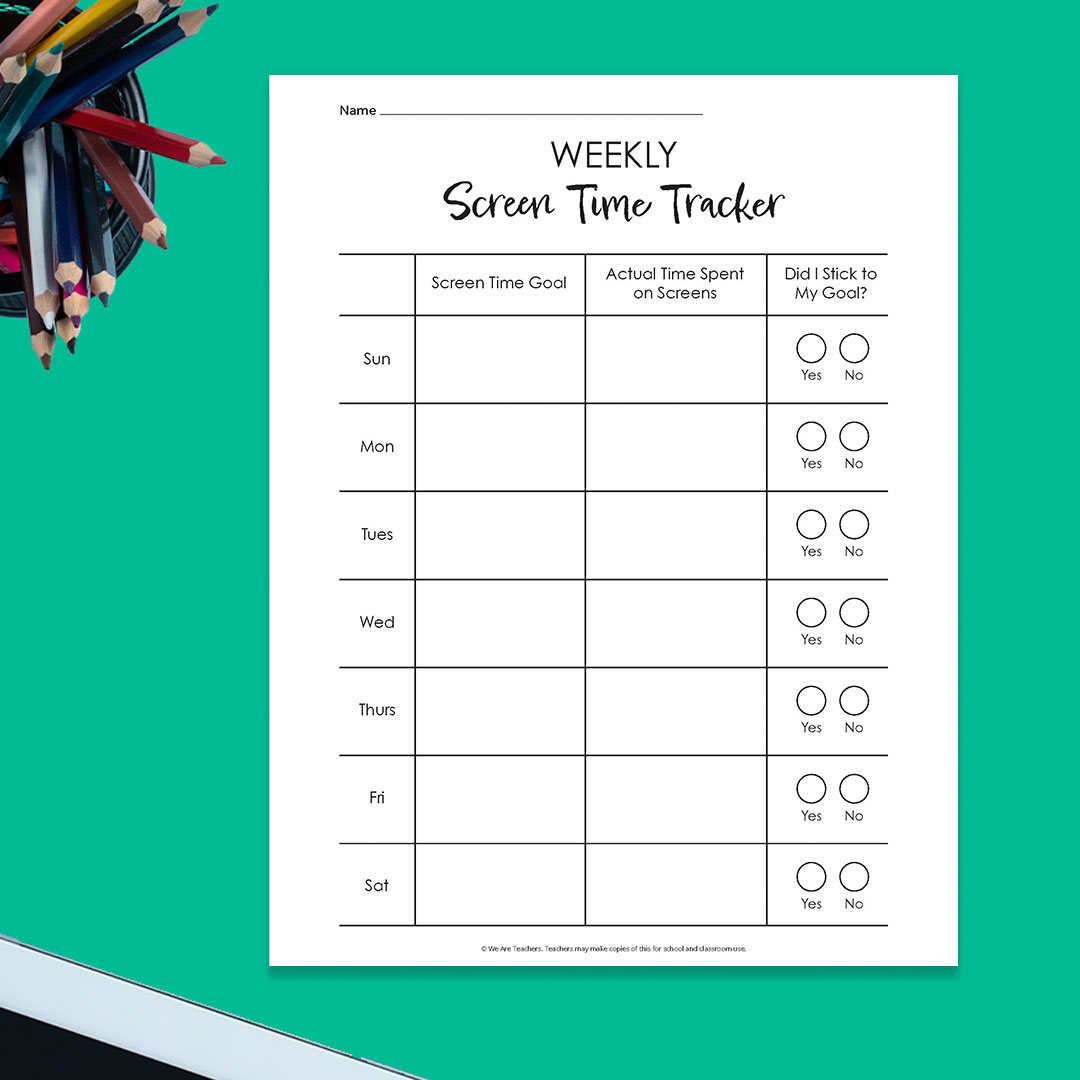
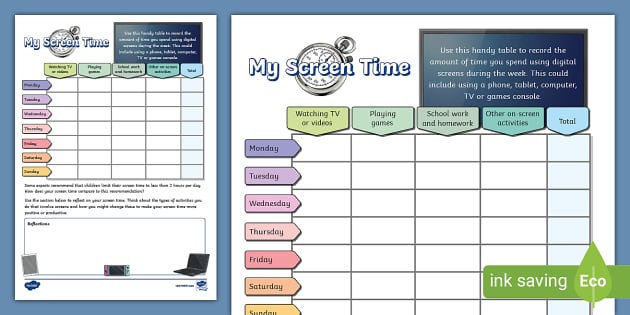
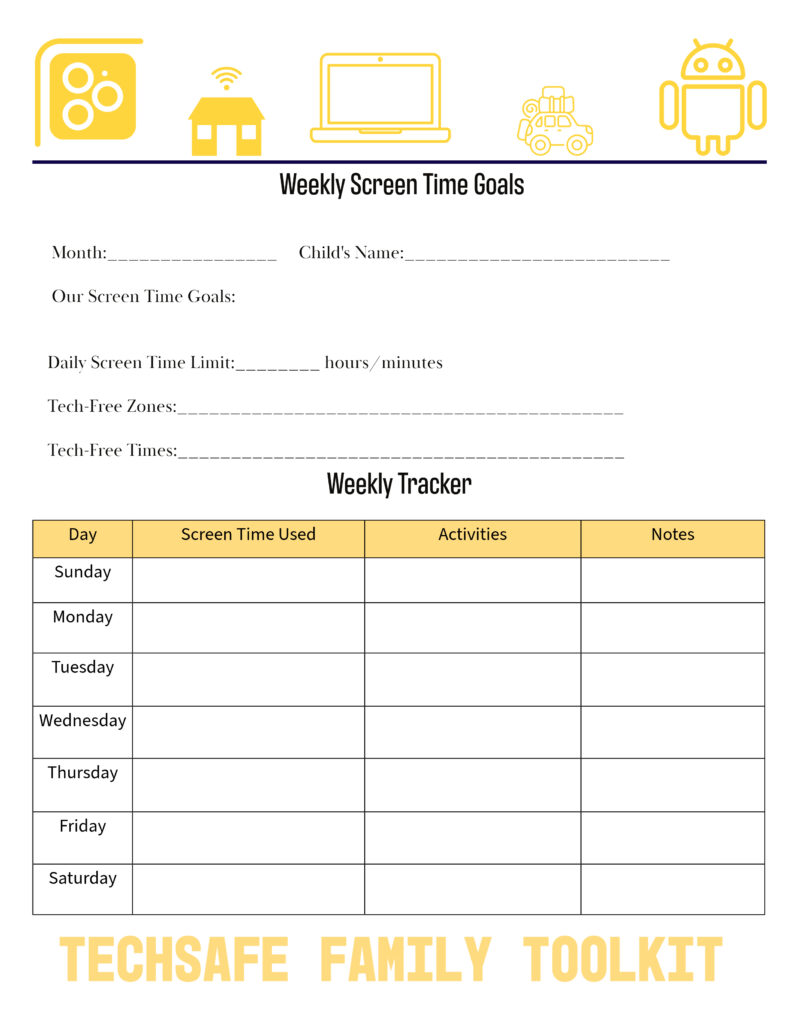
This “screen time tracker for grade 1” worksheet specifically addresses the crucial topic of responsible screen time management and the development of digital balance. The resource helps children understand the concept of time spent on digital devices and encourages recognition of appropriate versus excessive use. Key concepts explored include identifying various types of screen activities, distinguishing between educational and entertainment uses, and acknowledging the importance of balancing digital engagement with offline activities such as reading, outdoor play, and social interaction. The worksheet subtly introduces the idea of family guidelines around device usage, aligning with recognized digital citizenship standards that emphasize digital wellness, healthy habits, and thoughtful engagement with technology. It provides a non-confrontational method for children to visualize their own screen use patterns, fostering self-awareness without judgment.
Key Learning Outcomes
By engaging with the “screen time tracker for grade 1,” children develop several important skills and areas of knowledge:. Browse more guides on Safe Wired Schools.
- Learners gain an understanding of the term “screen time” and its relevance to their daily routines.
- Children become adept at identifying and distinguishing between healthy and potentially excessive screen time habits.
- Students begin practicing self-regulation concerning their use of digital devices, making conscious choices about their time.
- The worksheet helps in recognizing the significant importance of balancing digital activities with a diverse range of offline pursuits.
- Communication skills are enhanced as children learn to discuss their screen usage patterns with adults in a constructive manner.
How to Use This Worksheet
The “screen time tracker for grade 1” worksheet offers a straightforward and adaptable format for both classroom and home environments. Its activities typically involve simple tracking, such as coloring in blocks, drawing simple symbols, or placing stickers to represent periods of screen use. The design ensures a low difficulty level, requiring minimal writing and relying heavily on visual cues, making it perfectly suited for early learners. Instructions are clear and progressive, effectively scaffolding learning. For instance, children might track their screen time in morning, afternoon, and evening segments, then reflect on an offline activity they enjoyed. This worksheet can function as a standalone activity, providing a focused discussion point on digital habits. It also integrates seamlessly into a broader lesson plan on digital citizenship or serves as a valuable homework assignment, encouraging parental involvement and fostering family conversations about screen use.
Practical Tips for Parents and Teachers
- Prepare the Groundwork: Before introducing the tracker, initiate a brief, positive discussion about screen time, focusing on its benefits (e.g., learning, connecting) and the importance of balance.
- Model and Collaborate: Complete the first day or two of the tracker together, demonstrating how to mark screen time and discuss alternative activities. Make it a shared exploration rather than a test.
- Facilitate Gentle Reflection: After completion, avoid critical questioning. Instead, ask open-ended prompts like, “What did you notice about your screen time this week?” or “What was your favorite activity that wasn’t on a screen?”
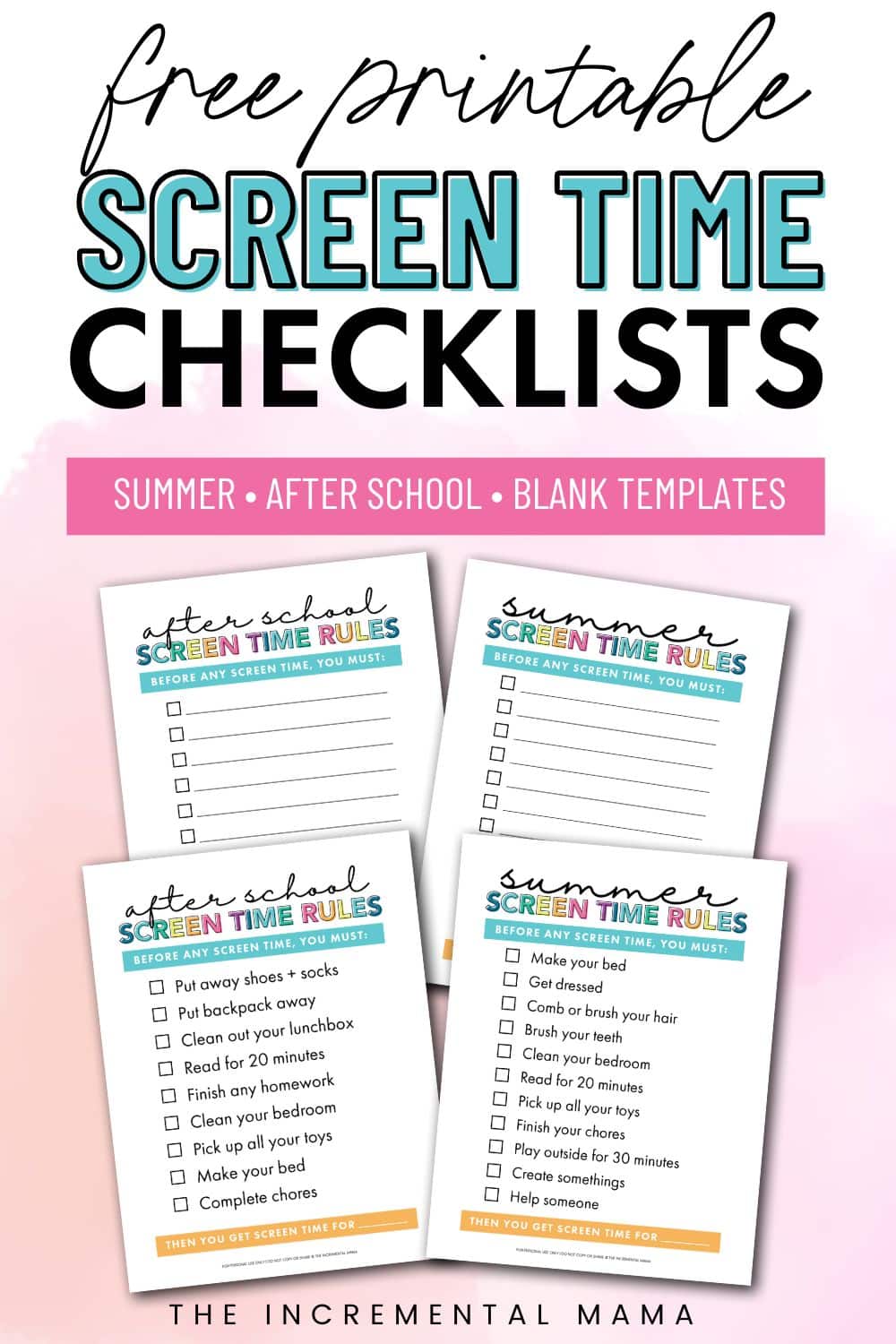
- Connect to Family/Class Rules: Use the tracker as a natural lead-in to discuss existing family rules or classroom guidelines regarding device use, reinforcing the ‘why’ behind them.
- Extend the Learning: Encourage children to plan their own balanced day or week, incorporating their favorite offline activities. Celebrate consistent efforts to achieve balance, emphasizing progress over perfection.
Age-Appropriate Recommendations
While the “screen time tracker for grade 1” is specifically tailored for ages 6-7, the principles of screen time awareness can be introduced and adapted across different age bands, with varying levels of complexity and adult involvement.
For Ages 35 (Preschool/Kindergarten), the concept is introduced through simple conversations and visual schedules. Direct tracking by the child is often too advanced. Instead, adults can use a similar visual chart to mark when screen time occurs and, more importantly, when it does not, focusing on the abundance of non-screen activities. Vocabulary support involves basic terms like “tablet time,” “TV show,” and “play time,” emphasizing the positive aspects of offline engagement. Parental involvement is high, acting as the primary guide and tracker.
For Ages 610 (Elementary Grades 1-5), the “screen time tracker for grade 1” is ideal for its intended audience. For children in Grades 2-5, the same tracker can be adapted with increased emphasis on self-reporting and numerical estimation of time. Vocabulary can expand to include terms like “digital balance,” “mindful use,” and “activity planning.” Pacing should allow for daily or weekly review, fostering a habit of reflection. Teacher or parental involvement remains significant, transitioning from direct guidance to supportive supervision and discussion facilitation.
For Ages 1118 (Middle/High School), direct tracking with a simple worksheet may not be the primary tool, but the underlying principles remain crucial. Older learners benefit from digital well-being apps, self-reflection journals, or group discussions about the impact of screen time on sleep, focus, and social connections. The focus shifts to critical self-analysis, understanding algorithmic influence, and developing personal strategies for digital detox and mindful technology use. Adult involvement transitions to mentorship, encouraging autonomy and critical thinking about their digital habits.
Frequently Asked Questions
Q: What is the primary purpose of the “screen time tracker for grade 1”?
A: The main goal is to foster early awareness of screen usage and encourage balanced digital habits. It helps children visualize their screen time and understand the importance of engaging in various offline activities.
Q: How can this tracker be integrated into daily routines effectively?
A: Incorporate the tracker into a consistent daily or weekly routine, such as after dinner or during a morning meeting. This regularity helps establish a habit of reflection and provides natural opportunities for family or classroom discussions about digital wellness.
Q: Where can this free printable “screen time tracker for grade 1” be downloaded?
A: This valuable resource, along with many other internet safety materials, is available for free download on the SafeWiredSchools.org website. Visit the worksheets section to access and print the tracker today.
Explore More Free Printable Worksheets
A single worksheet, while impactful, works best as part of a comprehensive and consistent digital safety learning routine. The “screen time tracker for grade 1” provides an excellent starting point, but the journey toward digital literacy involves many facets. SafeWiredSchools.org invites educators and parents to explore a full collection of free printable internet safety worksheets, activity sheets, checklists, quizzes, and more. These resources cover every essential internet safety topic, from identifying trusted adults to understanding online privacy, and are meticulously designed for every grade level and learning environment, ensuring a continuous and robust educational experience.
Developmental Milestone & Activity Table
| Development Stage | Recommended Daily Duration | Primary Learning Objective |
|---|---|---|
| Preschool & Pre-K | 10 – 15 Minutes | Pencil grip development & basic pre-stroke lines |
| Kindergarten | 15 – 20 Minutes | Letter/number formation & spatial line awareness |
| Early Elementary (Grade 1–2) | 20 – 30 Minutes | Fluency, sentence construction & neatness |
Images References