Introduction
Navigating the digital landscape requires foundational skills, especially for children. The resource titled “screen time checklist for kids” serves as a crucial tool for reinforcing internet safety concepts through hands-on, printable learning. This particular worksheet is primarily designed for Elementary grades 15 (ages 610), offering a structured approach to understanding responsible digital habits. Its principles, however, are readily adaptable for younger learners (ages 5 and up with adult guidance) and can serve as a valuable review for middle and high school students (ages 1118). Printable worksheets remain trusted tools for educators and parents, providing a tangible medium to build digital awareness and cultivate responsible online behavior. The act of physically engaging with a checklist or activity sheet enhances comprehension and retention, transforming abstract safety rules into concrete, actionable steps. This approach fosters a proactive mindset towards digital well-being, establishing a solid groundwork for safer online interactions from an early age.
💡 Educational Key Takeaways:
- Core Skill: Structured Screen Time Checklist For Kids focused on developing pencil grip, stroke control, and early literacy/math confidence.
- Target Scope: Suited for homeschoolers, preschool, kindergarten, and elementary learners.
- Best Recommendation: Practice 10–15 minutes daily with ergonomic writing tools to reinforce muscle memory without hand fatigue.
What This Worksheet Covers
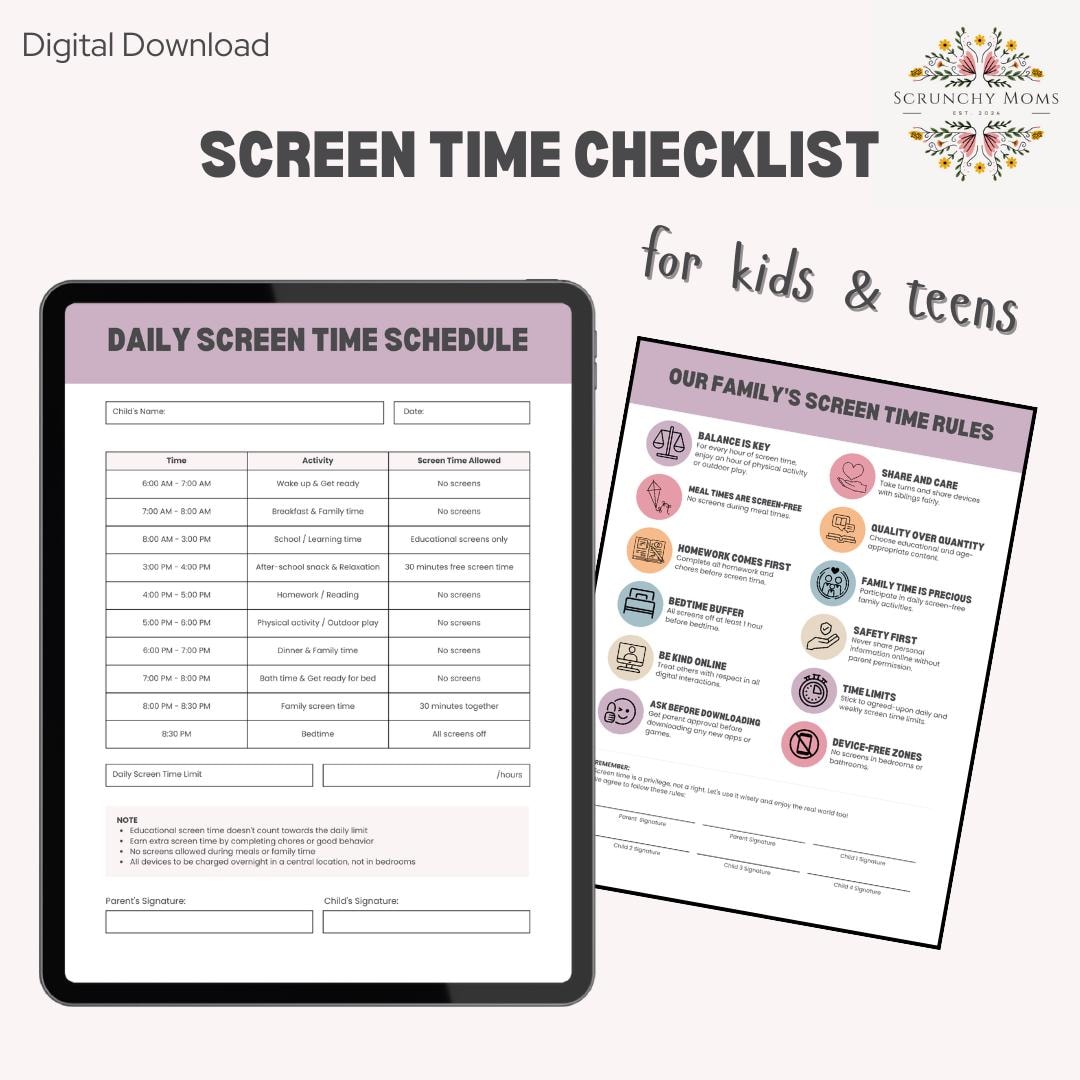
The “screen time checklist for kids” addresses the critical internet safety topic of responsible digital device usage and healthy screen habits. It guides young learners through understanding the importance of balance, setting appropriate boundaries, and recognizing the difference between beneficial and excessive screen engagement. The worksheet covers fundamental concepts such as time limits, identifying age-appropriate content, understanding the necessity of breaks, and integrating physical activity alongside digital engagement. Furthermore, it touches upon privacy considerations during online interactions and the establishment of clear family or classroom rules regarding device use. The content directly aligns with recognized digital citizenship and child safety education standards, which emphasize media literacy, personal responsibility, and fostering a balanced digital lifestyle. This resource helps children develop a critical perspective on their own screen habits, promoting self-awareness and informed decision-making.
Key Learning Outcomes
Completing the “screen time checklist for kids” helps children develop several essential skills and knowledge areas:
- Students will be able to identify healthy screen time habits and behaviors.
- Students will understand the importance of balancing screen time with other activities, such as reading, outdoor play, and family interactions.
- Students will learn to recognize and select age-appropriate digital content, developing an awareness of what is safe and suitable for them.
- Students will gain an understanding of established family or classroom rules regarding screen use, fostering compliance and clear communication.
- Students will develop confidence in discussing their screen time experiences and preferences with trusted adults, promoting open dialogue about digital well-being.
How to Use This Worksheet
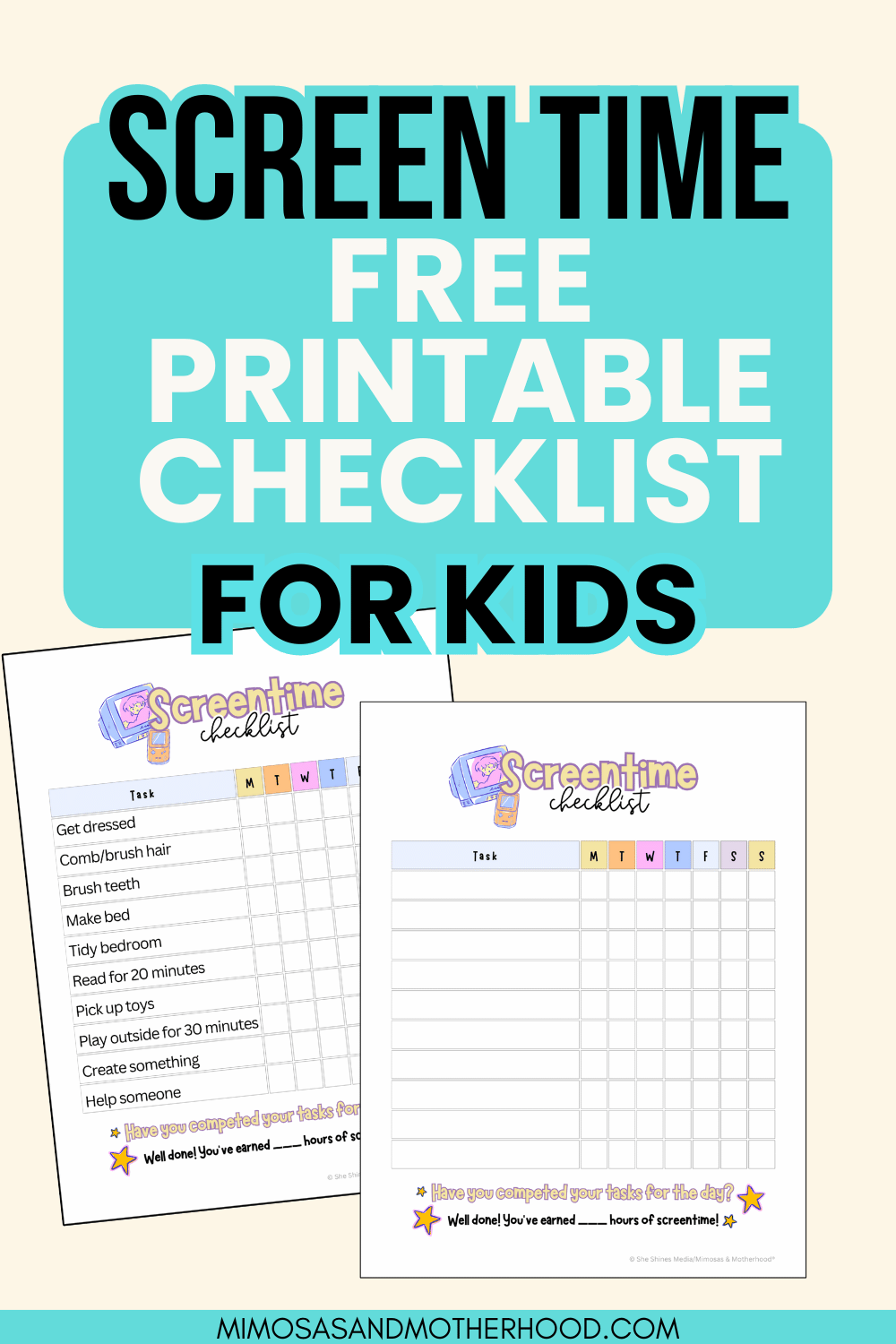
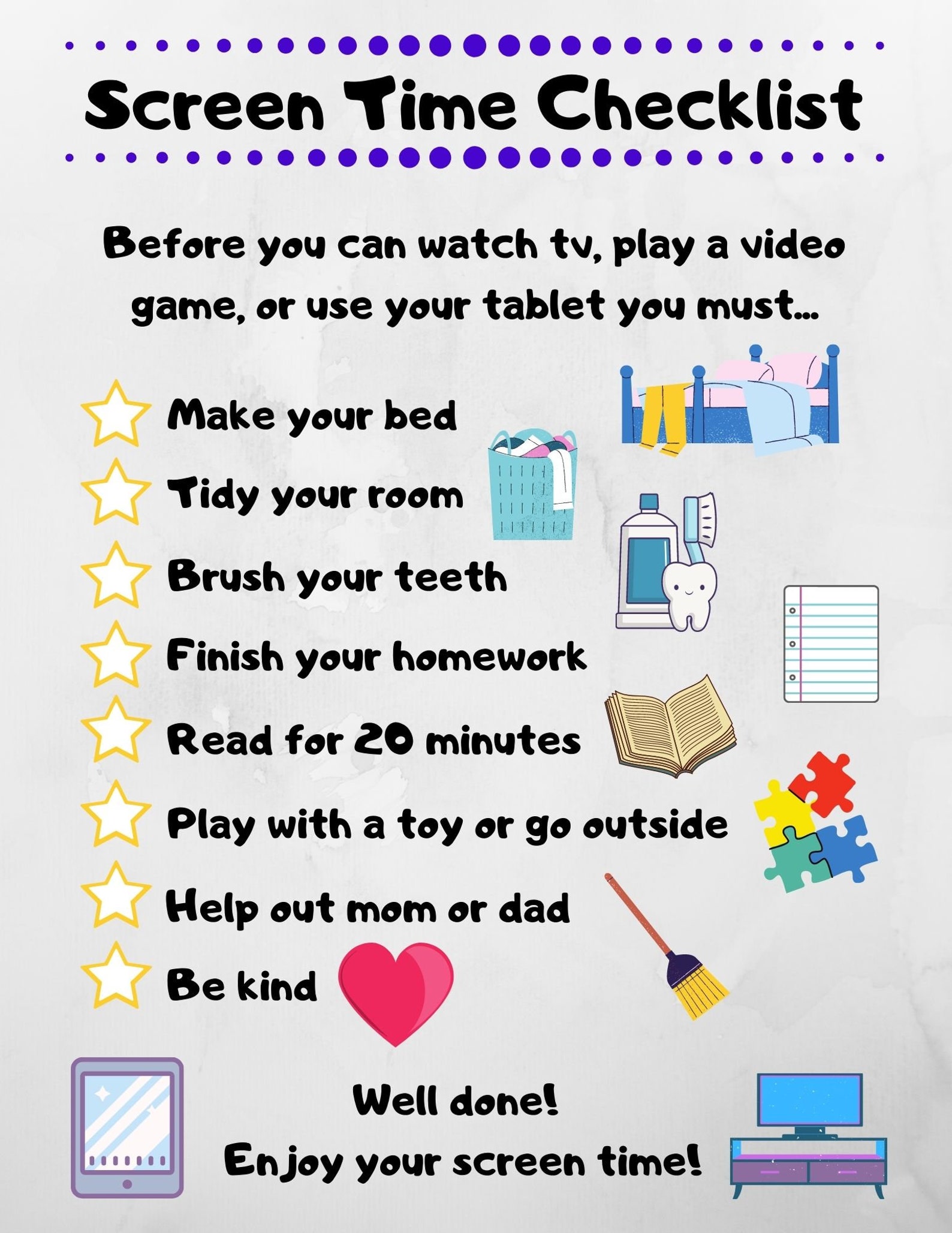
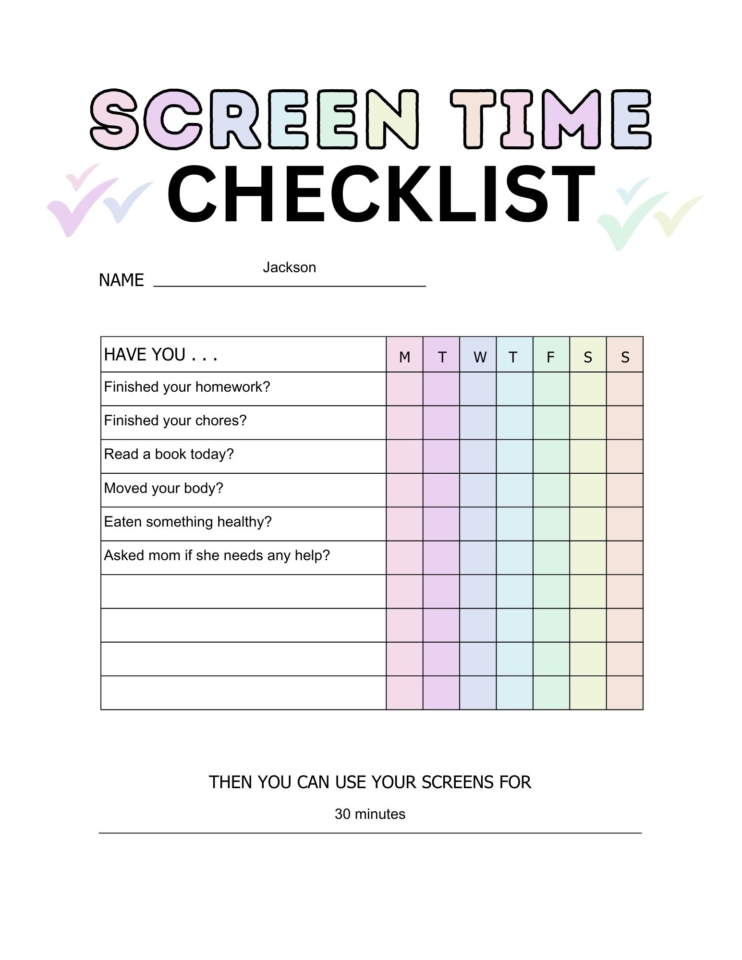
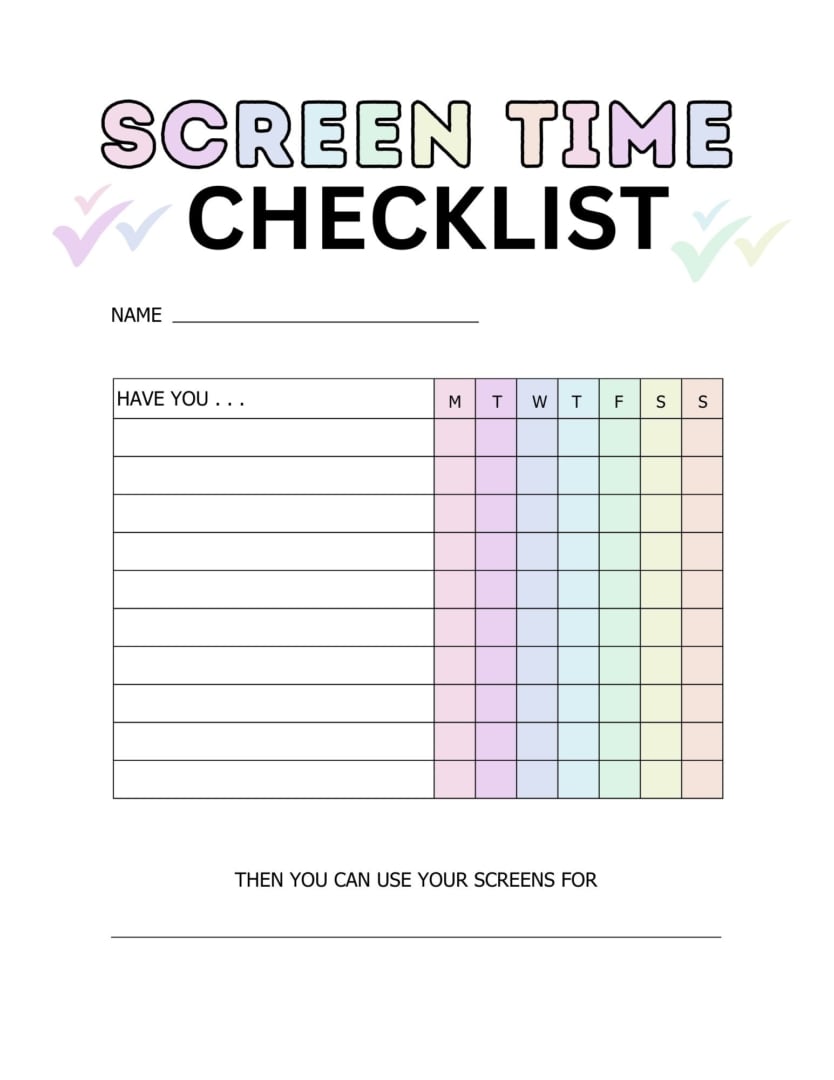
Educators and parents can effectively utilize the “screen time checklist for kids” in various settings to promote digital literacy. The worksheet typically features a mix of activity types, including simple check-boxes for daily habits, fill-in-the-blank prompts for personal rules, and spaces for drawing or writing short reflections. Its difficulty level is accessible for elementary-aged children, with instructions designed to scaffold learning progressively. Clear, concise language ensures young learners can engage with the material with minimal confusion. This resource functions excellently as a standalone activity to kickstart conversations about screen usage. It can also be integrated seamlessly into a broader lesson plan on digital citizenship, serving as a practical application of theoretical concepts. Assigning it as a homework activity extends learning into the home environment, encouraging family discussions and collaborative rule-setting. Browse more guides on Safe Wired Schools.
Practical Tips for Parents and Teachers
- Prepare the Environment: Print the checklist clearly and ensure writing tools are available. Consider gathering a few relevant discussion prompts beforehand to facilitate engaging conversations.
- Engage Actively: Rather than simply handing out the worksheet, sit with the child or group. Read instructions aloud, discuss each point, and encourage questions. Active participation from an adult significantly enhances the learning experience.
- Personalize and Discuss: Encourage children to personalize the checklist by adding their own ideas or specific family rules. After completion, lead a discussion about their responses, exploring the ‘why’ behind each item.
- Display and Review: Once completed, display the checklist in a prominent place at home or in the classroom. Regularly review the points together, perhaps weekly, to reinforce habits and adapt rules as needed.
- Extend the Learning: Beyond the worksheet, consider role-playing scenarios related to screen time choices or collectively creating a family media plan. This helps translate the checklist items into real-world application.
Age-Appropriate Recommendations
Effective implementation of the “screen time checklist for kids” varies significantly across different age groups, requiring tailored approaches from supervising adults.
For Ages 57 (Early Elementary), the focus should be on highly guided completion. Adults should read each item aloud, explaining vocabulary, and assisting with marking responses (e.g., coloring a happy face or checking a box). Keep sessions short, perhaps tackling only a few items at a time, and rely heavily on verbal discussion and concrete examples. The goal here is to introduce basic concepts of balance and limits through a fun, interactive process.
For Ages 812 (Upper Elementary/Early Middle School), children can engage more independently with the checklist, though adult supervision and discussion remain vital. Encourage them to write short answers or draw their own interpretations. Discussion prompts can be more open-ended, asking children to reflect on their personal experiences and why certain rules are important. This age group benefits from connecting the checklist items to real-life scenarios, fostering a deeper understanding of digital well-being.
For Ages 1318 (Middle/High School), the “screen time checklist for kids” can serve as an excellent starting point for self-reflection and critical thinking. While the format might seem simple, it provides a structured way to discuss self-regulation, the impact of peer influence on screen habits, and long-term digital well-being goals. Older learners can adapt the checklist, modifying it to include personal strategies for managing social media use, online gaming, and academic screen time. The emphasis shifts from rule enforcement to encouraging personal ownership and the development of sustainable healthy habits.
Frequently Asked Questions
Q: What age group is this “screen time checklist for kids” most suitable for?
A: The checklist is primarily designed for elementary-aged children (6-10 years old). Its adaptable format allows for use with younger children (5+) with adult guidance and serves as a valuable review tool for older students (11-18) focusing on self-regulation.
Q: How can this worksheet be integrated into a broader curriculum or family routine?
A: This checklist functions effectively as a discussion starter during digital citizenship lessons or as a practical component of a media literacy unit. At home, it can become part of a weekly family meeting to discuss and reinforce screen time boundaries and healthy habits.
Q: Where can the “screen time checklist for kids” be downloaded?
A: This free printable resource, along with many other valuable educational tools, is available for download on SafeWiredSchools.org. Navigate to the “Worksheets” section to access and print the checklist today.
Explore More Free Printable Worksheets
A single worksheet works best as part of a comprehensive and consistent digital safety learning routine. The “screen time checklist for kids” is one piece within a larger puzzle of resources designed to empower children in the digital age. Educators and parents are invited to explore a full collection of free printable internet safety worksheets, activity sheets, checklists, quizzes, and more at SafeWiredSchools.org Worksheets. These resources cover every essential internet safety topic and are meticulously designed for every grade level and learning environment, ensuring a complete and progressive educational experience for all learners.
Developmental Milestone & Activity Table
| Development Stage | Recommended Daily Duration | Primary Learning Objective |
|---|---|---|
| Preschool & Pre-K | 10 – 15 Minutes | Pencil grip development & basic pre-stroke lines |
| Kindergarten | 15 – 20 Minutes | Letter/number formation & spatial line awareness |
| Early Elementary (Grade 1–2) | 20 – 30 Minutes | Fluency, sentence construction & neatness |
Images References