Introduction
The digital landscape continually evolves, presenting both immense opportunities and significant challenges for young learners. Safeguarding children in this environment requires proactive, engaging educational tools. A valuable resource, the “screen time checklist for grade 6,” provides a structured approach to fostering responsible digital habits. This printable worksheet targets students typically aged 11-12, an educational level falling within Middle School grades 6-12, where digital independence begins to flourish. It plays a crucial role in reinforcing essential internet safety concepts through hands-on, accessible learning. Printable worksheets remain trusted tools for educators and parents because they offer a tangible, focused activity that encourages active engagement away from screens. They provide a reliable method for building digital awareness, promoting critical thinking, and instilling responsible online behavior, grounding abstract concepts in practical application. This method supports a deeper understanding of digital well-being without the distractions inherent in digital platforms themselves, establishing a foundation of trust in the learning process.
💡 Educational Key Takeaways:
- Core Skill: Structured Screen Time Checklist For Grade 6 focused on developing pencil grip, stroke control, and early literacy/math confidence.
- Target Scope: Suited for homeschoolers, preschool, kindergarten, and elementary learners.
- Best Recommendation: Practice 10–15 minutes daily with ergonomic writing tools to reinforce muscle memory without hand fatigue.
What This Worksheet Covers
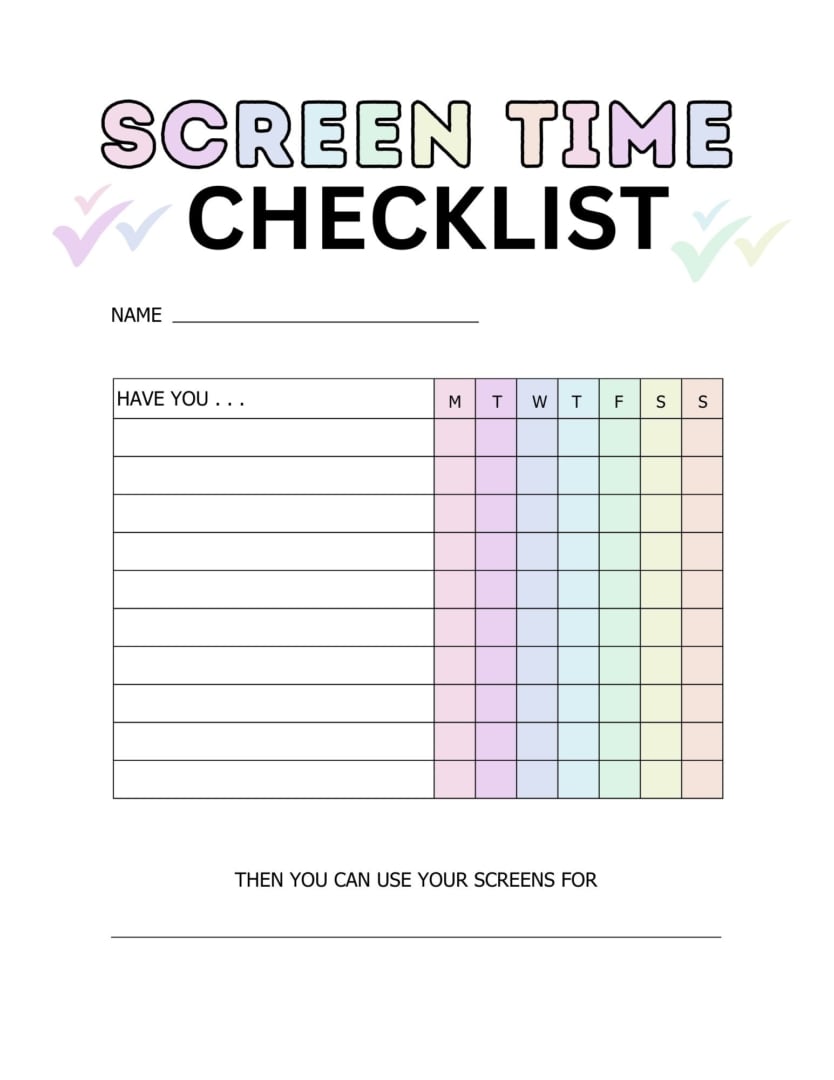
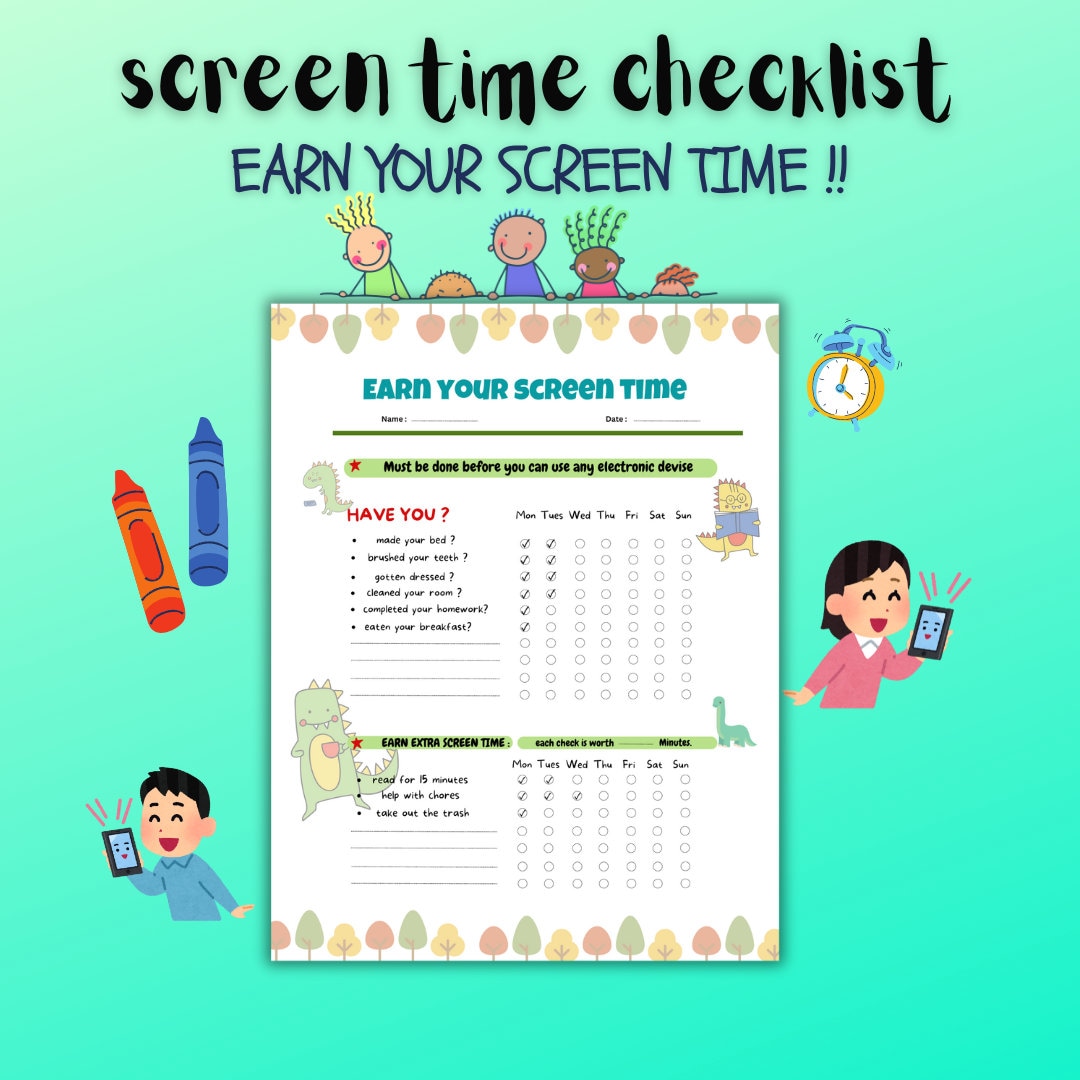
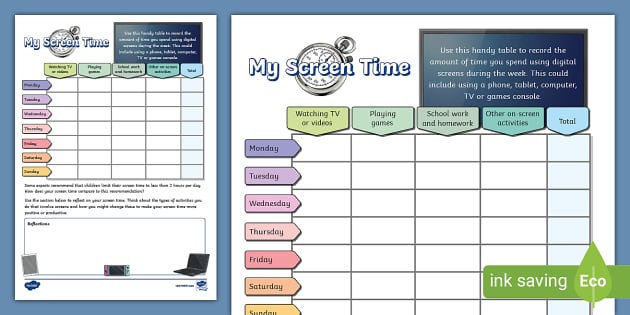
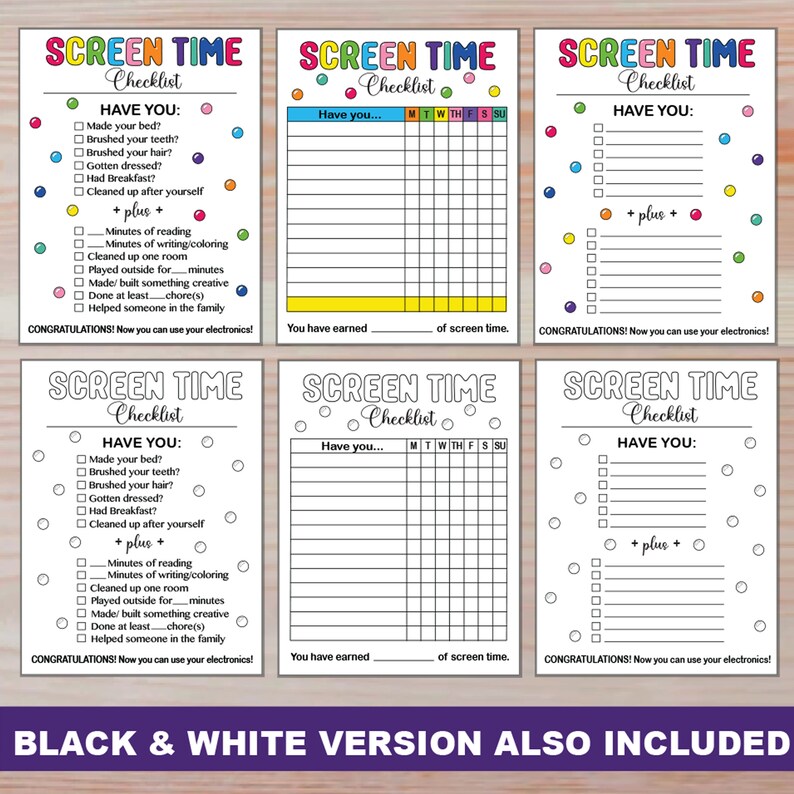
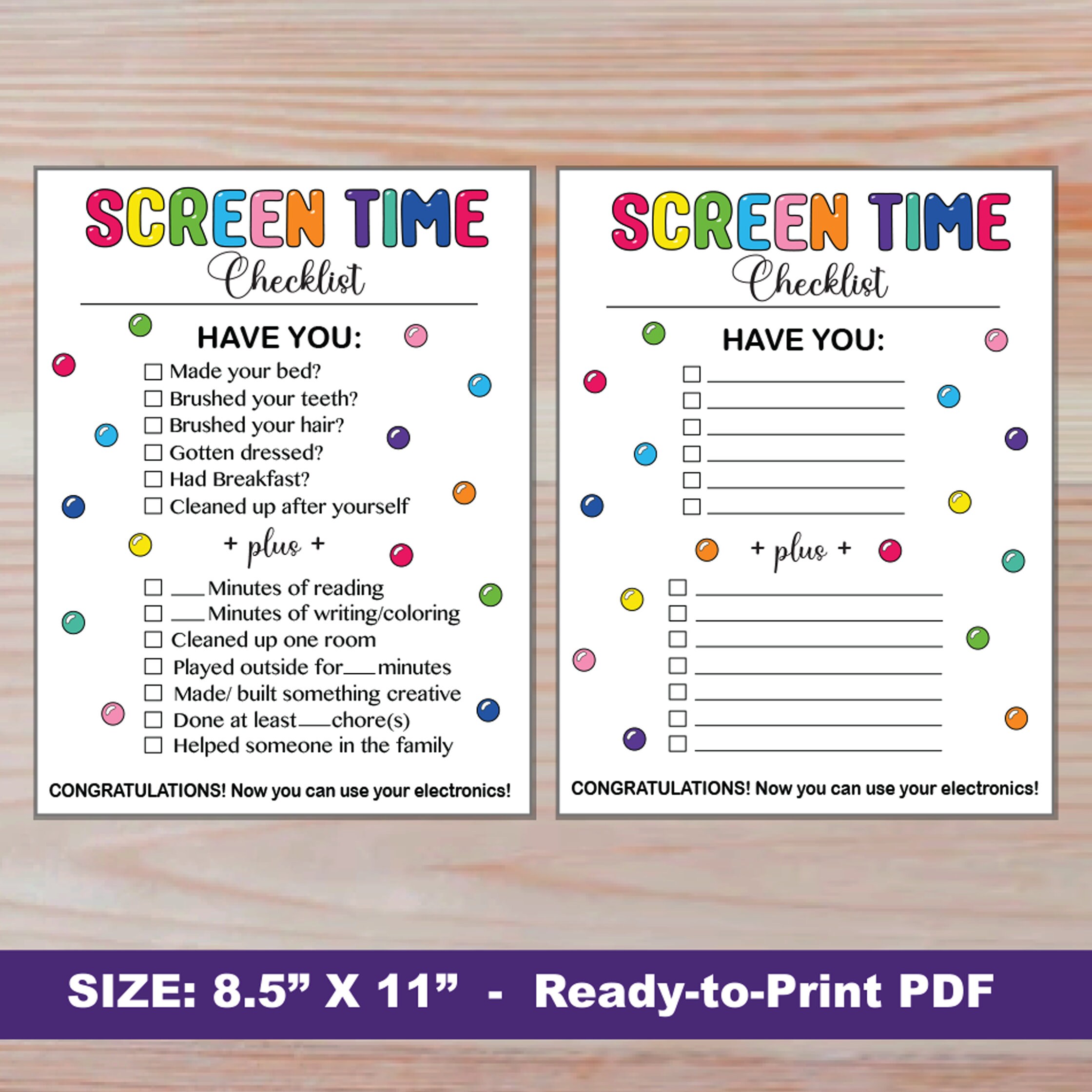
The “screen time checklist for grade 6” specifically addresses the critical topic of balanced screen time and digital well-being. This resource guides students through an assessment of their current digital habits, encouraging reflection on how screen use impacts their daily lives. The worksheet covers fundamental concepts such as identifying healthy versus unhealthy screen engagement patterns, understanding the importance of setting personal digital boundaries, and recognizing the value of offline activities. It helps students explore strategies for effective time management regarding device use and introduces principles of digital hygiene. The content directly connects to recognized digital citizenship and child safety education standards, which emphasize responsible technology use, media literacy, and the promotion of a healthy relationship with digital devices. This resource provides a practical framework for students to internalize the principles of moderation and mindfulness in their digital interactions.
Key Learning Outcomes
By completing the “screen time checklist for grade 6,” students develop several crucial skills and knowledge areas:
- Ability to critically self-assess personal screen time habits and patterns.
- Understanding of healthy screen time limits and their impact on overall well-being.
- Development of practical strategies for achieving a balanced approach to device use.
- Recognition of the significance of incorporating regular offline activities into their routine.
- Skill in setting and adhering to personal digital boundaries for improved self-regulation.
How to Use This Worksheet
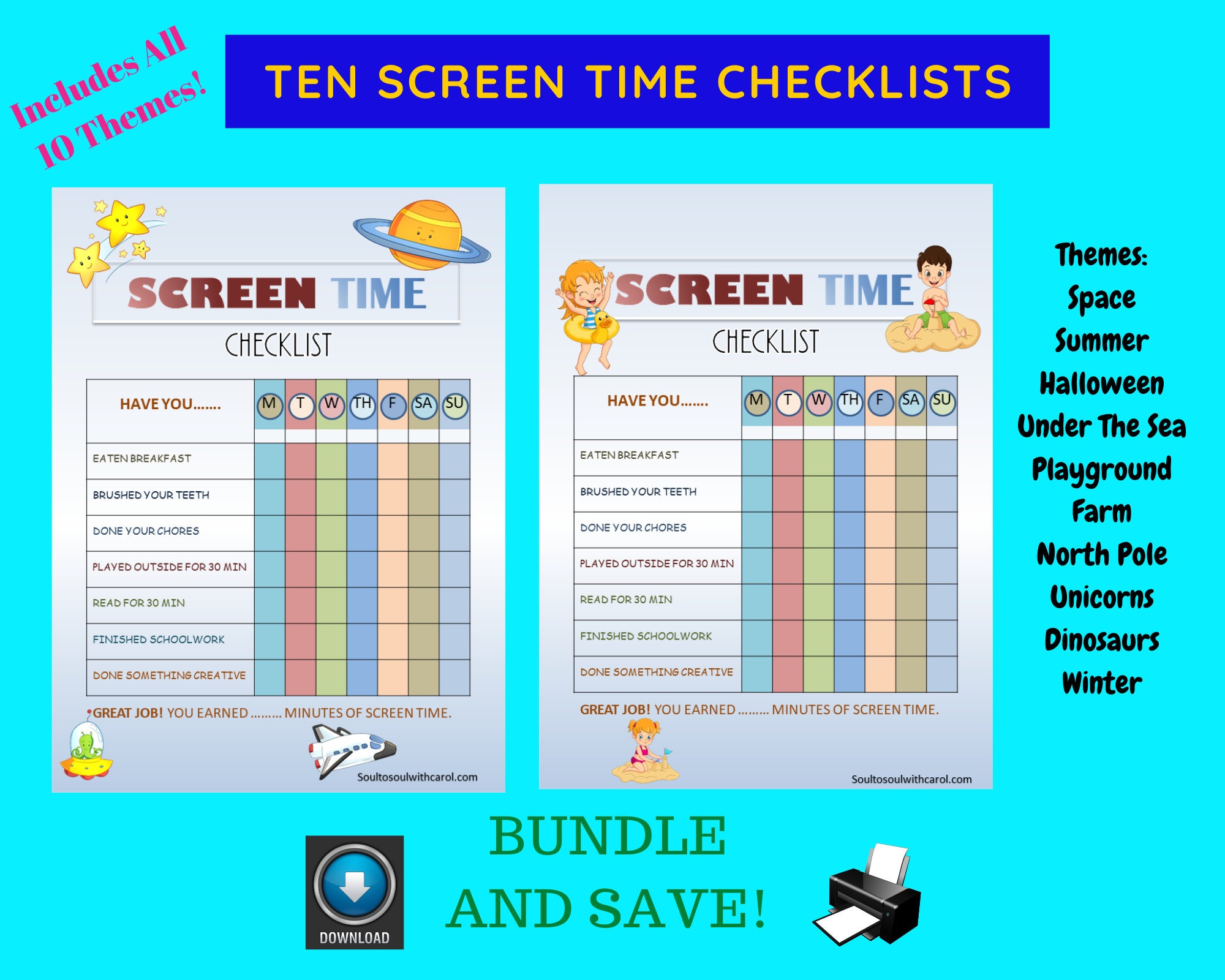
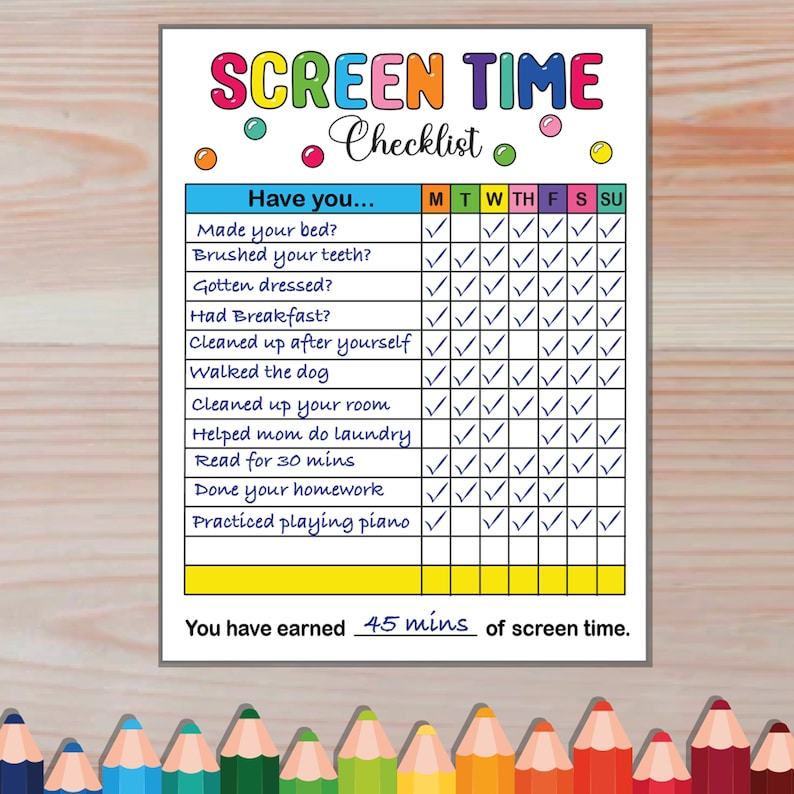
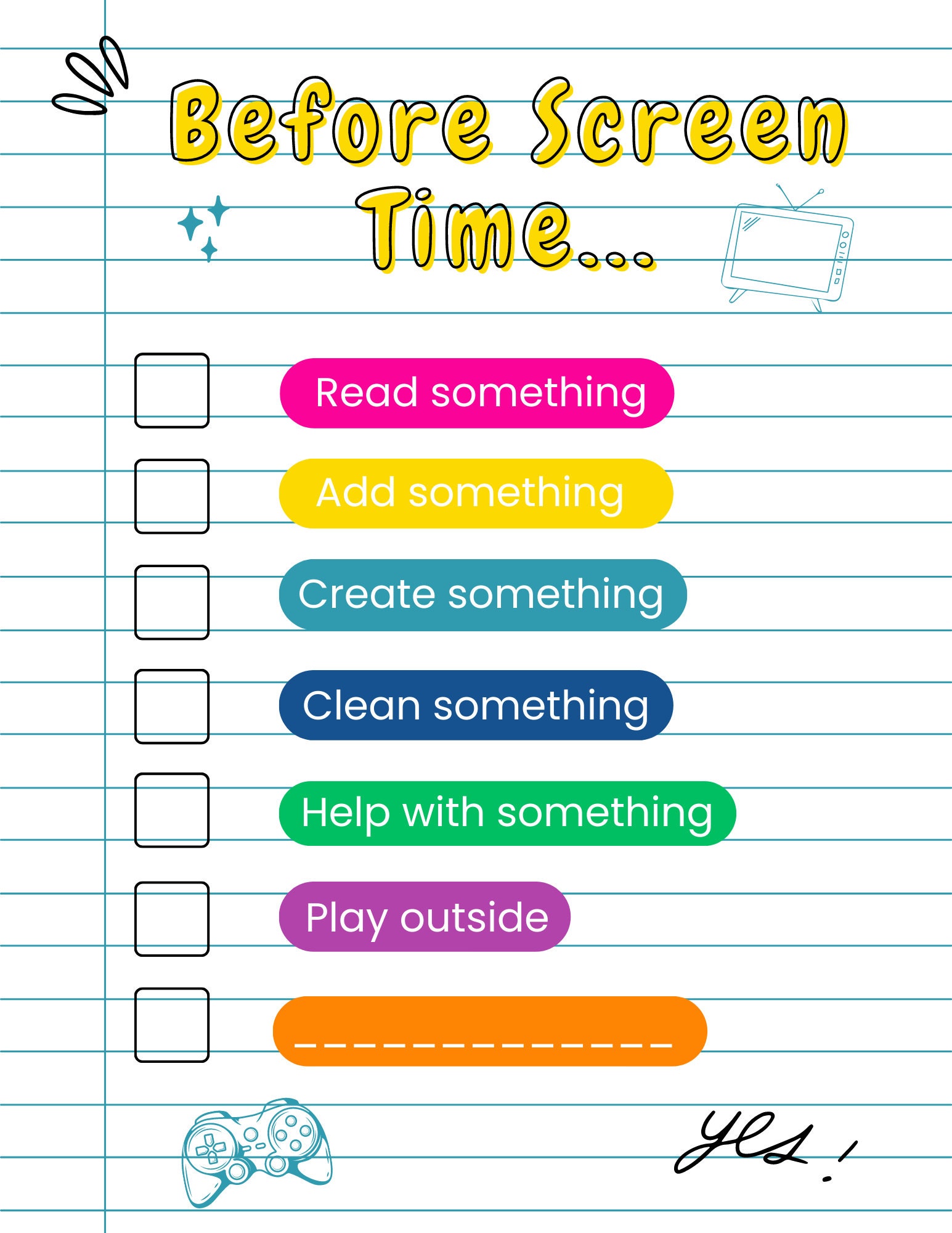
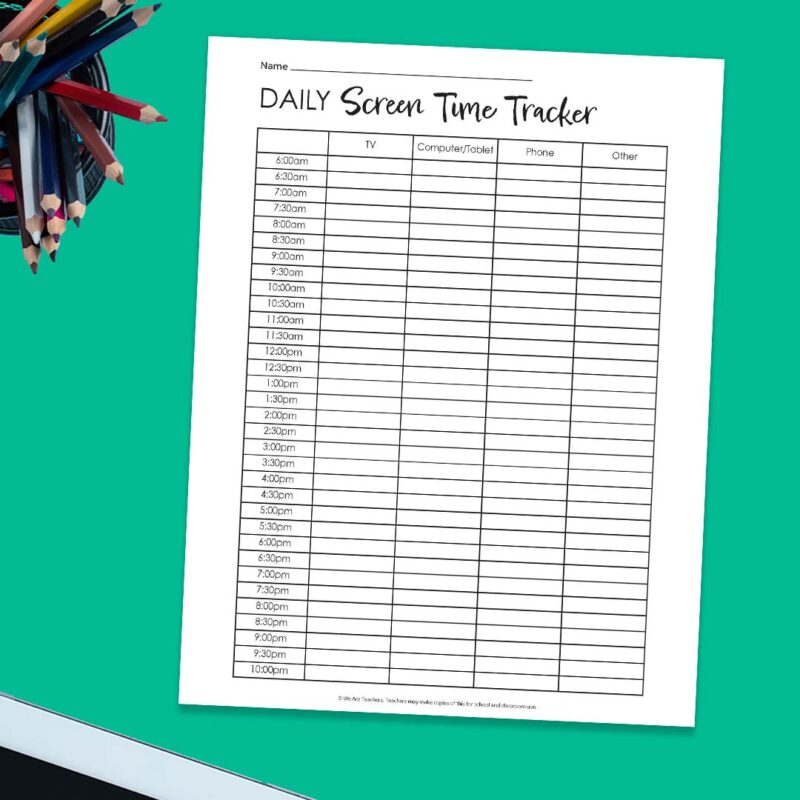
Educators and parents can effectively integrate the “screen time checklist for grade 6” into various learning environments. The worksheet typically features a mix of activity types, including self-assessment questions, reflection prompts, and goal-setting sections. Students might find checkboxes to evaluate current habits, short answer spaces to articulate their thoughts, or even sections for creating a personalized screen time plan. The difficulty level is carefully calibrated for a Grade 6 audience, ensuring concepts are challenging yet accessible. Instructions are designed to scaffold learning progressively, beginning with awareness and moving towards action planning. This worksheet functions effectively as a standalone activity to initiate discussions about digital habits, as an integral component of a broader digital citizenship lesson plan, or as a thoughtful homework assignment that encourages family engagement in digital well-being conversations. Browse more guides on Safe Wired Schools.
Practical Tips for Parents and Teachers
- Introduce Collaboratively: Present the checklist as a tool for self-discovery and improvement, not as a punitive measure. Encourage an open, non-judgmental atmosphere for discussion.
- Facilitate Discussion: After completion, initiate a group or one-on-one conversation about the items on the checklist. Ask open-ended questions like, “What did you discover about your screen habits?” or “What changes might benefit you?”
- Encourage Personalization: Guide students in setting realistic and specific screen time goals. Emphasize that a “healthy balance” looks different for everyone and involves personal choices.
- Model Healthy Habits: Adults can demonstrate responsible screen time practices. Share personal strategies for balancing digital and non-digital activities to reinforce the importance of the concepts.
- Extend the Learning: Suggest follow-up activities such as tracking screen time for a week, creating a “digital detox” challenge, or researching the benefits of specific offline hobbies to reinforce the worksheet’s lessons.
Age-Appropriate Recommendations
For students in Grade 6, typically aged 11-12, the “screen time checklist for grade 6” is ideally suited for fostering independent reflection and self-regulation. At this developmental stage, young people are capable of abstract thought and benefit from opportunities to analyze their own behaviors. In a classroom setting, the worksheet can be introduced with a brief overview of digital well-being, followed by individual completion and then small group or class-wide discussions. Vocabulary support is generally minimal for this age group, but clarifying terms like “digital footprint” or “mindful use” can enhance understanding. The activity pacing should allow ample time for thoughtful consideration, perhaps 20-30 minutes for completion and an additional 15-20 minutes for discussion. Parental or teacher involvement transitions from direct instruction to guided facilitation, encouraging students to draw their own conclusions and propose solutions. This approach empowers students to take ownership of their digital habits and develop self-advocacy skills in managing their screen time effectively.
Frequently Asked Questions
Q: What is the “screen time checklist for grade 6”?
A: The “screen time checklist for grade 6” is a free, printable educational resource designed to help middle school students evaluate and improve their digital habits. It provides prompts and activities for self-assessment and goal setting related to balanced screen use.
Q: How does this resource support digital citizenship?
A: This checklist directly supports digital citizenship by promoting responsible technology use, encouraging self-awareness regarding digital well-being, and fostering the development of healthy screen time habits essential for navigating the online world safely and productively.
Q: Where can this free printable be downloaded?
A: The “screen time checklist for grade 6” and many other valuable resources are available for free download directly from the SafeWiredSchools.org website. Navigate to the worksheets section to access and print this educational tool.
Explore More Free Printable Worksheets
A single worksheet, while valuable, works best as part of a consistent, comprehensive digital safety learning routine. The “screen time checklist for grade 6” serves as an excellent starting point or reinforcement tool, but ongoing education remains paramount. Educators and parents are invited to explore a full collection of free printable internet safety worksheets, activity sheets, checklists, quizzes, and more at SafeWiredSchools.org Worksheets. This extensive collection covers every internet safety topic, from identifying misinformation to understanding online privacy, and is designed for every grade level and learning environment. Integrating these resources ensures a robust and continuous approach to digital safety education for all young learners.
Developmental Milestone & Activity Table
| Development Stage | Recommended Daily Duration | Primary Learning Objective |
|---|---|---|
| Preschool & Pre-K | 10 – 15 Minutes | Pencil grip development & basic pre-stroke lines |
| Kindergarten | 15 – 20 Minutes | Letter/number formation & spatial line awareness |
| Early Elementary (Grade 1–2) | 20 – 30 Minutes | Fluency, sentence construction & neatness |
Images References