Introduction
Navigating the digital landscape responsibly presents a significant challenge for today’s youth. Establishing healthy digital habits from an early age forms a cornerstone of internet safety education. The “daily screen time log for kids” is a crucial free printable resource designed to empower students and families in managing digital engagement. This practical worksheet is most effectively utilized across Elementary grades (1-5) and Middle School grades (6-8), providing a structured approach to understanding and balancing online activity. Printable resources remain invaluable tools for educators and parents due to their tangible nature and immediate accessibility. They offer a hands-on method for reinforcing complex internet safety concepts, transforming abstract ideas into concrete actions. Trusted by educational professionals for their efficacy in promoting active learning, these physical tools foster digital awareness and cultivate responsible online behavior within controlled, supportive environments, both in the classroom and at home.
💡 Educational Key Takeaways:
- Core Skill: Structured Daily Screen Time Log For Kids focused on developing pencil grip, stroke control, and early literacy/math confidence.
- Target Scope: Suited for homeschoolers, preschool, kindergarten, and elementary learners.
- Best Recommendation: Practice 10–15 minutes daily with ergonomic writing tools to reinforce muscle memory without hand fatigue.
What This Worksheet Covers
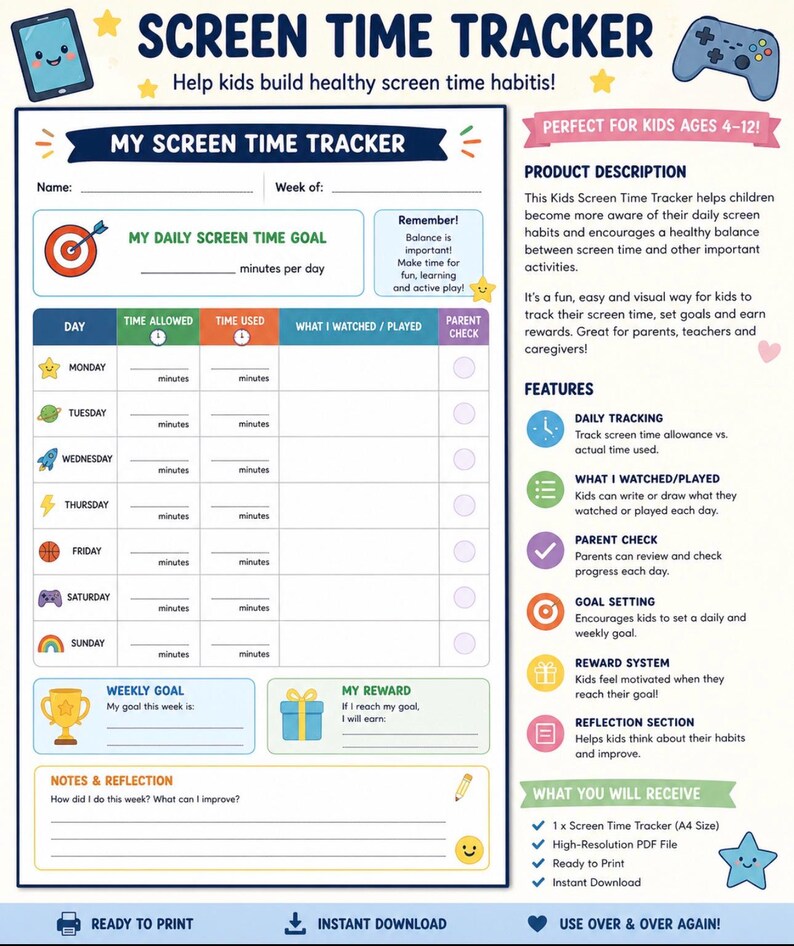
The “daily screen time log for kids” directly addresses the vital internet safety topic of responsible screen time management and digital well-being. This resource guides users in tracking their daily interactions with digital devices, fostering an understanding of personal usage patterns. Concepts covered include the importance of setting realistic time limits, developing awareness of content consumed, and recognizing the necessity of balancing online activities with offline pursuits. The log encourages self-regulation by providing a visual representation of time spent, prompting reflection on digital habits. This content aligns seamlessly with recognized digital citizenship and media literacy education standards, which emphasize mindful technology use and the development of healthy digital lifestyles. The worksheet serves as a practical instrument for initiating discussions about digital boundaries and promoting conscious engagement with technology.
Key Learning Outcomes
By regularly utilizing the “daily screen time log for kids,” students and children will achieve several important developmental milestones related to digital safety and responsibility:. Browse more guides on Safe Wired Schools.
- Develop heightened self-awareness concerning individual screen use patterns across various devices and platforms.
- Cultivate essential self-regulation and effective time management skills specifically applied to digital device usage.
- Foster critical thinking capabilities regarding the optimal balance between digital engagements and real-world activities.
- Promote proactive and open communication about screen habits and digital well-being within family units.
- Reinforce the fundamental importance of establishing and adhering to healthy digital boundaries for personal well-being.
How to Use This Worksheet
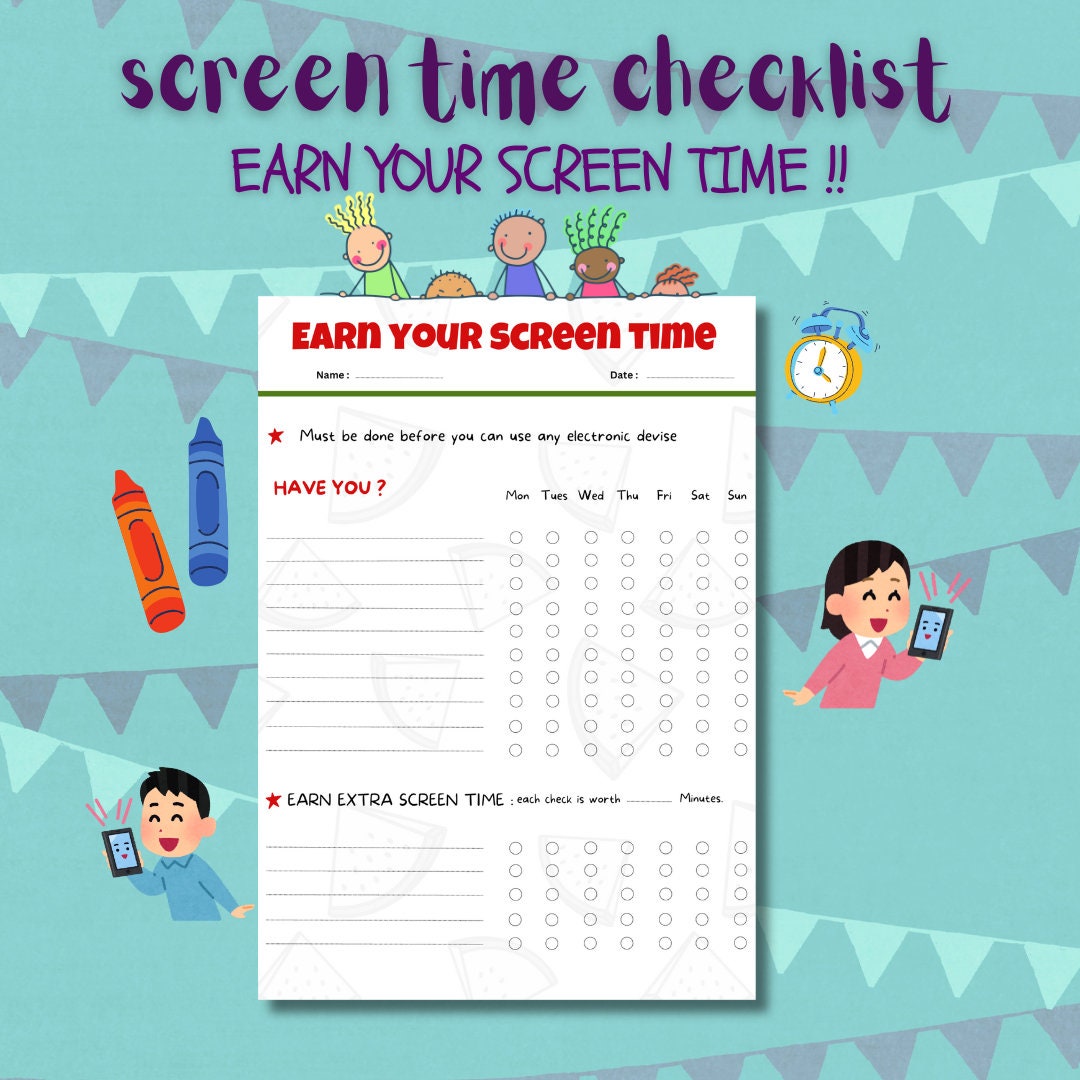
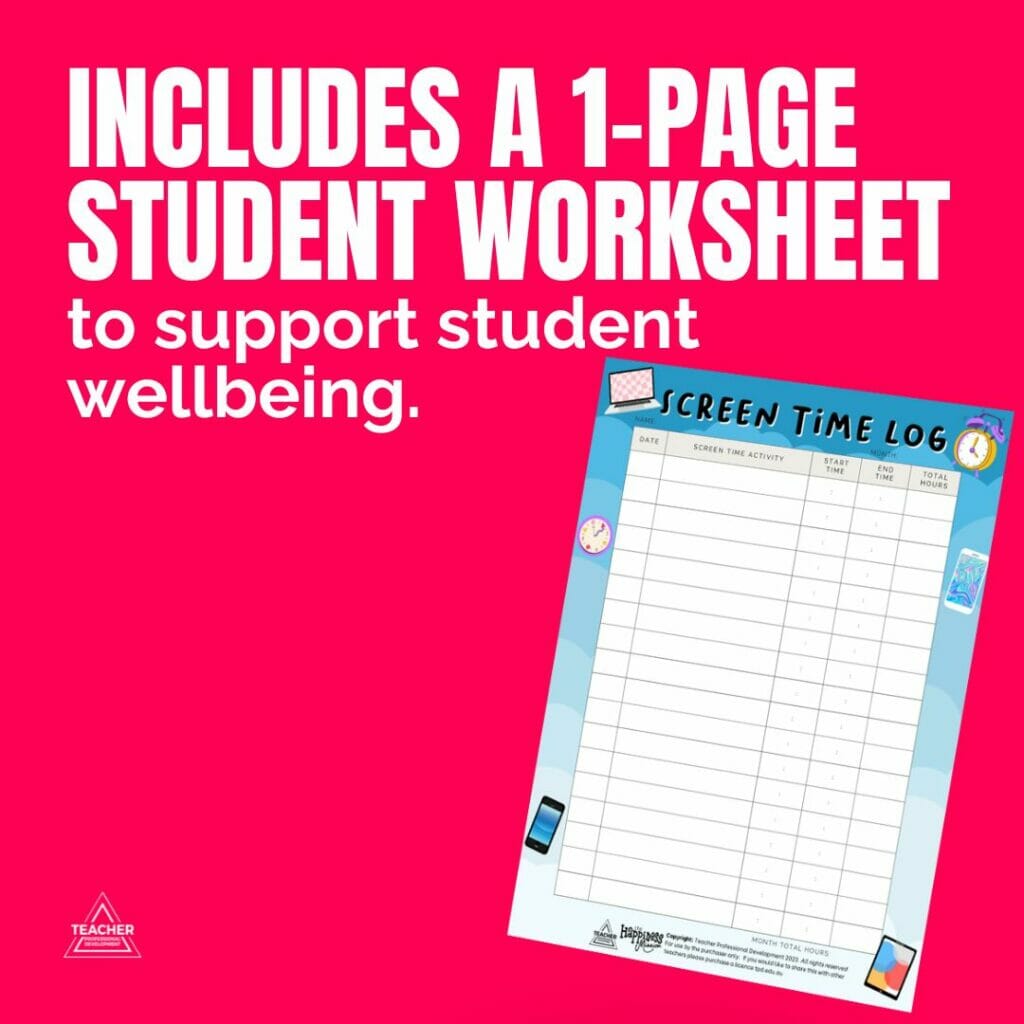
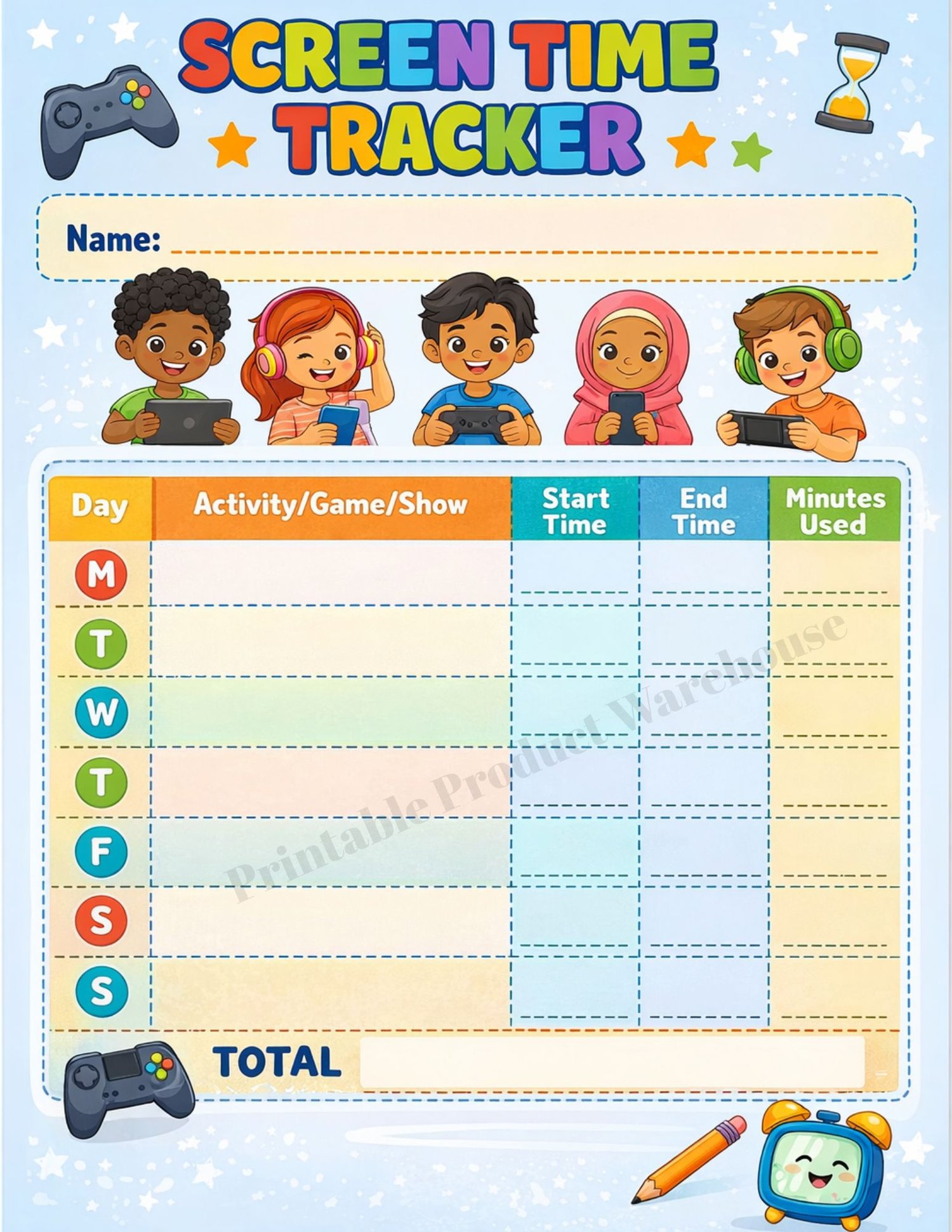
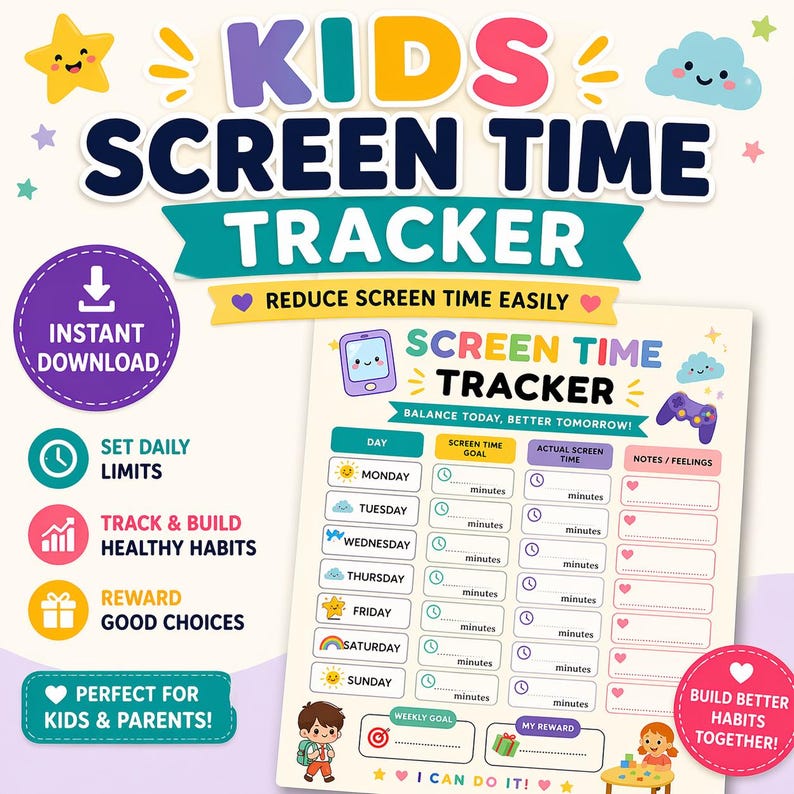
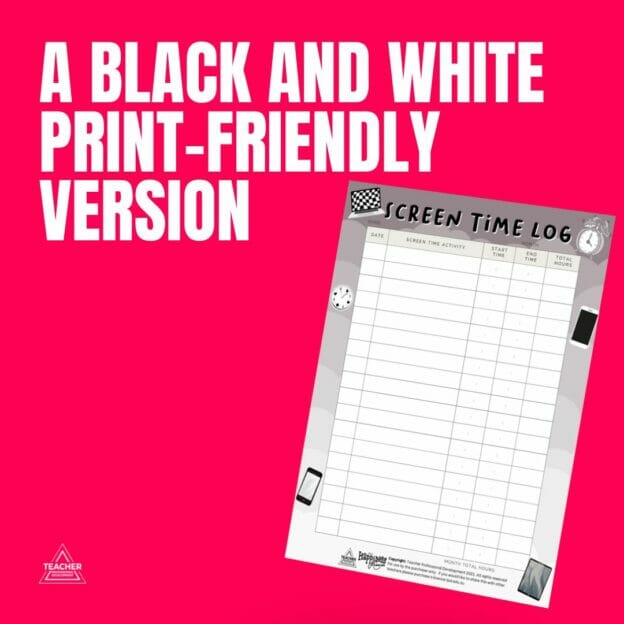
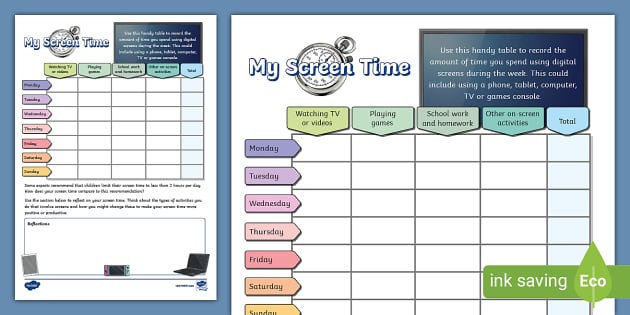
The “daily screen time log for kids” offers a versatile framework for tracking and reflecting on digital consumption. Its format typically includes a grid or table where users can log the date, duration of screen time, type of device used, and the primary activity performed (e.g., educational game, video chat, entertainment streaming). The difficulty level is adaptable, starting with simple tracking and progressing to more reflective sections that encourage self-assessment. Instructions are presented clearly, scaffolding learning progressively from basic data entry to insightful analysis of digital habits. This worksheet functions effectively as a standalone activity for individual reflection, integrates smoothly into broader digital citizenship lesson plans, or serves as a valuable homework assignment that extends learning into the home environment. Its straightforward design facilitates consistent daily use, making the habit of tracking an accessible and routine part of digital life.
Practical Tips for Parents and Teachers
- Explain the Purpose Clearly: Before beginning, articulate why tracking screen time is beneficial. Emphasize that the log is a tool for understanding and improvement, not a punitive measure.
- Model the Behavior: Adults can demonstrate how to fill out the log for their own screen time, illustrating the process and encouraging open discussion about digital habits.
- Schedule Regular Check-ins: Establish a consistent time each day or week to review the log together. This creates an opportunity for conversation, goal setting, and problem-solving.
- Focus on Balance, Not Just Time: Shift discussions beyond mere duration to encompass the quality and purpose of screen time, encouraging a balance with physical activity, reading, and social interactions.
- Celebrate Small Victories: Acknowledge and praise efforts in consistent tracking and any positive adjustments made to screen habits, reinforcing motivation for continued responsible use.
Age-Appropriate Recommendations
Implementing the “daily screen time log for kids” requires an understanding of developmental stages to maximize its impact across various age groups.
For Ages 5-8 (Early Elementary), the focus remains on foundational awareness. Children at this stage benefit from heavy parental or teacher involvement. Logging should be kept simple, perhaps just marking when a device was used and for how long, with an adult assisting in recording. The emphasis should be on establishing a routine and understanding that screen time is a finite resource. Vocabulary support will be crucial, breaking down terms like “duration” or “purpose” into simple, concrete examples. Activity pacing should be brief, with short logging sessions followed by immediate discussions.
For Ages 9-12 (Upper Elementary to Early Middle School), the worksheet promotes greater independence and introduces initial reflection. Children can independently log their screen time, including the type of activity and their feelings about it. Discussions can expand to include the content consumed, its educational or entertainment value, and the concept of “digital diet.” Parental or teacher involvement transitions from direct assistance to guided supervision, encouraging self-assessment and collaborative goal setting. This age group benefits from exploring the trade-offs between online and offline activities.
For Ages 13-18 (Middle to High School), the “daily screen time log for kids” transforms into a powerful self-assessment and self-management tool. Young adults are encouraged to use the log for critical reflection on their digital habits, examining patterns, identifying potential overreliance, and setting personal boundaries. The approach should be less about direct supervision and more about providing a resource for individual accountability and well-being. Discussions can delve into the psychological impacts of excessive screen time, the role of social media, and strategies for maintaining digital wellness amidst academic and social pressures. This age group can benefit from using the log to inform personal goals for digital detox periods or focused productivity.
Frequently Asked Questions
Q: How does a screen time log promote internet safety beyond just time limits? A: A screen time log fosters self-awareness and self-regulation, which are foundational skills. These abilities empower individuals to make informed choices about online content, manage their digital footprint, and prioritize well-being, all critical aspects of overall internet safety.
Q: Is the “daily screen time log for kids” effective for managing gaming console usage as well as mobile devices? A: Yes, this versatile log is designed to track time across any digital device. This includes smartphones, tablets, computers, gaming consoles, and even smart TVs, ensuring a comprehensive overview of all screen interactions.
Q: Where can this free printable resource be accessed and downloaded? A: The “daily screen time log for kids” is readily available for free download. Visit the dedicated resources page on safewiredschools.org to obtain this valuable printable and other educational materials.
Explore More Free Printable Worksheets
A single worksheet forms one component of a comprehensive approach to digital literacy. Consistent engagement with various resources reinforces learning and builds lasting habits. Educators and parents are invited to explore a full collection of free printable internet safety worksheets, activity sheets, checklists, quizzes, and more at SafeWiredSchools.org Worksheets. This extensive library covers every essential internet safety topic and is meticulously designed for every grade level and diverse learning environment, ensuring a continuous pathway to digital responsibility.
Developmental Milestone & Activity Table
| Development Stage | Recommended Daily Duration | Primary Learning Objective |
|---|---|---|
| Preschool & Pre-K | 10 – 15 Minutes | Pencil grip development & basic pre-stroke lines |
| Kindergarten | 15 – 20 Minutes | Letter/number formation & spatial line awareness |
| Early Elementary (Grade 1–2) | 20 – 30 Minutes | Fluency, sentence construction & neatness |
Images References