Introduction
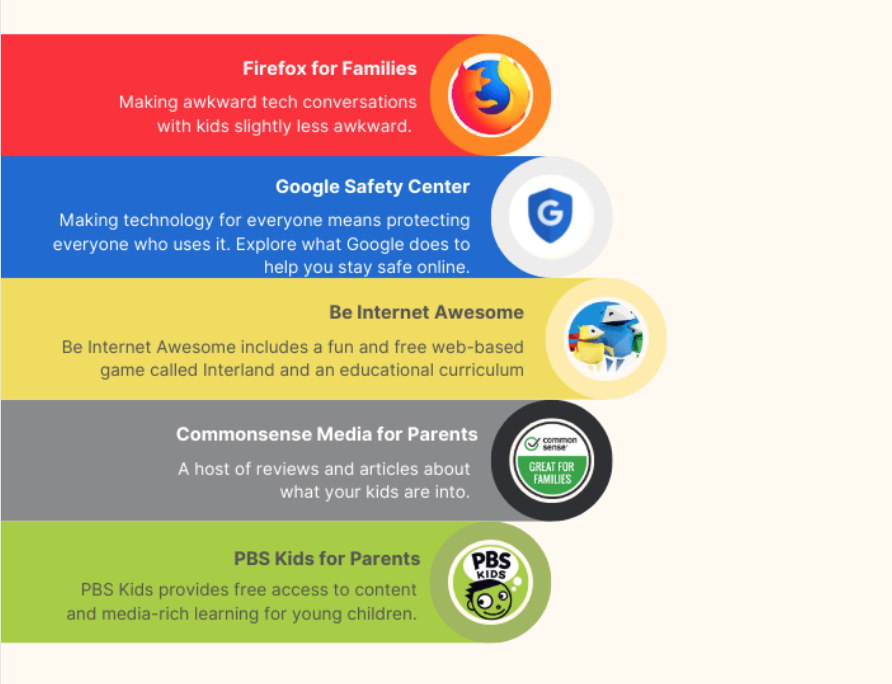
Kids internet and digital safety encompasses structured frameworks, device protocols, and educational strategies designed to protect minors from online threats, privacy violations, and cognitive overload while navigating connected environments. According to ConnectSafely, digital safety education requires a collaborative partnership between parents, educators, and school administrators to instill lifelong responsible habits rather than relying purely on restrictive software filters. Safeguarding middle school students in modern classrooms and homes demands a comprehensive operational blueprint covering school internet safety, permanent digital footprints, cyberbullying mitigation, strict device hygiene, and healthy classroom screen balance. Comprehensive digital citizenship curricula integrated through Internet and Digital Safety modules empower students to recognize manipulation, secure personal data, and maintain respectful communication channels.
Digital Safety Snapshot:
- Core Focus: Mitigation of digital risks and cultivation of resilient online habits for students.
- Target Scope: K-12 learning environments, educational institutions, and domestic households.
- Key Recommendation: Implement multi-layered technical filtering paired with ongoing proactive digital literacy training.
Core Principles and Detailed Overview
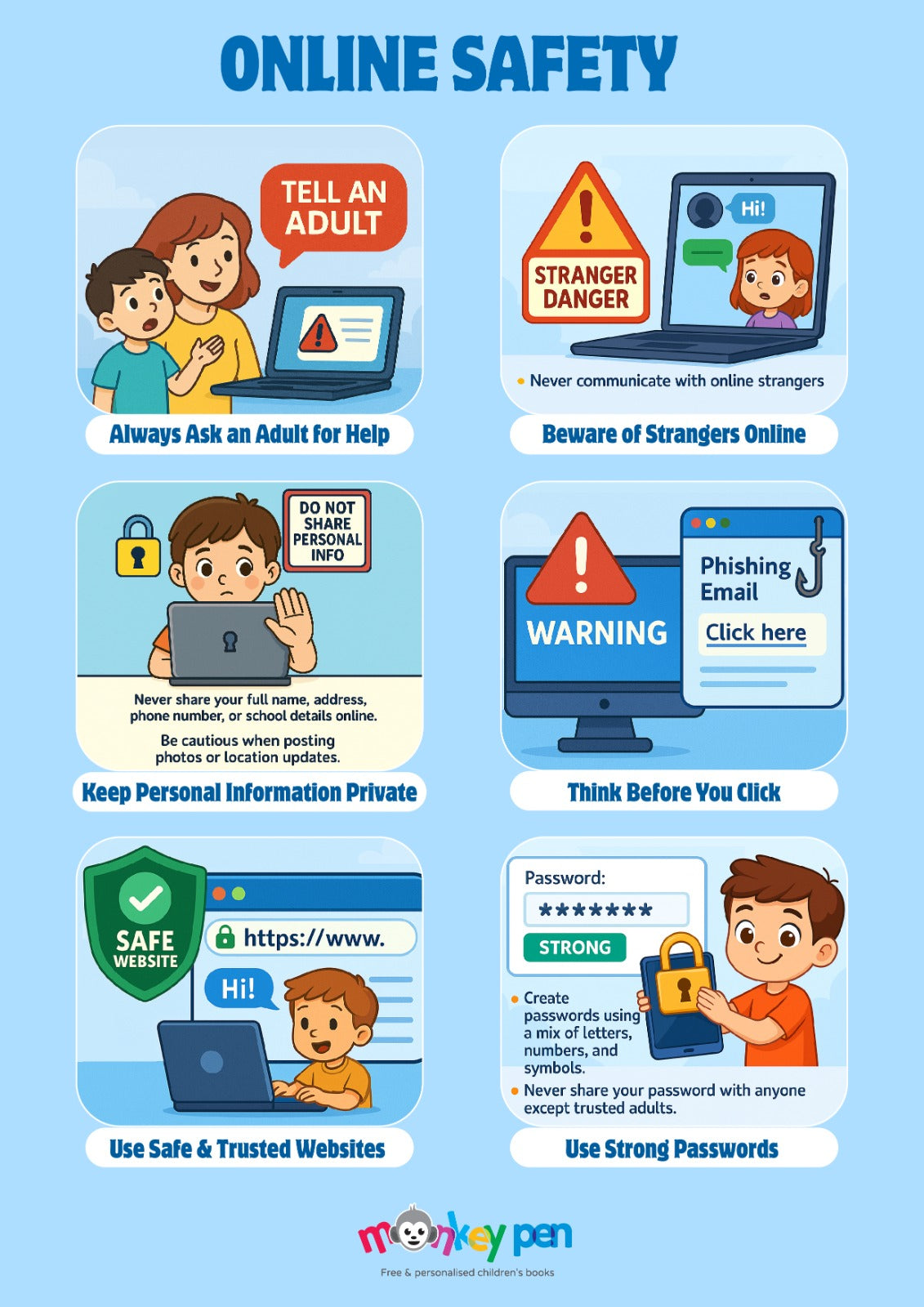
School internet safety standards dictate that educational institutions must deploy content filtering compliant with federal regulations while teaching students how to safely bypass malicious traps. A student digital footprint represents the permanent, cumulative trail of data generated by online activities, meaning every search query, comment, and uploaded image contributes to a lasting online reputation visible to future colleges and employers. Cyberbullying prevention relies on establishing rapid reporting mechanisms, cultivating empathetic peer cultures, and maintaining transparent oversight of messaging platforms utilized during and after school hours. Furthermore, device hygiene involves regular software updates, robust password management, and secure logout habits that prevent unauthorized access to school-issued laptops and tablets. Maintaining classroom screen balance ensures that digital tools enhance pedagogical objectives without inducing cognitive fatigue, eye strain, or behavioral distractions.
Key Specifications and Breakdown
| Safety Pillar | Digital Risk Factor | Actionable Protective Habit |
|---|---|---|
| School Internet Safety | Unfiltered malicious links and phishing schemes | Utilize centralized district firewalls and verified educational portals |
| Digital Footprint | Permanent exposure of personal identifiable information | Adopt privacy-first sharing settings and audit social profiles regularly |
| Device Hygiene | Outdated firmware vulnerabilities and credential theft | Enforce automated patch updates and multi-factor authentication protocols |
Proactive digital citizenship education significantly reduces online vulnerability by teaching students critical evaluation of digital content and fostering secure communication habits. — Cybersecurity and Infrastructure Security Agency (CISA)
Step-by-Step Practical Application and Guidelines
Implementing robust safety protocols begins with establishing clear usage agreements that define acceptable behavior on all school and personal devices. Educators should integrate targeted Online and Digital Safety activities into daily lesson plans to reinforce concepts such as password strength and data privacy. Administrators must schedule regular security audits of network access points while providing educators with professional development workshops focused on identifying early warning signs of digital harassment or student distress. Parents and teachers need to collaborate on setting consistent screen time boundaries that transition students smoothly from digital assignments to offline physical activities. Finally, schools should maintain open communication channels where students feel secure reporting suspicious online interactions without fear of immediate device confiscation or punitive reprisal.
Common Challenges and How to Avoid Them
Over-reliance on restrictive technical blocks often leaves students unprepared for navigating unmonitored digital spaces outside campus boundaries. Addressing this gap requires shifting the educational paradigm from mere restriction to active resilience training, ensuring youth develop critical thinking skills necessary for self-regulation. Another common oversight is ignoring the subtle signs of digital burnout caused by excessive screen exposure during both instructional time and leisure periods. Educators and parents must actively monitor usage metrics, enforce scheduled screen-free breaks, and encourage diverse extracurricular pursuits that do not involve digital displays. Standardizing these protective measures across both home and school environments eliminates mixed messaging and builds a unified front against emerging cyber threats.
💬 Frequently Asked Questions
Explore More Kids Safety and Digital Citizenship Guides on SafeWiredSchools
Building a secure, resilient digital culture for children requires continuous access to authoritative resources, practical guides, and comprehensive educational tools. Stakeholders looking to deepen their understanding of modern cyber hygiene, classroom management, and student empowerment can access extensive reference libraries and downloadable instructional materials directly through Safe Wired Schools to support ongoing safety initiatives.
Visual Reference Gallery