Introduction
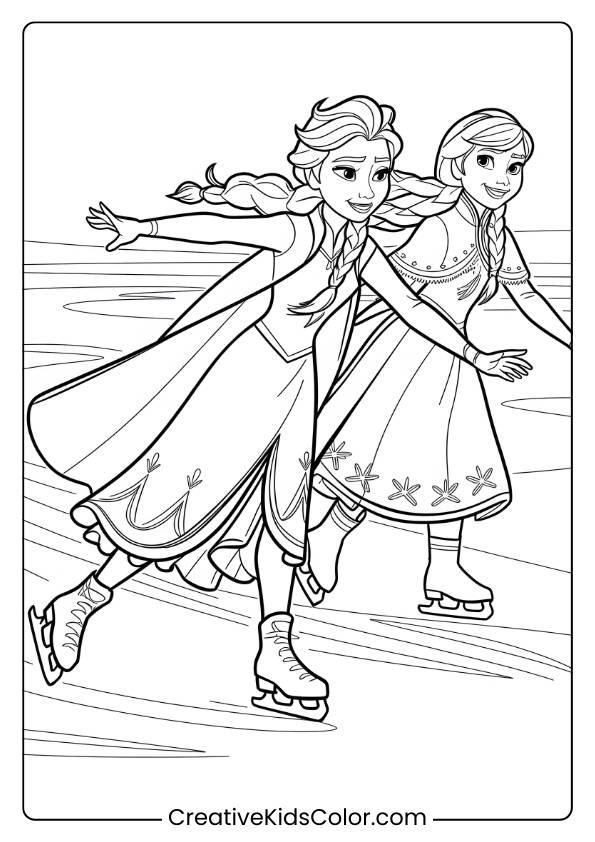
Coloring pages elsa and anna refer to downloadable digital line art featuring popular animated characters that families and educators frequently seek online for creative offline activities. According to ConnectSafely, digital safety education requires close monitoring of search queries and content downloads to prevent exposure to malicious websites disguised as children’s entertainment portals. Navigating the internet for popular media assets involves specific cyber risks, particularly when unsecured search results direct children toward malware distribution networks or deceptive ad trackers. Educators, parents, and school administrators must establish clear boundaries regarding internet use, ensuring that children access creative resources safely without compromising device security or exposing personal data. Understanding how to manage student device habits around seemingly innocent searches helps maintain a secure Internet and Digital Safety posture across both home and school environments.
Digital Safety Snapshot:
- Core Focus: Safe retrieval and device management surrounding coloring pages elsa and anna searches.
- Target Scope: Safeguarding children and school devices from unauthorized downloads and malicious web domains.
- Key Recommendation: Utilize pre-vetted educational repositories and enforce strict adult supervision during online content searches.
Core Principles and Detailed Overview
Managing student interactions with digital media begins with recognizing that standard search engines often index unverified websites containing hidden malware or aggressive phishing prompts. When students search for specific animated character templates, cyber actors frequently exploit these high-volume keywords to lure users toward compromised domains. School administrators and educators play a critical role in teaching digital hygiene, demonstrating how to evaluate website credibility and avoid clicking on deceptive download buttons. Furthermore, integrating structured Worksheets from verified institutional domains minimizes the likelihood of accidental exposure to harmful online elements. Establishing robust browser filters and utilizing safe-search protocols prevents unauthorized access to adult content or malicious pop-ups during routine classroom research and recreational browsing.
Key Specifications and Breakdown
| Safety Pillar | Digital Risk Factor | Actionable Protective Habit |
|---|---|---|
| Device Hygiene | Malware injection through unverified PDF downloads | Restrict downloads to pre-approved educational portals |
| Data Privacy | Aggressive tracking cookies and deceptive ad banners | Deploy network-level ad blockers and strict browser filters |
| Digital Footprint | Accidental sharing of user data via sketchy web forms | Teach students never to input personal details on media sites |
Proactive digital citizenship frameworks significantly reduce malware exposure risks and enhance overall school network security posture — Cybersecurity & Infrastructure Security Agency (CISA)
Step-by-Step Practical Application and Guidelines
Executing safe online searches involves a methodical approach that prioritizes device protection and verified content curation. Adults should initiate all media searches on behalf of younger students, ensuring that every retrieved file originates from a trusted, encrypted educational repository rather than a random commercial blog. School IT departments must configure web gateways to block unverified file-sharing platforms and restrict execution permissions on downloaded executable files masquerading as image documents. Additionally, reviewing proper device etiquette reinforces long-term digital citizenship principles, ensuring that students understand the importance of reporting suspicious pop-ups or broken hyperlinks immediately to a supervising teacher or parent. Transitioning students toward curated collections like Coloring Pages within safe boundaries keeps creative activities secure and educational.
Common Challenges and How to Avoid Them
Unregulated web searches frequently lead users into trap sites featuring misleading download prompts, deceptive subscription offers, and malicious browser extensions. A common mistake involves allowing middle school students unrestricted search engine access without active parental controls or institutional DNS filtering enabled on the device. To prevent these vulnerabilities, educators and parents must proactively audit browser extensions, disable unnecessary third-party cookies, and educate students on identifying legitimate file formats (.pdf or .jpg) versus executable threats (.exe or .scr). Maintaining open communication regarding online safety ensures that students feel comfortable reporting unexpected advertisements or redirected web pages without fear of disciplinary action.
💬 Frequently Asked Questions
Explore More Kids Safety and Digital Citizenship Guides on SafeWiredSchools
Empowering students, teachers, and families with comprehensive digital literacy tools remains essential for maintaining a secure and productive learning environment across all connected platforms. Continuous education regarding online risks, safe browsing habits, and device hygiene builds lifelong resilience against evolving cyber threats. Explore the complete collection of expert resources, actionable guides, and safety frameworks available directly through Safe Wired Schools to support safe digital citizenship journeys.
Printable Coloring Page Previews