Introduction
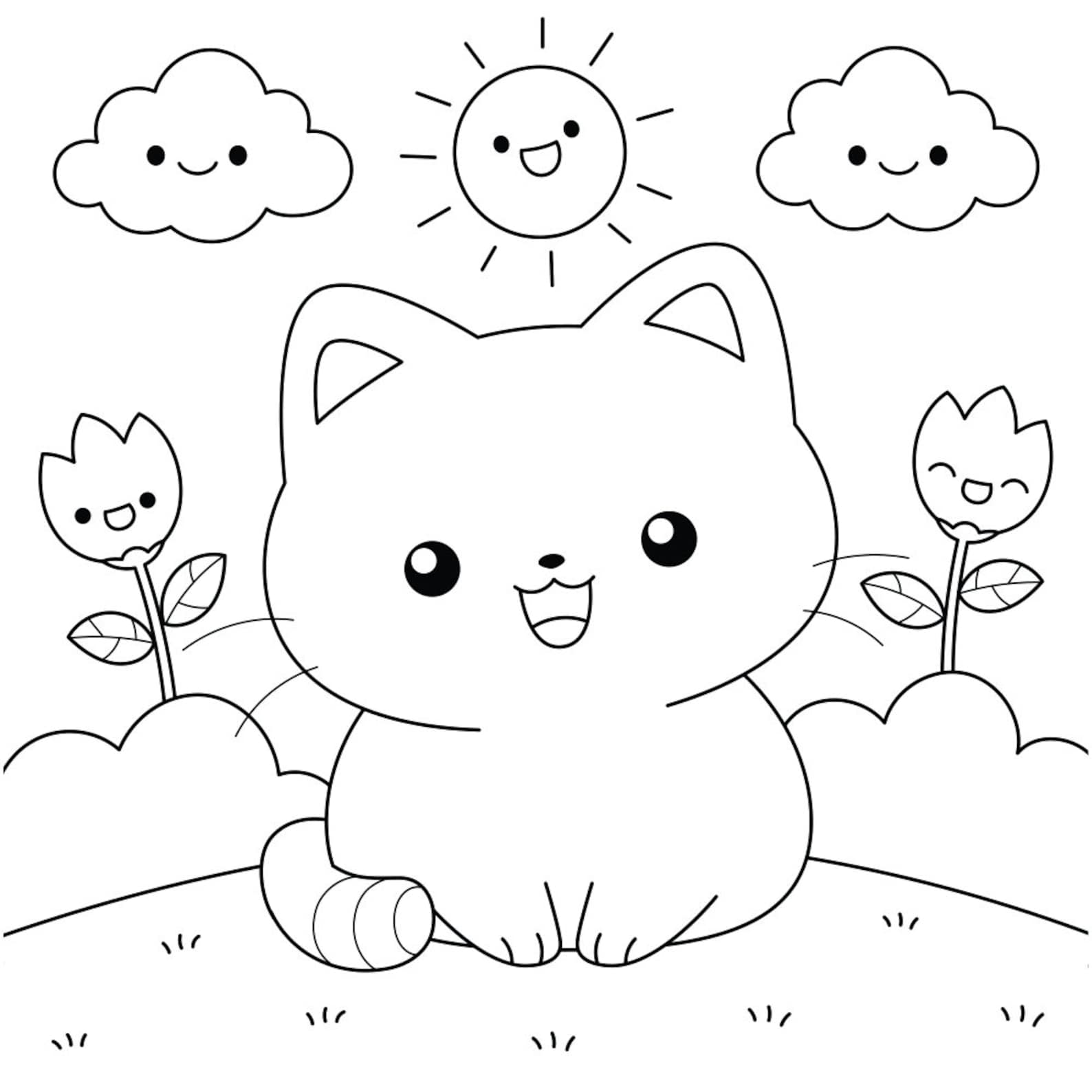
Digital safety resources designated as a coloring sheet easy provide structured, low-risk offline or browser-based creative activities that reduce excessive screen time and mitigate digital exposure risks in educational environments. According to the Family Online Safety Institute (FOSI), establishing balanced boundaries between structured digital tasks and analog activities is essential for fostering healthy student digital citizenship and emotional well-being. Modern schools face unique challenges regarding student device dependency, accidental malware downloads from unverified browser resources, and the blurring of boundaries between productivity tools and endless scrolling. Educators and parents require secure, offline-compatible pedagogical templates—such as those found within the Coloring Pages directory—to maintain constructive classroom engagement without increasing the vulnerability of student digital footprints.
Digital Safety Snapshot:
- Core Focus: Utilizing low-risk, downloadable creative templates to minimize screen fatigue and enhance classroom internet safety.
- Target Scope: K-12 learning environments, digital classrooms, and home study spaces managed by educators and parents.
- Key Recommendation: Pre-screen digital resource platforms to block trackers and restrict student web access to vetted pedagogical repositories.
Core Principles and Detailed Overview
Selecting a coloring sheet easy requires evaluating whether digital asset repositories adhere to strict school network security standards and data privacy compliance protocols. Unverified third-party coloring websites frequently exploit juvenile web traffic through aggressive targeted advertising, malicious redirect scripts, and unauthorized collection of user metadata. By contrast, verified educational portals prioritize device hygiene by offering direct PDF downloads free from third-party tracking cookies or pop-up vulnerabilities. Middle school educators leverage these simplified artistic formats to teach foundational concepts of media literacy, helping students distinguish between secure institutional portals and predatory commercial domains. Furthermore, integrating structured offline printables into digital citizenship curricula reinforces the importance of periodic “unplugged” time, directly supporting school-wide screen balance initiatives and preventative cyberbullying frameworks.
Key Specifications and Breakdown
| Safety Pillar | Digital Risk Factor | Actionable Protective Habit |
|---|---|---|
| Network Defense | Malicious redirects and drive-by downloads on unverified creative sites. | Download resources exclusively from vetted Internet and Digital Safety repositories. |
| Data Privacy | Tracking cookies harvesting minor metadata for targeted behavioral ads. | Utilize browser-level ad blockers and network firewalls on all school-issued devices. |
| Screen Balance | Digital fatigue and diminished focus resulting from continuous screen exposure. | Transition digital art prompts into physical printables utilizing structured Worksheets. |
Educational institutions must enforce strict content filtering and verify third-party resource URLs to protect students from deceptive web advertising and data harvesting practices. — Cybersecurity & Infrastructure Security Agency (CISA)
Step-by-Step Practical Application and Guidelines
Implementing safe digital resource management begins with establishing institutional whitelists for all teacher-led browsing activities across district devices. Administrators must audit classroom software suites to ensure that any auxiliary teaching tool complies with the Children’s Online Privacy Protection Act (COPPA) and local student data privacy legislation. When educators source creative printables, files should be downloaded centrally by network administrators and distributed via secure school servers or learning management systems, completely bypassing open internet searches by students. This controlled distribution method eliminates the risk of stumbling upon malicious look-alike domains while reinforcing secure device hygiene. Additionally, educators should actively discuss why unverified sites present cybersecurity risks, turning a routine classroom activity into an impactful digital citizenship lesson.
Common Challenges and How to Avoid Them
Unregulated student internet access during creative modules frequently exposes minors to inappropriate pop-ups, deceptive download buttons, and phishing attempts disguised as free resource offers. Preventative management relies on deploying rigorous network-level web filters that automatically block unrecognized media domains and prevent the execution of unauthorized executable files. Teachers and parents must also guard against complacency; even benign-appearing educational searches can redirect users to compromised advertising networks if safety protocols lapse. Establishing routine digital audits and utilizing centralized, secure curriculum archives ensures that educational engagement remains entirely free from cybersecurity vulnerabilities and privacy breaches.
💬 Frequently Asked Questions
Explore More Kids Safety and Digital Citizenship Guides on SafeWiredSchools
Empowering students, educators, and families with comprehensive digital literacy tools requires continuous access to vetted resources and expert guidance. Explore additional safety frameworks, administrative policies, and instructional modules by visiting the main library at Safe Wired Schools to maintain secure, balanced, and informed educational environments.
Printable Coloring Page Previews