Introduction
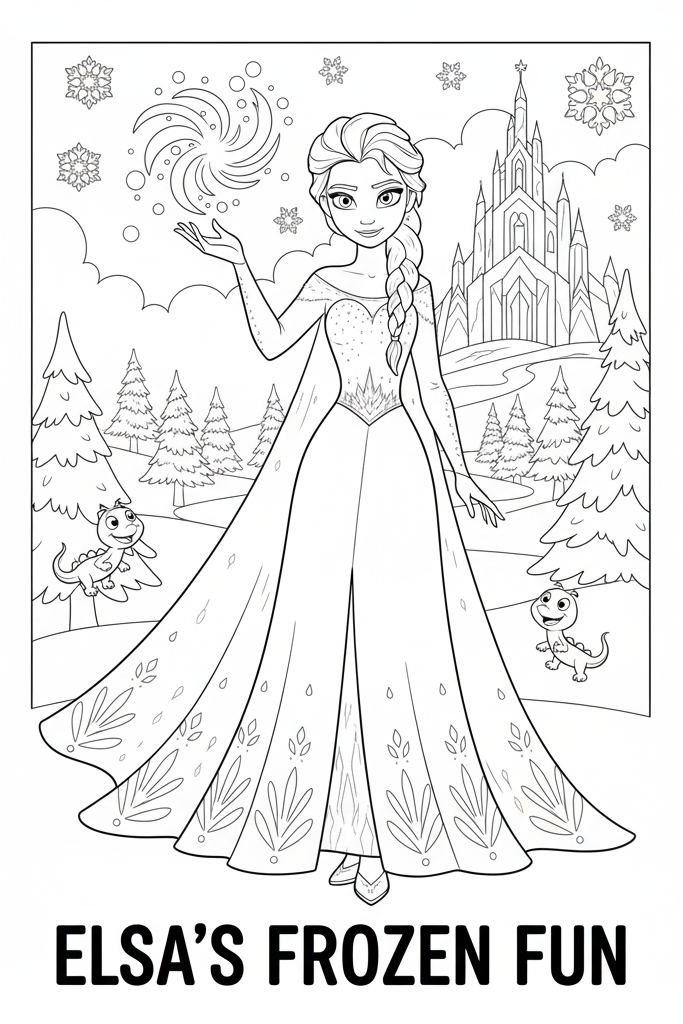
Coloring worksheets elsa refer to downloadable digital illustrations of animated movie characters used in educational settings, posing distinct cybersecurity and digital footprint considerations when accessed via unsecured school or home networks. According to ConnectSafely, digital safety education requires proactive monitoring of child-facing online content hubs to prevent unexpected malware exposure and malicious redirects during everyday student web searches. Managing these printable activity requests safely demands strict adherence to institutional device hygiene protocols and structured media filtering. Educators and parents must navigate these popular pop-culture search terms with heightened awareness regarding browser safety, ad-blocker implementation, and secure file downloads across shared school devices.
Digital Safety Snapshot:
- Core Focus: Mitigating hidden malware risks associated with downloading themed printable activity pages from unverified internet repositories.
- Target Scope: Primary and middle school environments utilizing shared student devices and open web search engines.
- Key Recommendation: Enforce strict school-approved curriculum directories and validated Coloring Pages portals to block malicious tracking scripts.
Core Principles and Detailed Overview
Core principles surrounding coloring worksheets elsa involve evaluating website domains for secure HTTPS encryption, blocking aggressive third-party advertising trackers, and preventing unintentional digital footprint expansion through unsafe form submissions. Unverified websites offering free media downloads frequently deploy deceptive pop-ups, phishing links, and drive-by malware payloads that compromise endpoint security on student tablets and laptops. Integrating safe digital practices into classroom routines ensures that students recognize the difference between legitimate educational resources and dangerous imitation sites designed to harvest network credentials or inject adware into school systems.
Key Specifications and Breakdown
| Safety Pillar | Digital Risk Factor | Actionable Protective Habit |
|---|---|---|
| Domain Trust | Typosquatting and malicious replica sites mimicking popular cartoon platforms | Verify strict HTTPS validation and use institutionally approved educational repositories |
| Device Hygiene | Unintended installation of adware disguised as PDF print drivers | Disable automatic software execution and mandate district-managed extensions |
| Classroom Balance | Excessive screen time spent searching the open web for printable media | Pre-download offline activity sets from trusted Worksheets archives |
Educational institutions must maintain comprehensive filtering policies to safeguard student digital interactions during independent media searches and creative resource collection. — Cybersecurity & Infrastructure Security Agency (CISA)
Step-by-Step Practical Application and Guidelines
Implementing safe search habits for pop-culture printables requires teachers and parents to pre-screen digital repositories before granting student access. Administrators should configure enterprise-grade web filters to isolate creative search terms and restrict direct image downloads from untrusted user-generated content platforms. Furthermore, embedding robust guidelines into daily instruction helps students understand how to protect their personal privacy online, avoiding sites that demand unnecessary personal data or account registrations in exchange for free printables. Routine audits of classroom browser histories ensure compliance with district Internet and Digital Safety standards.
Common Challenges and How to Avoid Them
Common challenges associated with sourcing pop-culture activity sheets include bypassing aggressive advertising banners and preventing accidental clicks on malicious phishing links disguised as download buttons. Educators often encounter students attempting to access unregulated third-party sites on school-issued hardware, which can trigger network security alerts and compromise classroom device integrity. To eliminate these vulnerabilities, schools must deploy centralized ad-blocking policies and educate middle school students on identifying deceptive user interfaces, supporting holistic Online and Digital Safety initiatives.
💬 Frequently Asked Questions
Explore More Kids Safety and Digital Citizenship Guides on SafeWiredSchools
Empowering school communities with advanced digital literacy tools remains essential for modern educational success, institutional security, and student wellness. Comprehensive resources, policy frameworks, and educator guides are continuously updated within the central directory at Safe Wired Schools to support ongoing safety initiatives.
Printable Coloring Page Previews