Introduction
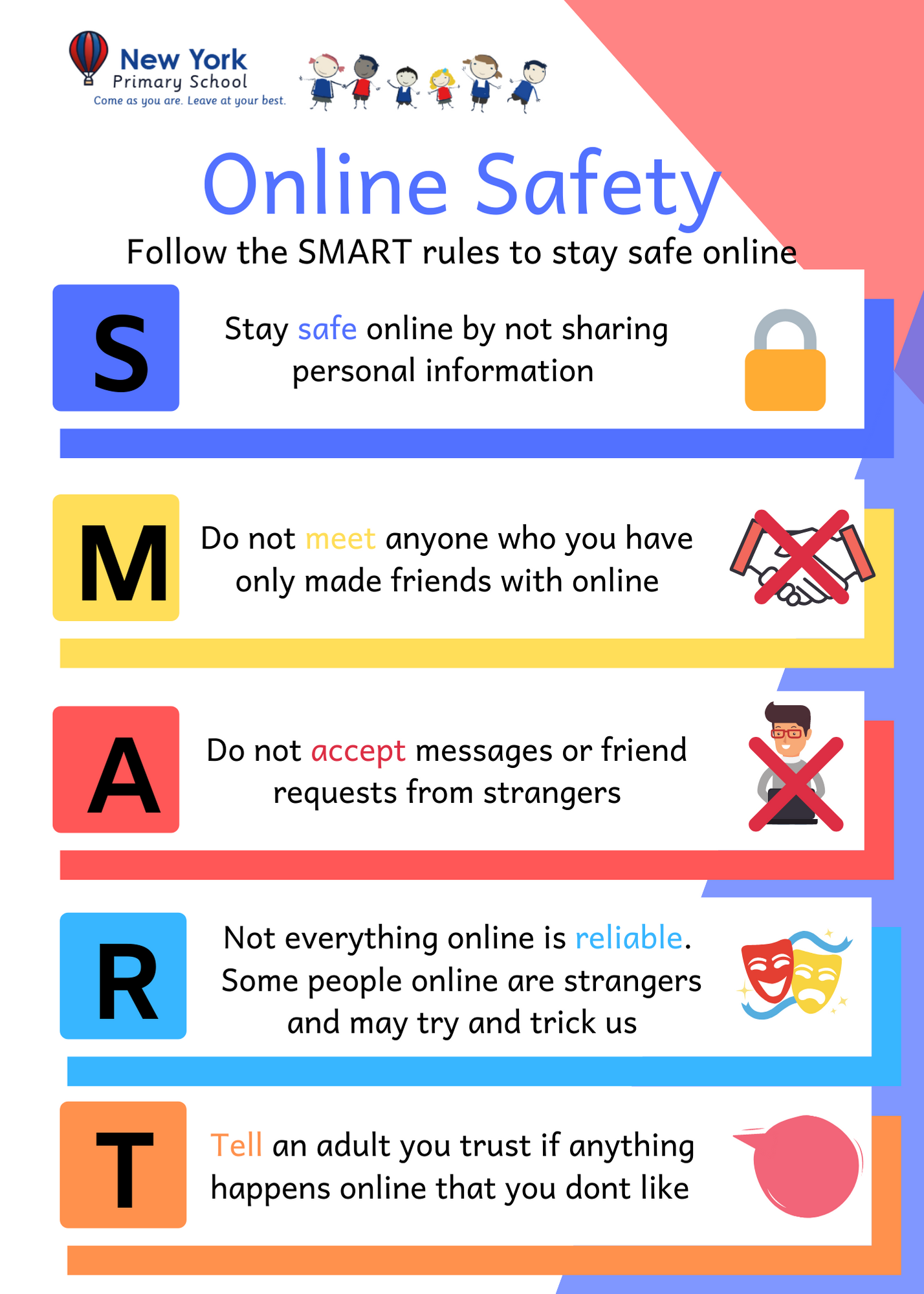
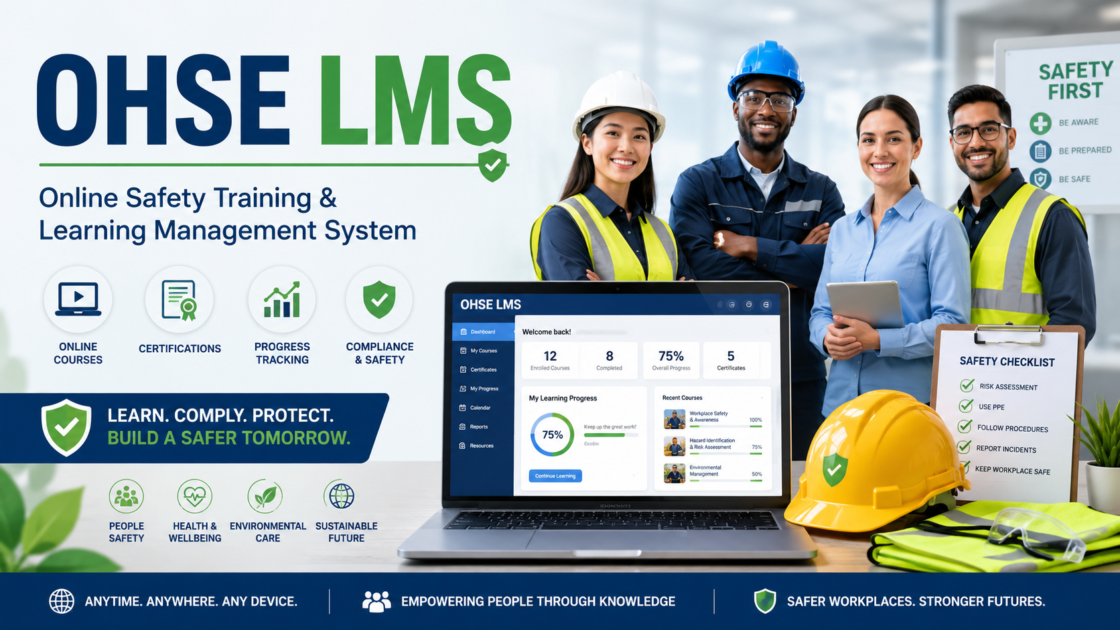
An online occupational safety and health digital learning platform functions as a specialized instructional hub designed to train students and educational staff in safe digital workspace habits, cyber ergonomics, and protective protocols. According to ConnectSafely, establishing structured digital safety education in middle schools significantly reduces long-term cyber risks by instilling proper online habits early. Integrating this framework into school environments guarantees that adolescents understand both physical device safety and psychological well-being while navigating educational networks. Educators utilize these digital platforms to teach essential concepts regarding Internet and Digital Safety across standard curricula. Schools establish proactive defense systems against online threats by deploying specialized modules that cover device hygiene, screen balance, and proactive cyberbullying prevention measures.
Digital Safety Snapshot:
- Core Focus: Training students in digital workspace ergonomics, safe browsing, and secure virtual interaction habits.
- Target Scope: Middle school classrooms, remote learners, and educational administrative networks.
- Key Recommendation: Implement structured daily modules addressing digital footprints and proper device handling.
Core Principles and Detailed Overview
Core principles of an online occupational safety and health digital learning platform center on eliminating digital strain, protecting student privacy, and enforcing secure digital citizenship guidelines. Directing instructional focus toward online occupational safety ensures that users maintain proper physical posture while avoiding malicious online traps, unauthorized data tracking, and toxic digital environments. Administrators rely on these structured modules to oversee digital footprints, educate students on safe communication, and mitigate the risk of cyber harassment. Furthermore, continuous digital literacy training supports broader initiatives found within Online and Digital Safety, bridging the gap between theoretical rules and everyday classroom device usage.
Key Specifications and Breakdown
| Safety Pillar | Digital Risk Factor | Actionable Protective Habit |
|---|---|---|
| Physical Ergonomics | Repetitive strain and visual fatigue from prolonged screen viewing | Enforce mandatory twenty-minute screen breaks and proper seating posture |
| Data Privacy | Accidental sharing of personally identifiable information online | Use pseudonyms and verify platform encryption before submitting assignments |
| Behavioral Safety | Cyberbullying and inflammatory peer-to-peer digital interactions | Report aggressive messaging immediately and practice constructive communication |
Proactive digital safety training directly minimizes unauthorized access and strengthens student resilience against online exploitation. — Cybersecurity & Infrastructure Security Agency (CISA)
Step-by-Step Practical Application and Guidelines
Executing an online occupational safety and health digital learning platform requires a structured rollout that begins with baseline student assessments and advances to interactive safety simulations. Educators should introduce foundational modules focusing on strong password generation, hardware hygiene, and recognition of phishing attempts before allowing unmonitored research periods. Schools integrate printable reference materials such as Worksheets to reinforce concepts offline and test comprehension of digital boundaries. Administrators must also schedule routine reviews of platform metrics to identify knowledge gaps, ensuring that all participants adhere strictly to institutional cybersecurity policies.
Common Challenges and How to Avoid Them
Common challenges involving an online occupational safety and health digital learning platform include student disengagement, inconsistent policy enforcement across devices, and overlooking physical ergonomics in favor of purely software-based security. Mitigating these hurdles requires gamified learning modules that sustain middle school engagement alongside strict centralized device management rules. Teachers prevent fatigue by balancing digital coursework with offline activities, thereby maintaining optimal classroom screen balance throughout the academic term. Consistent administrative oversight ensures that safety protocols remain dynamic, adaptable, and relevant to emerging technological trends.
💬 Frequently Asked Questions
Explore More Kids Safety and Digital Citizenship Guides on SafeWiredSchools
Accessing comprehensive educational resources empowers educators, parents, and administrators to cultivate secure, highly informed digital environments for growing adolescents. Continuous learning safeguards student well-being across every virtual classroom and home network. Review additional instructional tools, creative activities like Coloring Pages, and specialized digital citizenship guides by visiting Safe Wired Schools.
Visual Reference Gallery