Introduction
Digital safety education works best when it feels approachable rather than alarming. Children ages five through twelve navigate increasingly connected environments long before they possess the adult judgment required to independently manage every online interaction. Young learners frequently encounter digital risks in familiar settings, such as chatting with peers during multiplayer video games on shared household tablets or discovering unexpected content while browsing video platforms. Adults often search for effective ways to translate abstract online rules into concrete, memorable behaviors. Building protective digital habits requires consistent practice, much like learning to look both ways before crossing a street. Establishing a foundation of open communication transforms potential digital distress into manageable learning moments. Introducing structured tools helps bridge the gap between abstract internet rules and daily online routines.
💡 Educational Key Takeaways:
- Core Skill: Structured Trusted People And Safe Place Worksheet For Kids focused on developing pencil grip, stroke control, and early literacy/math confidence.
- Target Scope: Suited for homeschoolers, preschool, kindergarten, and elementary learners.
- Best Recommendation: Practice 10–15 minutes daily with ergonomic writing tools to reinforce muscle memory without hand fatigue.
What This Printable Covers
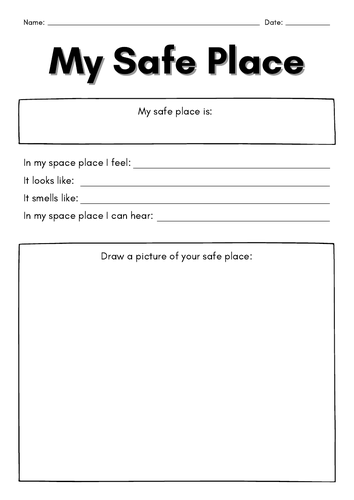
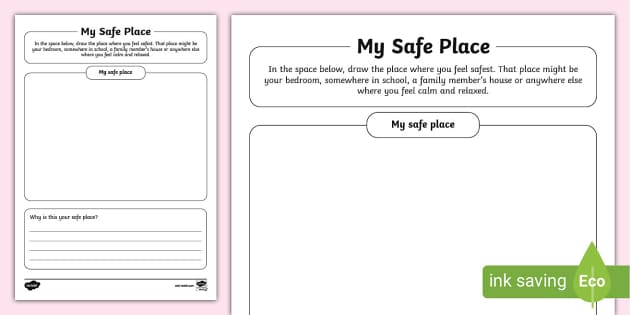
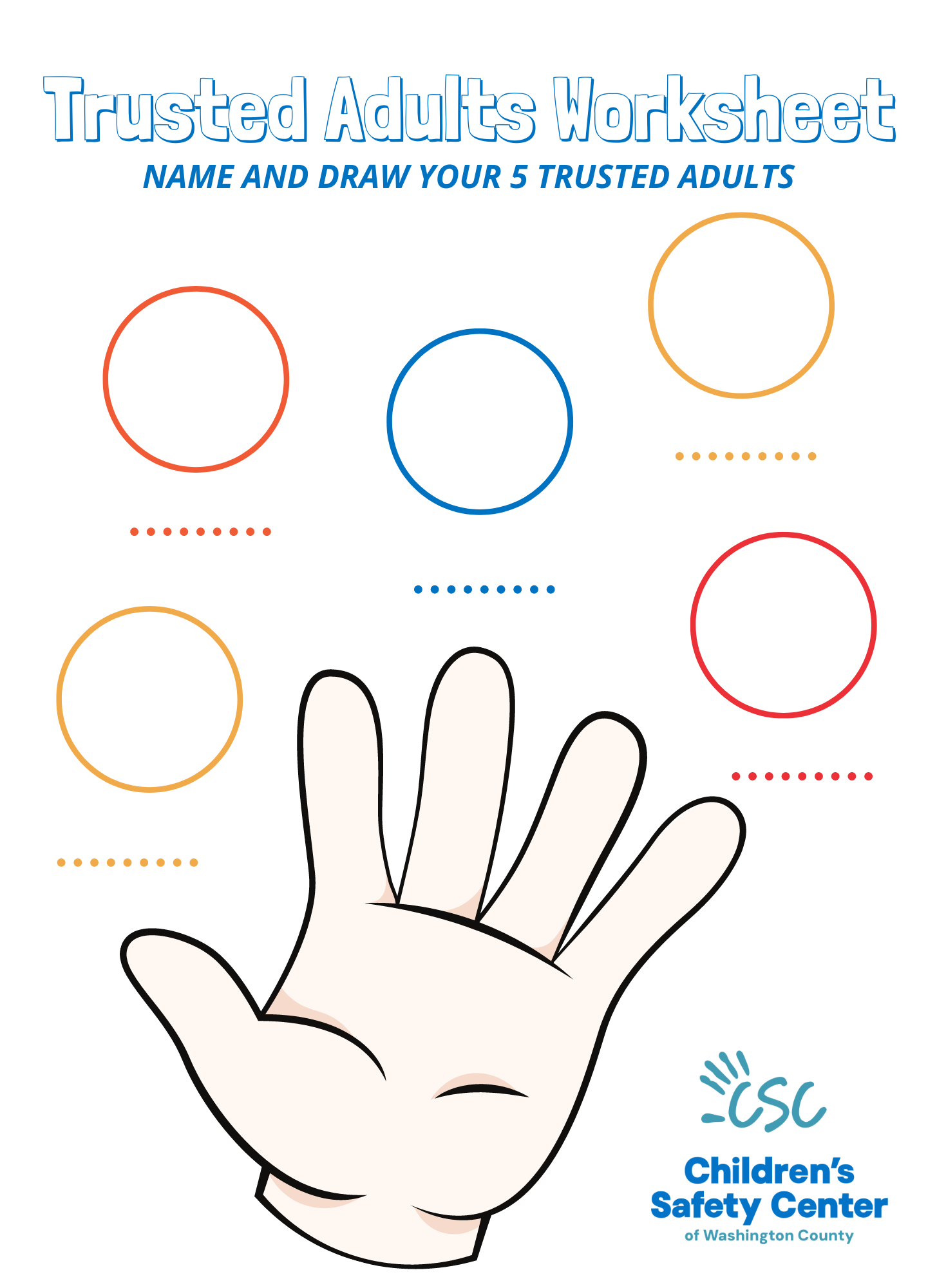
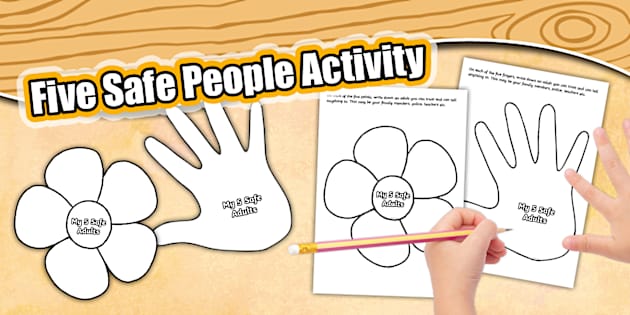
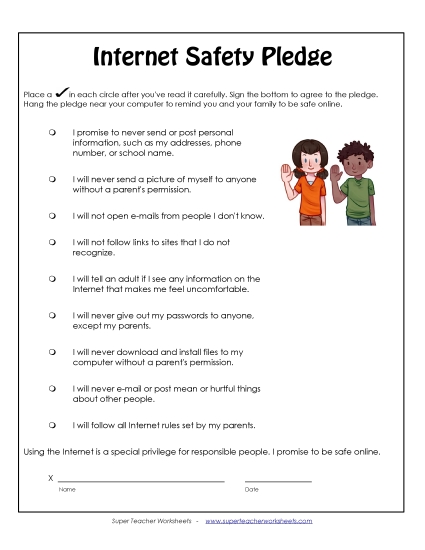
The free printable trusted people and safe place worksheet for kids serves as a practical anchor for meaningful family and classroom conversations. It sounds simple, and that is precisely the point. This resource invites children to identify specific adults in their lives to whom they can turn when something online feels confusing, uncomfortable, or just plain weird. Beyond people, the activity helps youngsters map out physical environments where they feel secure seeking help. Children practice essential concepts like keeping personal information private, understanding strong passwords, and pausing to think before sharing content. Crucially, the exercise reinforces the vital message that children are never in trouble for reporting an uncomfortable digital experience. This printable supports ongoing habit-building and conversation, functioning as a springboard for dialogue rather than a standalone guarantee of safety. For more related activities, check out our Staying Safe Online Grade 1 Quiz.
Key Learning Outcomes
Children develop a clearer understanding of who constitutes a reliable safety net in both the physical world and digital spaces. Recognizing trusted adults prevents isolation when unexpected situations arise during screen time. The activity reinforces the habit of pausing before clicking links, sharing location data, or typing personal details into online forms. Students learn to distinguish between safe sharing practices and oversharing private information. Furthermore, learners internalize the assurance that reporting digital mistakes or uncomfortable encounters leads to support, not punishment. Practicing these identification skills prepares young minds to navigate common online challenges with greater confidence and lower anxiety.
How to Use This Printable
Educators and caregivers can integrate this activity into regular routine discussions about media use. Sitting side-by-side with a child during the completion process allows adults to ask guiding questions like, “Who would you tell if a game chat made you feel sad?” or “Where in our home is it best to use the family laptop?” Here is what makes this resource different: it shifts the focus away from restrictive screen time rules and toward relationship-building and critical thinking. Teachers might use these printable exercises during library media sessions, while counselors can incorporate them into small group guidance lessons focusing on digital citizenship and healthy boundaries. Every completed sheet becomes a personalized reference guide that children can keep near their study spaces or computers.
Practical Tips for Parents and Teachers
Keep the atmosphere light, collaborative, and entirely free of judgment while completing the activity. Adults should regularly review and update the designated trusted contacts list, as children’s support systems naturally expand over time. Establishing clear, predictable routines around digital device usage makes it much easier for children to approach adults when questions arise. Educators can pair these exercises with engaging Worksheets designed to reinforce foundational digital safety concepts through interactive prompts. Consistency across home and school environments helps cement these protective habits, ensuring children hear the same reassuring messages wherever they learn and play.
Age-Appropriate Recommendations
Children in kindergarten through second grade benefit from drawing pictures of their trusted adults and safe physical spaces, anchoring abstract concepts in concrete imagery. Older elementary students in third through sixth grades can write detailed scenarios and explore deeper discussions surrounding digital footprints and respectful online communication. According to the Common Sense Education Digital Citizenship Curriculum framework, media literacy education should scale gradually to match a child’s developmental readiness for independent online navigation. Younger children need immediate, simple rules about telling an adult, while older elementary learners can analyze why keeping passwords private protects their personal well-being.
Young children frequently encounter digital risks in familiar settings, including shared household devices and multiplayer in-game chats. — Pew Research Center
Frequently Asked Questions
Navigating digital safety tools prompts many practical questions from educators and caregivers alike. The answers below address common inquiries regarding accessibility, learning outcomes, and research-backed safety strategies.
Explore More Free Kids Online Safety Printables
Expanding a digital citizenship library ensures children receive varied, engaging reinforcement throughout the school year. Caregivers and educators can explore a wide variety of Internet and Digital Safety materials to support ongoing learning at home and in the classroom. Pairing written activities with creative coloring resources found among our Coloring Pages helps cement positive digital habits through artistic expression. Additionally, discovering comprehensive tools within Online and Digital Safety helps adults foster resilient, confident digital citizens prepared for tomorrow’s connected world.
Developmental Milestone & Activity Table
| Development Stage | Recommended Daily Duration | Primary Learning Objective |
|---|---|---|
| Preschool & Pre-K | 10 – 15 Minutes | Pencil grip development & basic pre-stroke lines |
| Kindergarten | 15 – 20 Minutes | Letter/number formation & spatial line awareness |
| Early Elementary (Grade 1–2) | 20 – 30 Minutes | Fluency, sentence construction & neatness |
Images References